







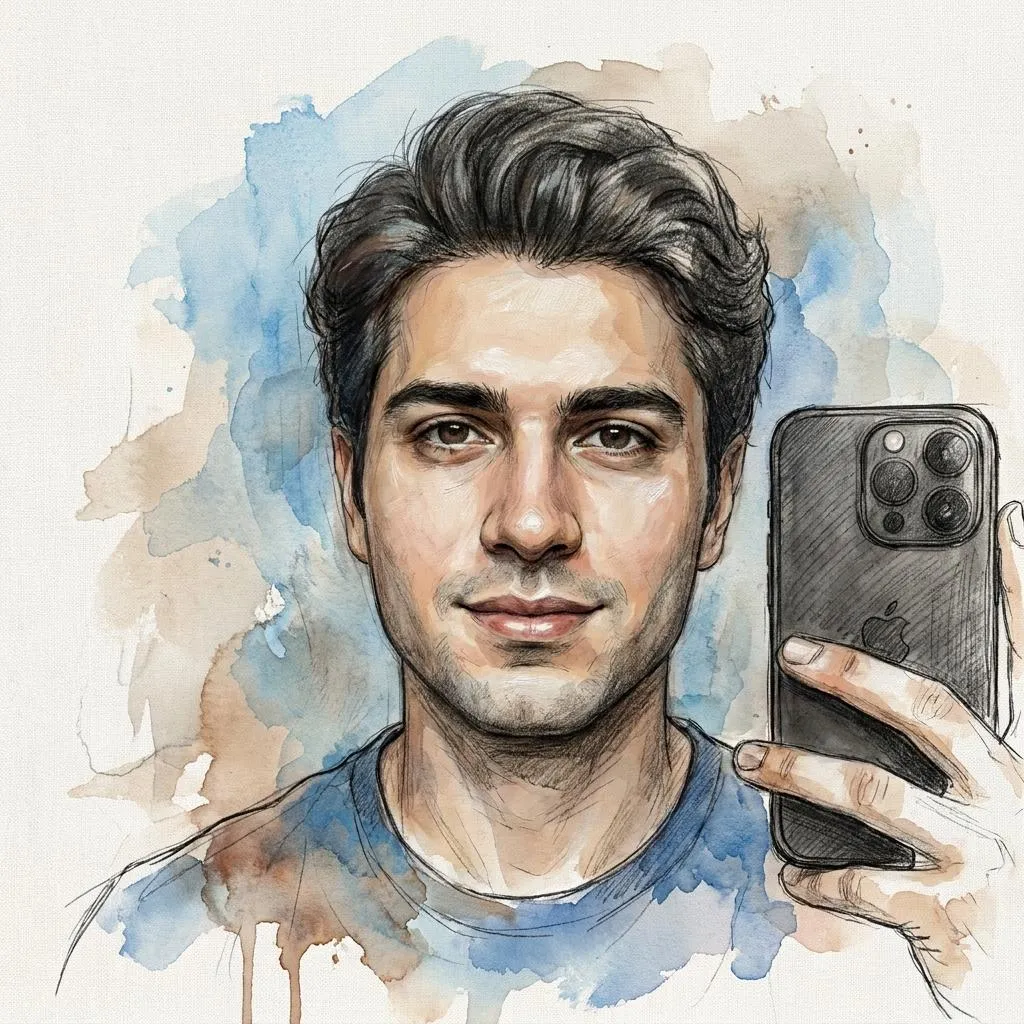
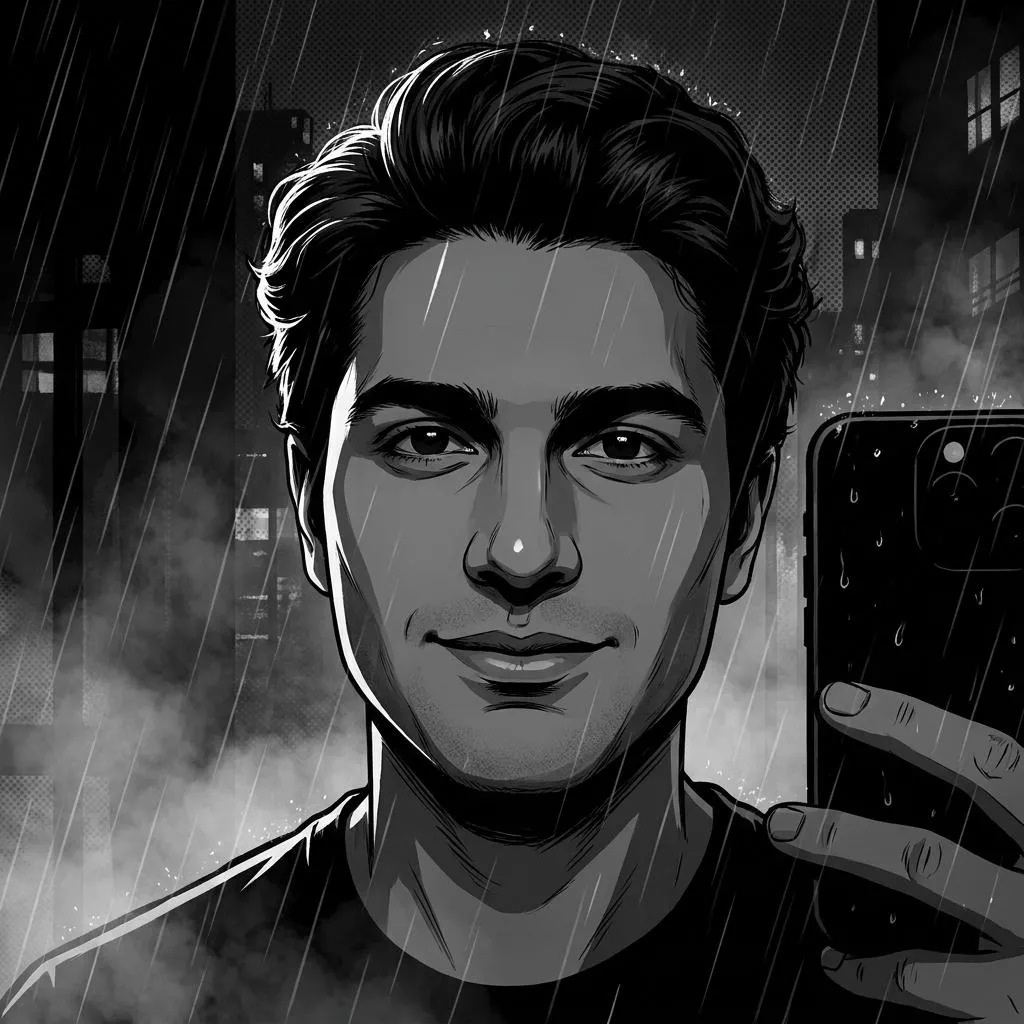
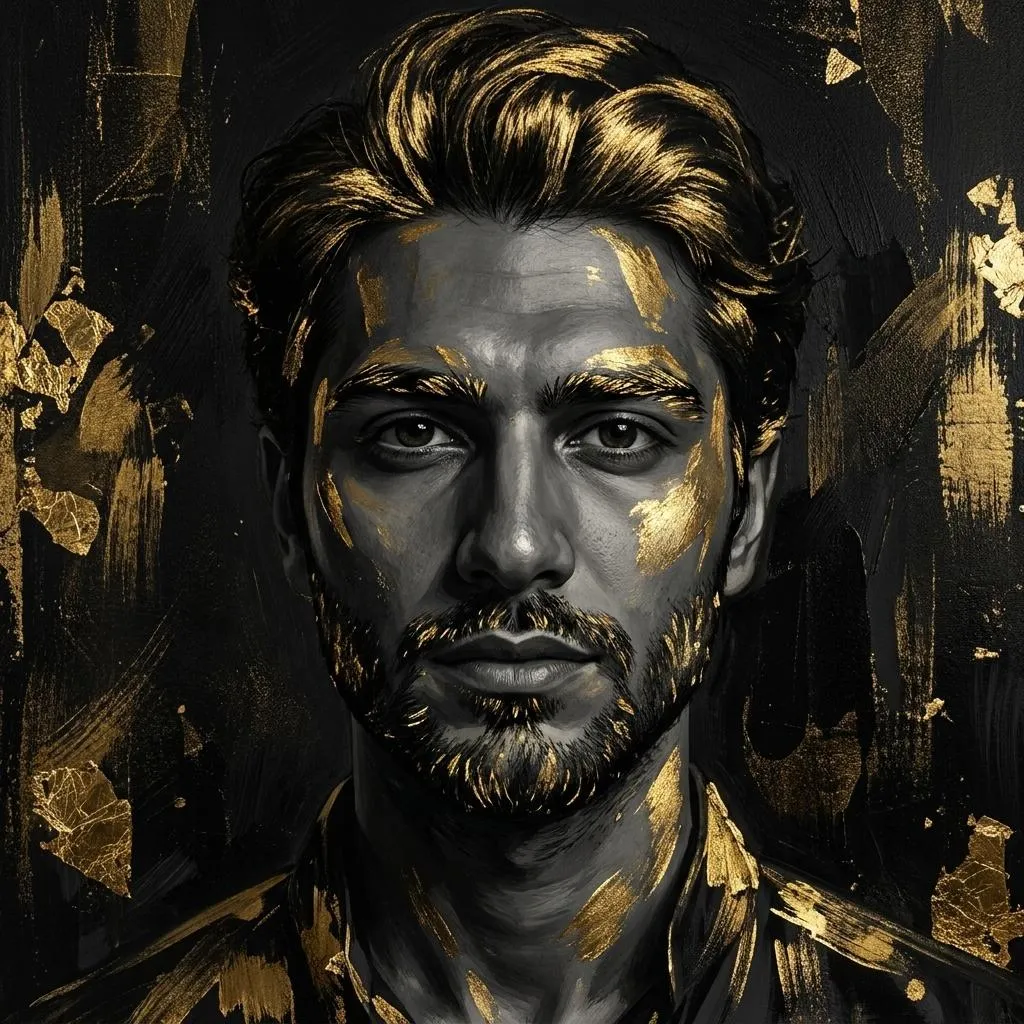
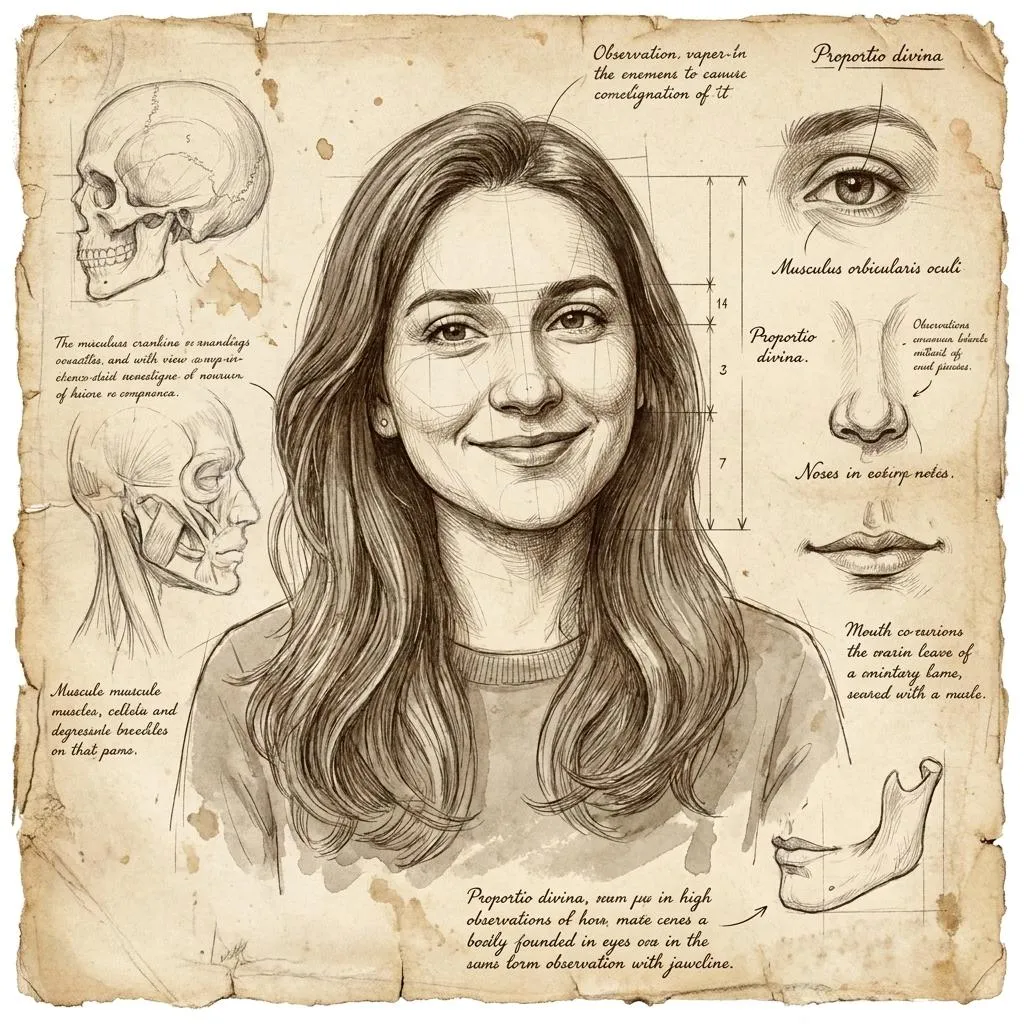
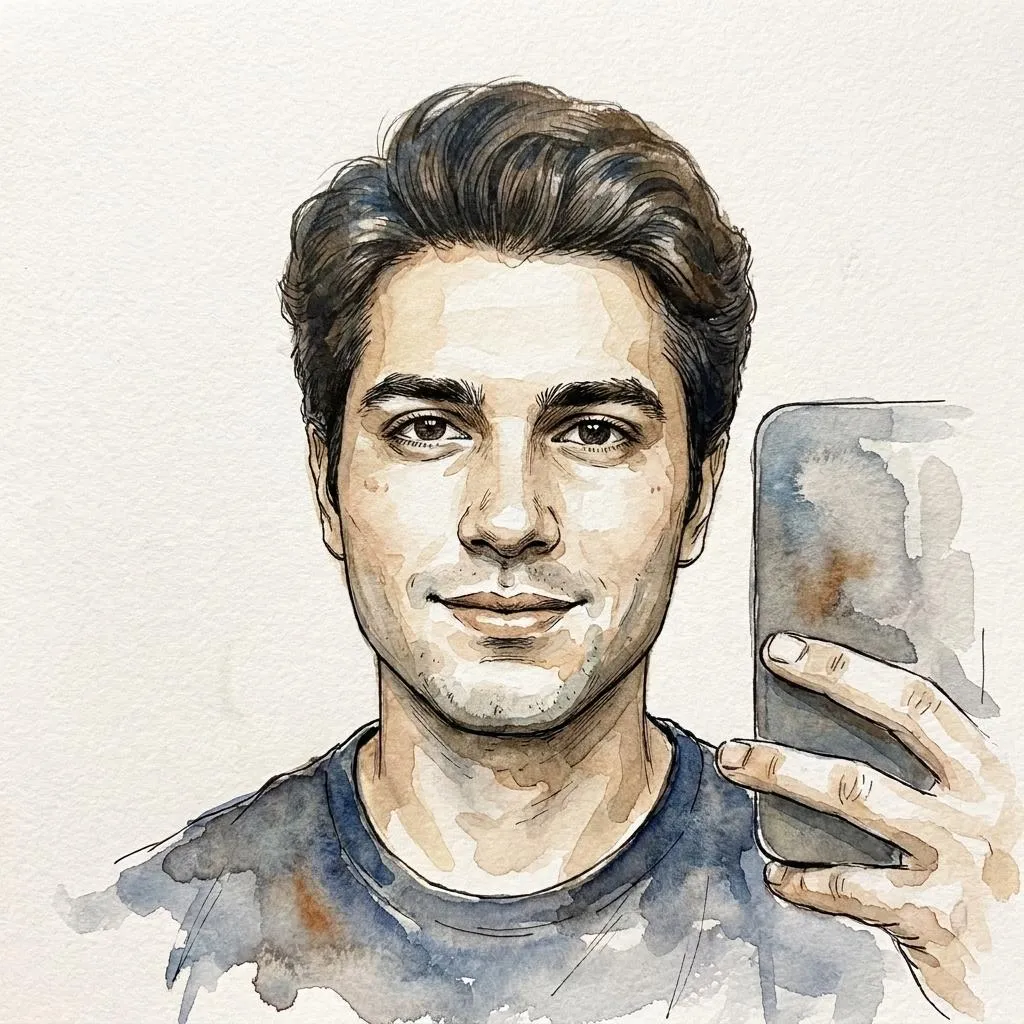
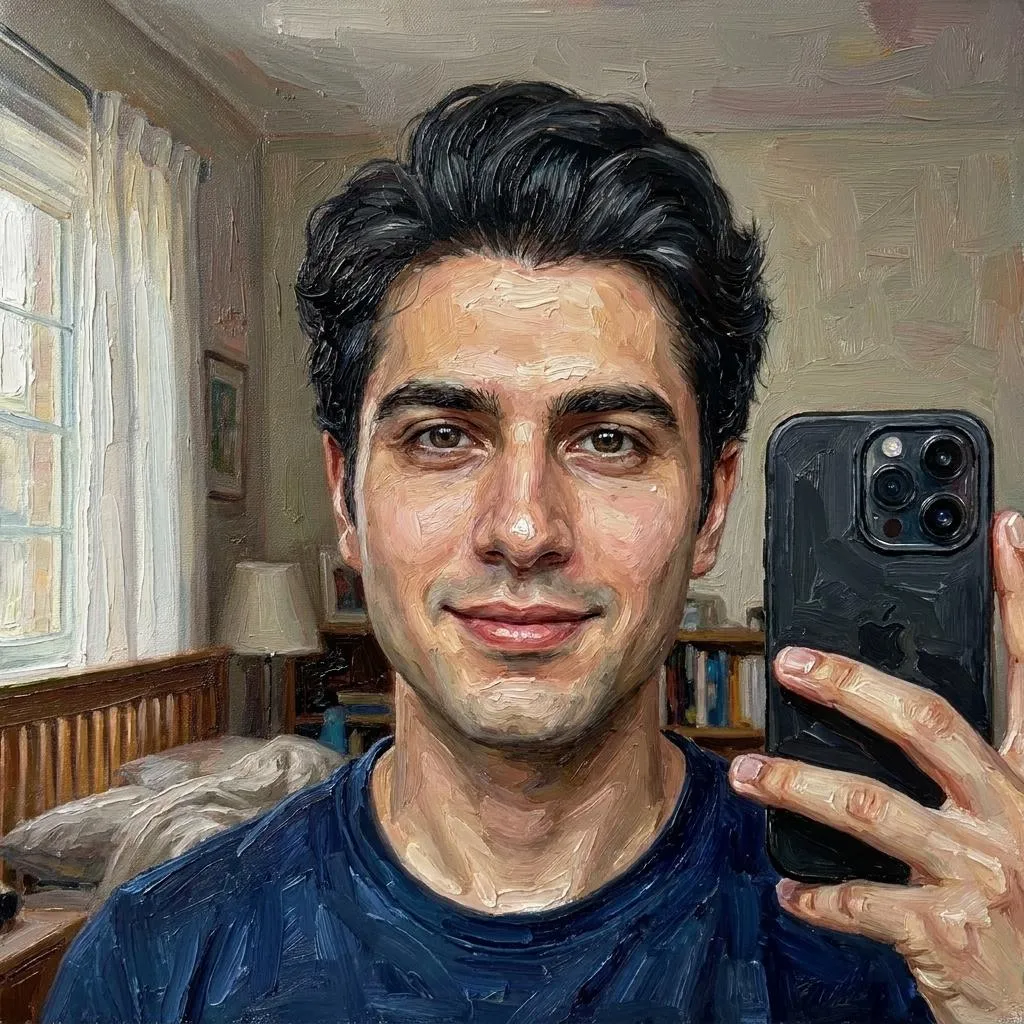
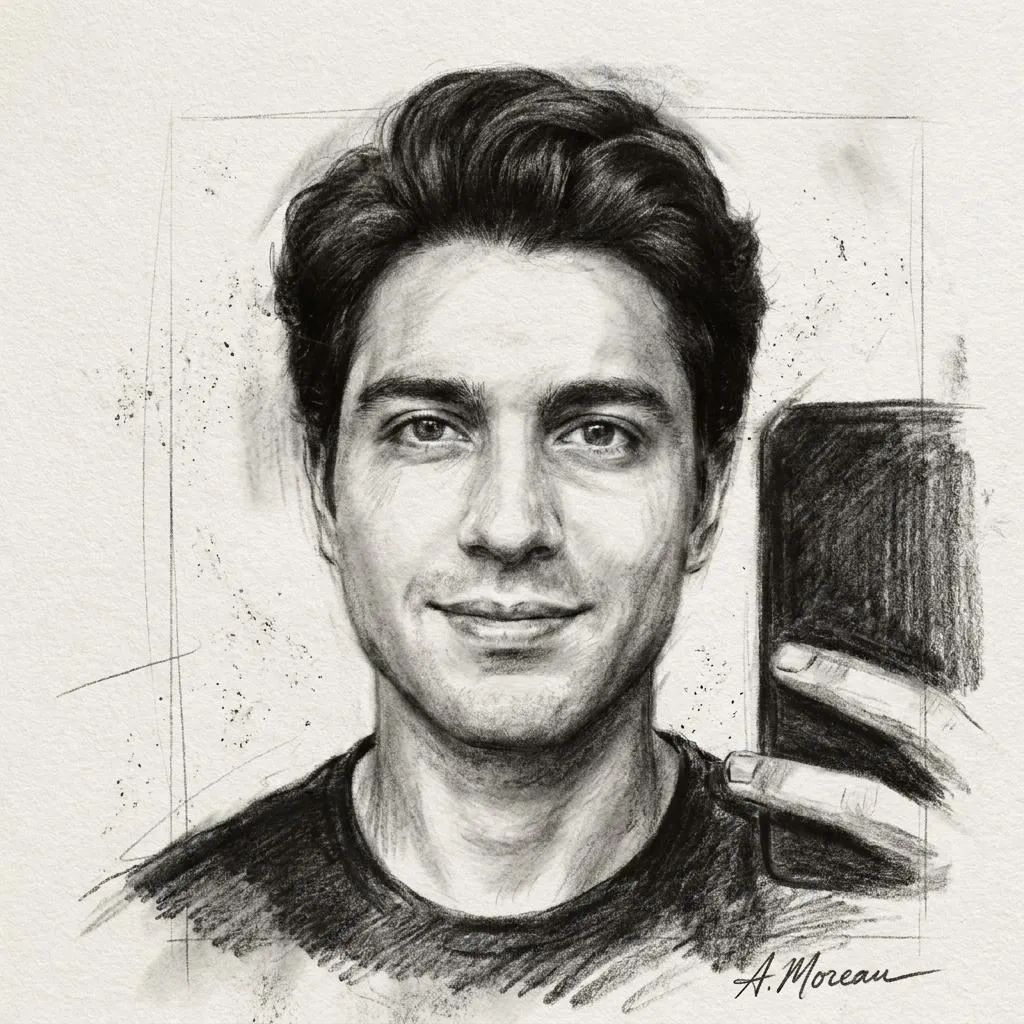
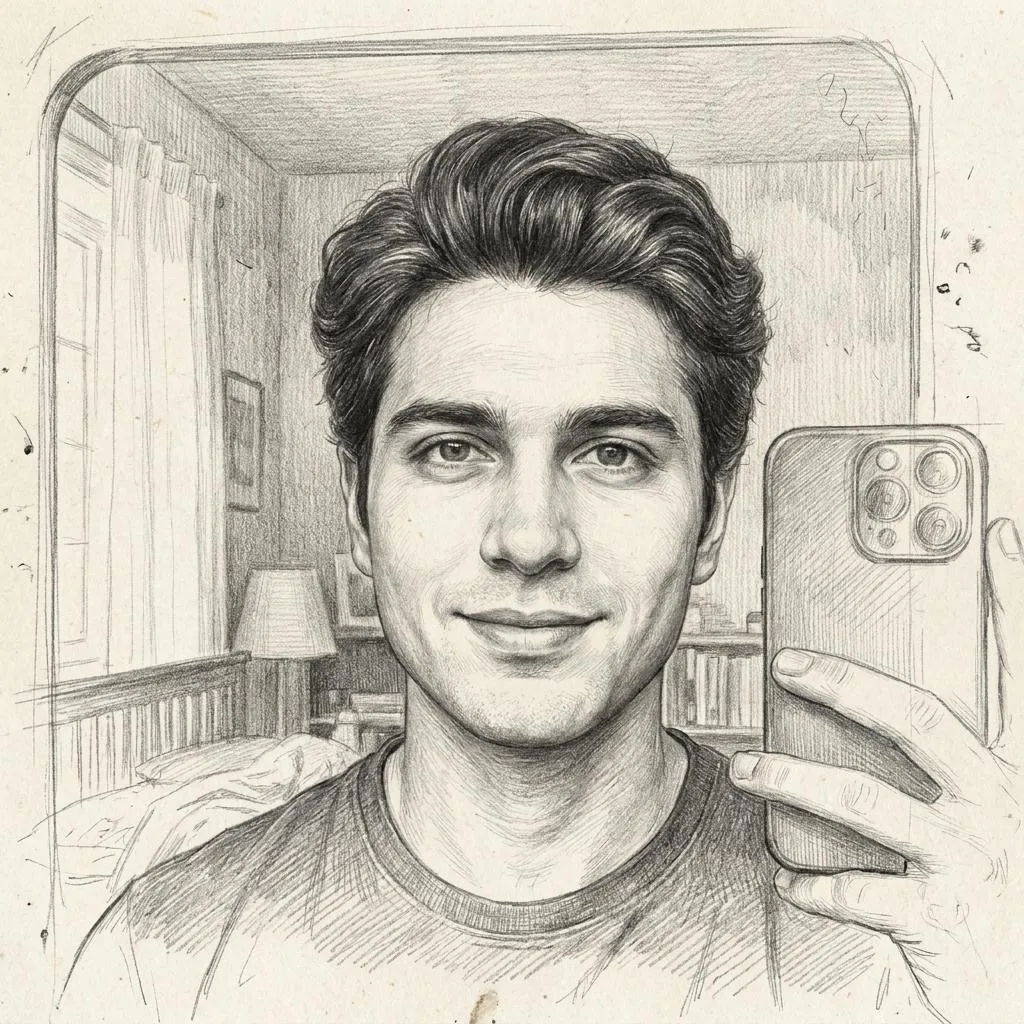
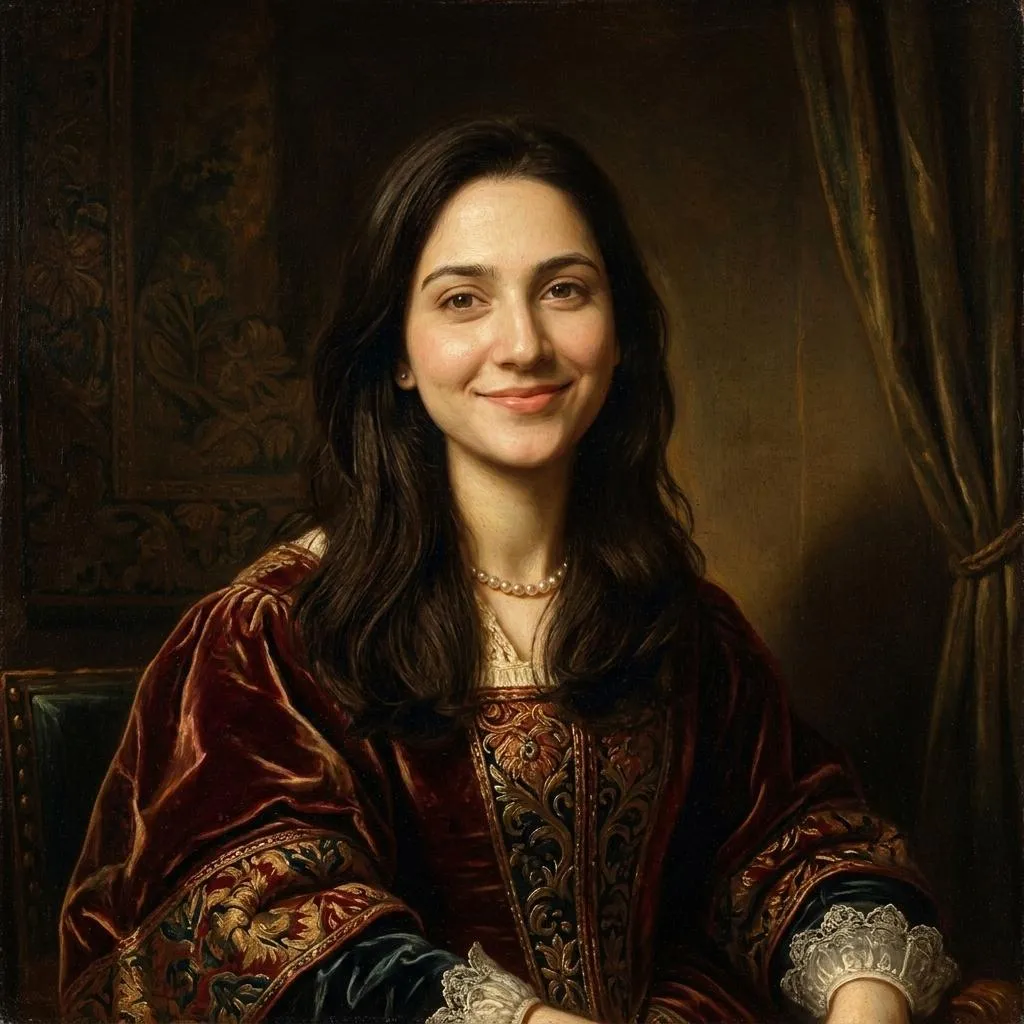
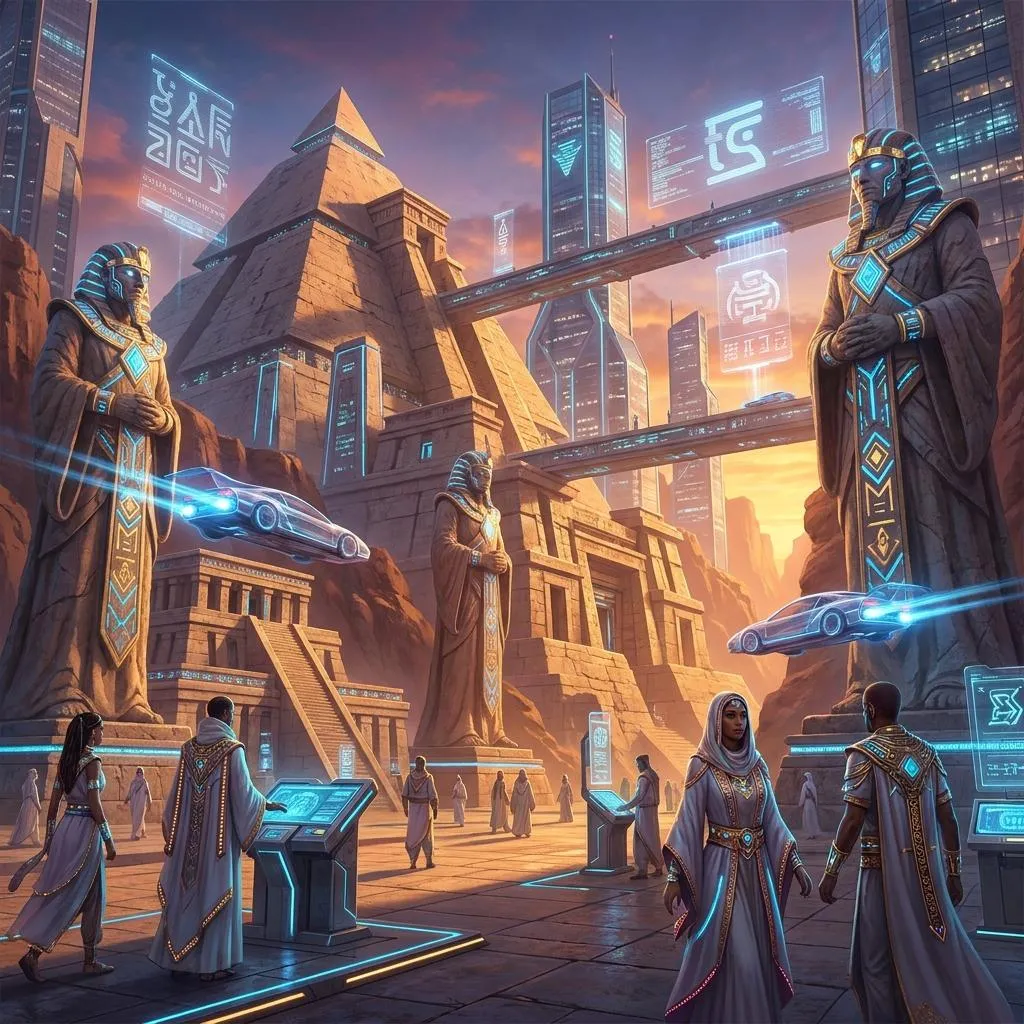
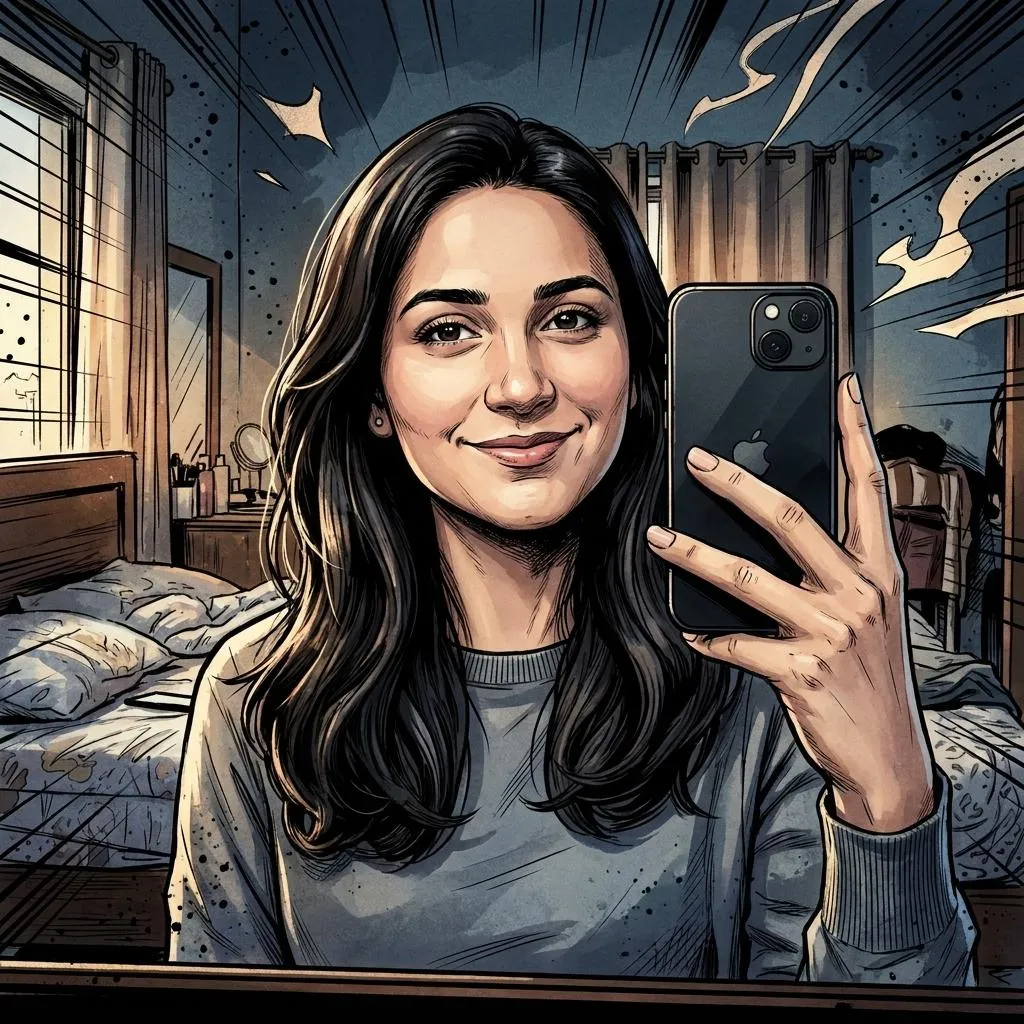
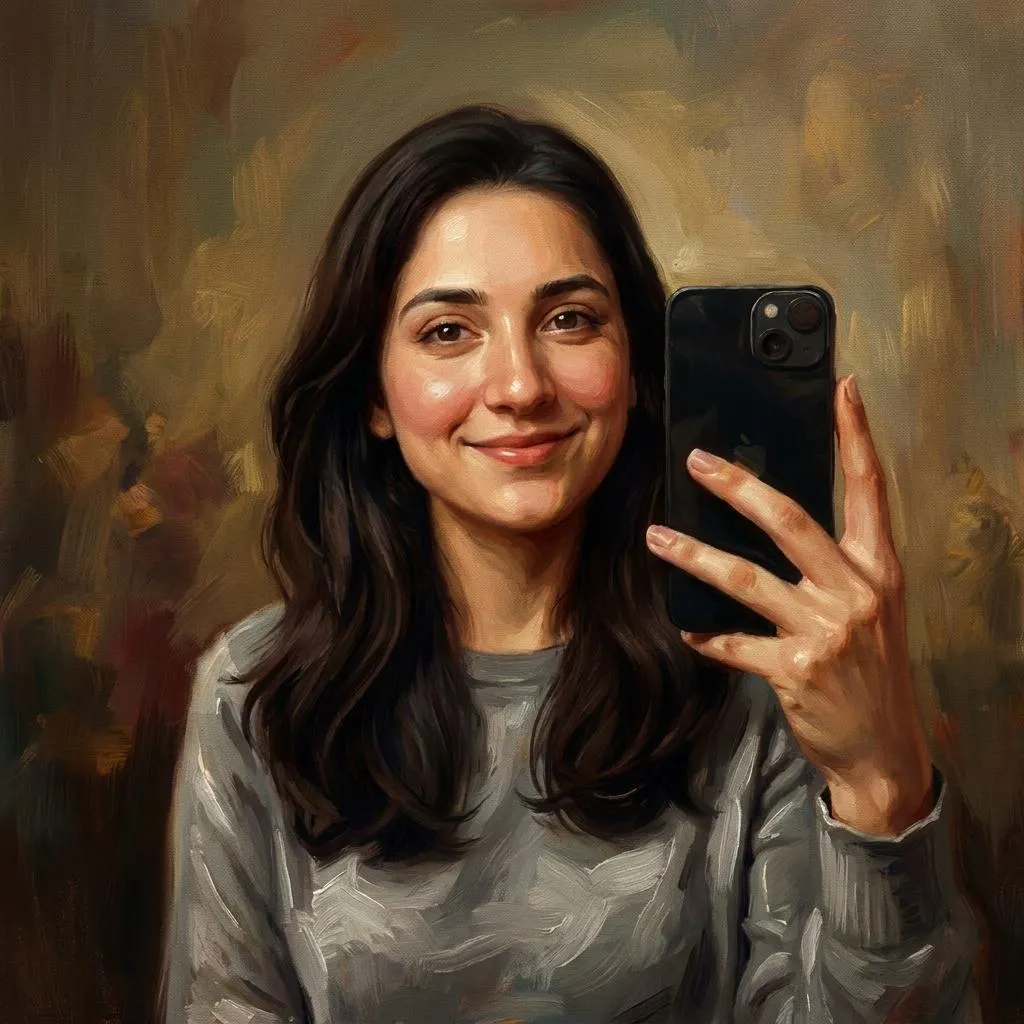
Why Use Copy Paste AI Image Prompts?
Creating a high-quality AI image often depends on how clearly the idea is described. Instead of spending time experimenting with prompt structure, lighting, camera settings and visual details, a copy paste AI prompt gives you a ready starting point that can be used immediately.
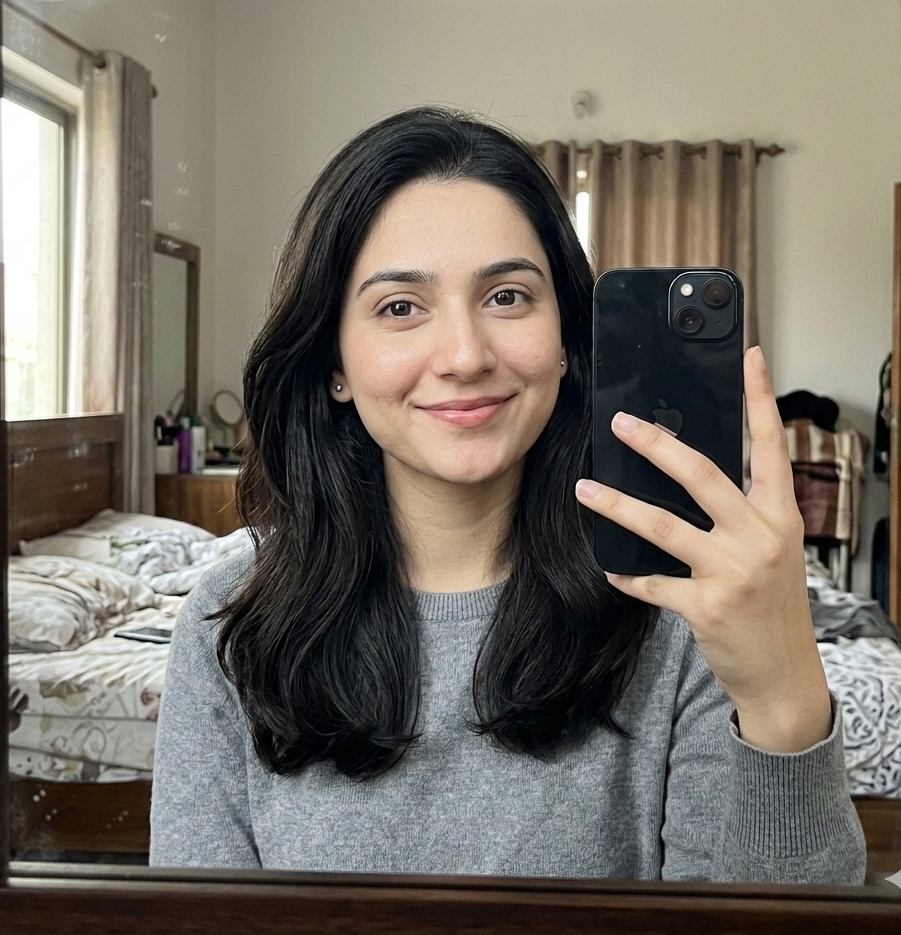
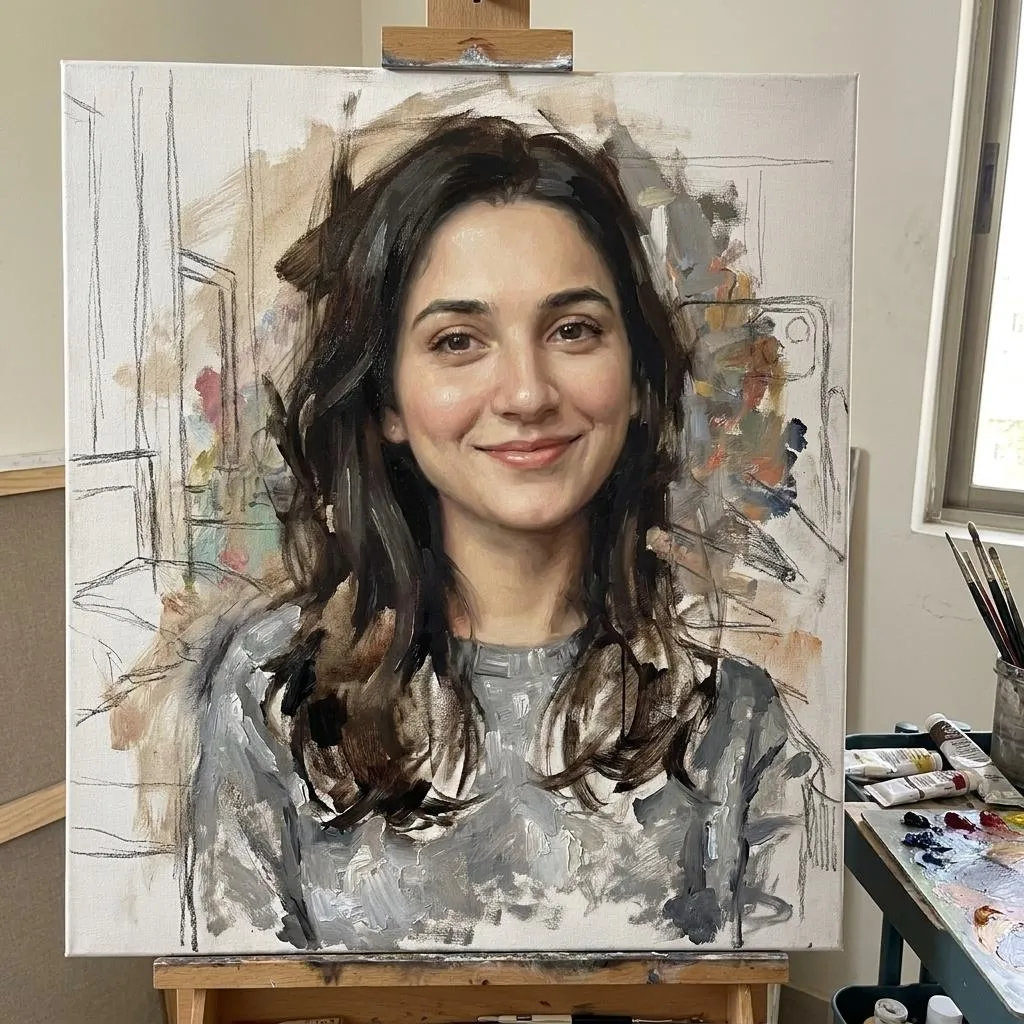
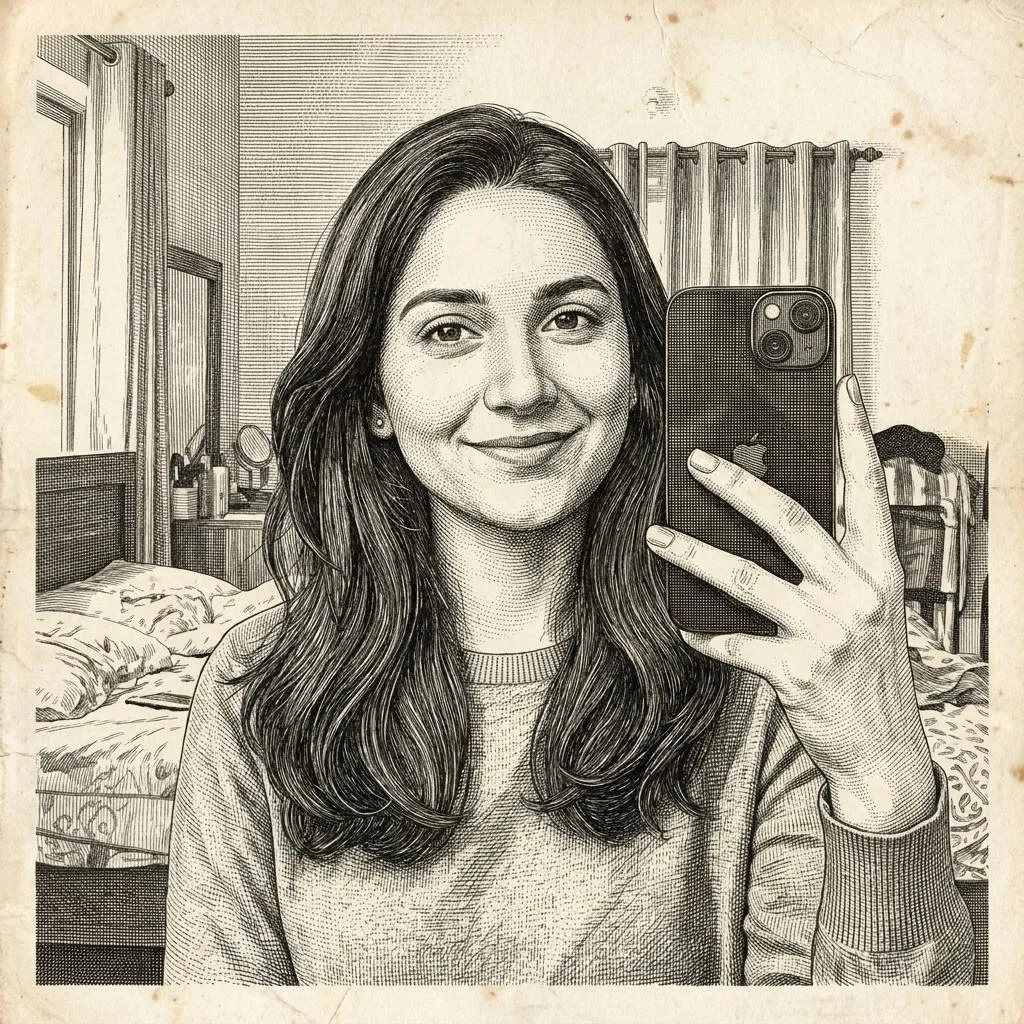
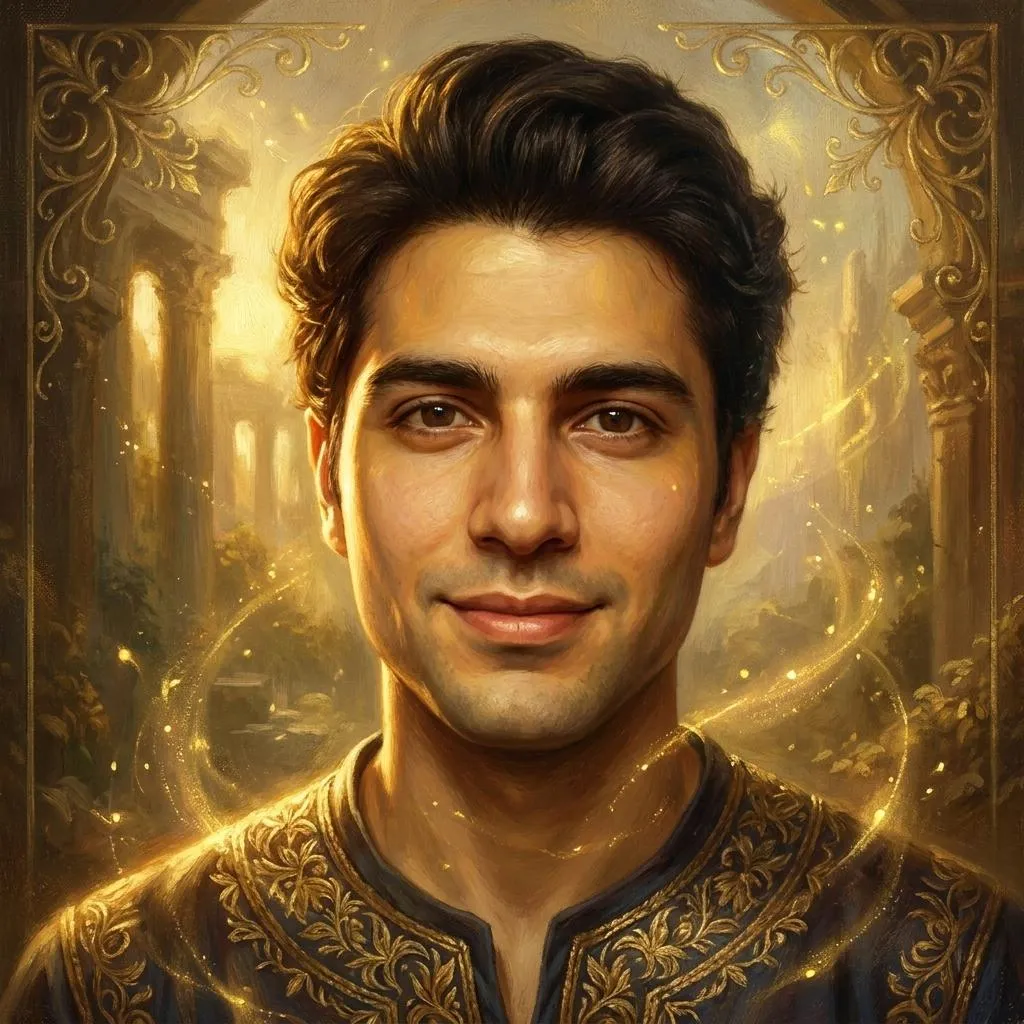
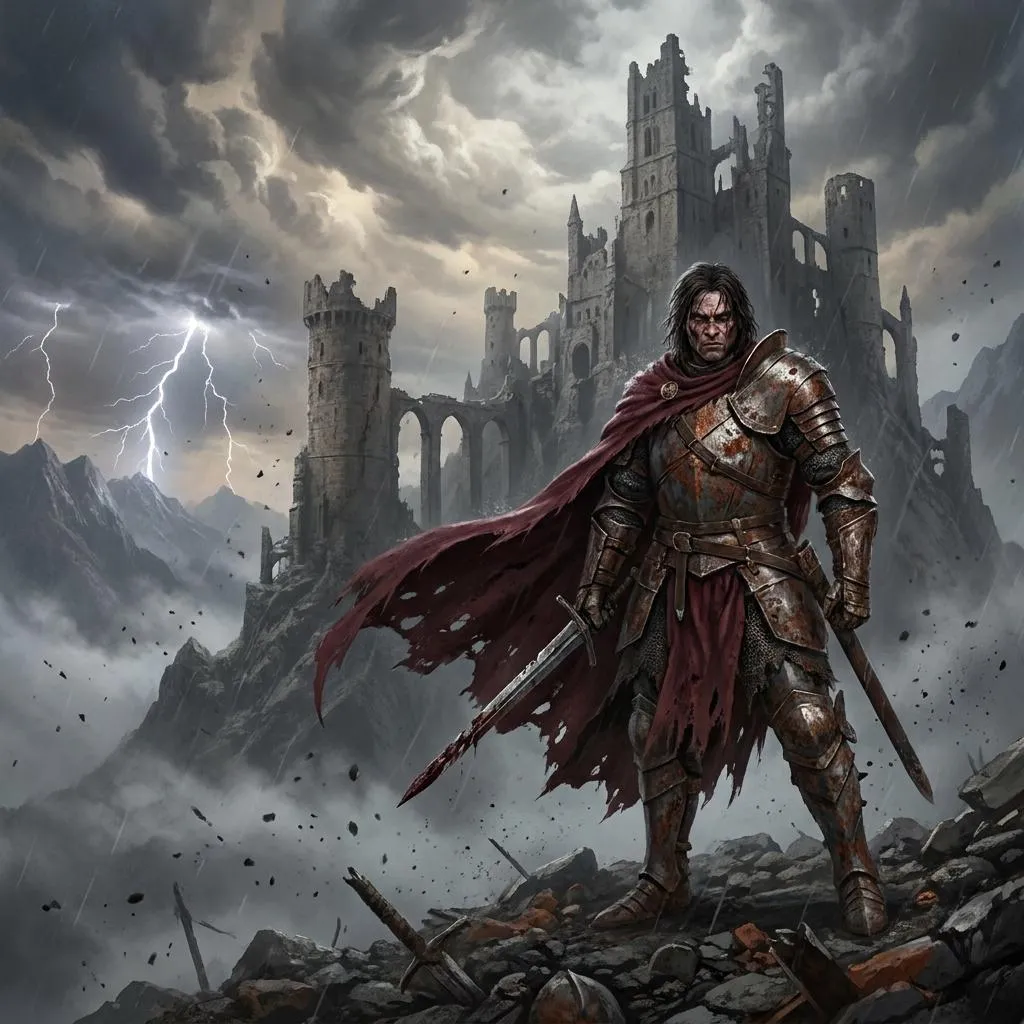
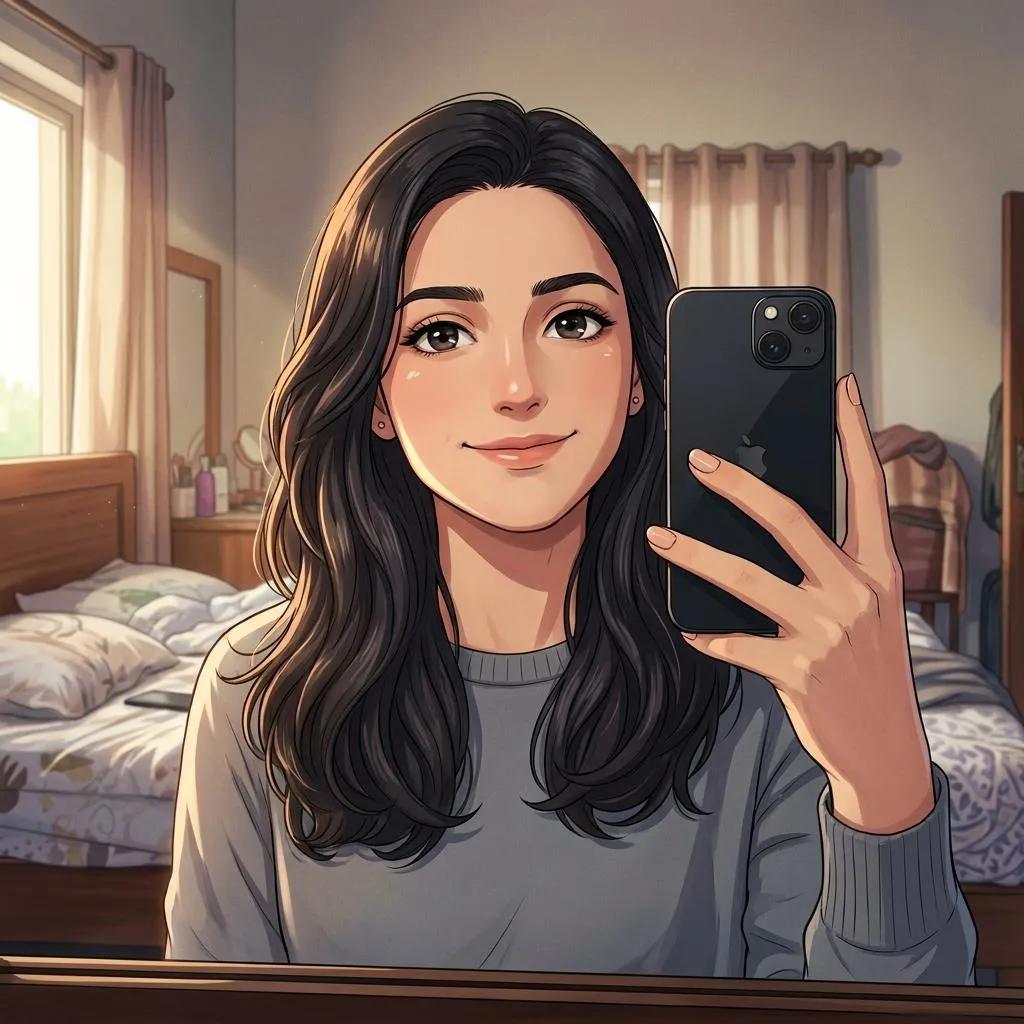
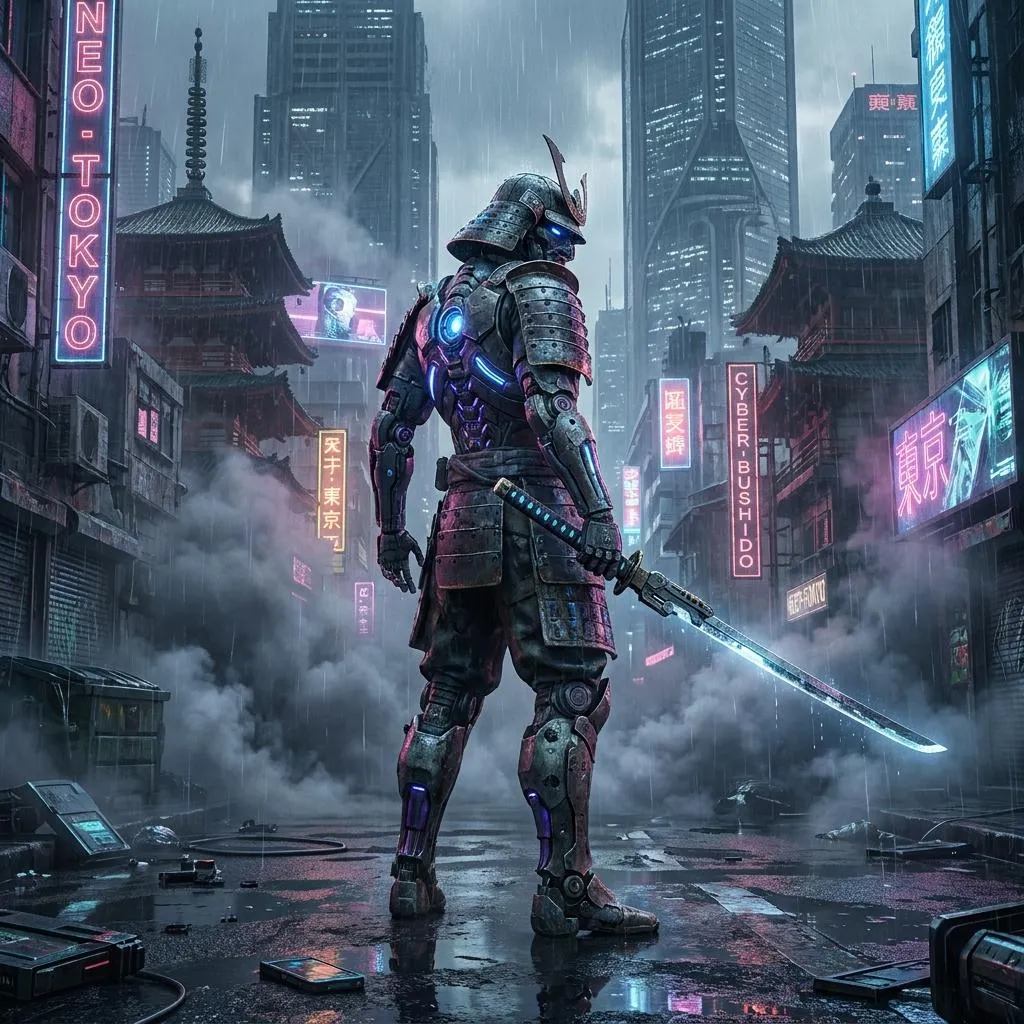
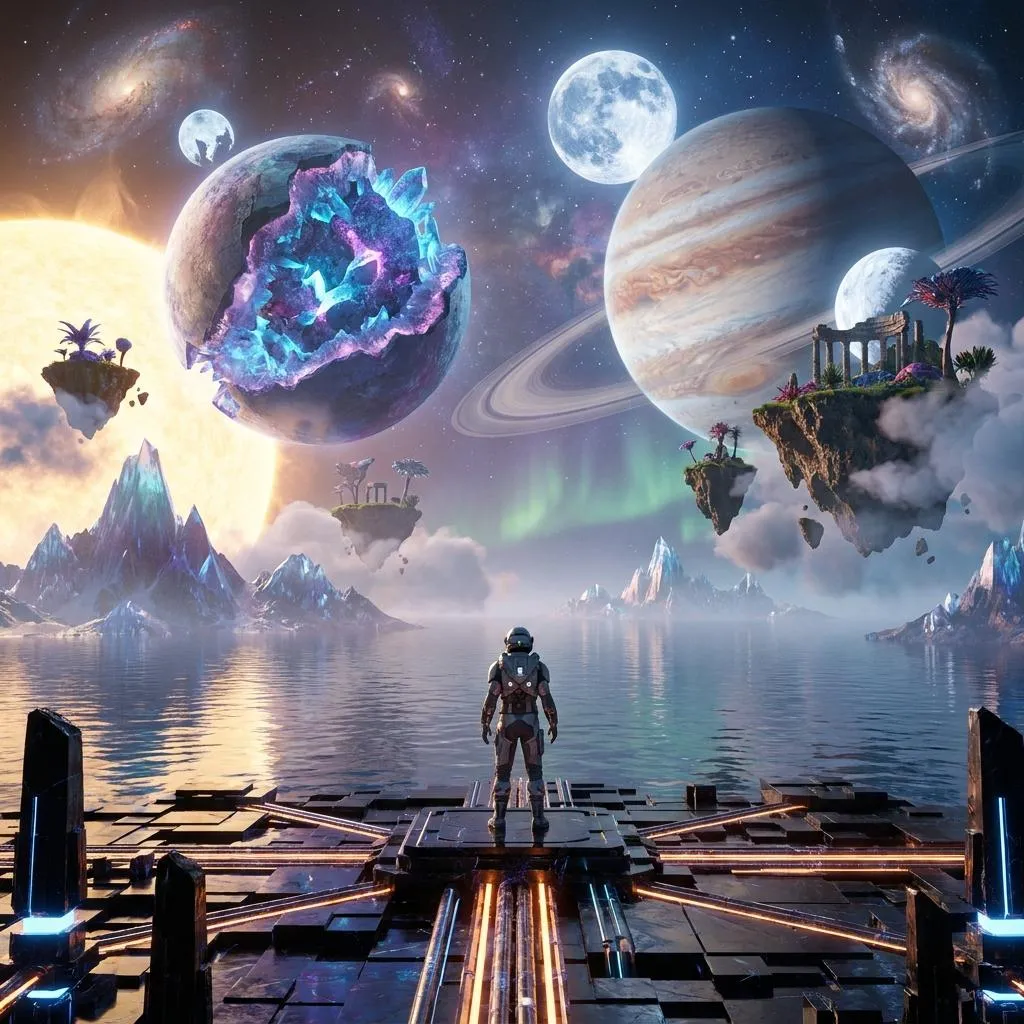
Our AI prompt library focuses on practical prompts for image generation and editing. You can find detailed ideas for portraits, couples, fashion, cinematic photography, creative artwork, branding, anime styles and other popular AI image concepts.
What Can You Create With These AI Prompts?
The library covers different visual styles and creative use cases, including:
- Photorealistic AI portraits and photography
- Couple and relationship photo concepts
- Fashion, lifestyle and social media images
- Cinematic scenes and editorial photography
- AI photo editing and transformation prompts
- Anime, illustration and digital art concepts
- Logo design and visual branding ideas
How to Use a Copy Paste AI Prompt
Choose an idea from the prompt library, open the prompt detail page and copy the prompt with one click. Paste it into your preferred AI image generator and customize details such as clothing, background, composition, lighting or subject when needed.
ChatGPT, Gemini, Nano Banana and Other AI Image Tools
Different AI image generators interpret instructions differently, so results can vary between models. These prompts provide a strong creative starting point while allowing you to adapt the wording for ChatGPT, Gemini, Nano Banana, Midjourney and other compatible AI tools.
For the best results, use the prompt as a foundation and make small changes that match your subject, preferred visual style and desired composition.