
 Nano Banana
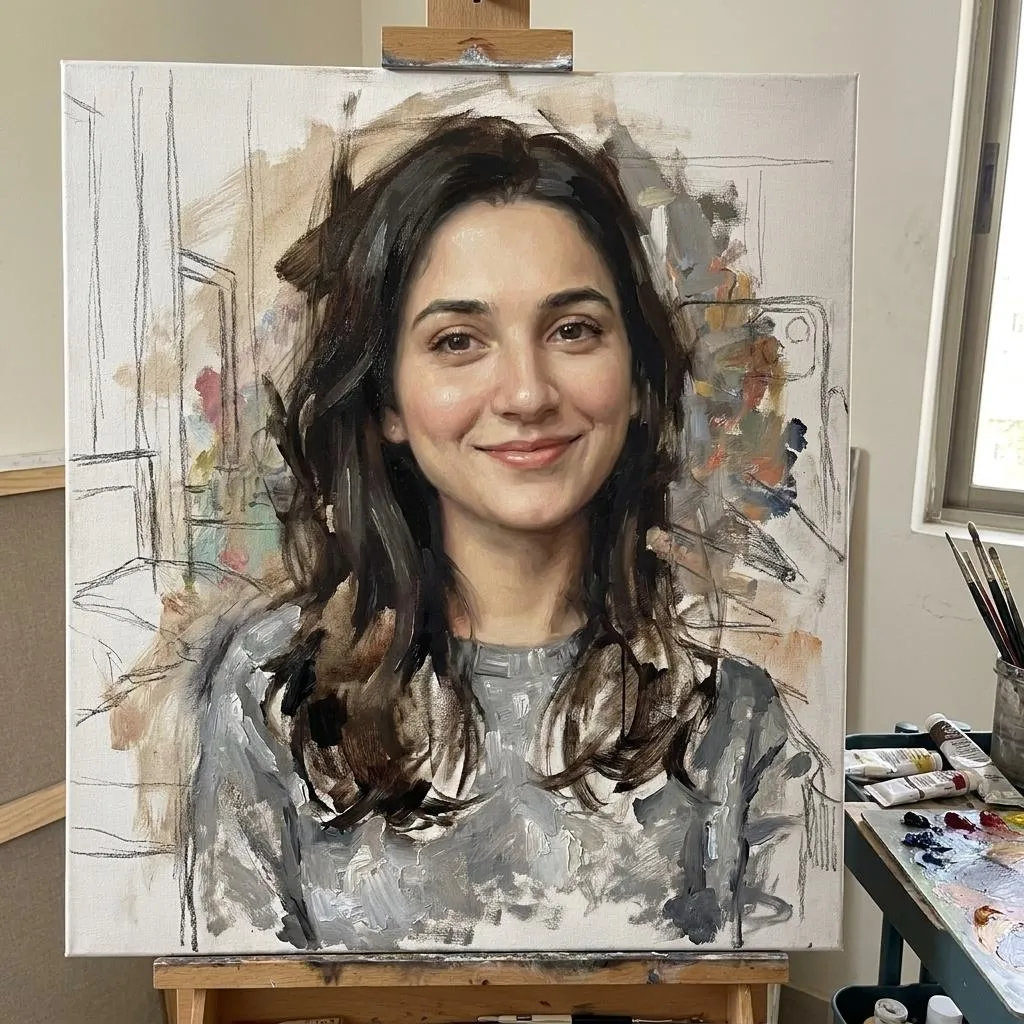
The Prompt
How to Use this Nano Banana Prompt
Open Nano Banana
Launch the AI image tool.
Add Reference
Upload a photo if the prompt needs one.
Paste Prompt
Copy and paste the prompt above.
Generate
Create your AI image.





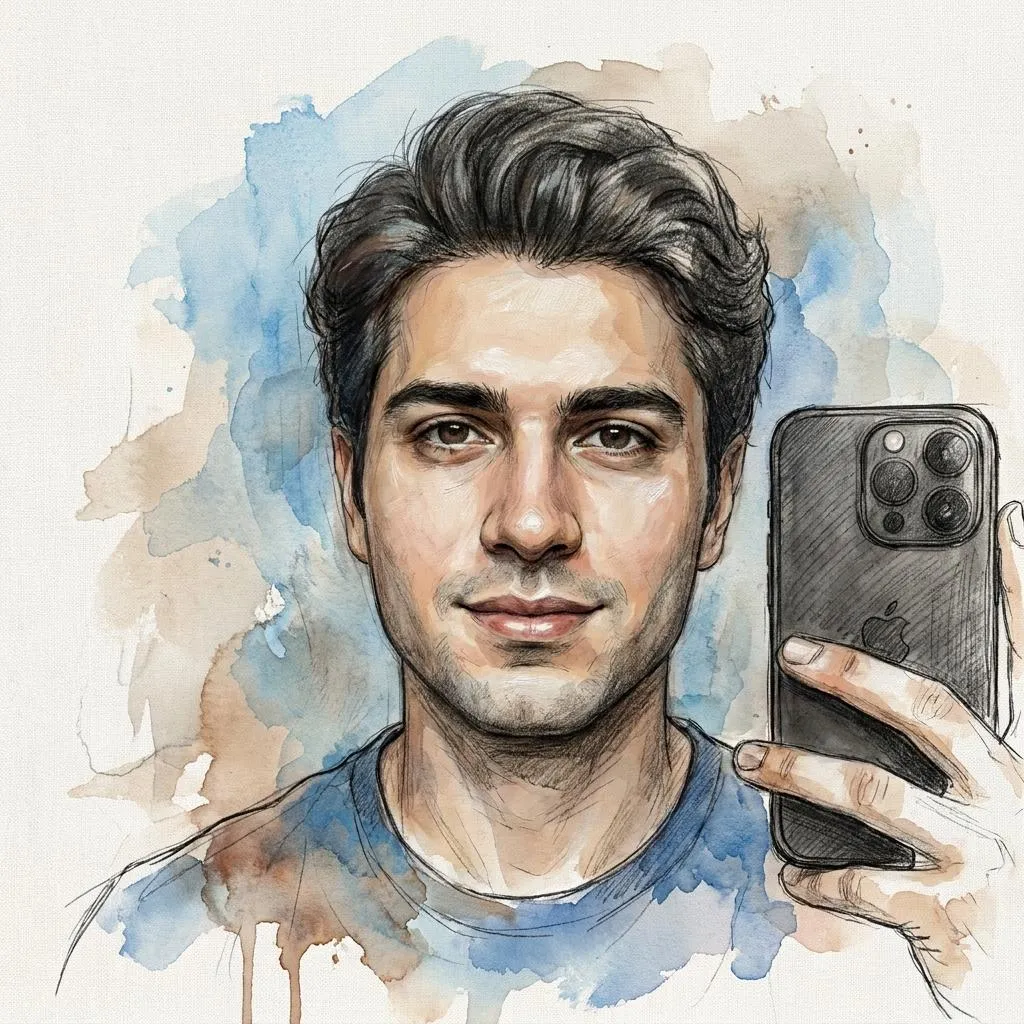
About This Unfinished Oil Painting Photo Editing Prompt Prompt
This AI photo editing prompt transforms a standard selfie into a realistic unfinished oil painting displayed on an artist’s easel. Designed for image generation and editing tools, the prompt preserves the subject’s exact identity and facial structure while applying a striking fine art aesthetic. The core of the visual effect relies on contrasting levels of detail, making the central face highly refined and detailed while allowing surrounding elements like hair, clothing, and the background to remain visible as loose painterly strokes.
Artists, portrait photographers, and creative hobbyists will benefit most from this oil painting photo editing prompt. It is ideal for producing unique profile pictures, conceptual art presentations, or creative self-portraits without needing physical canvas and paint. The style bridges the gap between digital photography and traditional fine art, making it a great addition to any creative workflow focused on unique aesthetic transformations.
To use this prompt effectively, upload your source selfie into your preferred AI image generator that supports image-to-image workflows or reference images. Paste the prompt text alongside your uploaded photo. Ensure that the settings allow the AI to closely reference your original facial features so the identity remains intact while the artistic oil painting texture and easel environment are applied over the image.
Customization options for this prompt focus strictly on the visual elements specified in the source instructions. You can experiment with different reference photos to see how various facial structures adapt to the painterly style. Because the prompt specifies an artist's easel, canvas texture, and mixed-color patches, minor adjustments to lighting descriptors can help integrate your uploaded subject naturally into the simulated studio lighting environment.
This artistic style is especially useful for social media feeds, digital art portfolios, and creative design projects that require a sophisticated handmade look. By capturing the fascinating transition between a raw painting and a finished portrait, it adds visual depth and intrigue that standard filters simply cannot replicate. It provides a reliable way to generate gallery-quality artistic portraits from ordinary digital photographs.
Frequently Asked Questions
Common questions about this AI prompt and how to get the best results.
Pro Tips for Better Results
- Use a clear, high-resolution source selfie with well-defined facial features to ensure the AI preserves your exact identity during the transformation.
- Pair this prompt with an AI tool that supports image-to-image or reference photo inputs for the best results.
- Ensure your source image has good lighting so the realistic studio lighting effects in the prompt blend smoothly with your face.
- Keep the subject facing forward or at a clear angle so the detailed facial refinement contrasts effectively with the loose background brush strokes.
- Experiment with different source subjects to observe how varied hairstyles and clothing interact with the loose painterly stroke instructions.