
 Nano Banana

Before & After
Drag the slider to compare the original input with the AI result.
AFTER
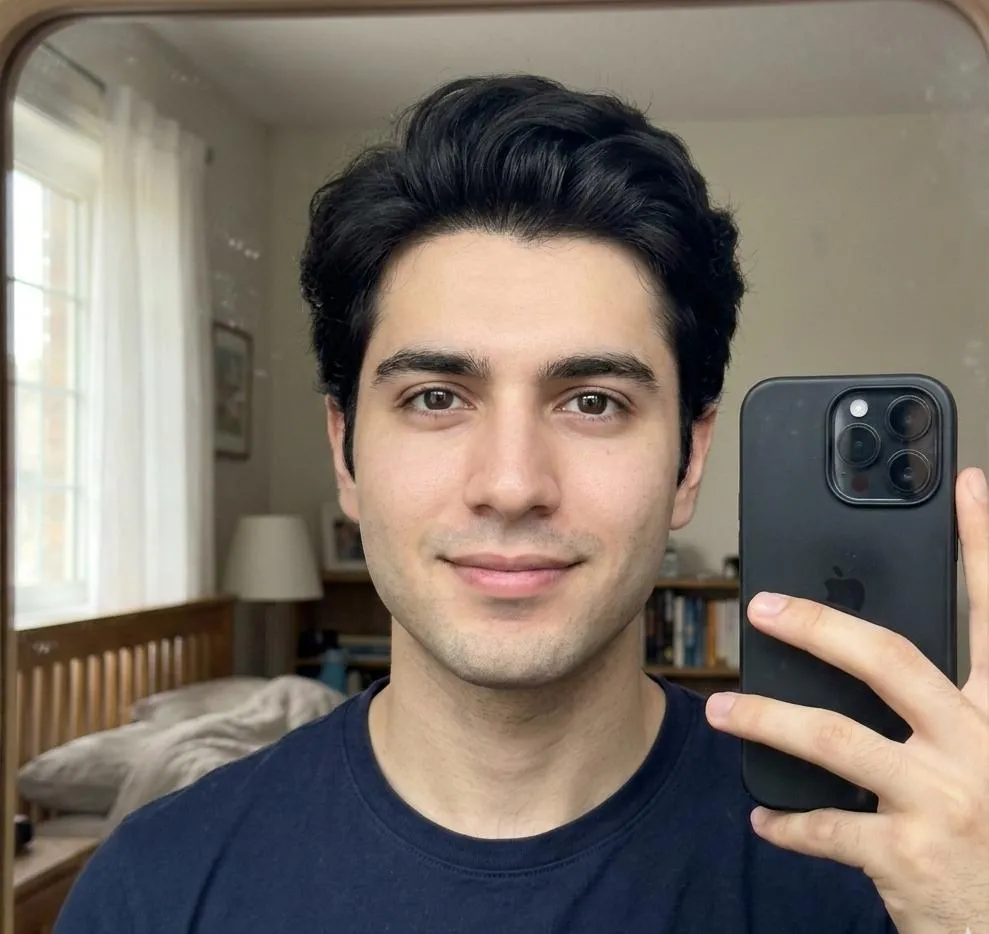 BEFORE
The Prompt
How to Use this Nano Banana Prompt
Open Nano Banana
Launch the AI image tool.
Add Reference
Upload a photo if the prompt needs one.
Paste Prompt
Copy and paste the prompt above.
Generate
Create your AI image.





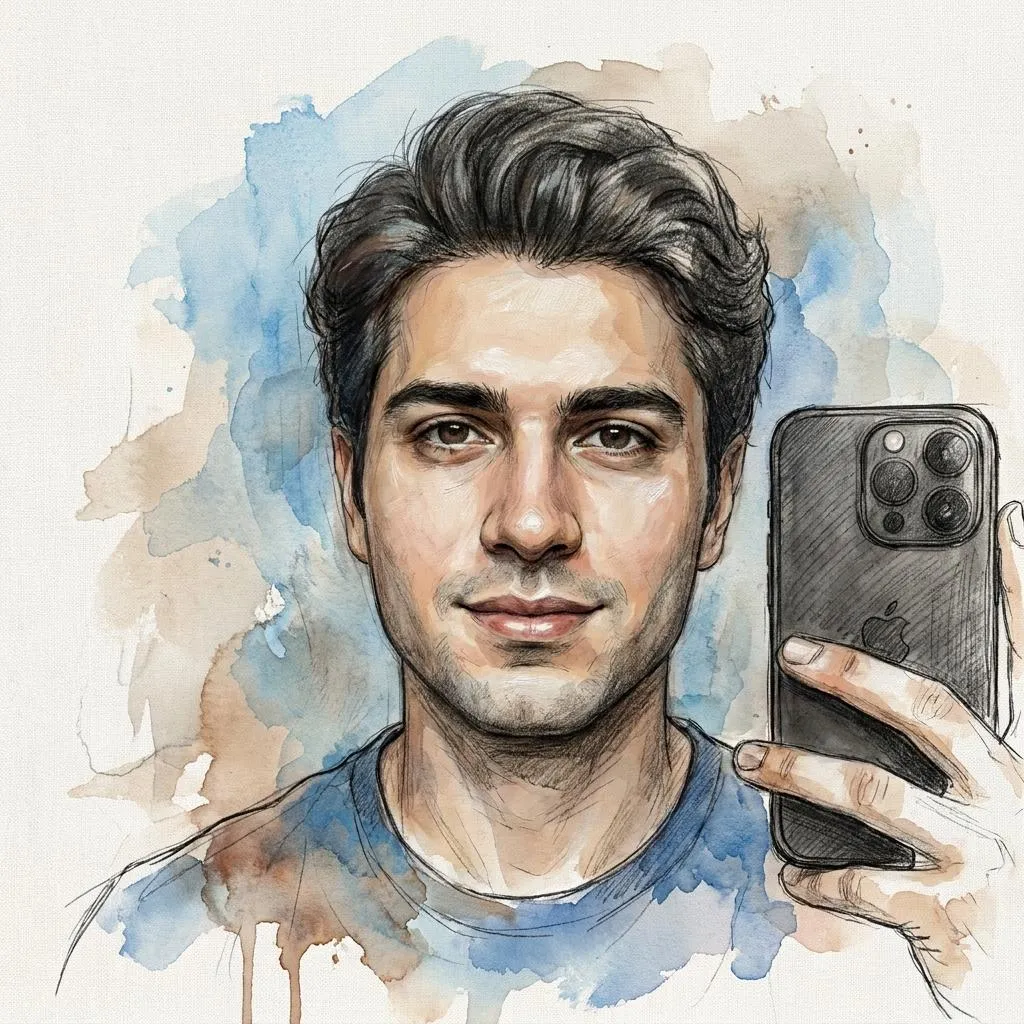
About This Layered Paper Art Photo Editing Prompt Prompt
This specialized AI photo editing prompt transforms an uploaded reference selfie into an intricate, handmade layered-paper artwork. By focusing on detailed structural depth, the generation process replicates the tactile qualities of physical media while maintaining recognizable facial proportions and personal identity.
Designed for creators, designers, and hobbyists, this prompt serves those who want to experiment with alternative artistic mediums without manual digital sculpting. It is particularly useful for unique social media avatars, stylized portfolio pieces, or distinctive digital art projects that stand out from standard photographic outputs.
To achieve the best results, upload a clear reference selfie with good contrast and defined facial features so the image generation tool can accurately interpret contours for the paper layering effect. The instructions prioritize preserving your exact facial identity while applying the sophisticated editorial craft aesthetic.
Customizing the output is straightforward by adjusting parameters related to the color palette or complexity of the paper cuts, provided the core identity preservation rules remain intact. You can tailor the overall mood by referencing specific tonal palettes in your generation settings to match your creative vision.
Ultimately, this tactile visual style offers a fresh approach to digital portraits by simulating realistic paper fibers, cut edges, and subtle shadows between layers. It bridges the gap between digital photography and physical craftsmanship for modern creative workflows.
Frequently Asked Questions
Common questions about this AI prompt and how to get the best results.
Pro Tips for Better Results
- Upload a high-contrast selfie with clear lighting to help the AI accurately map facial features for the paper layers.
- Ensure your reference photo has a distinct silhouette so the cut-edge paper effect renders cleanly.
- Experiment with adding specific color palette instructions to match the paper tones to your preferred aesthetic.
- Keep the core identity instructions unchanged to prevent the AI from altering your facial proportions.
- Use this prompt on profile photos or headshots where intricate textural details will be most visible.