
 Nano Banana

The Prompt
How to Use this Nano Banana Prompt
Open Nano Banana
Launch the AI image tool.
Add Reference
Upload a photo if the prompt needs one.
Paste Prompt
Copy and paste the prompt above.
Generate
Create your AI image.





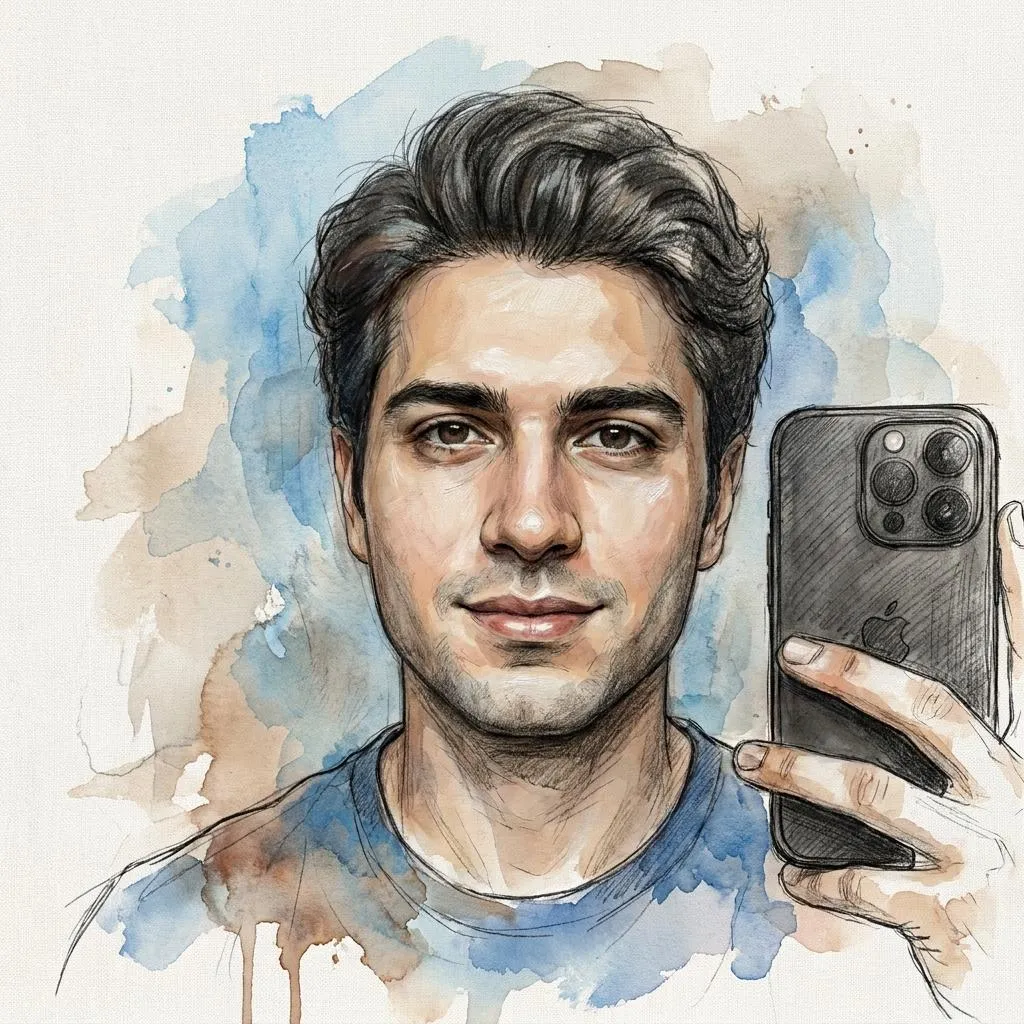
About This Dark-Fantasy Oil Painting AI Photo Editing Prompt Prompt
This dark-fantasy oil painting prompt is designed to transform an ordinary reference selfie into an epic piece of high-concept digital art while strictly preserving the person's exact identity and facial structure. By leveraging advanced generative capabilities, the tool processes the input features and blends them seamlessly into a heavily textured, painterly medium that mimics traditional fine art techniques without distorting the subject's recognizable likeness.
Digital creators, fantasy illustrators, and social media users who want to elevate standard portraits into striking visual statements will find this prompt especially useful. It provides a reliable way to generate dramatic, story-driven imagery suitable for personal portfolios, creative storytelling projects, or immersive profile pictures without requiring manual digital painting skills from scratch.
To achieve the best possible output, apply this prompt alongside an image-to-image workflow or reference upload feature in your chosen AI generator. Ensure that your base selfie has clear lighting and distinct facial features so the AI can accurately map your exact identity onto the final oil painting composition while maintaining the required structural integrity.
When working with the prompt, you can easily customize subtle atmospheric elements by adjusting descriptions of the background, such as modifying the density of the fog, altering the intensity of distant firelight, or specifying particular structural details within the gothic architecture. Keeping the core identity instructions intact ensures the transformation remains faithful to your original photo.
The resulting visual style combines rich oil textures with deep shadows and moody cinematic lighting, making it an exceptional choice for anyone seeking a dramatic, museum-quality aesthetic. This unique balance of painterly realism and dark fantasy atmosphere helps your digital creations stand out across various platforms and creative showcases.
Frequently Asked Questions
Common questions about this AI prompt and how to get the best results.
Pro Tips for Better Results
- Use a clear, high-resolution source selfie with even lighting to help the AI accurately preserve your exact facial structure.
- Adjust the image-to-image weight parameter carefully to balance between maintaining your original identity and applying the heavy oil painting style.
- Experiment with minor tweaks to the background descriptions if you want to emphasize specific gothic architecture elements.
- Pair this prompt with a dark color grading workflow to enhance the deep shadows and atmospheric particle effects.
- Keep the master artist reference phrasing intact to ensure the output retains a genuine painterly texture rather than a smooth digital render.