
 Nano Banana
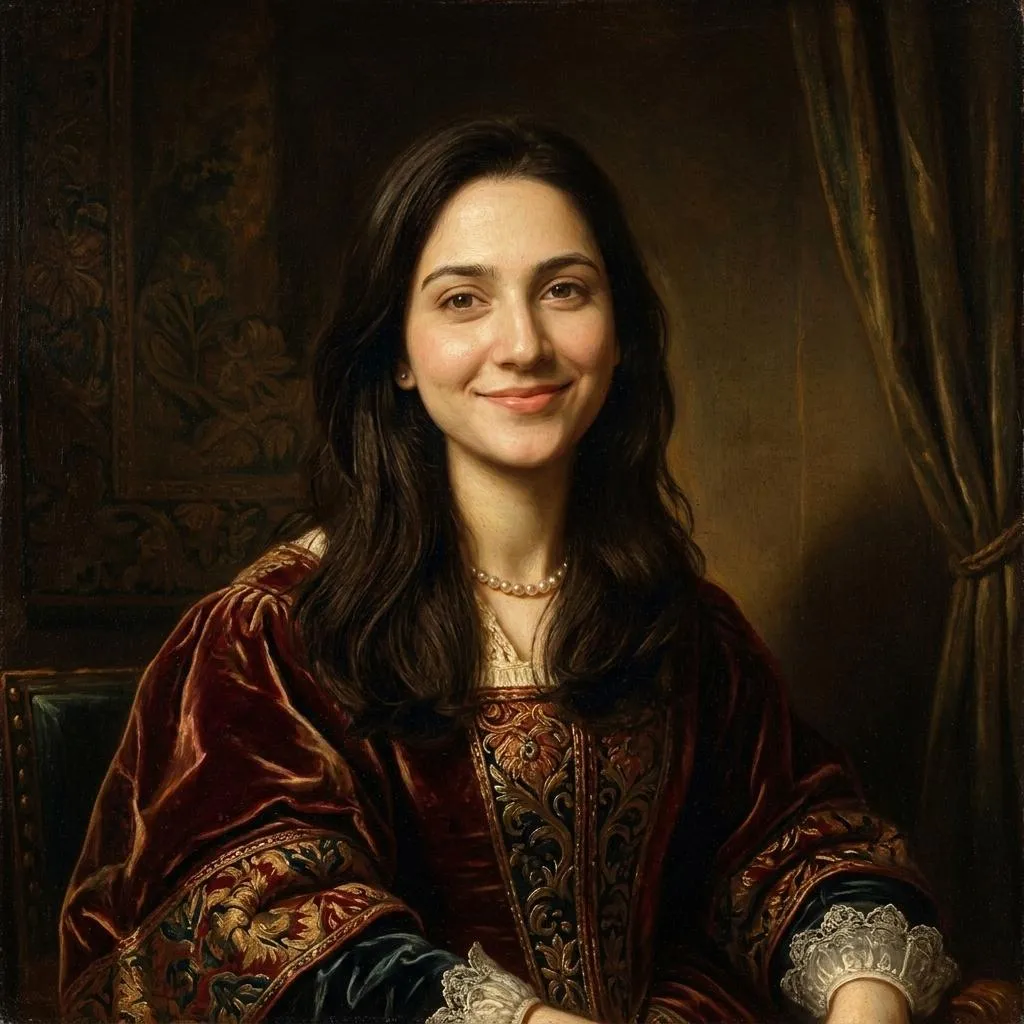
Before & After
Drag the slider to compare the original input with the AI result.
AFTER
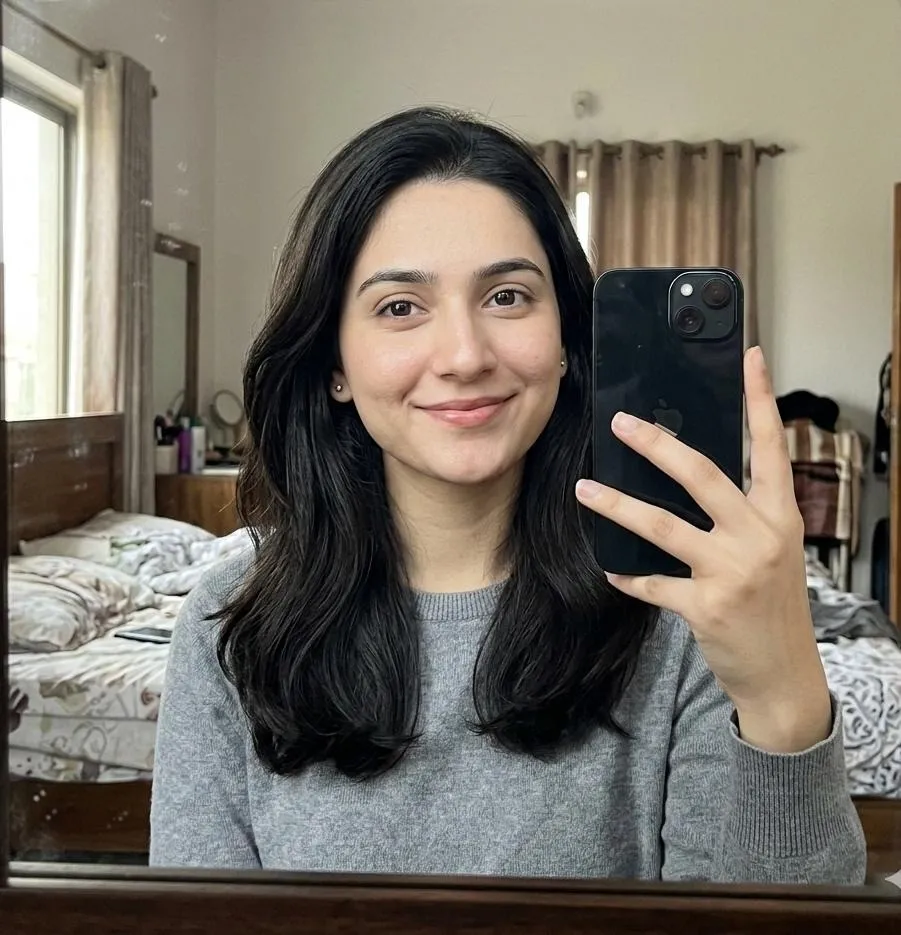 BEFORE
The Prompt
How to Use this Nano Banana Prompt
Open Nano Banana
Launch the AI image tool.
Add Reference
Upload a photo if the prompt needs one.
Paste Prompt
Copy and paste the prompt above.
Generate
Create your AI image.






About This Renaissance Oil Painting Photo Editing Prompt Prompt
This AI photo editing prompt transforms an uploaded selfie into a breathtaking Renaissance oil painting while meticulously preserving the subject's exact facial identity, structure, skin tone, hairstyle, expression, and natural proportions. Instead of generating a generic historical figure, the prompt ensures the final artwork remains an unmistakable likeness of the original person.
Digital creators, history enthusiasts, and anyone wanting a classic museum-masterpiece portrait will find this prompt exceptionally useful. It offers a seamless way to bridge modern digital photography with timeless fine art aesthetics, making it ideal for unique profile pictures, personalized digital galleries, and creative portrait projects.
To achieve the best results, upload a clear, well-lit reference selfie into your preferred AI image generator that supports image-to-image or photo editing workflows. Enter the exact prompt text to guide the neural network in interpreting your facial features while applying the specified classical styling layers and texture details.
Customizing the prompt is straightforward because it focuses strictly on the visual elements provided in the source instructions. You can experiment with different reference photos to see how various angles and expressions translate into the classical painting medium, while the core style parameters maintain consistent artistic quality.
Embracing this classical visual style adds a sophisticated, museum-quality finish to standard digital snapshots. Whether utilized for creative experimentation or sharing striking artistic transformations online, this prompt delivers a refined aesthetic that honors traditional portraiture techniques.
Frequently Asked Questions
Common questions about this AI prompt and how to get the best results.
Pro Tips for Better Results
- Upload a high-resolution selfie with clear facial features to ensure the AI accurately preserves your exact identity and expression.
- Choose a reference photo with natural, directional lighting to help the AI interpret the Rembrandt-style shadows more effectively.
- Keep facial expressions neutral or classic in your source photo to better match the traditional portrait aesthetic.
- Ensure your source image clearly displays your hairstyle and natural proportions so the generated painting maintains a strong likeness.
- Experiment with different subject photos to discover which poses translate best into classical Renaissance attire and composition.