
 Nano Banana
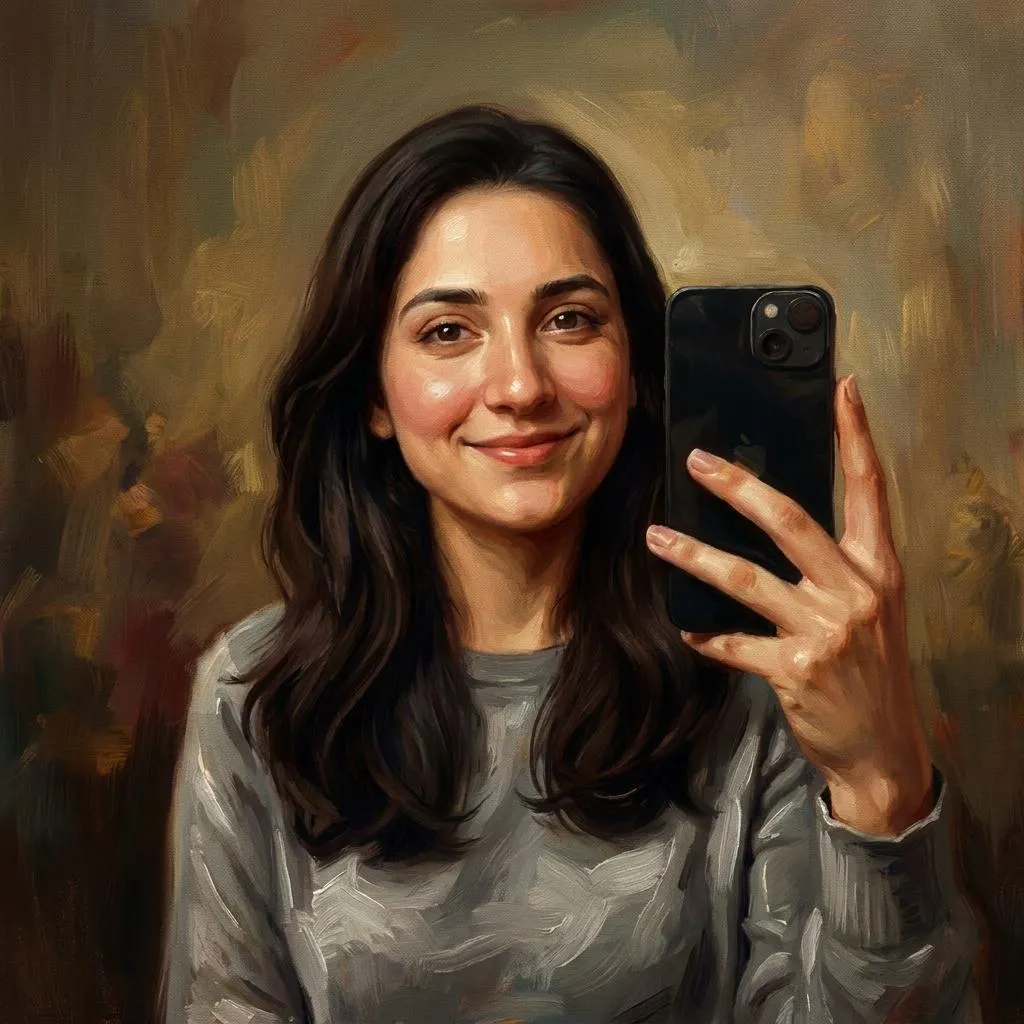
Before & After
Drag the slider to compare the original input with the AI result.
AFTER
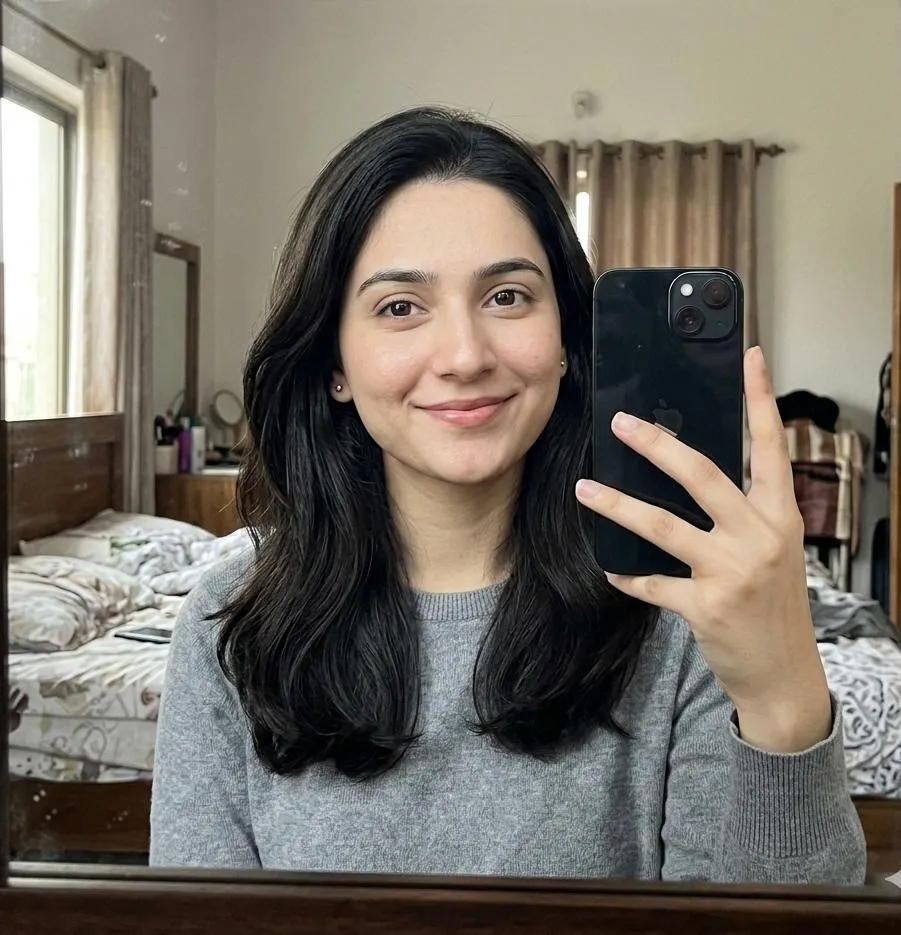 BEFORE
The Prompt
How to Use this Nano Banana Prompt
Open Nano Banana
Launch the AI image tool.
Add Reference
Upload a photo if the prompt needs one.
Paste Prompt
Copy and paste the prompt above.
Generate
Create your AI image.






About This Classical Oil Painting AI Art Prompt Prompt
This specialized AI image prompt transforms any uploaded user photo into a premium hybrid artwork, seamlessly combining classical oil painting techniques with modern digital-art precision. By leveraging advanced structural controls, the prompt carefully preserves the subject's exact identity, facial proportions, original pose, and expression without introducing unwanted distortions or altering who the person is.
Designed for creators, photographers, and digital artists, this classical oil painting AI prompt is ideal for generating sophisticated portraiture, custom fine art prints, and unique social media profile imagery. It bridges the gap between traditional portraiture and modern generative workflows, offering an accessible route to gallery-quality visuals directly from standard source photographs.
To achieve the best results, upload a clear source image where the facial features and lighting are well-defined. Enter the prompt into your preferred AI image generator that supports image-to-image or reference uploads, ensuring the weight settings allow the tool to accurately read the uploaded subject's identity and preserve their original pose.
When customizing the output, you can experiment with subtle adjustments to the background elements or color palette while keeping the core brush textures and canvas grain intact. Because the prompt specifies keeping the face naturally recognizable rather than heavily stylized, you retain full control over how closely the final digital painting mirrors your original photograph.
This visual style is exceptionally useful for artistic projects, personal branding, and creative portfolios where a touch of timeless elegance is required. The inclusion of dramatic museum lighting and layered paint strokes instantly elevates standard digital portraits into striking visual pieces suited for both online galleries and physical display.
Frequently Asked Questions
Common questions about this AI prompt and how to get the best results.
Pro Tips for Better Results
- Use a high-resolution reference photo with clear facial lighting to ensure accurate identity preservation.
- Adjust the image-to-image denoising strength carefully so the AI respects the original pose and proportions.
- Pair this prompt with subjects wearing classic or neutral attire to enhance the traditional oil painting aesthetic.
- Experiment with different canvas grain weights in your generation settings to vary the texture intensity.
- Ensure your source photo has a clean background if you want the sophisticated painted backdrop to blend smoothly.