
 Nano Banana
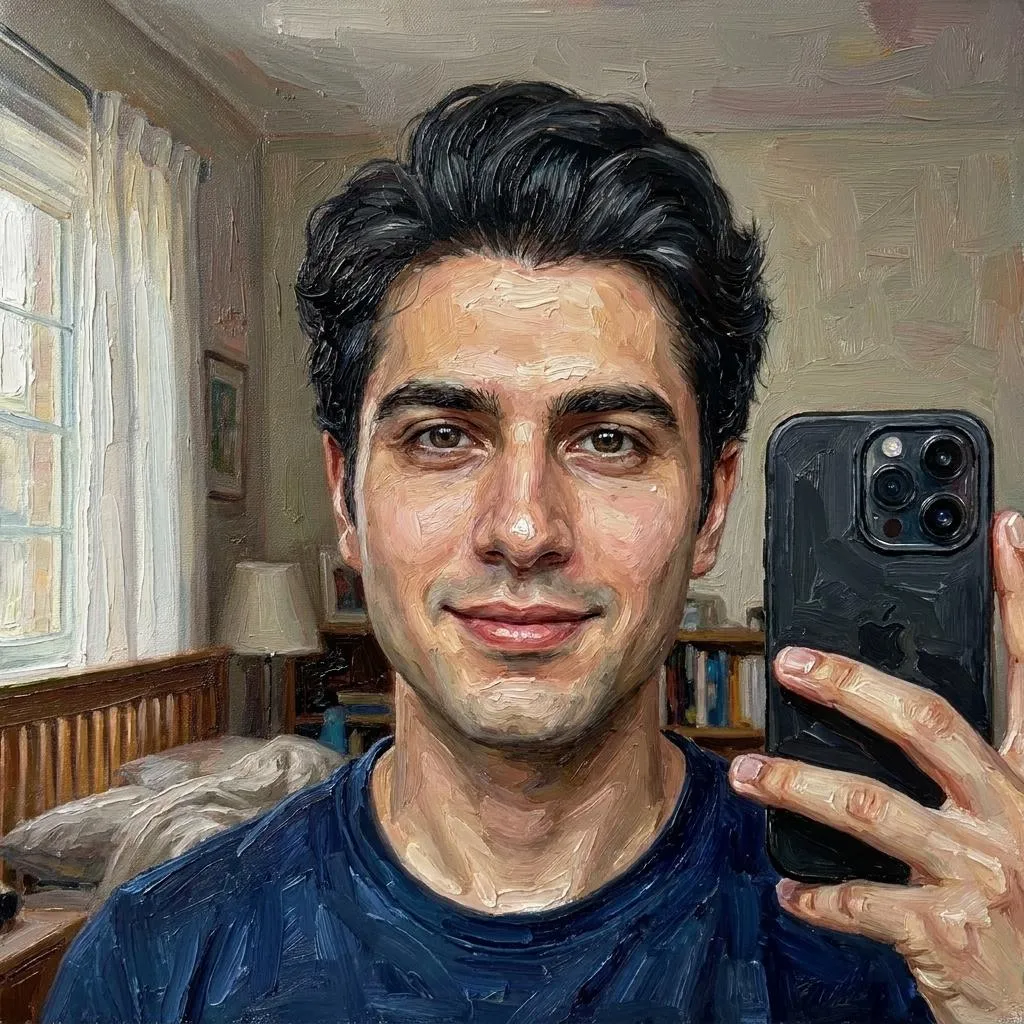
Before & After
Drag the slider to compare the original input with the AI result.
AFTER
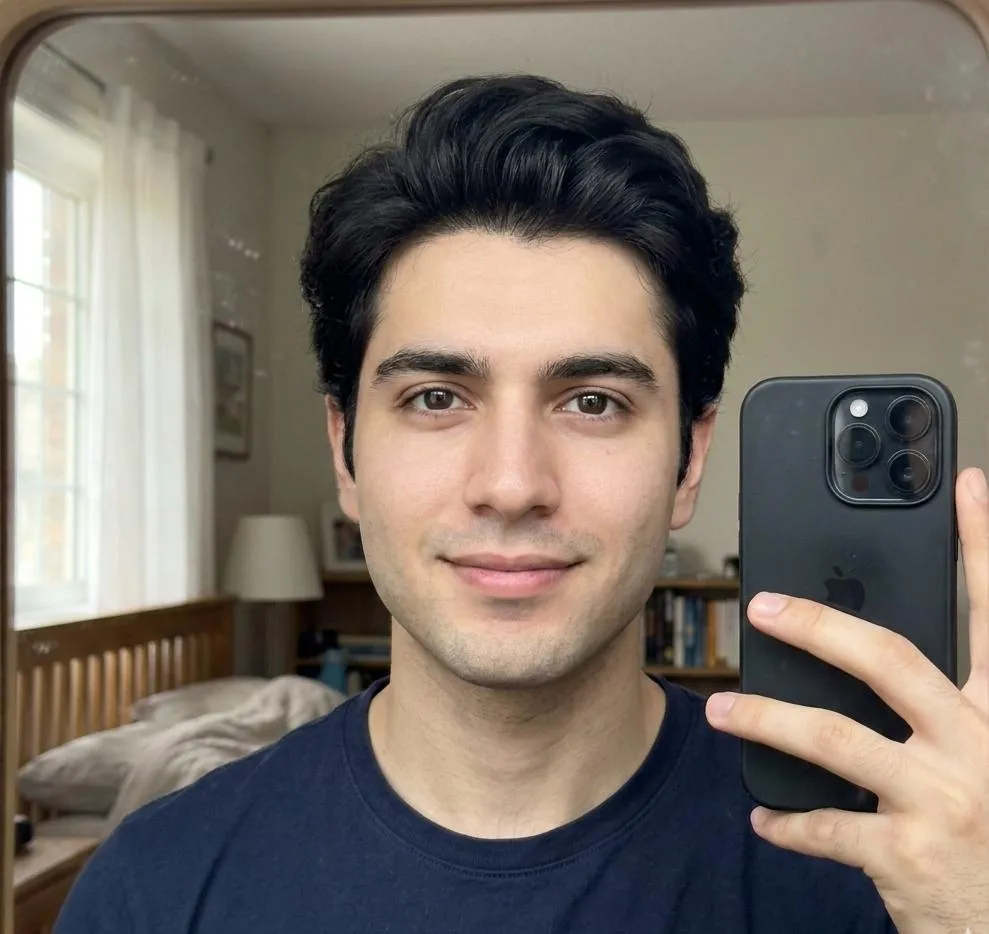 BEFORE
The Prompt
How to Use this Nano Banana Prompt
Open Nano Banana
Launch the AI image tool.
Add Reference
Upload a photo if the prompt needs one.
Paste Prompt
Copy and paste the prompt above.
Generate
Create your AI image.






About This Luxurious Contemporary Oil Painting AI Photo Prompt Prompt
This specialized oil painting photo editing prompt is designed to transform an ordinary portrait into a high-end, gallery-worthy fine art piece. By leveraging advanced image-to-image capabilities, the instruction focuses on converting your reference photo while strictly preserving the subject's exact identity, facial anatomy, hairstyle, expression, and proportions without distortion.
The target audience for this resource includes digital creators, portrait photographers, and individuals looking to elevate their personal photos into sophisticated digital art pieces. It is particularly useful for producing profile pictures, digital galleries, or artistic prints that require a genuine handcrafted aesthetic rather than a generic digital filter.
To use this oil painting photo editing prompt effectively, input your source selfie into a compatible AI image generator that supports image references and text instructions. Paste the prompt alongside your image, ensuring that the reference weight is balanced to maintain your facial features while allowing the AI to apply the specified artistic transformations.
Customization within this prompt relies heavily on the existing elements provided in the instruction. You can experiment by adjusting the intensity of the impasto brushwork or modifying the canvas texture descriptors if the base model allows for granular style control, while keeping the subject parameters locked to maintain likeness.
Ultimately, this artistic style delivers an expensive, handcrafted look that bridges the gap between modern digital photography and classical fine art. The inclusion of layered pigments and sophisticated highlights ensures that the final result possesses depth, realism, and a timeless aesthetic suitable for diverse creative projects.
Frequently Asked Questions
Common questions about this AI prompt and how to get the best results.
Pro Tips for Better Results
- Use a clear, high-resolution source selfie with well-defined facial features for the best likeness preservation.
- Adjust the image-to-image prompt weight to balance between maintaining facial structure and applying the heavy impasto brushwork.
- Ensure your chosen AI model supports detailed texture and layering instructions to get the most realistic canvas effect.
- Keep the lighting in your source photo balanced so the dramatic studio lighting applied by the prompt renders naturally.
- If the brushwork appears too flat, slightly increase the descriptive weight on layered pigments and thick paint texture.