
 Nano Banana
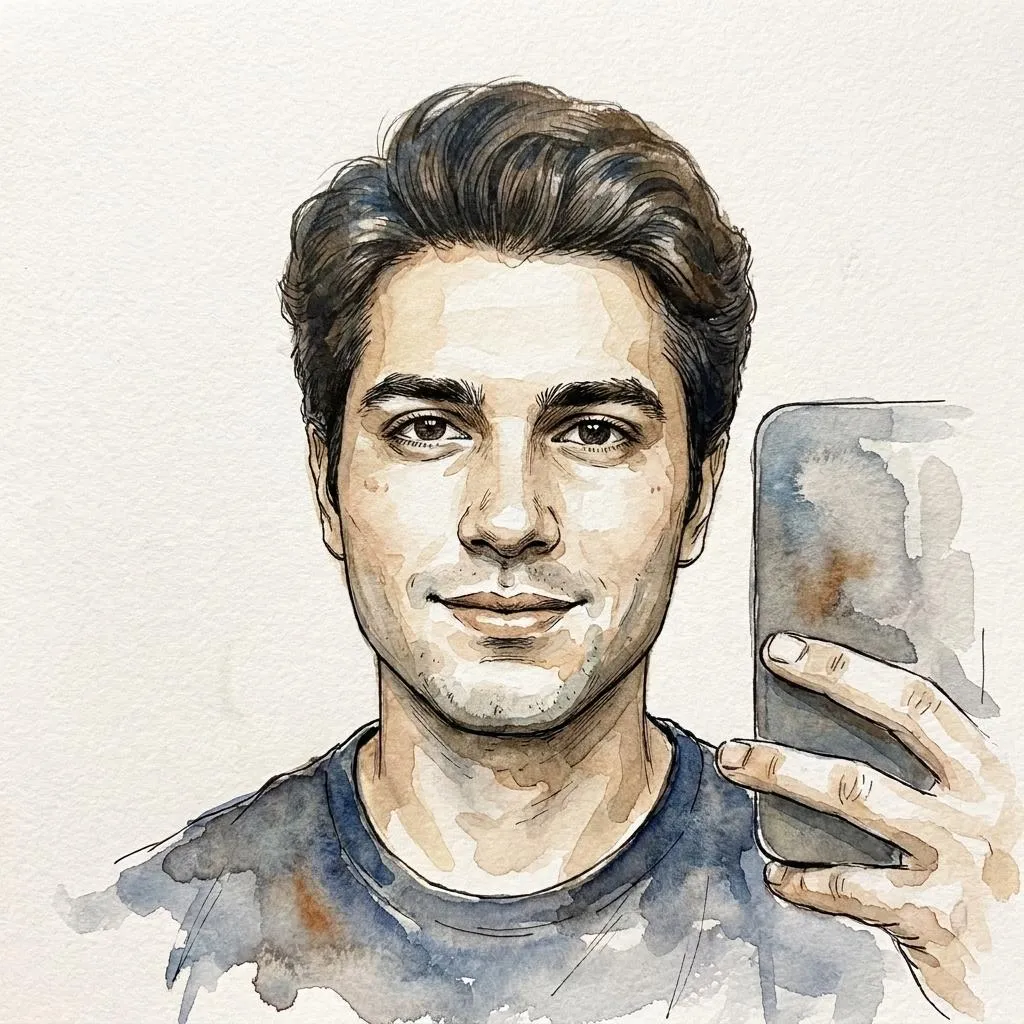
Before & After
Drag the slider to compare the original input with the AI result.
AFTER
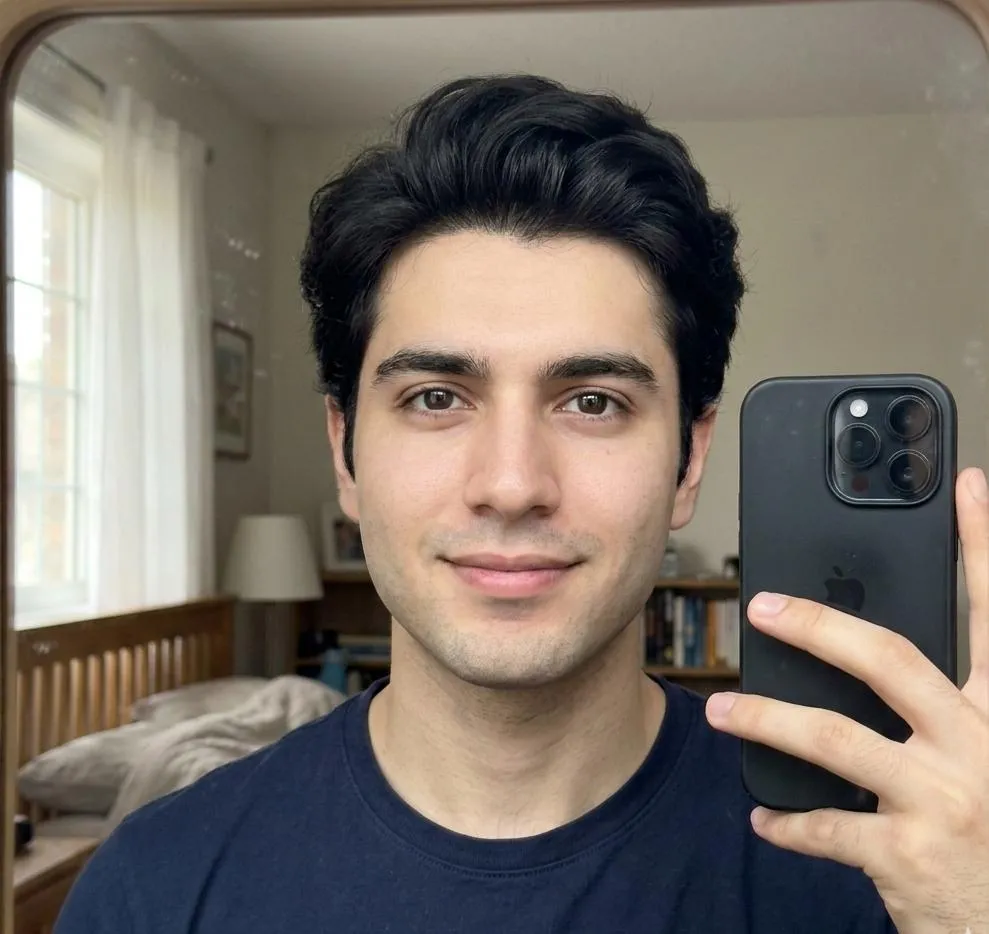 BEFORE
The Prompt
How to Use this Nano Banana Prompt
Open Nano Banana
Launch the AI image tool.
Add Reference
Upload a photo if the prompt needs one.
Paste Prompt
Copy and paste the prompt above.
Generate
Create your AI image.






About This Watercolor and Ink Portrait Photo Editing Prompt Prompt
This AI photo editing prompt transforms a standard selfie into an elegant hand-painted ink and watercolor portrait. By applying this artistic instruction to your image generation workflow, you can bridge the gap between digital photography and traditional fine art mediums without needing manual painting skills.
Designed for creators and portrait enthusiasts, this prompt is ideal for anyone looking to produce unique profile pictures, artistic gifts, or creative visual experiments. It works exceptionally well when you want to showcase a familiar face while giving the overall composition a hand-crafted, gallery-ready aesthetic.
To use this prompt effectively, simply upload your reference selfie into your preferred AI image generator that supports image-to-image transformations or style transfer. Pair the uploaded photo with the exact prompt text to guide the rendering engine in maintaining facial recognition while applying the artistic medium.
When applying the prompt, you can customize the intensity of the pigment bleeding or adjust how much the surrounding clothing and background dissolve into abstract watercolor washes. These subtle tweaks allow you to control the exact balance between a recognizable portrait and a free-flowing artistic interpretation.
Ultimately, this unique visual style helps your images stand out on social media or in digital portfolios by blending precise black ink linework with translucent color washes. It offers a sophisticated way to reinterpret everyday photographs into timeless pieces of digital art.
Frequently Asked Questions
Common questions about this AI prompt and how to get the best results.
Pro Tips for Better Results
- Use a clear, high-contrast selfie as your reference image to help the AI accurately preserve facial structure.
- Experiment with different weight settings for your reference image to control how strongly the watercolor style overtakes the background.
- Ensure your source photo has even lighting so the translucent watercolor washes apply smoothly across the face.
- Pair this prompt with textured paper background effects if your generation tool allows supplementary surface layers.
- Tweak the brush edge parameters in your generation settings if you want sharper ink linework or softer watercolor bleeding.