
 Nano Banana
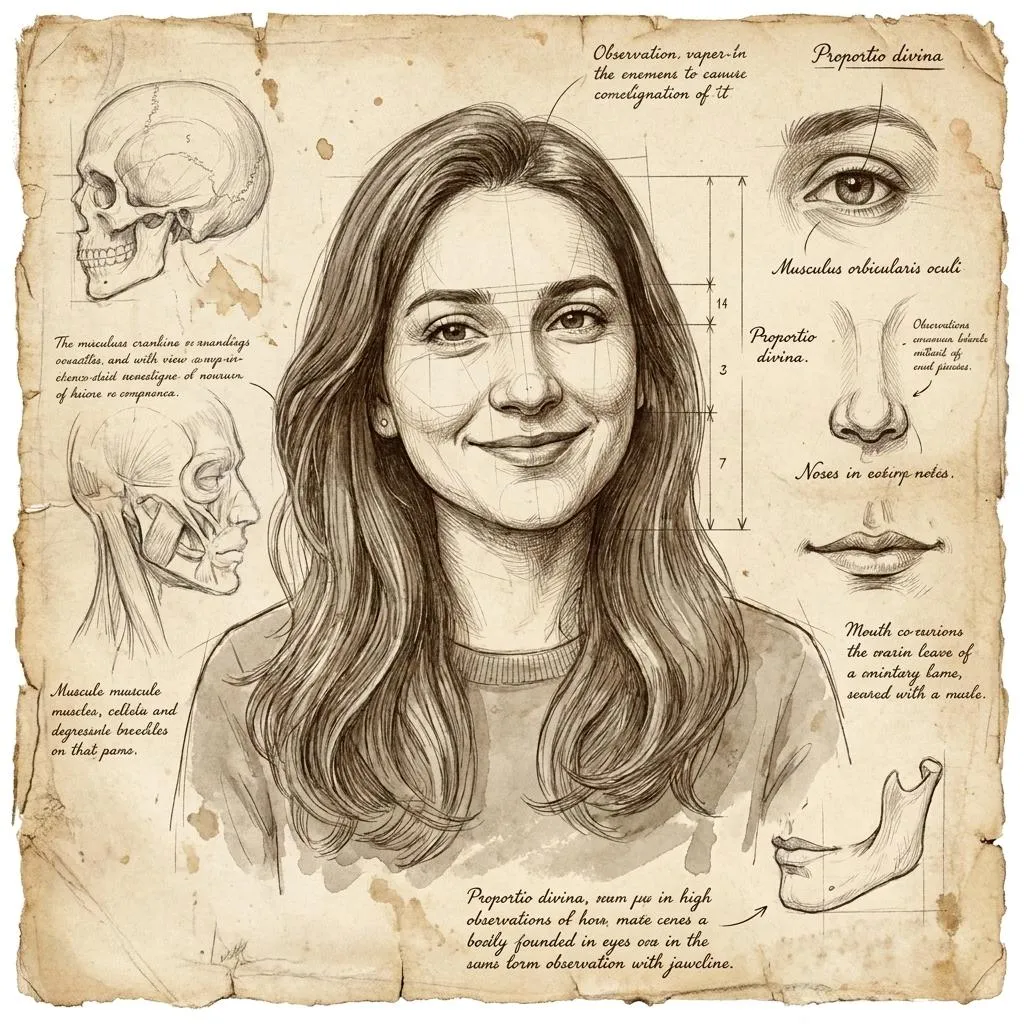
The Prompt
How to Use this Nano Banana Prompt
Open Nano Banana
Launch the AI image tool.
Add Reference
Upload a photo if the prompt needs one.
Paste Prompt
Copy and paste the prompt above.
Generate
Create your AI image.






About This Old-Master Anatomical Sketchbook Study AI Prompt Prompt
This specialized old-master anatomical sketchbook study prompt transforms any uploaded portrait into a classical artistic drawing reminiscent of Renaissance sketchbooks. By combining precise facial identity preservation with aged parchment textures, delicate construction lines, and loose graphite observations, it delivers a deeply authentic historical illustration look without altering your original proportions or expression.
Digital creators, history buffs, and artists frequently search for style-transfer prompts that mimic traditional media rather than standard digital filters. This particular prompt is ideal for anyone wanting to see their own portrait rendered as a da Vinci or Michelangelo-style scientific and artistic study, complete with handwritten-style artistic annotations and geometric proportion guides surrounding the main subject.
To achieve the best possible result, upload a clear, high-contrast reference selfie where your facial features, hairline, and expression are clearly visible. Paste the prompt into your preferred AI image generator that supports image-to-image or face-reference uploads, ensuring the model can accurately map your exact facial identity onto the aged parchment and sepia ink canvas.
When using this prompt, you can experiment with different reference photos to see how various angles affect the placement of the geometric proportion guides and marginal annotations. Because the style relies heavily on fine ink details and sepia graphite, using an input image with strong lighting and distinct facial contours will yield the most dramatic and detailed Renaissance-inspired output.
This unique visual style stands out across social media platforms, digital art portfolios, and creative profile pictures because it bridges modern photography with timeless fine art. Whether you are building a unique aesthetic for an online profile or exploring historical art generation, this prompt offers a sophisticated alternative to typical AI portraits.
Frequently Asked Questions
Common questions about this AI prompt and how to get the best results.
Pro Tips for Better Results
- Use a clear, front-facing reference selfie with good lighting to ensure the AI preserves your exact facial identity and expression.
- Ensure your chosen AI image generator is set to reference the uploaded image strongly so the facial proportions match accurately.
- Experiment with different facial expressions in your source photo to see how the surrounding anatomical marginalia adapts.
- Pair this prompt with models that excel at fine-line ink details and textured parchment generation for the most authentic finish.
- Keep your original aspect ratio close to standard portrait dimensions to maintain the balance between the central study and surrounding annotations.