Copy Paste Photo Editing Prompts Library

Free Prompt Library · Updated for 2026
AI Photo Prompt Copy Paste: Free Prompts for ChatGPT & Gemini
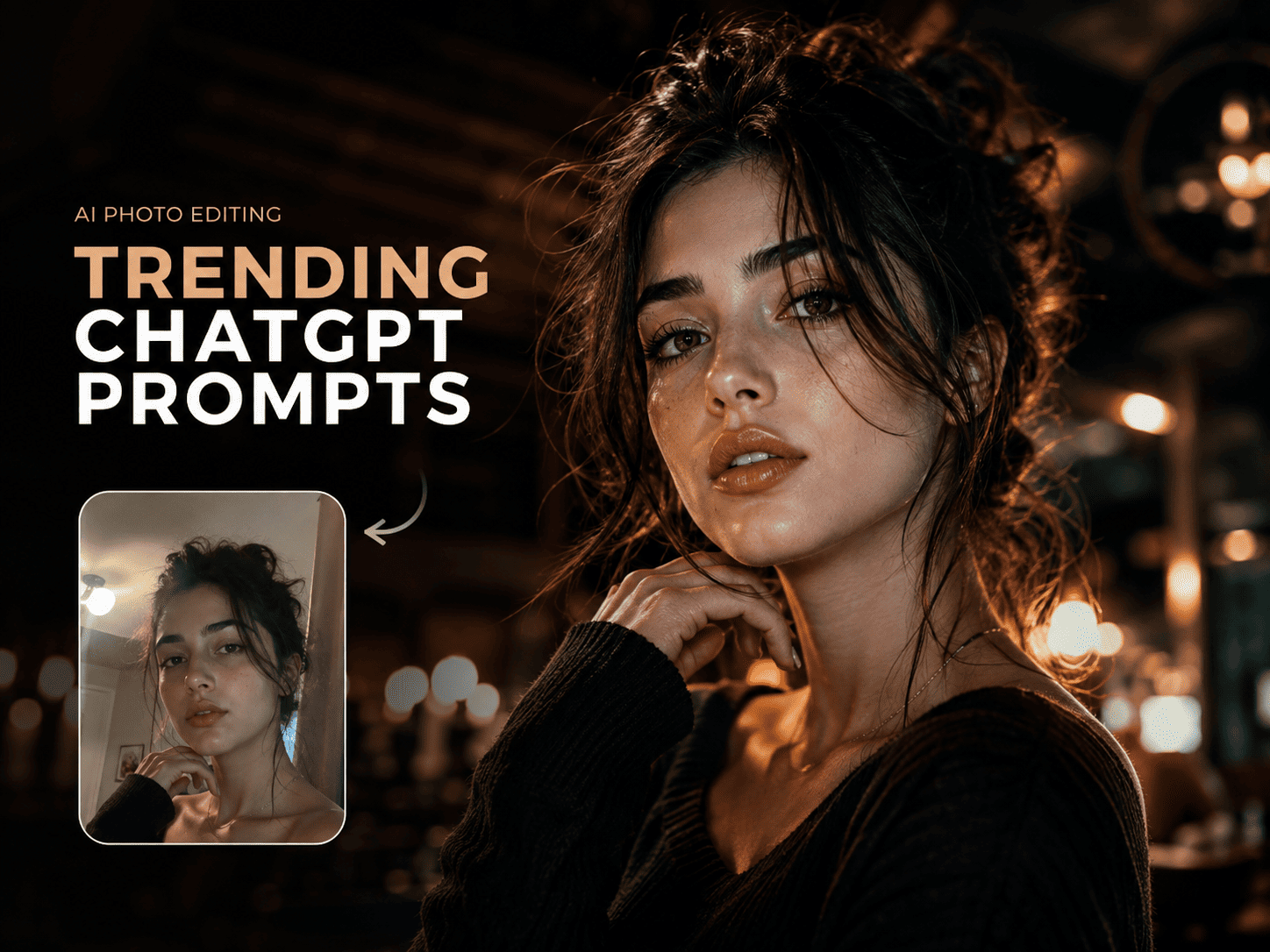
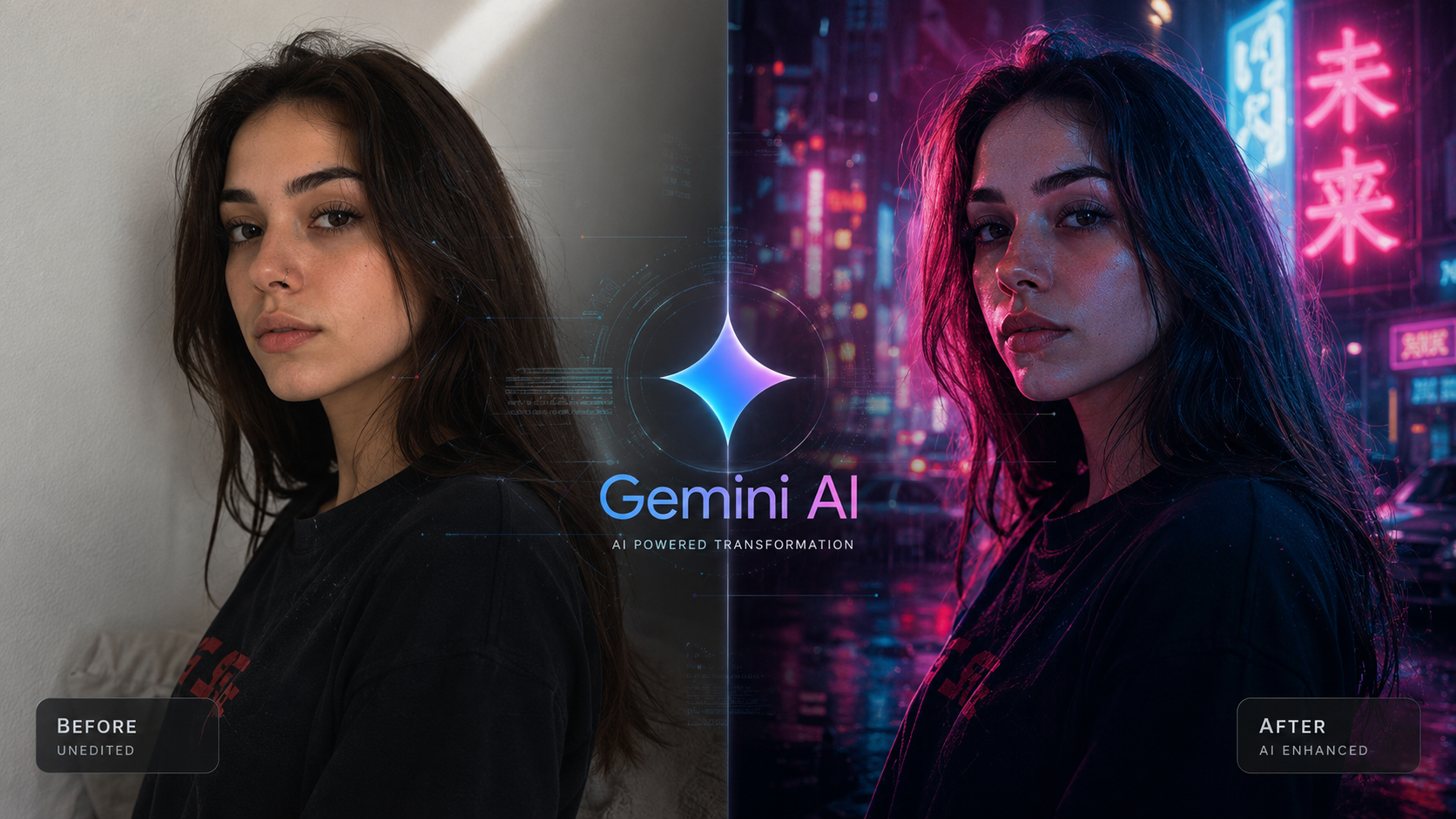
An AI photo prompt copy paste is a ready-made editing instruction you paste into ChatGPT or Gemini together with your own photo. Pick one of the 20 free prompts below, upload your image, paste the text, and the AI generates the edit — no prompt-writing experience needed.
Just want the prompts? Skip straight to the full libraryThis page also explains how to use them well — but every prompt here (and more) lives on the main Copy-Paste AI Prompts page.
Short Answer
Copy any prompt on this page, open ChatGPT or Gemini, upload a clear photo, and paste the prompt in the same message as your image.
- The AI edits your actual uploaded photo using the style described in the prompt — it does not generate a new, unrelated face.
- All 20 prompts below are grouped by style (aesthetic, cinematic, portrait, everyday) and are free to copy and reuse.
- Every prompt works in both ChatGPT and Gemini; see the comparison table below if you're not sure which tool to use.
Who this is for: anyone editing a personal portrait, couple, or group photo for social media, a profile picture, or a keepsake — on a phone or computer, with no prior photo-editing experience required.
How to Use an AI Photo Prompt With Your Own Photo
Every prompt on this page is meant to be used with a real photo you upload, not a random AI-generated face. Here's the process:
- Choose a prompt. Pick any style below and copy the prompt text.
- Upload your own photo. Open ChatGPT or Gemini and attach a clear, well-lit photo of yourself, a couple, or a group.
- Paste the prompt in the same message. Send the photo and the prompt together so the AI edits the image you uploaded instead of generating a new one.
- Review and refine. If the first result is close but not perfect, ask the AI to adjust one specific thing — brightness, warmth, or how strong the effect is.
Uploading your own photo matters because it's what lets the AI edit real details — your actual face, your actual clothing, your actual background — instead of generating a generic stock-style image. A good copy-paste prompt tells the AI what to change while leaving everything else, including your identity, alone.
ChatGPT vs. Gemini for AI Photo Editing
Both tools accept an uploaded photo plus a text prompt, and every prompt in this library works in either one. The table below is the fastest way to decide which one to open first.
| ChatGPT | Gemini | |
|---|---|---|
| Best for | Multi-part instructions (lighting + color + mood in one prompt) | A single, focused change like a color grade or lighting shift |
| Follows long prompts | Very closely, step by step | Good, but simpler prompts tend to land faster |
| Native integration | Web and mobile app | Built into Google Photos on Android |
| Free tier available | Yes, with usage limits | Yes, with usage limits |
| Good first move | Try when a prompt has several instructions | Try for a quick single-style edit |
According to Google's own Gemini support documentation, uploaded photos can be edited directly inside the Gemini app by describing the change in plain language, with edits refined conversationally across follow-up messages. That conversational refinement is exactly what step 4 above (review and refine) relies on.
Source: Google Gemini Apps Help — Generate & edit images
If a result from one tool doesn't match what you expected, paste the exact same prompt into the other. Small differences in how each model reads lighting and skin tone are normal, and trying both takes seconds.
Real AI Photo Prompt Examples
These are real results generated from prompts in this library, so you can see what "copy paste and upload your photo" actually looks like before you try it yourself.
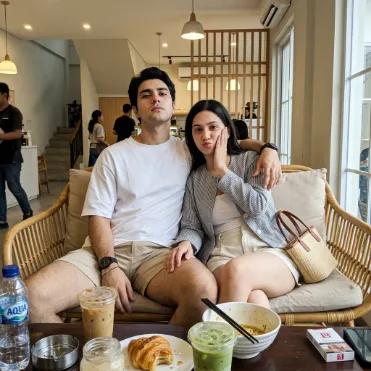
Example 1 of 3
Candid Couple, Smartphone Style
A relaxed, authentic couple photo edited to look like a natural smartphone shot rather than a staged portrait — soft light, true-to-life color, and unposed body language.
Get this prompt →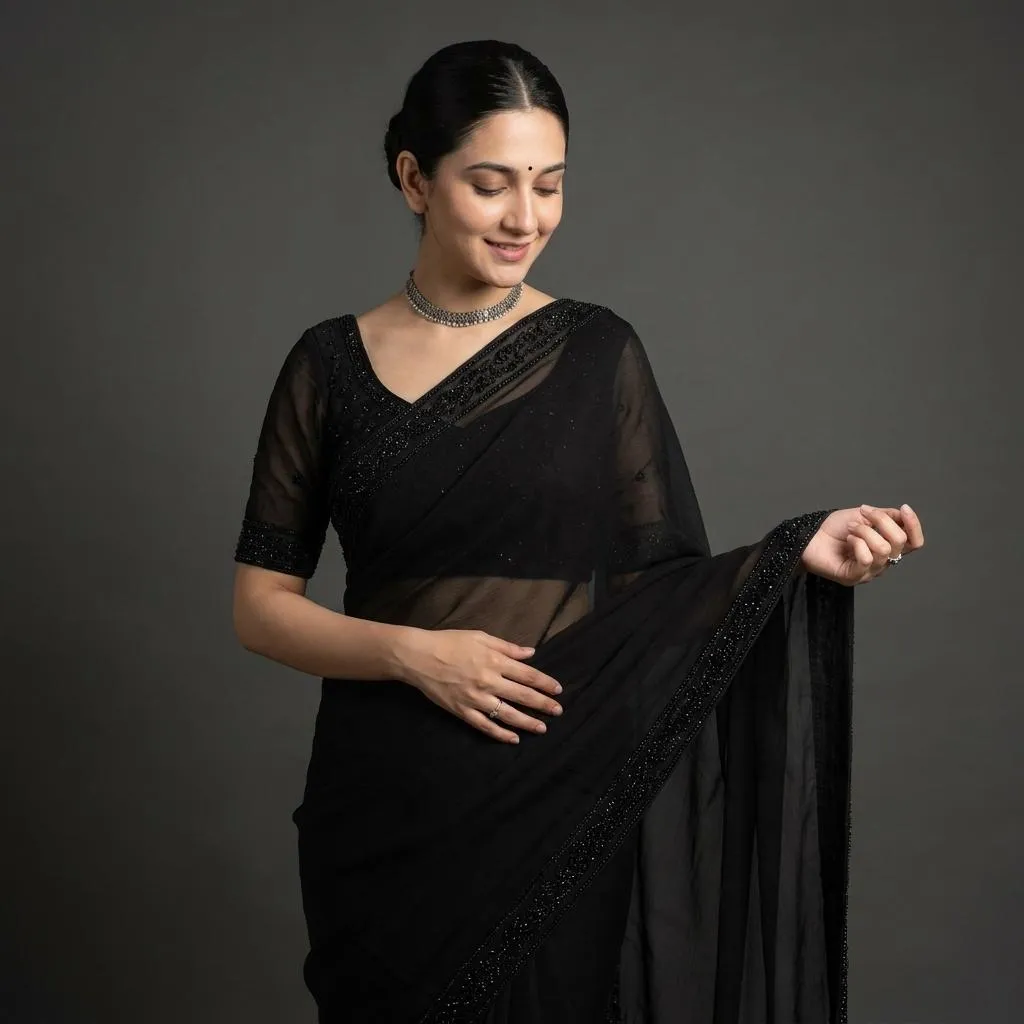
Example 2 of 3
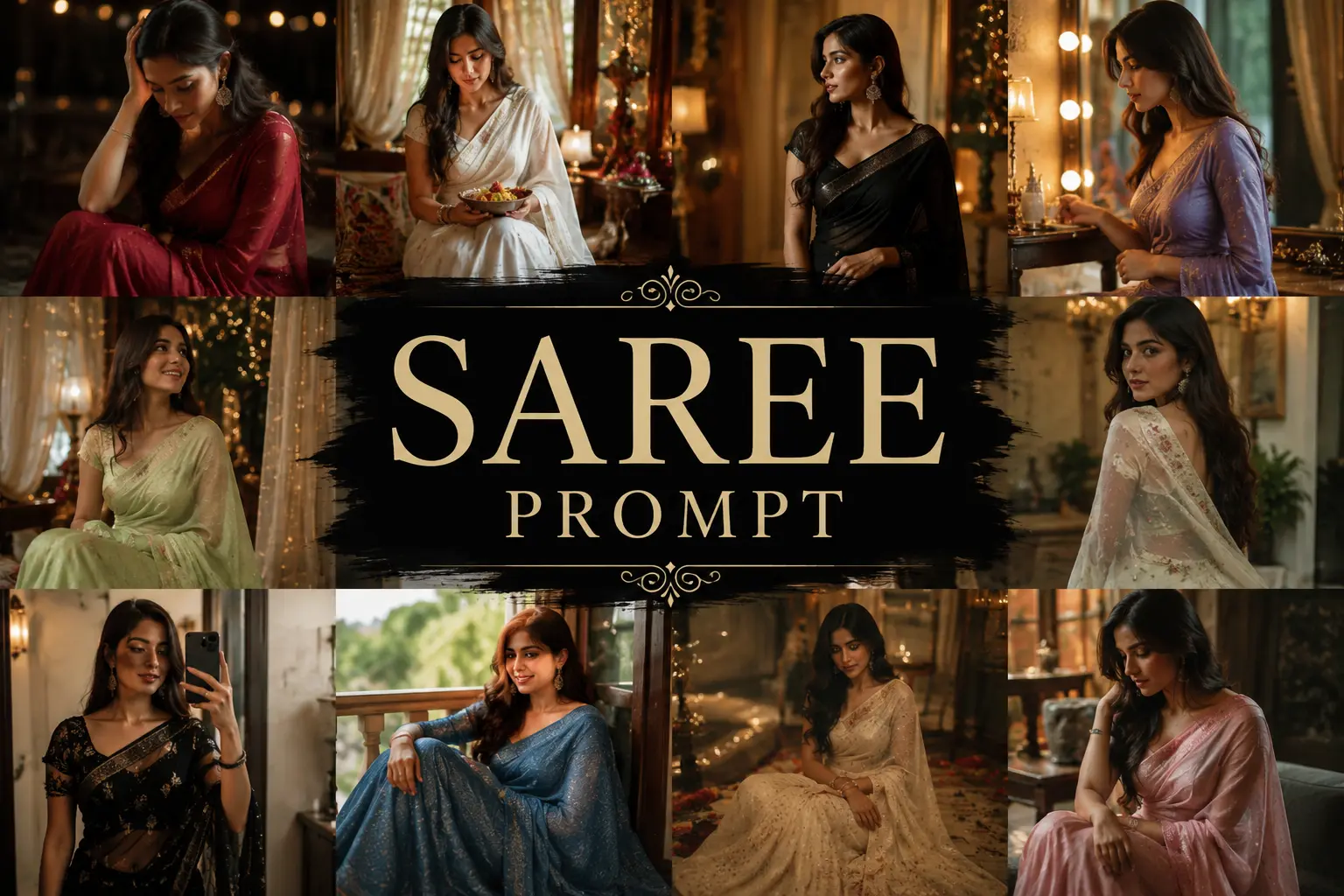
Elegant Saree Portrait
A traditional Indian saree look with soft, flattering lighting and rich, natural fabric color — a popular pick among the portrait and aesthetic prompts.
Get this prompt →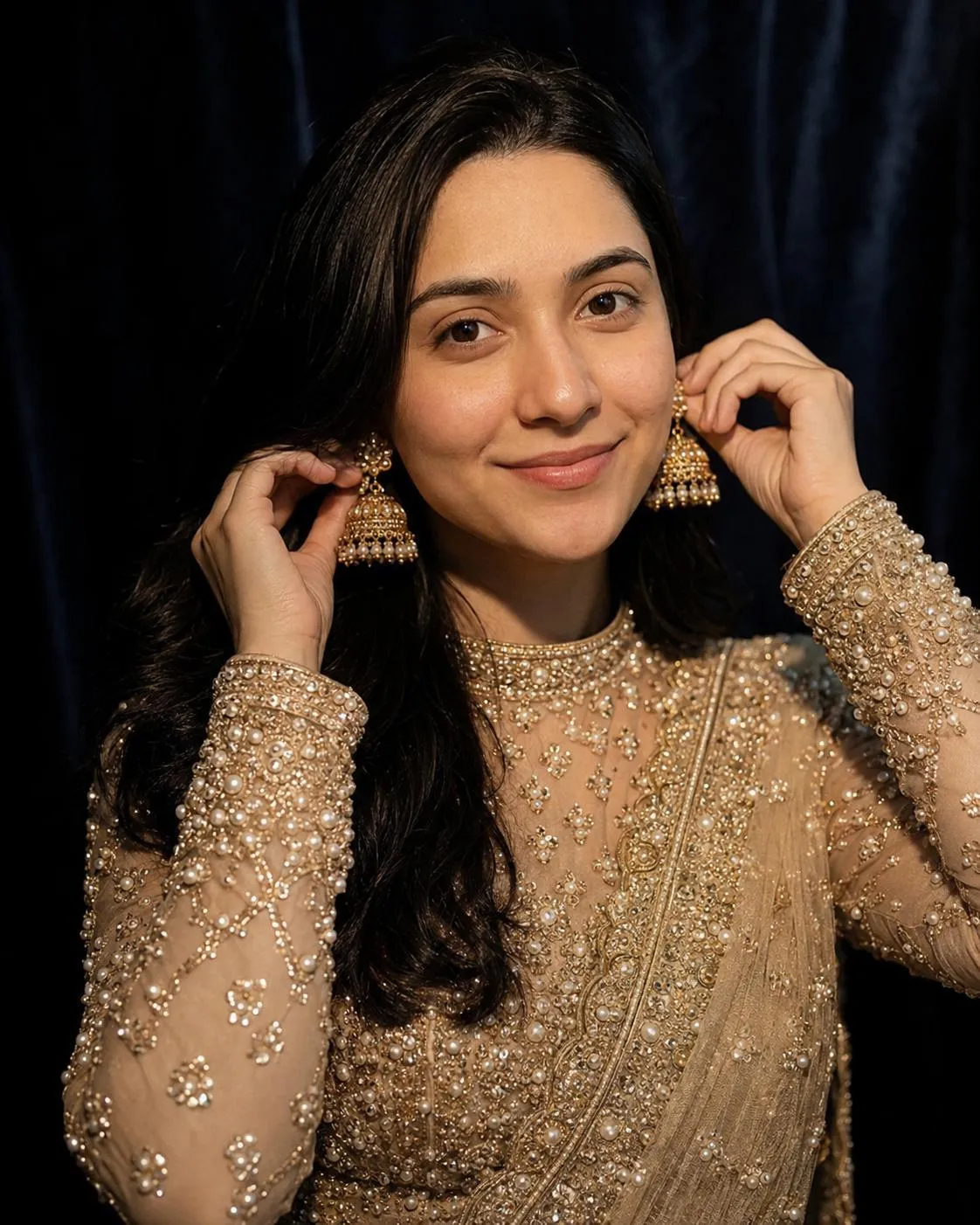
Example 3 of 3
South Asian Saree Portrait, Gemini-Oriented
A refined saree portrait built from a prompt written with Gemini's photo editing behavior in mind — balanced lighting and natural detail across skin and fabric.
Get this prompt →20 Free AI Photo Prompt Copy Paste Ideas
Every prompt below is copy-paste ready and written for real, everyday photos — portraits, couples, and casual shots, not staged studio images. Copy a prompt, paste it into ChatGPT or Gemini with your photo attached, and you're done. Each card shows the "Copy prompt" button — it copies just the prompt text to your clipboard.
| If you want… | Jump to | Mood |
|---|---|---|
| A soft, Instagram-ready glow | Aesthetic prompts | Dreamy, warm |
| A movie-still color grade | Cinematic prompts | Bold, dramatic |
| A gentle couple or family portrait | Portrait & couple prompts | Calm, respectful |
| A clean, everyday touch-up | Everyday prompts | Natural, simple |
Aesthetic AI Photo Prompts
Soft, dreamy, Instagram-ready edits — the most-copied category on the site, from golden-hour glow to pastel dreamcore. Browse the full aesthetic ChatGPT prompts for girls collection for more.
Prompt 01 / 20
Golden Hour Glow
Style: Golden hour / warm light
Edit this photo into a warm golden-hour portrait: soft backlight, gentle lens flare, warm amber and honey tones, a subtle glow on the skin, and hair catching the light. Keep the same face, identity, and natural skin texture, with a softly blurred background.
Prompt 02 / 20
Vintage Film Aesthetic
Style: 35mm film
Transform this photo into a 35mm vintage film style: faded warm tones, soft grain, slightly lifted blacks, and cream highlights. Preserve the original pose, clothing, and facial features, and keep the skin looking natural rather than airbrushed.
Prompt 03 / 20
Soft Pastel Dreamcore
Style: Pastel dreamcore
Restyle this photo with a soft pastel dreamcore aesthetic: blush pink and lavender tones, a hazy glow, and a light, floating mood. Keep the subject's identity, expression, and outfit unchanged.
Prompt 04 / 20
Clean Girl Minimal Edit
Style: Clean, minimal
Give this photo a clean, minimal aesthetic edit: bright natural light, soft neutral tones, subtle skin smoothing, and an effortless everyday look. Preserve natural skin texture and avoid over-smoothing or altering facial features.
Prompt 05 / 20
Rainy Window Mood
Style: Moody, rainy-day
Edit this photo with a moody rainy-day aesthetic: cool blue-grey tones, soft raindrop texture near the frame, and diffused light. Keep the same face, pose, and clothing, with realistic, natural-looking shadows.
Prompt 06 / 20
Sunset Silhouette Aesthetic
Style: Sunset silhouette
Turn this photo into a sunset silhouette shot: warm orange-to-purple sky gradient, a soft silhouette outline, and glowing rim light. Keep the body proportions and pose true to the original photo.
Cinematic & Color-Grading Prompts
Color-grade edits that give a photo a movie-still quality. These read as gender-neutral looks, so they work as well as AI photo prompts for boys and men as for anyone else. See the full ChatGPT photo editing prompts page for more.
Prompt 07 / 20
Cinematic Teal & Orange Grade
Style: Color grade
Apply a cinematic teal-and-orange color grade to this photo: deep shadows pushed toward teal, warm skin tones pushed toward orange, and film-like contrast. Keep facial features, skin texture, and clothing unchanged — only adjust color and light.
Prompt 08 / 20
Golden Sunlight Silhouette
Style: Warm silhouette
Edit this photo into a golden-sunlight scene: warm directional light, soft dust particles in the air, and a gentle silhouette with cozy warm-toned shadows. Preserve the original pose and setting.
Prompt 09 / 20
Butterfly Fantasy Edit
Style: Soft fantasy
Add a soft fantasy element to this photo: gently glowing butterflies drifting around the subject, warm natural light, and light motion blur on the wings. Keep the person's face, identity, and clothing exactly as in the original photo.
Prompt 10 / 20
Dark Moody Editorial Grade
Style: Editorial
Apply a dark, moody editorial color grade: deep contrast, muted tones, cool shadows, warm highlights, and a subtle vignette. Keep skin texture natural and avoid over-darkening facial features.
Prompt 11 / 20
Rainy Neon City Grade
Style: Night, neon
Edit this photo with a moody rainy-city aesthetic: cool blue and purple neon reflections, wet-pavement highlights, and cinematic night-time contrast. Preserve the subject's identity and keep the lighting realistic rather than overexposed.
Portrait & Couple Prompts
Gentle, respectful edits for portraits, AI couple photo prompts, and family photos — built to keep real expressions and skin tones intact rather than over-processing them.
Prompt 12 / 20
Peaceful Prayer Portrait
Style: Calm, respectful
Edit this photo into a calm, respectful portrait: soft warm lighting, gentle natural focus, serene expressions, and muted earthy tones. Keep clothing, pose, and facial features exactly as in the original photo.
Prompt 13 / 20
Quiet Together Portrait
Style: Couple, modest
Edit this photo into a soft, modest couple portrait: warm neutral tones, gentle natural light, and relaxed candid poses. Preserve both people's identities and natural skin texture.
Prompt 14 / 20
Family Warmth Edit
Style: Family
Edit this family photo with warm, inviting tones: soft golden light, consistent color grading across everyone in the frame, and a cozy at-home feeling. Keep every person's face and expression unchanged.
Prompt 15 / 20
Best Friends Soft Portrait
Style: Friends
Edit this photo into a soft, joyful friendship portrait: bright natural light, warm candid colors, and gentle skin retouch. Keep genuine expressions and identities intact — avoid over-smoothing skin.
Everyday Photo Editing Prompts
Clean, dependable edits for daily photos — no fantasy elements, just better light and color. Several of these double as strong AI profile picture prompts, and the postcard edit below works well as a travel photo prompt. See more in the copy-paste AI prompts collection.
Prompt 16 / 20
Bright Natural Portrait
Style: Natural light
Enhance this photo with bright, natural everyday lighting: clean color balance, soft shadows, and true-to-life tones. Apply subtle skin smoothing only — keep texture and facial features natural.
Prompt 17 / 20
Warm Indoor Cozy Edit
Style: Indoor, cozy
Give this photo a warm, cozy indoor tone: soft lamp-light glow, a warm yellow-orange tint, and gentle contrast. Keep the background, pose, and identity unchanged.
Prompt 18 / 20
Black & White Classic
Style: Classic B&W
Convert this photo to a classic black-and-white edit: rich contrast, a smooth tonal range, and subtle film grain. Preserve facial detail and avoid crushing shadows on skin.
Prompt 19 / 20
Soft Focus Everyday Glow
Style: Soft focus
Add a soft-focus everyday glow to this photo: gentle diffusion, warm skin tones, and a light blur on the background. Keep the pose and facial features exactly as captured.
Prompt 20 / 20
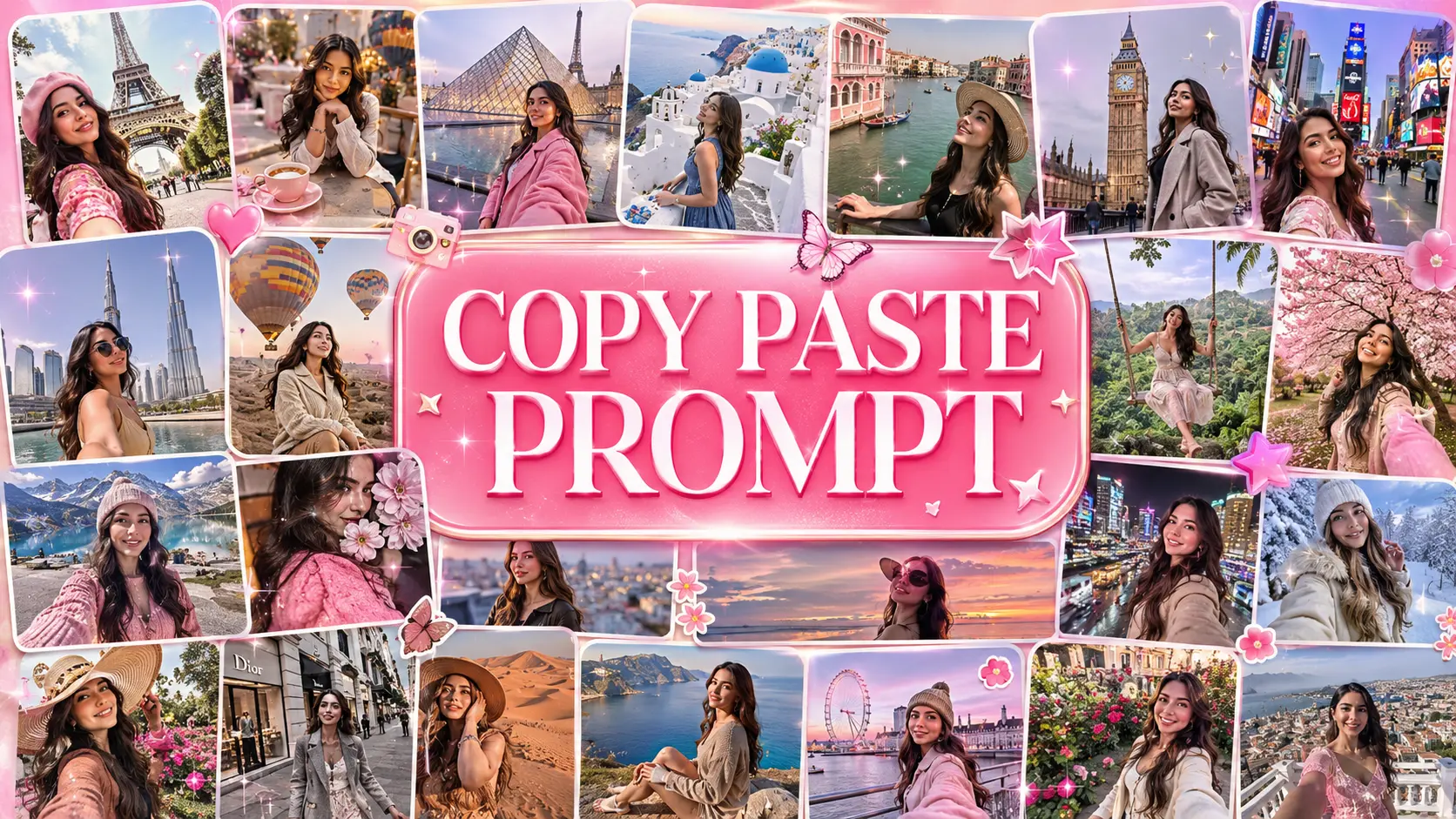
Travel Postcard Aesthetic
Style: Travel
Edit this photo into a travel postcard look: vibrant but natural colors, a clear blue-sky boost, warm sunlight, and crisp outdoor clarity. Keep the location, clothing, and identity of everyone in the photo unchanged.
How to Customize a Copy-Paste Prompt
Every prompt above is a solid starting point, not a fixed script. To adjust one without breaking it, change one variable at a time and leave the rest of the instruction intact.
- Swap only the color words — for example "amber and honey tones" to "cool blue and silver tones" — and keep the lighting and mood description as written.
- Add a single new detail at the end of the prompt, such as "keep the background slightly blurred," rather than rewriting the whole thing.
- If a result looks over-edited, ask the AI to "reduce the intensity of the effect by half" instead of switching to a different prompt entirely.
- Combining two prompts works too — copy the lighting line from one and the color line from another, but keep both identity-preservation instructions.
Common AI Photo Editing Mistakes
- Starting from a blurry or very low-resolution photo. The AI can't recover detail that isn't in the original image, so a clear, well-lit source photo matters more than the prompt itself.
- Stacking too many style changes in one prompt. Asking for a new color grade, a background change, and a lighting change all at once often gives a muddled result. Apply one major change, then refine.
- Leaving out lighting or mood. "Make it look better" is too vague. Prompts that name a specific light source and mood produce far more consistent results.
- Editing group photos with mismatched lighting. If people in the photo are lit differently, ask the AI to balance the lighting across everyone before applying a style.
- Giving up after one attempt. If the first result feels off, ask the AI to adjust one specific element — brightness, warmth, or contrast — instead of starting over with a different prompt.
- Forgetting to state what should stay the same. An edit prompt works best when it says both what to change and what to preserve — face, clothing, pose, and background are the four worth naming explicitly.
How to Get Better Results From Your Photo
A copy-paste prompt does most of the work, but a few small additions make results look more like you and less like a generic AI edit.
- Preserve identity. Add a line like "keep the same face, facial features, and identity" to any prompt. Facial features can occasionally shift during a strong style edit, and this instruction keeps the AI focused on styling rather than reshaping your face.
- Ask for natural skin texture. Add "keep natural skin texture, no plastic or overly smoothed skin" if a result looks too airbrushed.
- Avoid over-editing. If an effect feels too strong, ask the AI to "apply this at about half strength" rather than switching prompts. Heavy stacked effects are the most common cause of an unrealistic result.
- Preserve clothing and pose. Add "keep the clothing, pose, and body position exactly as in the original photo" when you only want lighting or color changed.
- Preserve background and location. If you like your original setting, add "keep the background and location the same" so the AI focuses on color and light instead of replacing the scene.
- Request realistic lighting. Naming a specific, real light source — golden hour sunlight, soft window light, warm lamp light — produces more consistent, photorealistic lighting than a general instruction like "make it look nice."
- Improve a weak first result. Don't discard a close-but-not-quite result. Ask the AI to adjust one variable — brightness, color temperature, or effect strength — in a follow-up message instead of starting over.
Frequently Asked Questions
What is an AI photo prompt copy paste?
It's a ready-made editing instruction you paste into an AI tool along with your photo. It tells the AI exactly how to edit the image, so you don't have to describe the style yourself.
How do I use an AI photo prompt with my own photo?
Copy any prompt on this page, open ChatGPT or Gemini, upload your photo, and paste the prompt in the same message. The AI applies the edit directly to your image.
Should I upload my own photo?
Yes — these prompts are written to edit a real photo you upload, not to generate a new face. Uploading your own photo is what keeps the result looking like you.
Can I use these prompts with ChatGPT?
Yes. Open a ChatGPT conversation, upload your photo, paste the prompt text, and send the message. ChatGPT will return an edited version of your photo.
Can I use these prompts with Gemini?
Yes. These prompts work the same way in Google Gemini — upload your photo, paste the prompt, and Gemini will generate the edit.
Which is better for photo editing, ChatGPT or Gemini?
Neither wins across the board — see the comparison table above. ChatGPT tends to follow longer, multi-part instructions more closely; Gemini is often faster for one focused change.
How do I keep my face and identity consistent?
Add a line to any prompt like "keep the same face, facial features, and identity." Most prompts on this page already include this kind of instruction.
Why does an AI-generated edit sometimes look unrealistic?
It's usually caused by stacking too many changes at once or starting from a blurry source photo. Apply one major change at a time and start with a clear, well-lit image.
Can I customize these prompts?
Yes. Swap out one detail at a time — like a color word or a lighting description — while keeping the rest of the prompt intact.
Are these prompts free?
Yes. Every prompt on this page and across the Nano AI Prompts library is free to copy, paste, and use as many times as you like.
Do these prompts work for group and family photos?
Yes — several prompts here are written for couples, friends, and family photos. For group shots, ask the AI to balance the lighting across everyone before applying a style.
Who is this AI photo prompt guide for?
Anyone editing their own portrait, couple, or group photo for social media, a profile picture, or a keepsake, using ChatGPT or Gemini on a phone or computer — no prior editing experience needed.
Explore More AI Prompts
Looking for ready-to-copy ideas after reading this guide? Explore a rotating selection of AI image prompts from NanoAIPrompts.
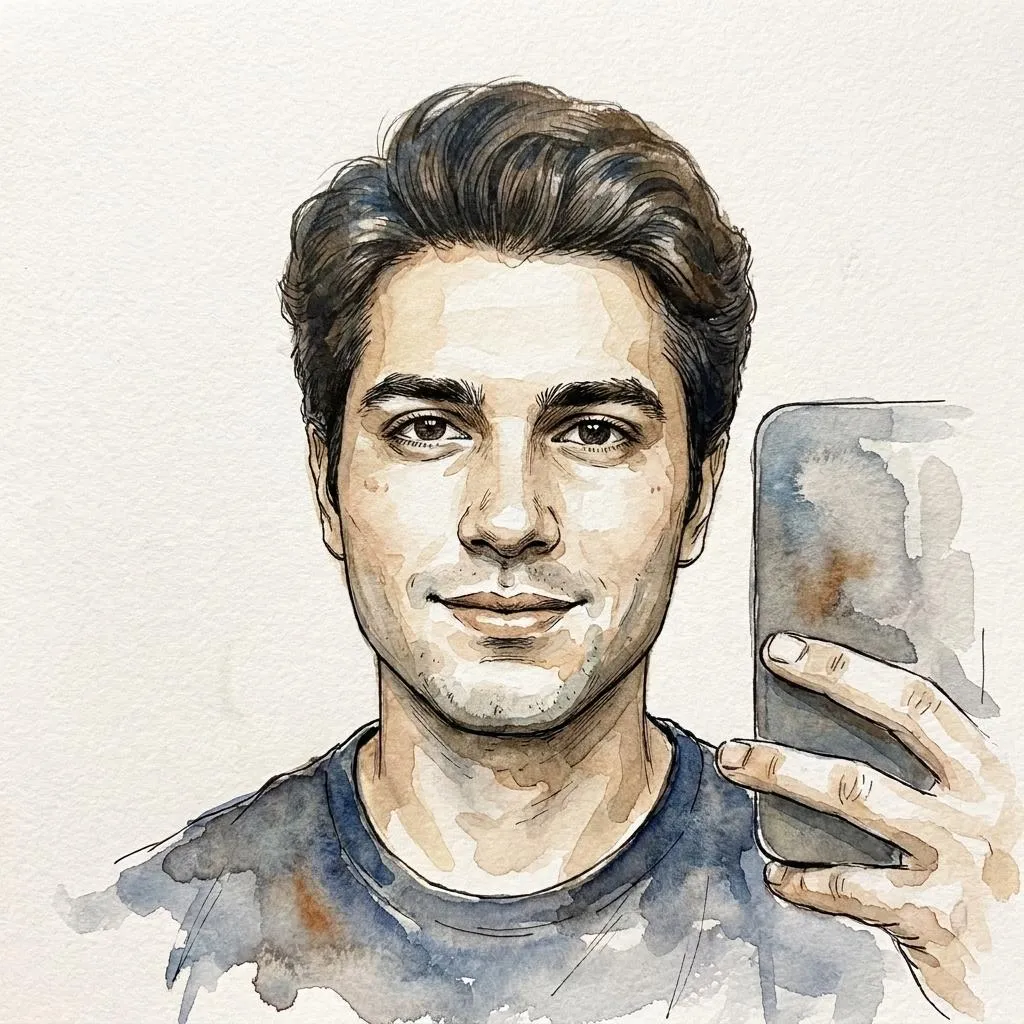 Watercolor and Ink Portrait Photo Editing Prompt
Copy prompt →
Watercolor and Ink Portrait Photo Editing Prompt
Copy prompt →
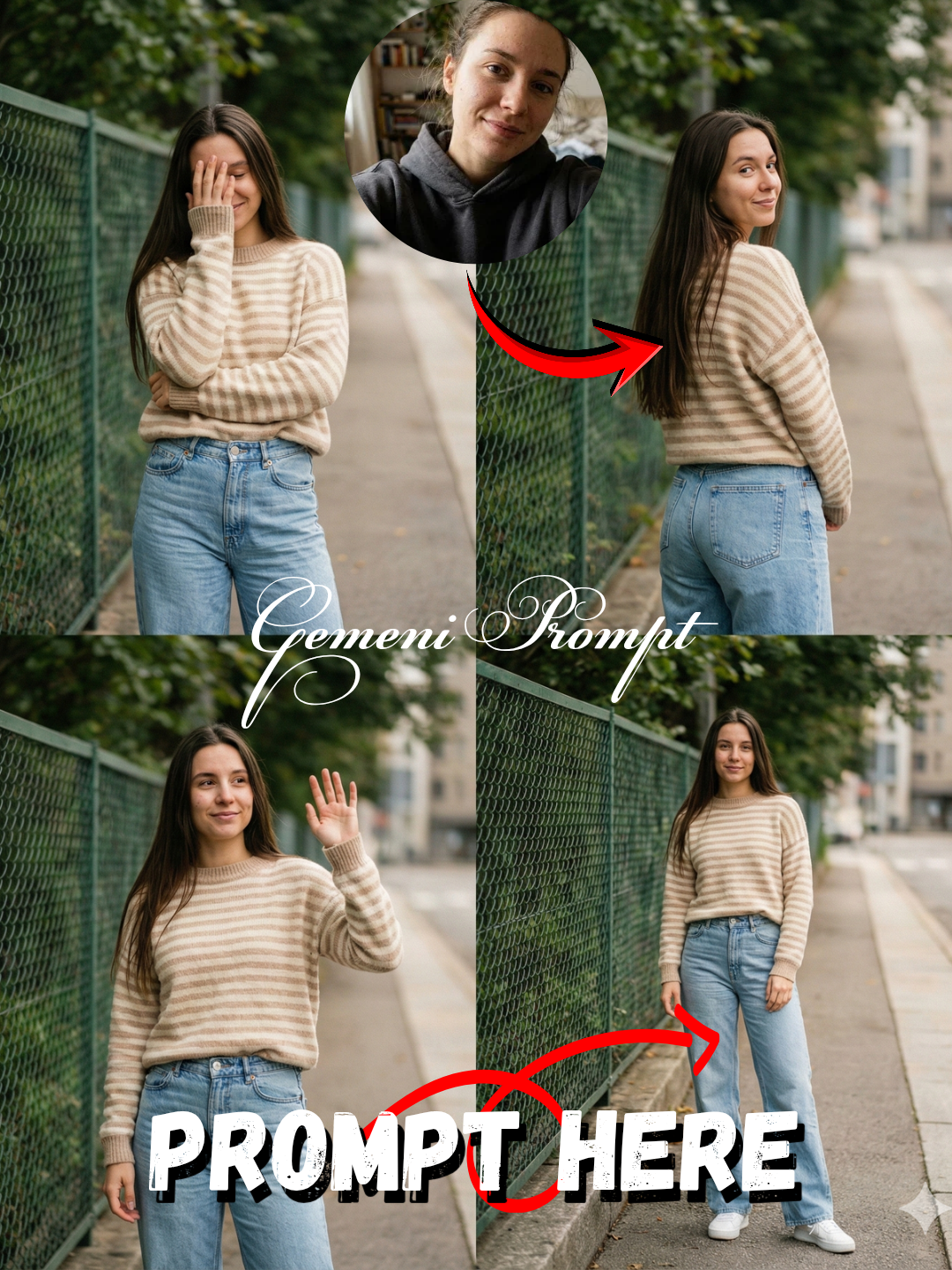 AI Fashion Photo Editing Prompt: Urban Street Style
Copy prompt →
AI Fashion Photo Editing Prompt: Urban Street Style
Copy prompt →
 Dark-Fantasy Oil Painting AI Photo Editing Prompt
Copy prompt →
Dark-Fantasy Oil Painting AI Photo Editing Prompt
Copy prompt →
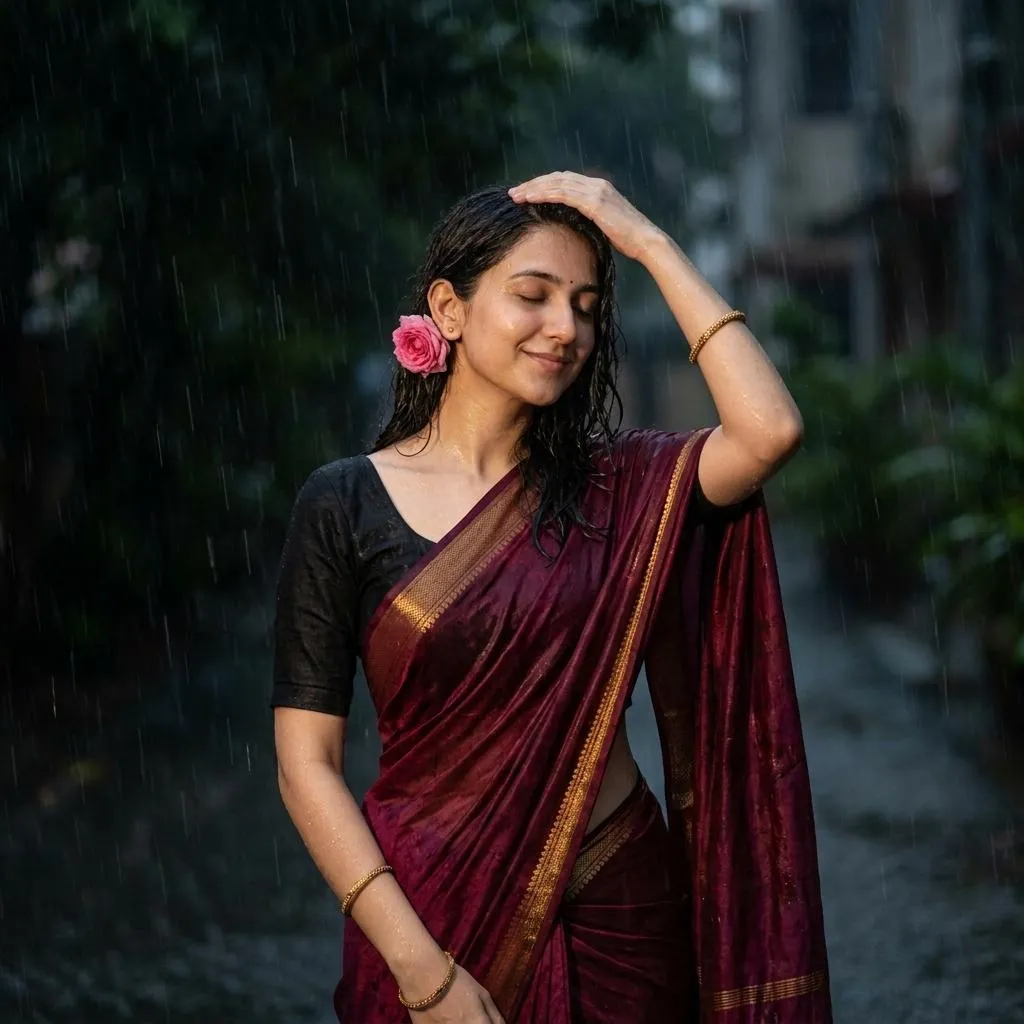 Indian Saree Rain Photo AI Prompt | Copy Paste
Copy prompt →
Indian Saree Rain Photo AI Prompt | Copy Paste
Copy prompt →
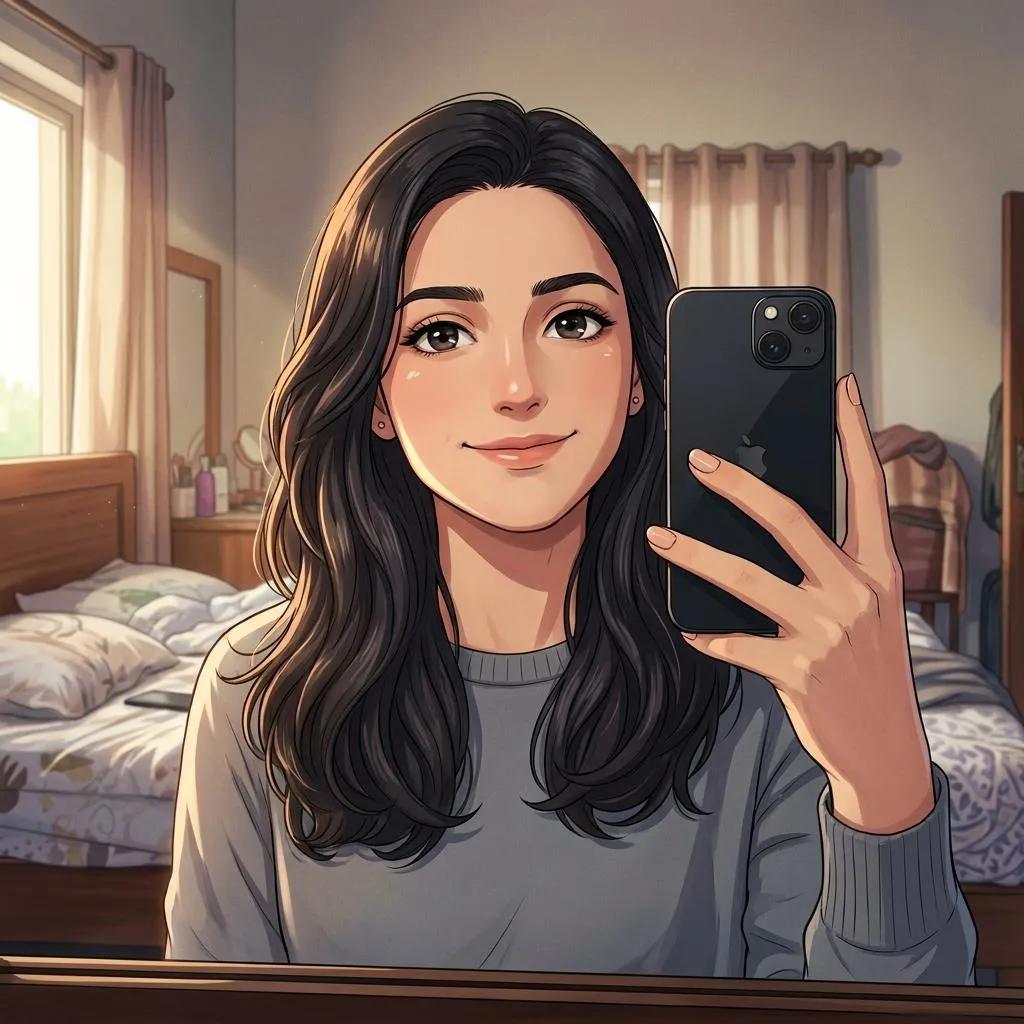 Cinematic Anime Photo Editing Prompt
Copy prompt →
Cinematic Anime Photo Editing Prompt
Copy prompt →
About the Author
The Nano AI Prompts team creates practical, high-fidelity prompt resources for modern AI image and photo editing tools.
Explore all AI prompts →