The AI Photo Prompt Copy Paste Library Everyone's Sharing Right Now

The AI Photo Prompt Copy Paste Library Everyone's Sharing Right Now
Skip the blank prompt box. Copy a ready-made instruction, paste it into ChatGPT or Gemini's Nano Banana, upload your photo, and watch an ordinary selfie turn into a cinematic portrait, a retro polaroid, or a collectible figure — zero design skill required.
01Why "Copy Paste" Prompts Took Over AI Photo Editing
Something changed in how people edit photos this year. Nobody is opening Photoshop anymore, and honestly, most people never bothered to learn it in the first place.
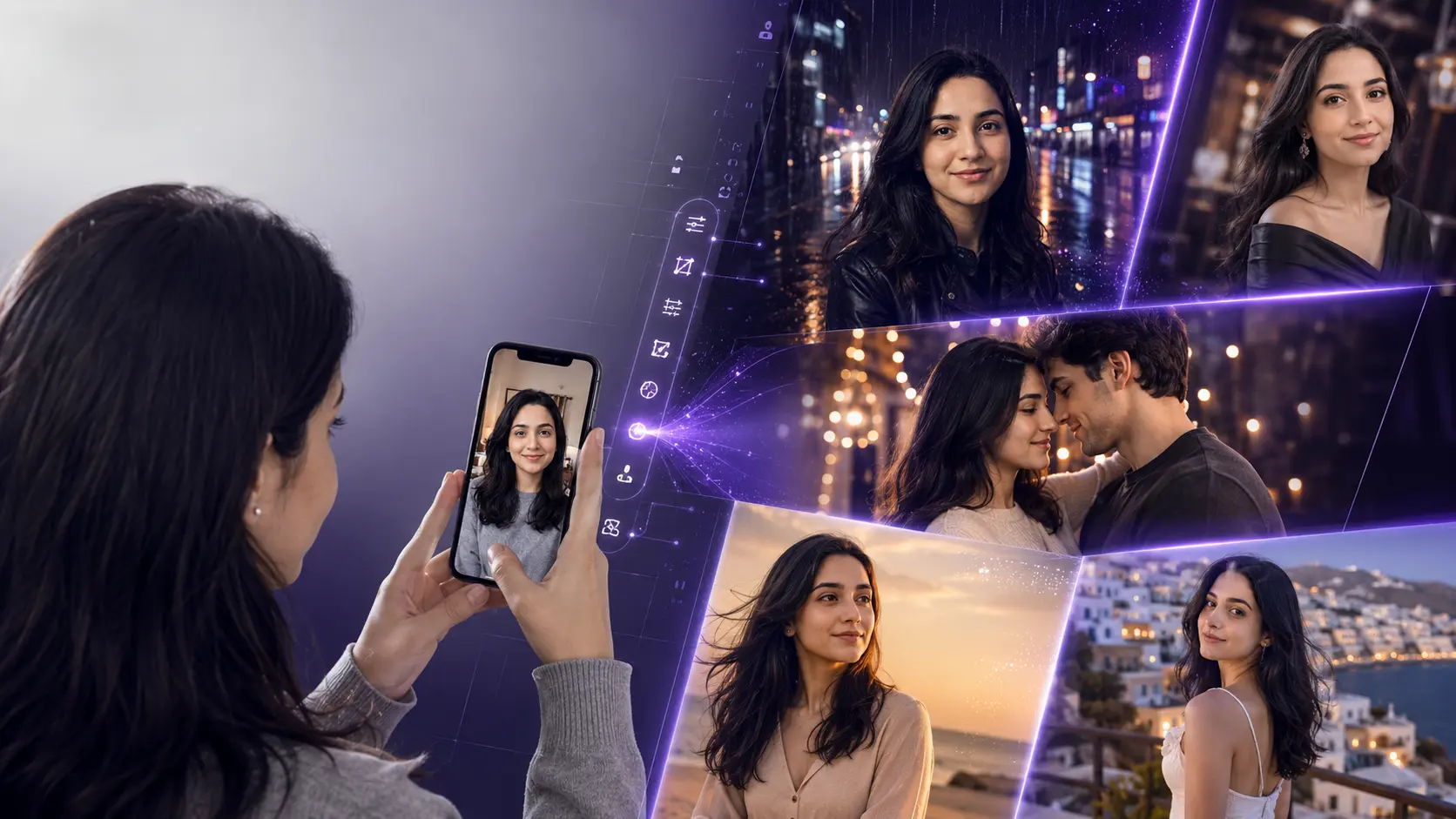
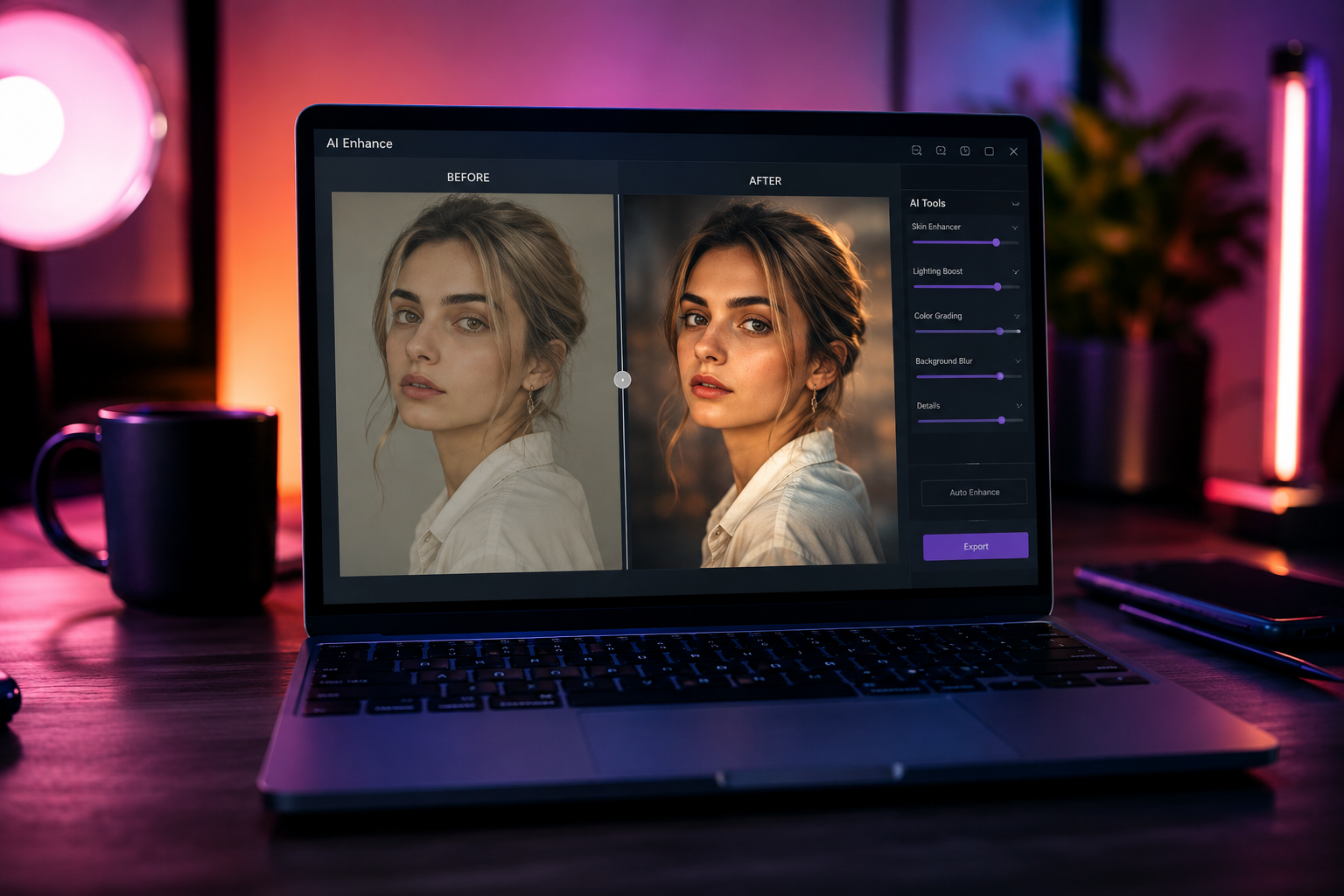
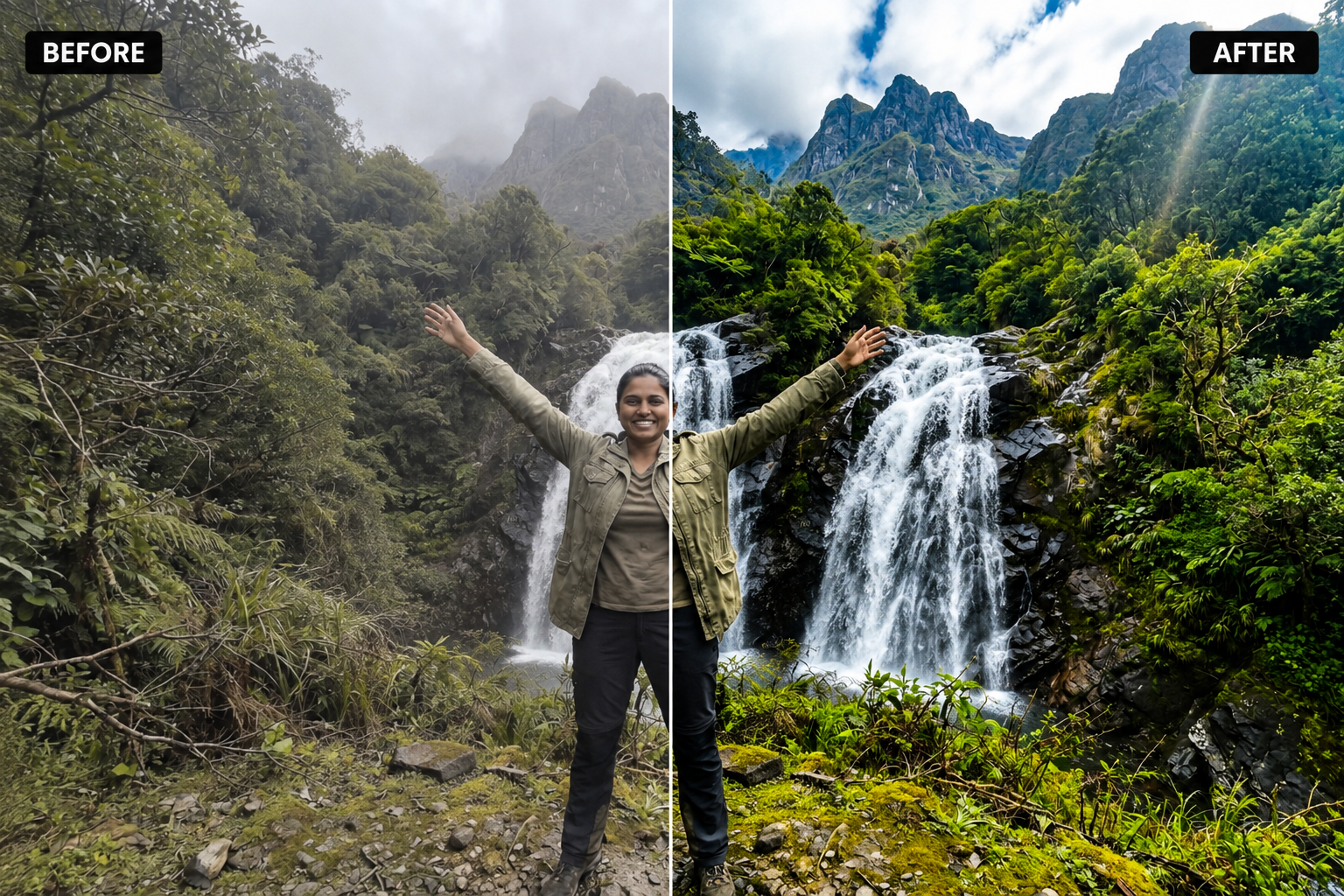
Instead, they're typing a sentence — or better, pasting one that someone else already perfected — into ChatGPT or Google's Gemini, uploading a photo, and getting back a polished, professional-looking result in under a minute. The skill isn't in dragging sliders anymore. It's in knowing exactly what to say to the AI, in what order, with what details.
That's the gap a good ai prompt copy paste library fills. You don't need to figure out the right wording through trial and error. Somebody has already tested it, refined it, and confirmed it works — you just copy, paste, and upload your own photo.
02What Is an AI Photo Prompt Copy Paste Library, Exactly?
There are really two different things people mean when they say "AI prompt," and it's worth separating them clearly:
Text-to-image prompts describe an image from nothing — no starting photo, just a written description the AI turns into a brand-new picture. Photo editing prompts are different, and this is where most of the current viral trend actually lives: you upload your own real photo, pair it with a written instruction, and the AI transforms that specific photo — changing the background, the lighting, the style, or turning you into a cartoon, a toy figure, or a cinematic character — while keeping you recognizably you.
A proper prompt library gives you both, clearly labeled, so you always know whether a prompt needs a photo attached or works on its own.
03Meet Nano AI Prompts
Nano AI Prompts is a free, no-login prompt library built around exactly this idea: every prompt is copy-paste ready, categorized, and written to pair with a photo you already have. You're not starting from a blank page and hoping the AI understands what "make it look nice" means — you're pulling a prompt that's already been shaped into the kind of detailed, structured instruction that AI image models respond to best.
The copy-paste prompts page is organized so you can scan by category, grab what fits your photo, and get straight to generating — no sign-up wall, no watching a tutorial first.
04How to Use Any Prompt From the Library
Pick a prompt and copy it
Browse by category — portrait, retro, toy-style, background swap, restoration — and copy the exact wording of the prompt you like.
Open your AI tool and upload your photo
Open ChatGPT, Gemini (Nano Banana), or whichever image tool you use, and upload the photo you want transformed.
Paste the prompt and generate
Paste it exactly as written, or tweak small details like the background color or mood, then hit generate. That's the whole process.
05Prompt Categories Inside the Library
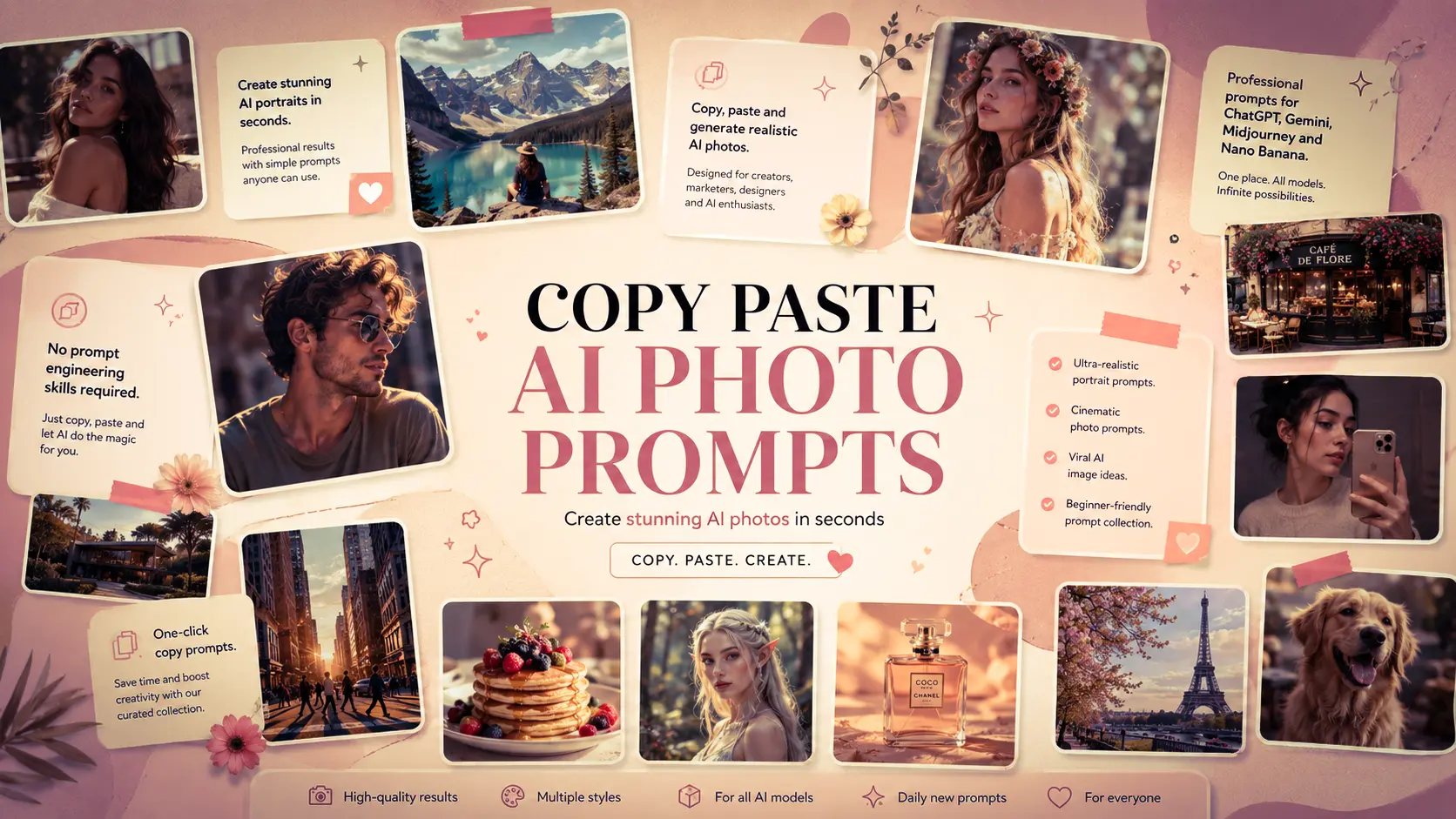
Here's a small taste of what's inside — real examples from a few of the most-used categories. Copy any of these directly, or grab the full, constantly-updated set from the prompt library.
06Which AI Tools Work With These Prompts?
Most prompts in the library are written to work across today's leading image-editing AI models, since they all respond to the same kind of clear, structured natural-language instruction:
Upload a photo directly in the chat, paste the prompt, and ChatGPT's image tools apply the edit.
Google's Gemini image models — known as Nano Banana — are especially strong at photo edits that keep your face consistent.
Any modern AI tool that accepts a photo plus a text instruction can generally run the same prompt, sometimes with small wording tweaks.
07Why ChatGPT Photo Editing Prompts Keep Going Viral
Every few weeks, a new prompt style takes over Instagram and TikTok — action-figure versions of people in blister packs, exaggerated caricatures, couples recreated as pairs of pandas or puppies, portraits shot like a movie still. The pattern behind all of them is the same: one well-written prompt, applied to a personal photo, produces something that feels custom-made rather than generic.
That's exactly why chatgpt new photo editing prompts spread so fast — the output looks like it took real editing skill, but the actual effort was copying a sentence and uploading a picture. People share the result, someone asks "what prompt did you use," and the prompt itself becomes the thing that spreads.
085 Tips to Get Better Results From Any Prompt
Always tell the AI what to keep unchanged — face, pose, outfit — not just what to change.
Be specific about lighting and mood ("warm golden-hour rim light") instead of vague words like "make it nice."
Change one main thing at a time — background or style or outfit gives cleaner results than all three at once.
Start with a clear, well-lit, high-resolution photo — the AI can only work with what it can actually see.
Save the exact wording that works well for you — small changes in phrasing genuinely change the output.
09Frequently Asked Questions
What does "AI prompt copy paste" mean?
It means you don't write your own AI instructions from scratch. You copy a ready-made prompt from a library, paste it into a tool like ChatGPT or Gemini, upload your photo, and the AI applies the edit for you.
Are the prompts on Nano AI Prompts free?
Yes. Every prompt in the library is free to copy and use. You only need an account on the AI tool itself — ChatGPT or Gemini, for example — to actually run the prompt.
Which AI apps work with these copy-paste prompts?
Most are written for ChatGPT's image tools and Google Gemini's Nano Banana models, and many also work in other image editors that accept a photo plus a text instruction.
Do I need Photoshop or design skills?
No — that's the entire point of a copy-paste library. You upload a photo, paste the text, and the AI handles lighting, background, and style automatically.
Will the AI keep my face the same?
Well-written prompts specifically ask the AI to preserve facial features and identity while only changing lighting, background, outfit, or style — which is why the exact wording matters.
Grab Your First Prompt in the Next 30 Seconds
No sign-up, no cost, no learning curve — just copy a prompt, paste it with your photo, and see what it turns into.
Explore More AI Prompts
Looking for ready-to-copy ideas after reading this guide? Explore a rotating selection of AI image prompts from NanoAIPrompts.
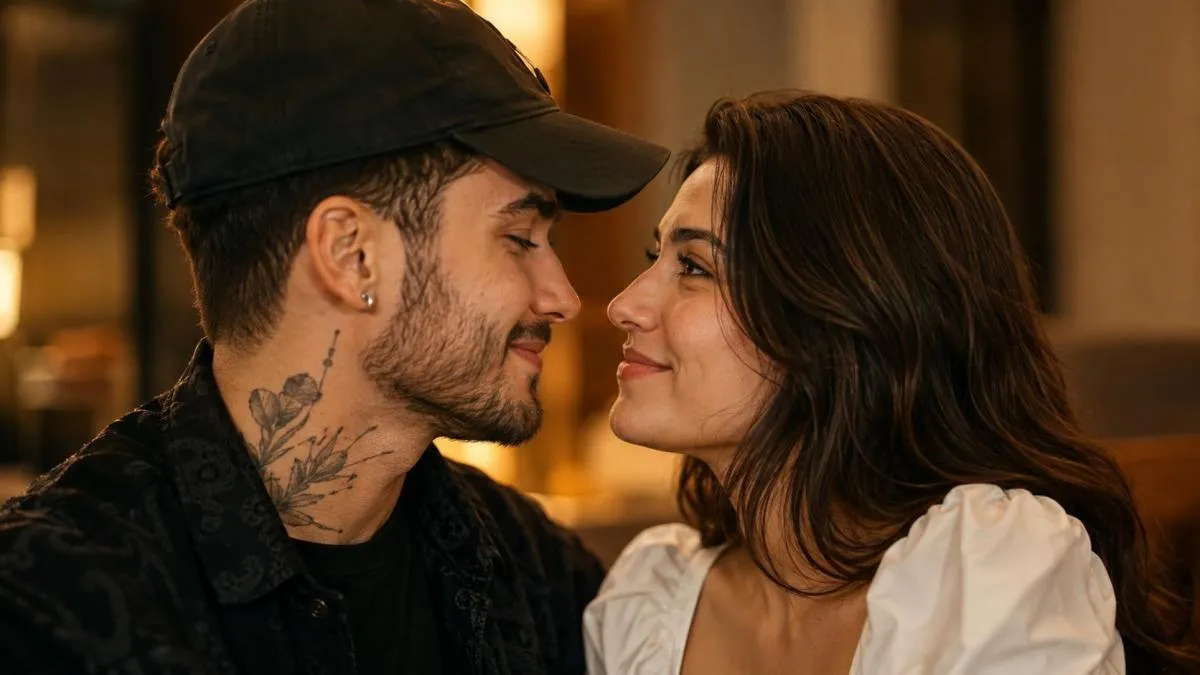
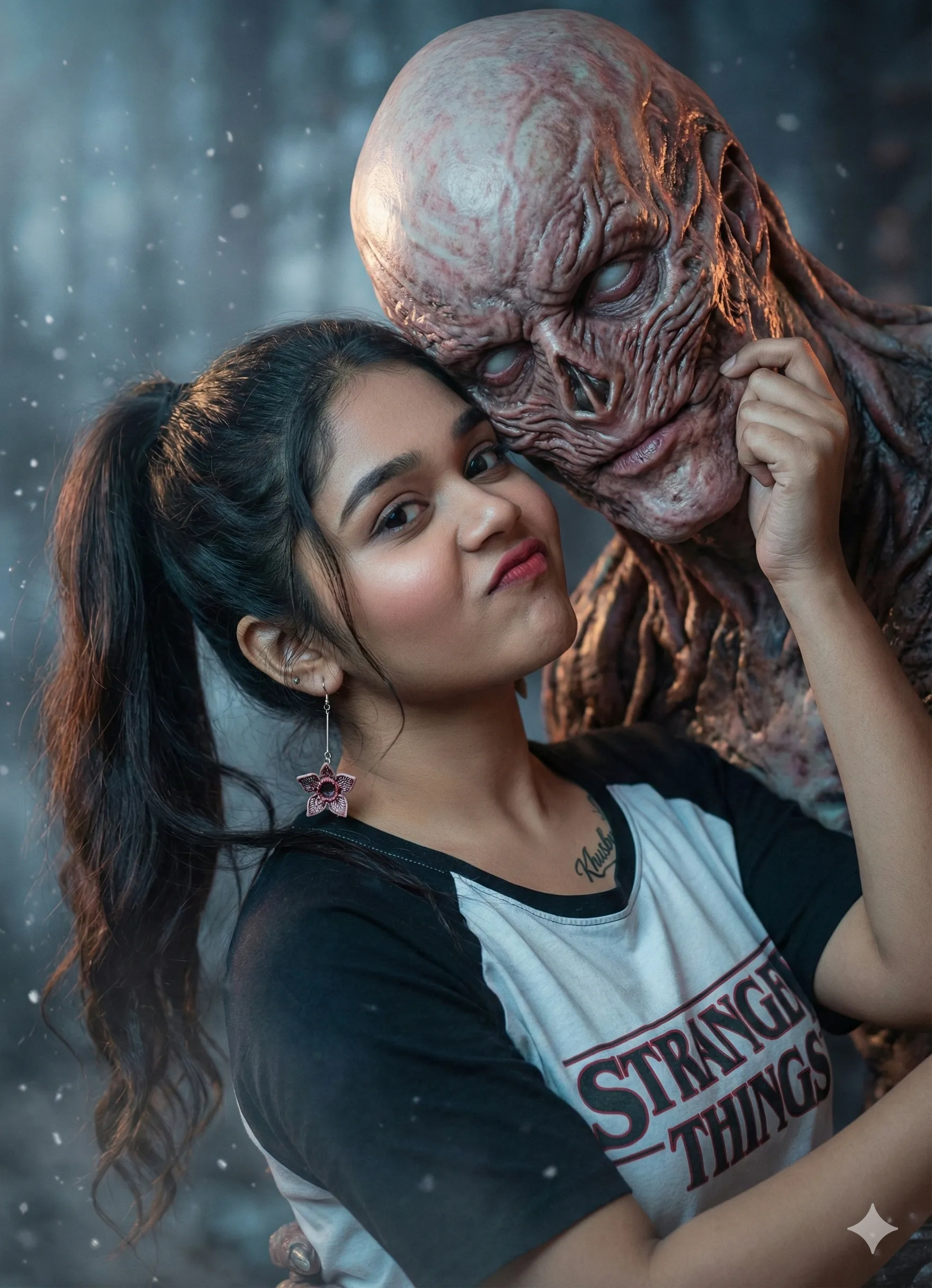

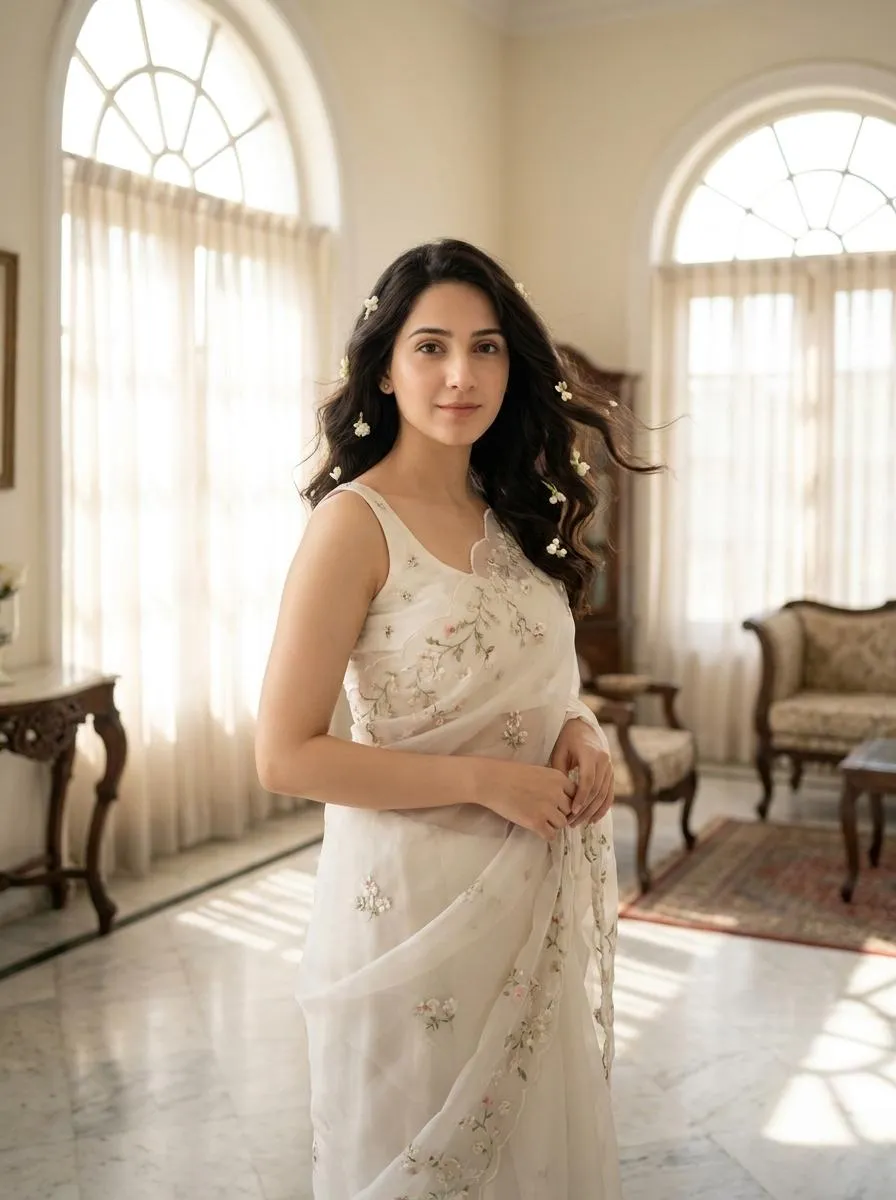
![Retro Saree Portrait AI Prompt [Copy Paste]](https://nanoaiprompts.com/assets/uploads/img_6a7441962e647_1786003862.webp)
About the Author
The Nano AI Prompts team creates practical, high-fidelity prompt resources for modern AI image and photo editing tools.
Explore all AI prompts →