
 Nano Banana
The Prompt
How to Use this Nano Banana Prompt
Open Nano Banana
Launch the AI image tool.
Add Reference
Upload a photo if the prompt needs one.
Paste Prompt
Copy and paste the prompt above.
Generate
Create your AI image.
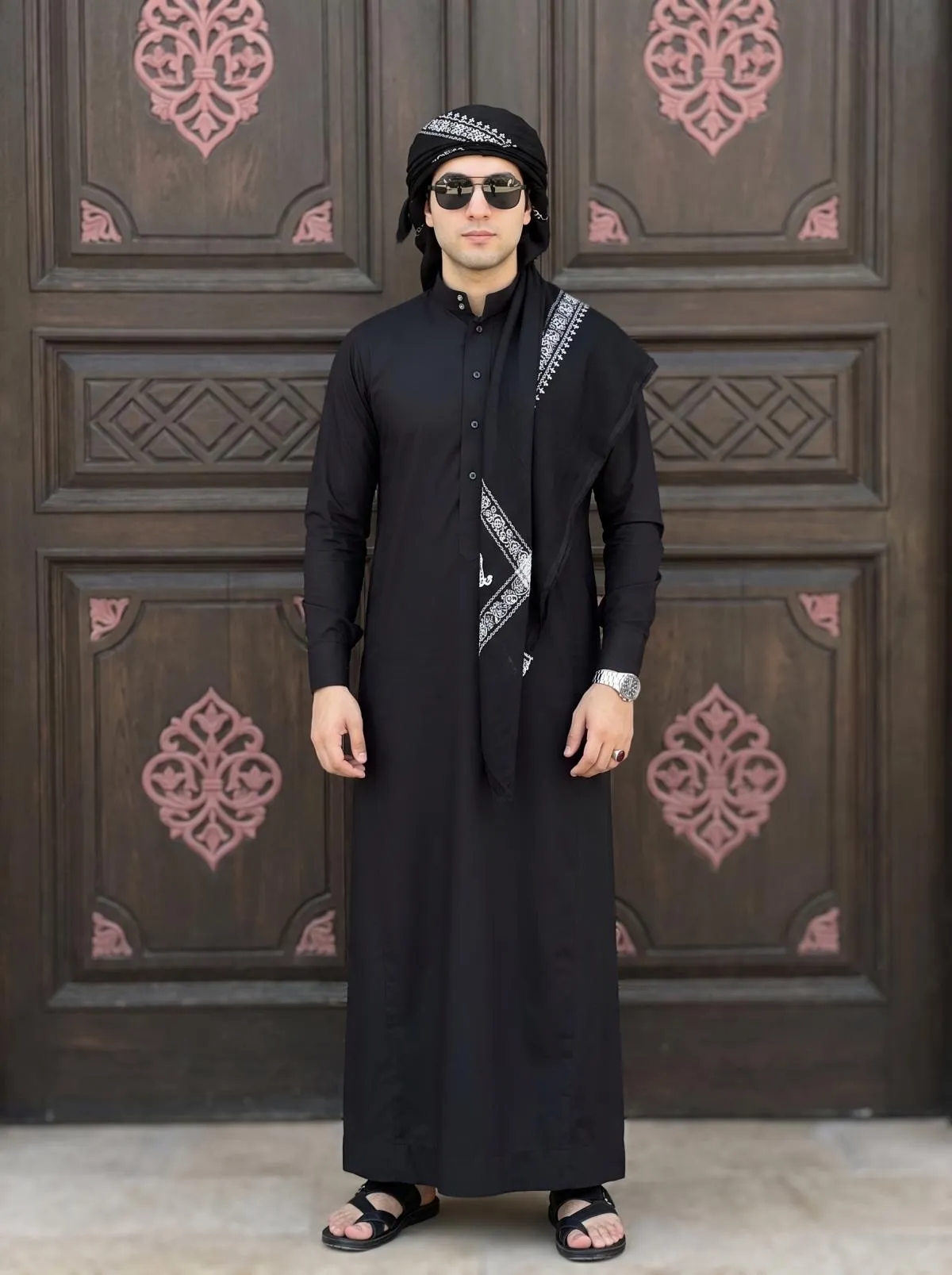
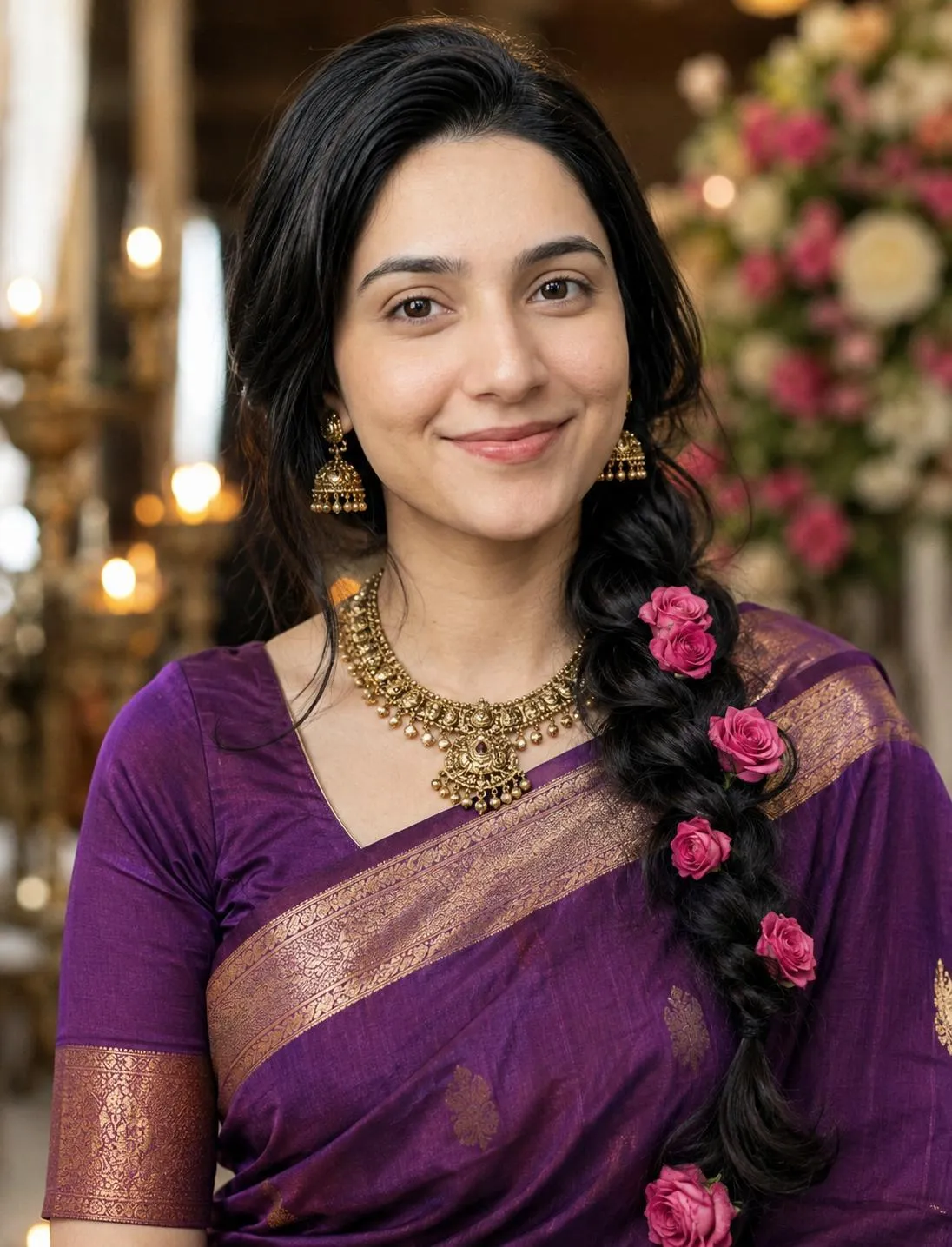
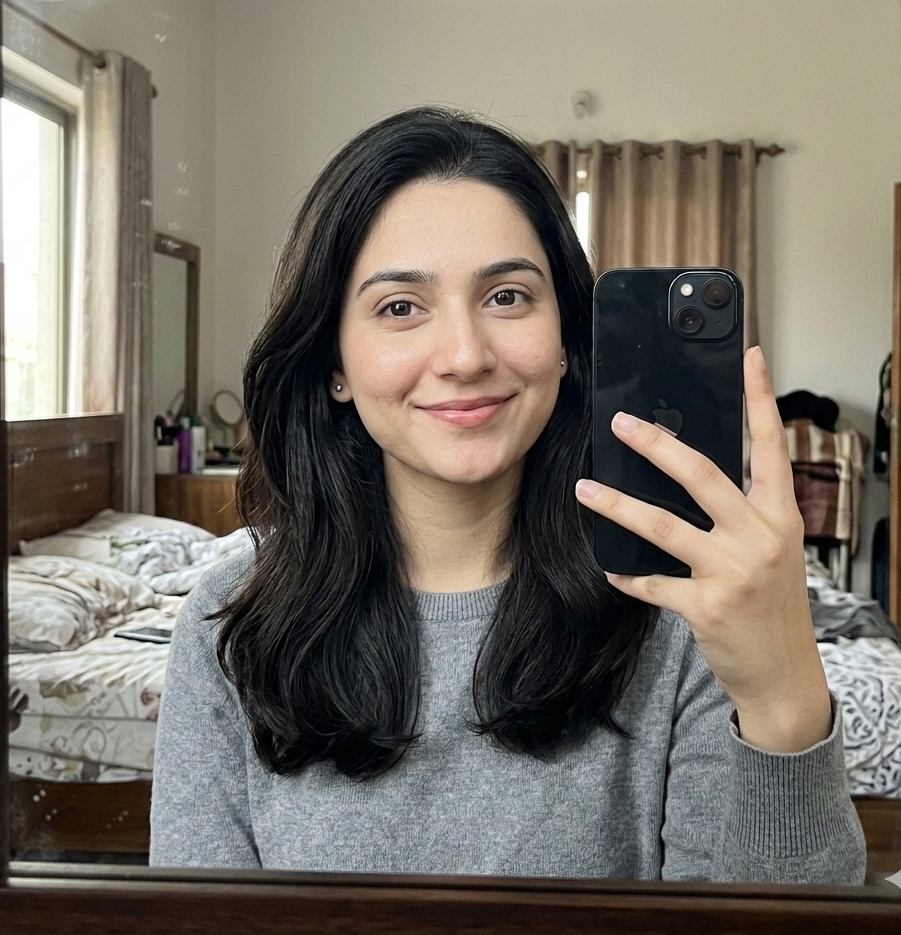
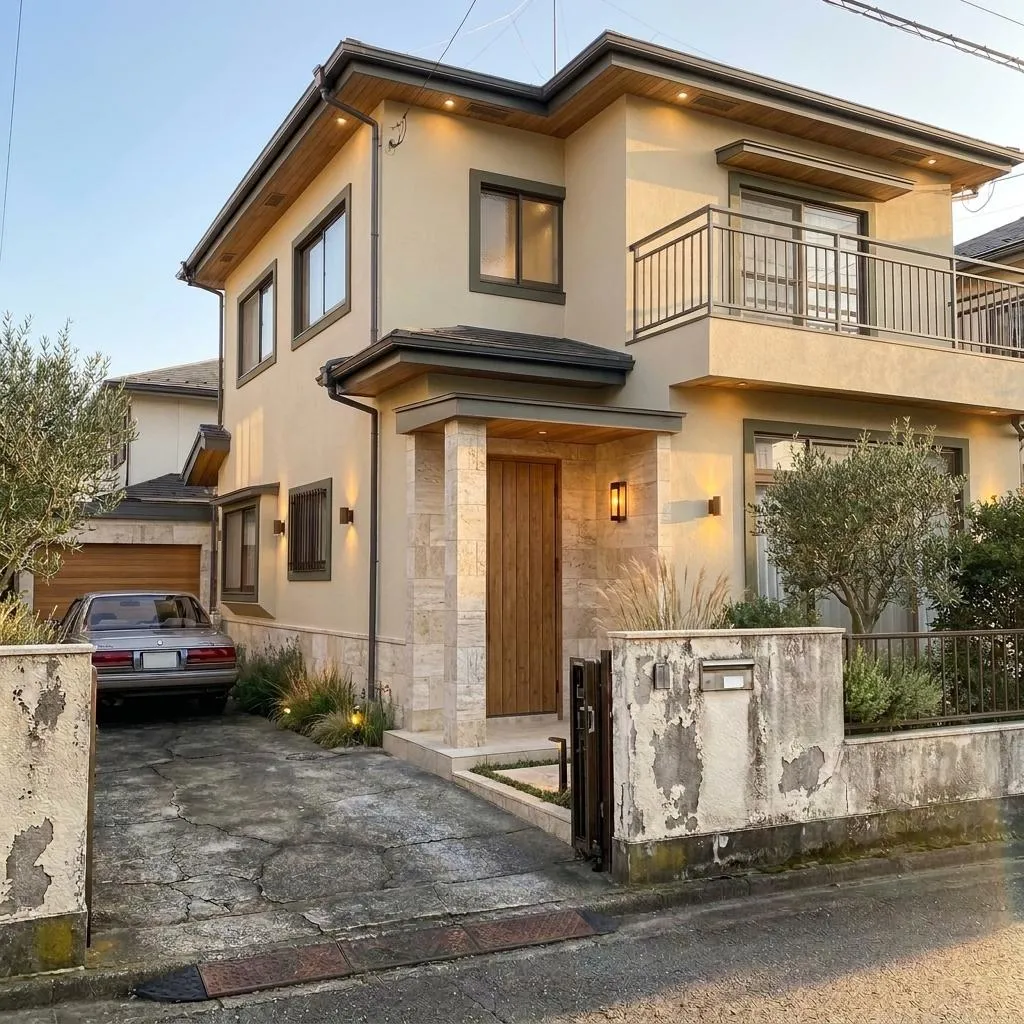
About This AI Prompt: Add Indian Girl to Your Photo Realistically Prompt
This AI prompt is designed to seamlessly integrate a beautiful North Indian young girl into your existing photographs. It focuses on creating a realistic addition, ensuring the new element feels like an original part of the image, rather than a superimposed layer. The prompt specifies an aesthetic Indian kurti, loose straight hair, and a pose where she hides her face with your shoulders, her hair, and her hand, all while subtly smiling. Crucially, it instructs the AI not to alter the original background, image quality, or your position, making it an ideal tool for precise photo manipulation.
Anyone looking to personalize their photos with a specific cultural and visual aesthetic will find this AI prompt add Indian girl incredibly useful. It's perfect for creating unique social media content, personal keepsakes, or even enhancing storytelling in visual projects. Whether you want to imagine a new friend, a family member, or a character alongside you in a photograph, this prompt offers a highly specific and charming visual outcome without requiring advanced photo editing skills. It caters to a niche desire for authentic and culturally resonant AI-generated imagery.
To use this AI prompt, simply upload your desired base image to your preferred AI image generation platform that supports image-to-image or inpainting functionalities. Then, copy and paste the prompt, ensuring the AI understands the context of “me” or “my position” in relation to the added girl. Most advanced AI models can interpret these spatial relationships effectively. The explicit instructions to maintain the original background and image quality are vital for achieving a cohesive and believable final product, making the integration process straightforward for users of any skill level.
While the core elements of the prompt are quite specific, you can still explore customization. For instance, you might experiment with different colors or patterns for the “aesthetic Indian kurti” by adding specific descriptors. You could also subtly adjust the description of her “loose straight hair” if you prefer a slightly different style, though the essence of her hiding her face should remain to preserve the prompt's unique charm. Remember, the prompt emphasizes realism, so any customizations should align with maintaining a natural look.
The resulting image, achieved with this AI prompt add Indian girl, offers significant value for social media and creative projects. The natural integration of the girl, her specific attire, and her shy pose create a narrative element that can draw viewers in. It allows for the creation of deeply personal and visually engaging content that stands out from generic stock imagery. This method of AI photo editing prompt Indian girl provides a powerful way to bring specific visions to life, enhancing personal expression and visual storytelling across various digital platforms.
Frequently Asked Questions
Common questions about this AI prompt and how to get the best results.
Pro Tips for Better Results
- Ensure your base image has a clear space next to you for the girl to be added naturally.
- When using the prompt, explicitly state 'next to me' or 'beside me' to guide the AI's placement.
- If your AI model supports it, use a negative prompt to avoid unwanted changes to your original image's quality or background.
- Experiment with adding specific colors or fabric patterns to 'aesthetic Indian kurti' for a personalized touch.
- For even greater realism, specify 'photorealistic' in addition to the prompt's existing emphasis on a 'real' look.