
 Nano Banana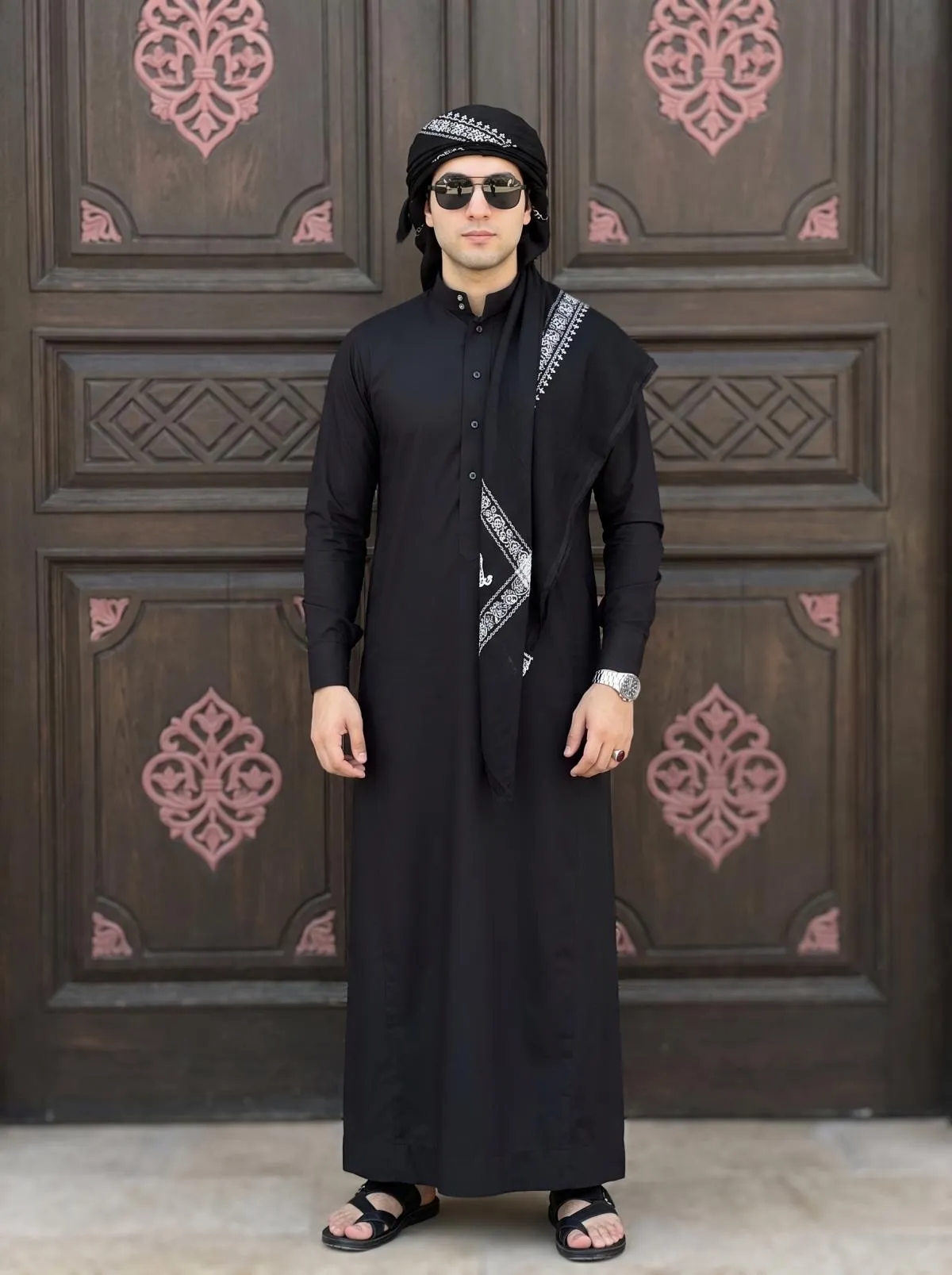
The Prompt
How to Use this Nano Banana Prompt
Open Nano Banana
Launch the AI image tool.
Add Reference
Upload a photo if the prompt needs one.
Paste Prompt
Copy and paste the prompt above.
Generate
Create your AI image.
About This Cinematic Yemeni Shemagh & Qamis AI Portrait Prompt Prompt
This specialized AI image prompt is designed to generate an ultra-realistic cinematic full-body portrait incorporating specific traditional clothing elements and accessories. By leveraging advanced image generation capabilities, it ensures high fidelity to an uploaded reference image, maintaining exact facial and physical identity while placing the subject in a meticulously detailed cultural attire setup. Whether you are exploring unique digital aesthetics or building a personalized visual project, this setup offers a reliable foundation for striking, high-detail visual outputs.
Designed primarily for users who want to experiment with culturally specific fashion and portraiture, this cinematic photo editing prompt serves creators, digital artists, and individuals interested in hyper-realistic personal rendering. It bridges the gap between modern generative AI tools and traditional wardrobe aesthetics, allowing for seamless integration of specific garments like a black Yemeni shemagh, an emirati qamis, a premium watch, and a yakoor ring. The use cases extend to digital portfolios, concept design, and personal avatar creation where accurate likeness is paramount.
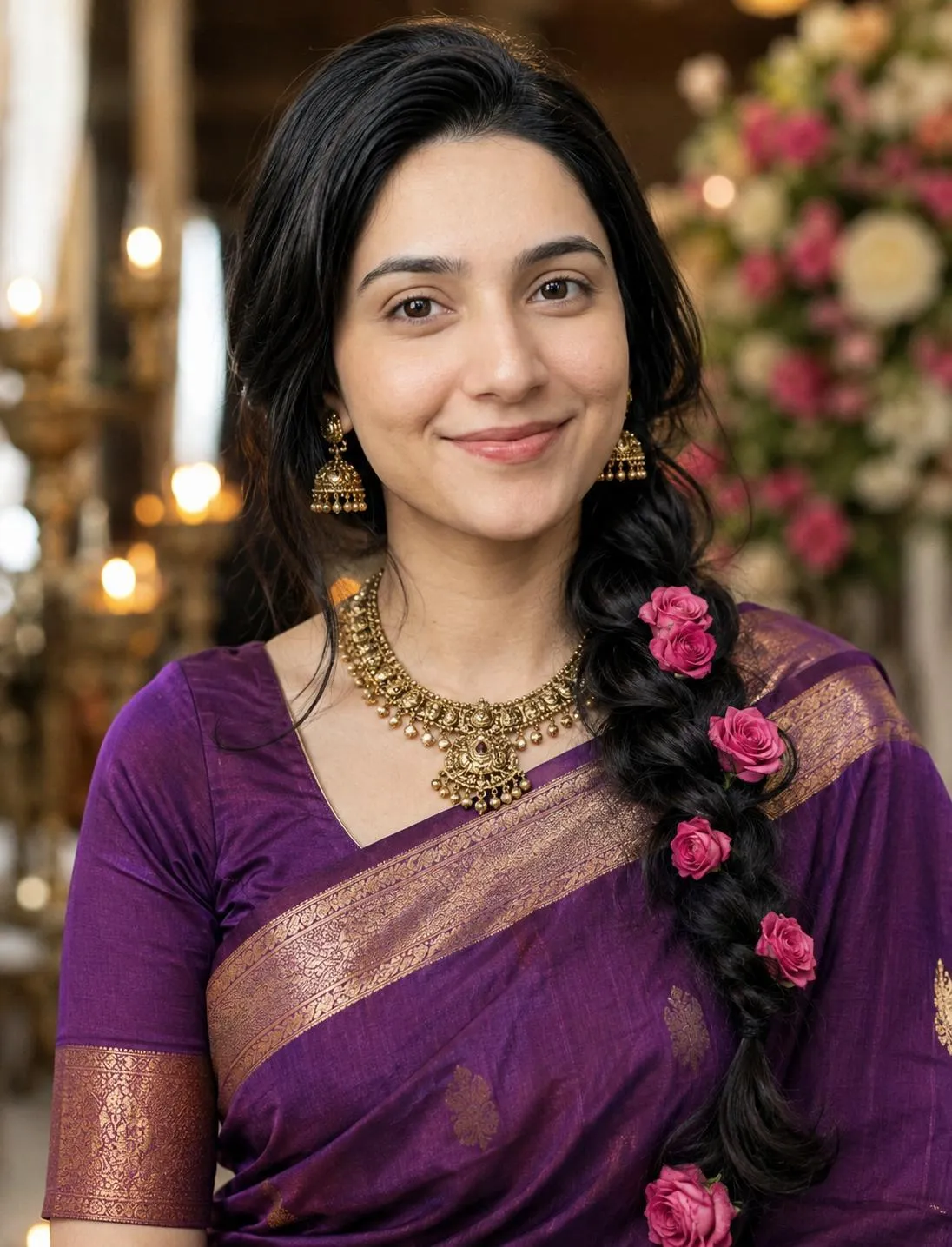
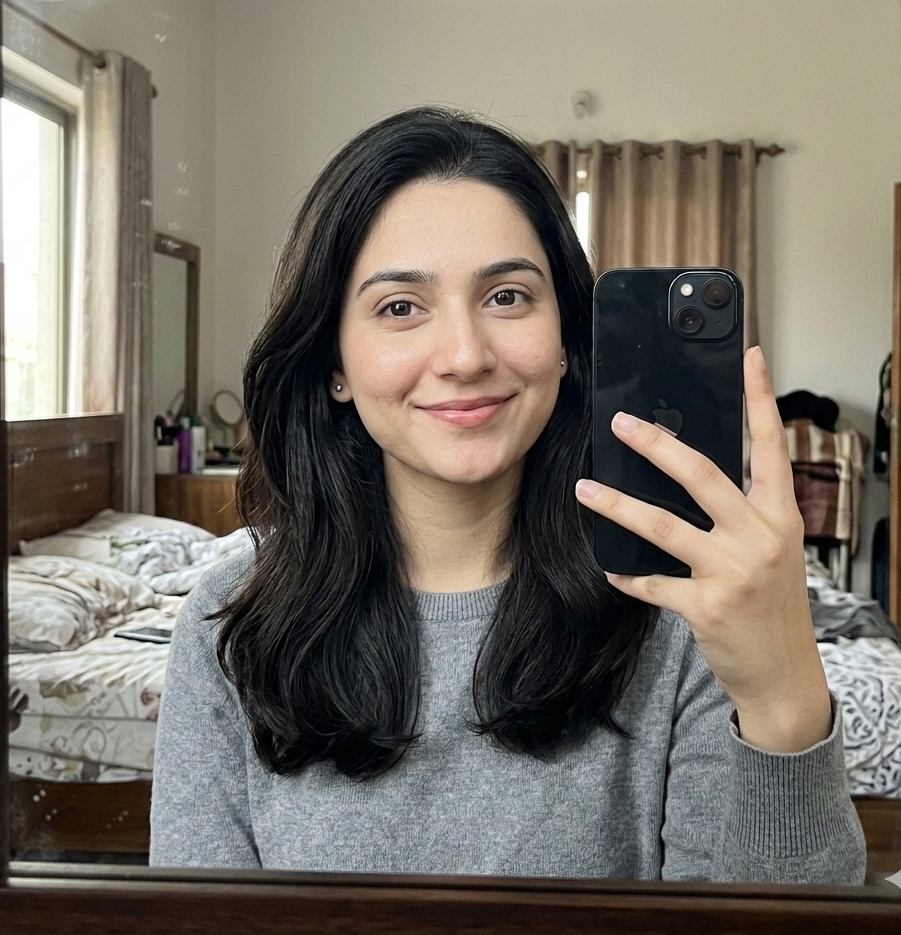
To achieve the best results with this prompt, utilize an AI image generator that supports image-to-image workflows and precise facial reference uploads. Ensure that your base reference photograph is well-lit and clearly displays your facial features so the AI can accurately map your likeness onto the generated body and clothing. Fine-tuning the weight parameters for your reference image can also help balance the exact facial identity with the detailed environmental and clothing descriptions provided in the text prompt.
Customization within this prompt should strictly adhere to the elements provided in the source text. You can adjust specific accessory details, such as the color of the watch or the specific geometric patterns on the ornate black background door, while maintaining the core structure. Avoid introducing unsupported elements like unauthorized camera brands or entirely different environments, as this can disrupt the cohesive shallow depth of field and bright natural lighting specified in the original design.
The resulting visual style emphasizes high detail, a medium shot vertical orientation, and a shallow depth of field that draws immediate focus to the subject against an ornate architectural backdrop. This aesthetic is particularly useful for creating polished social media posts, artistic profile displays, or high-end digital lookbooks. By combining sharp subject focus with traditional cultural fashion elements, the generated images deliver a sophisticated, professional photographic finish.
Frequently Asked Questions
Common questions about this AI prompt and how to get the best results.
Pro Tips for Better Results
- Upload a clear, front-facing reference image with even lighting to ensure the AI accurately replicates your exact facial and physical identity.
- Maintain the vertical aspect ratio (ar 9:16) to preserve the medium shot composition and keep the ornate background door properly framed.
- Adjust the image reference weight in your AI generator if the generated face deviates too much from your original uploaded photo.
- Keep the specific clothing items—such as the Yemeni shemagh, qamis, and shawal—in your text tweaks to preserve the intended traditional aesthetic.
- Ensure your generative platform supports complex multi-element descriptions to capture both the intricate accessories like the yakoor ring and the background motifs simultaneously.