


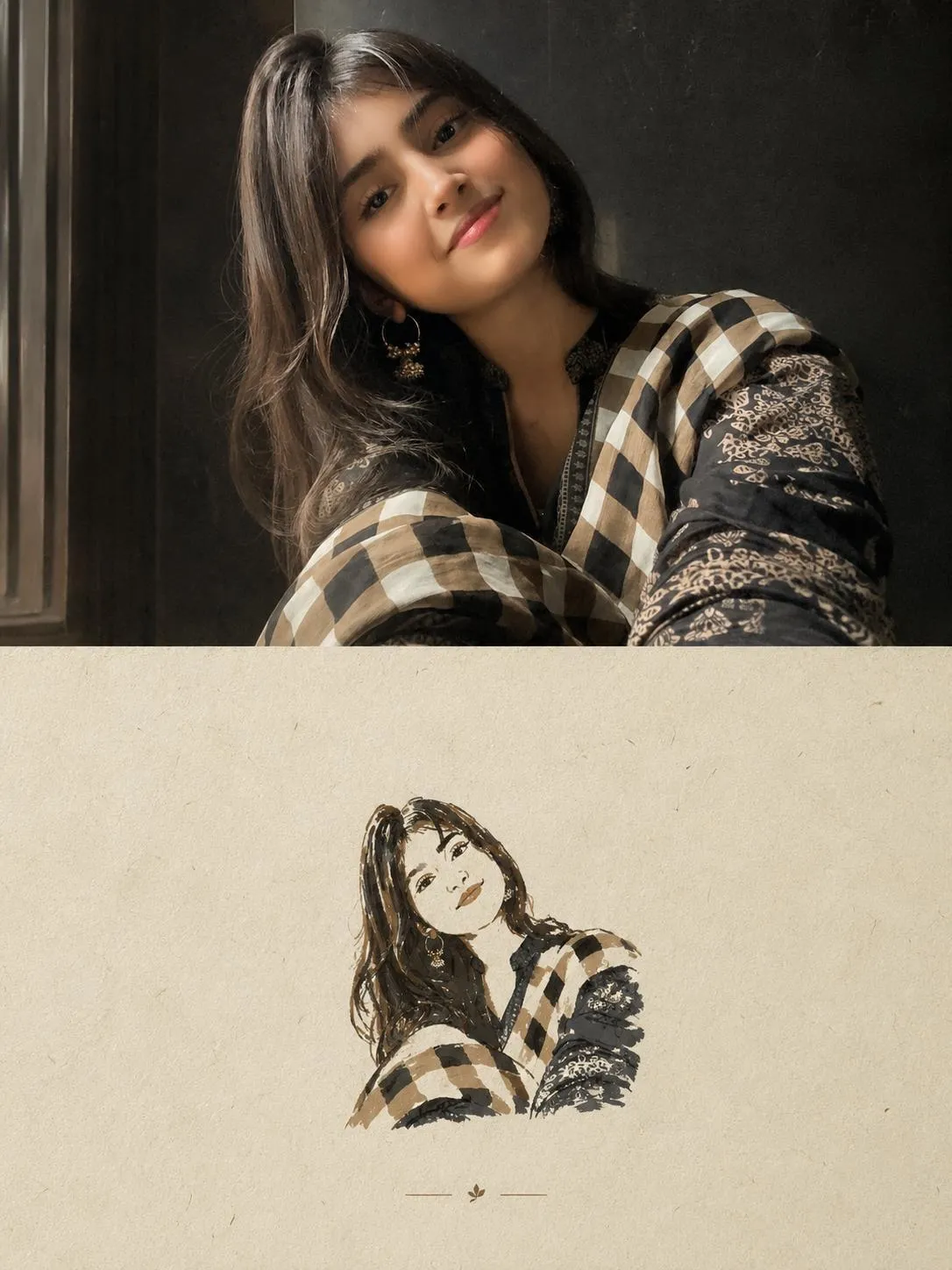
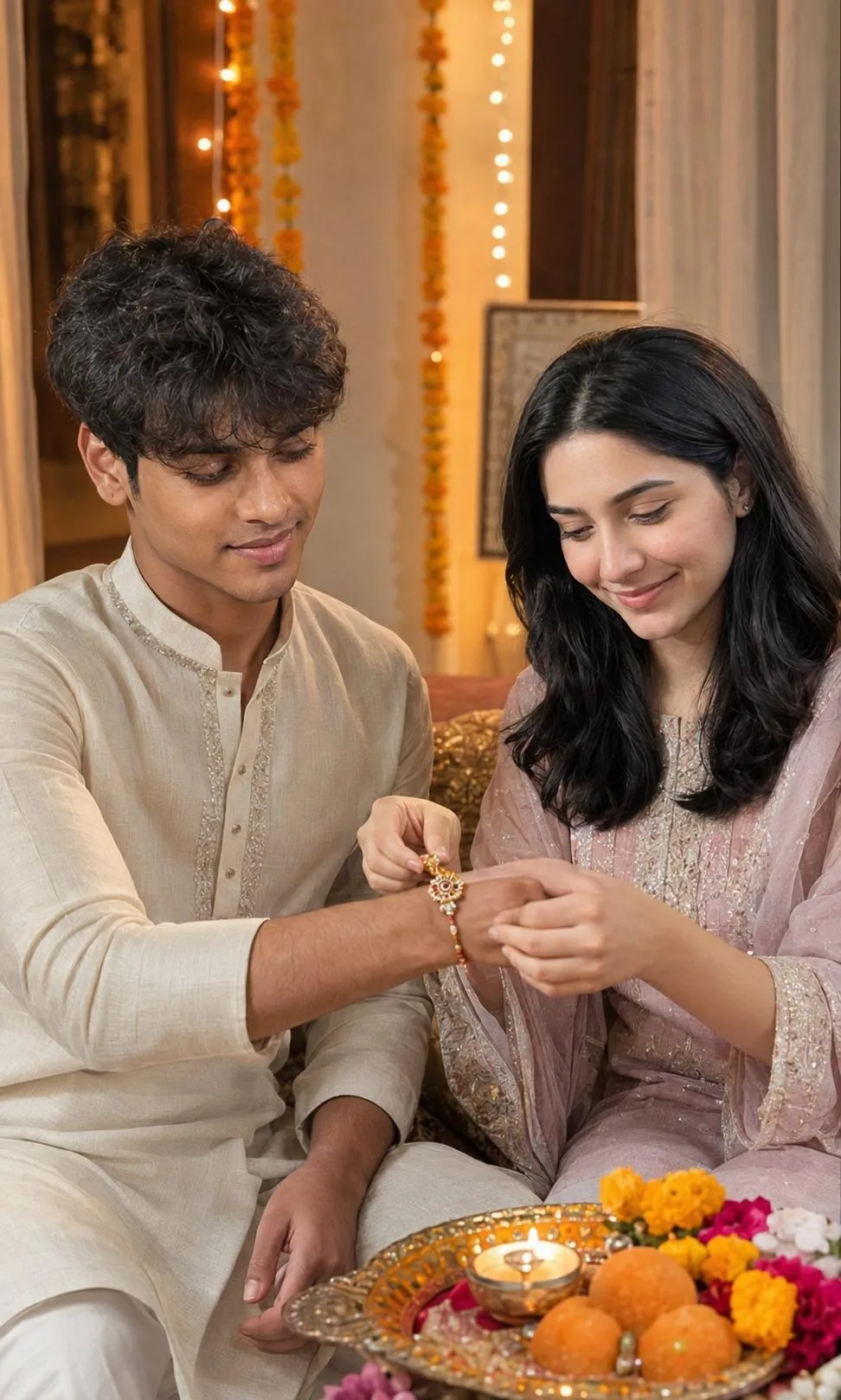
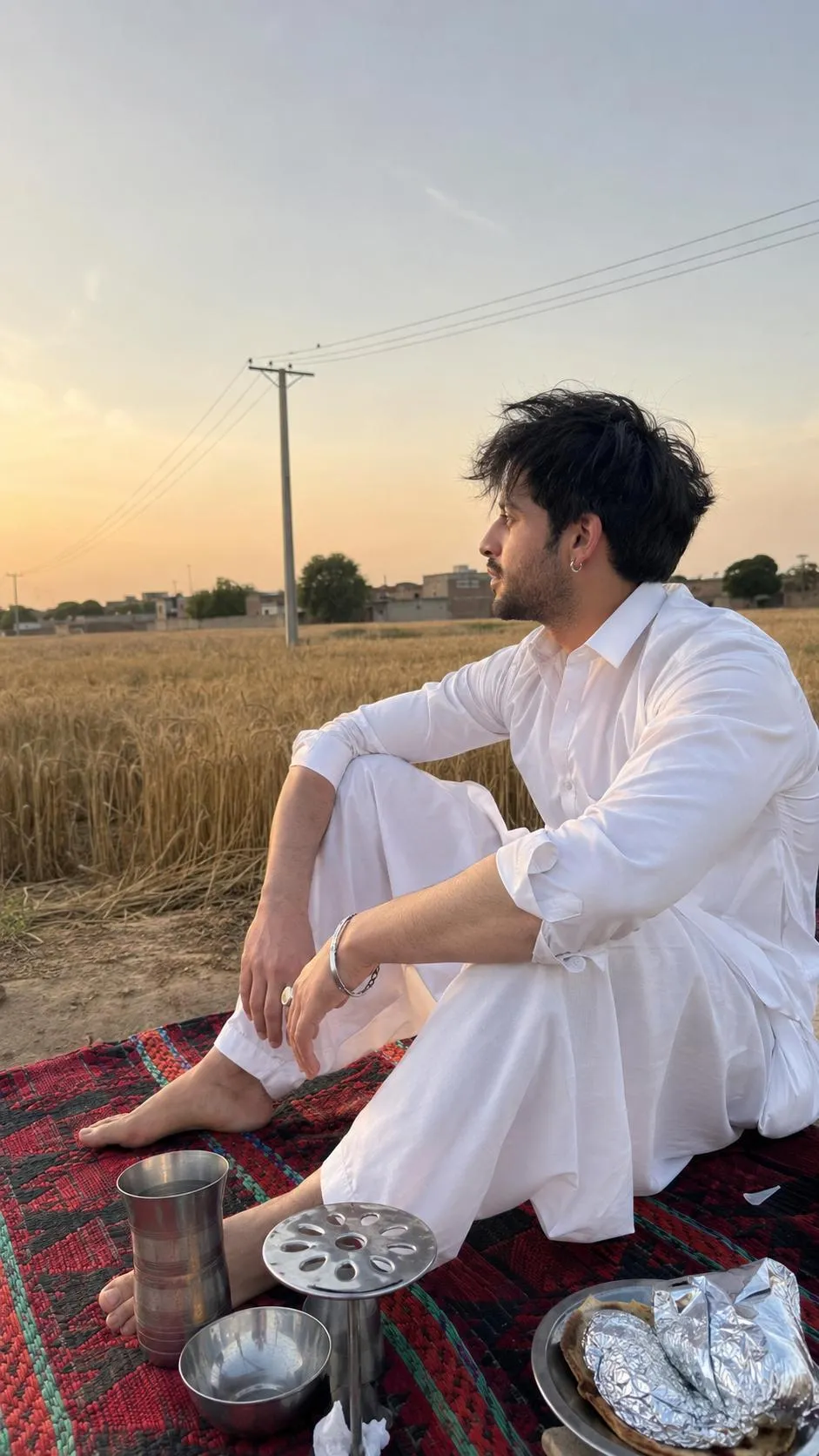
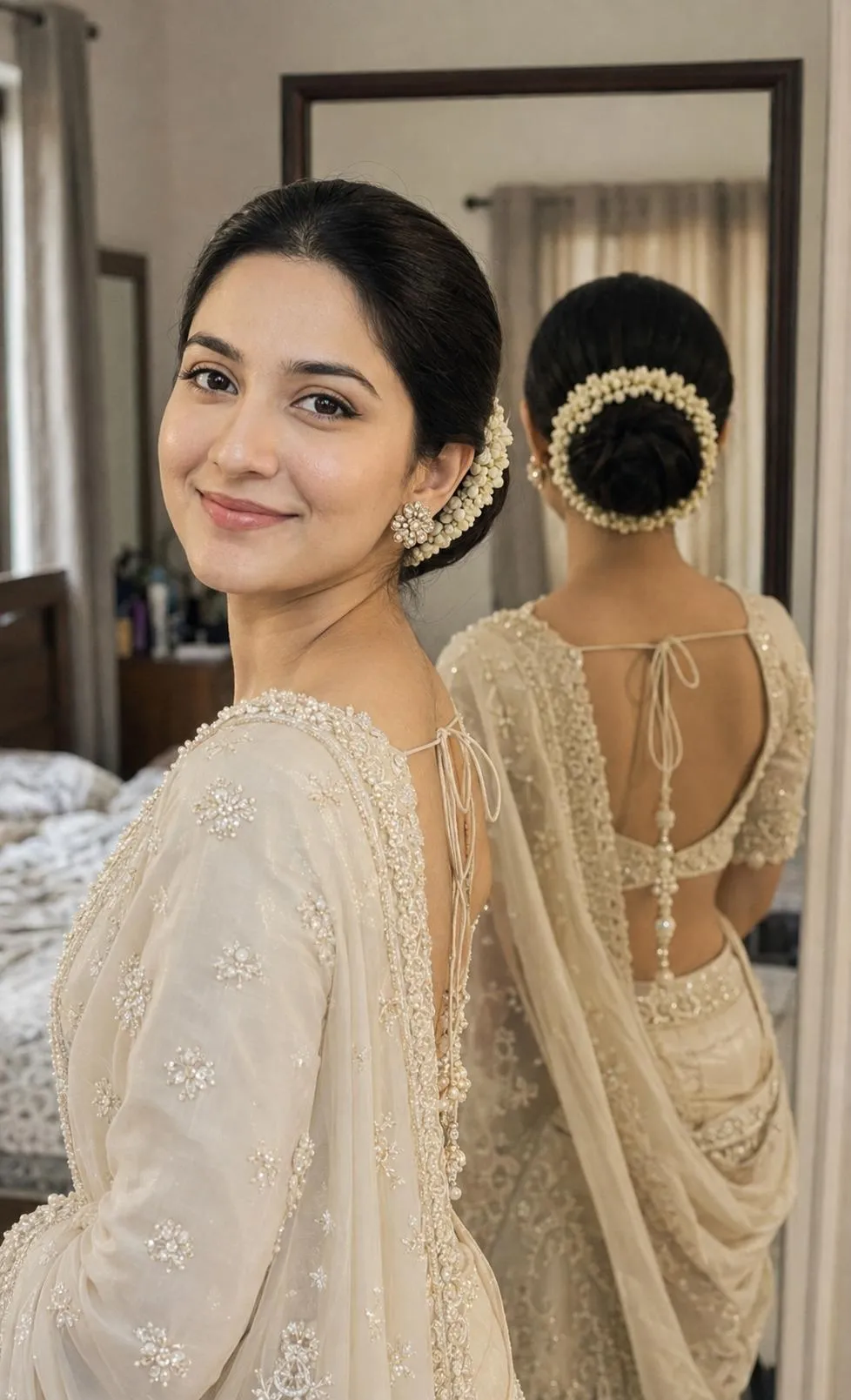
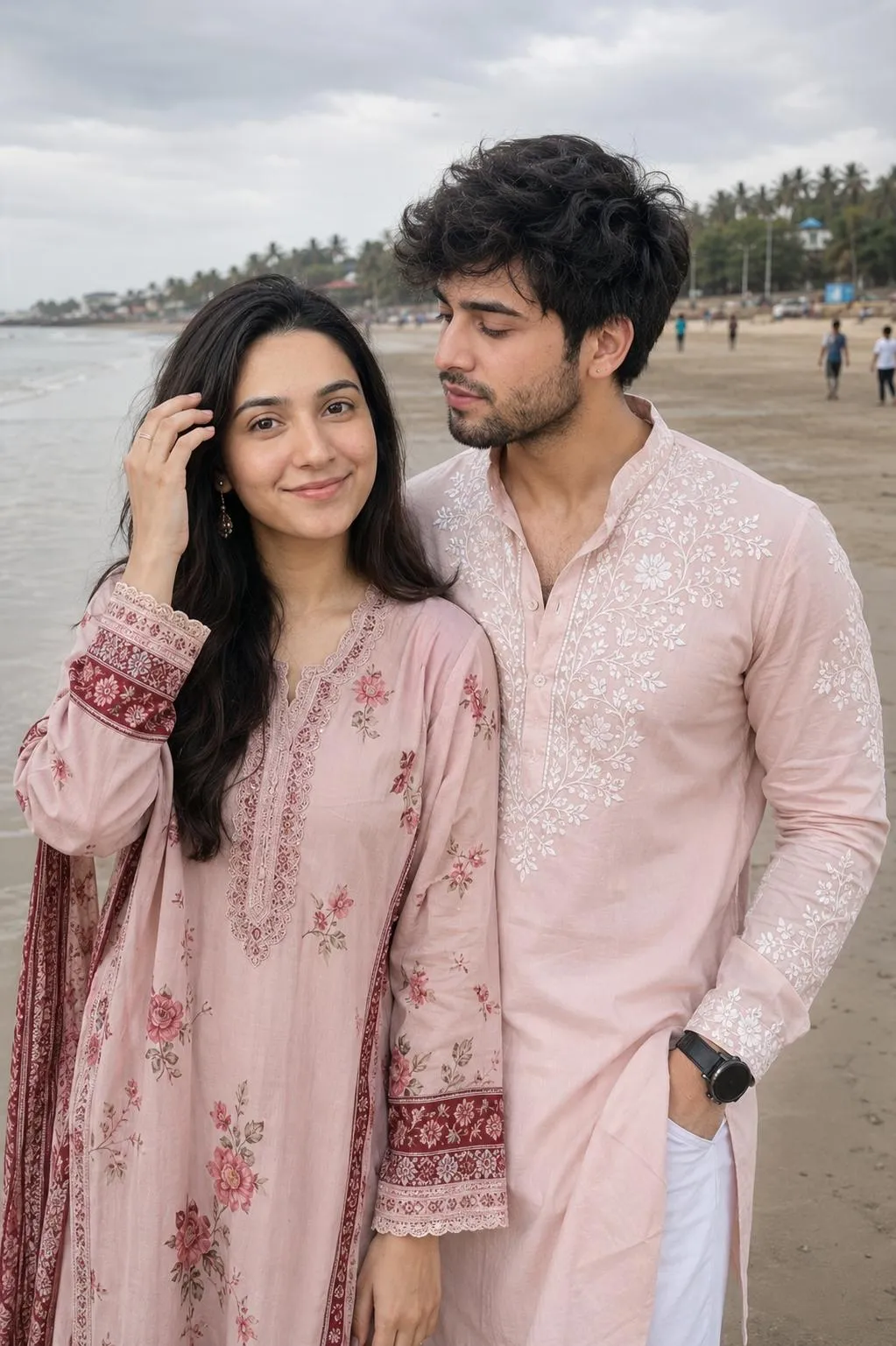
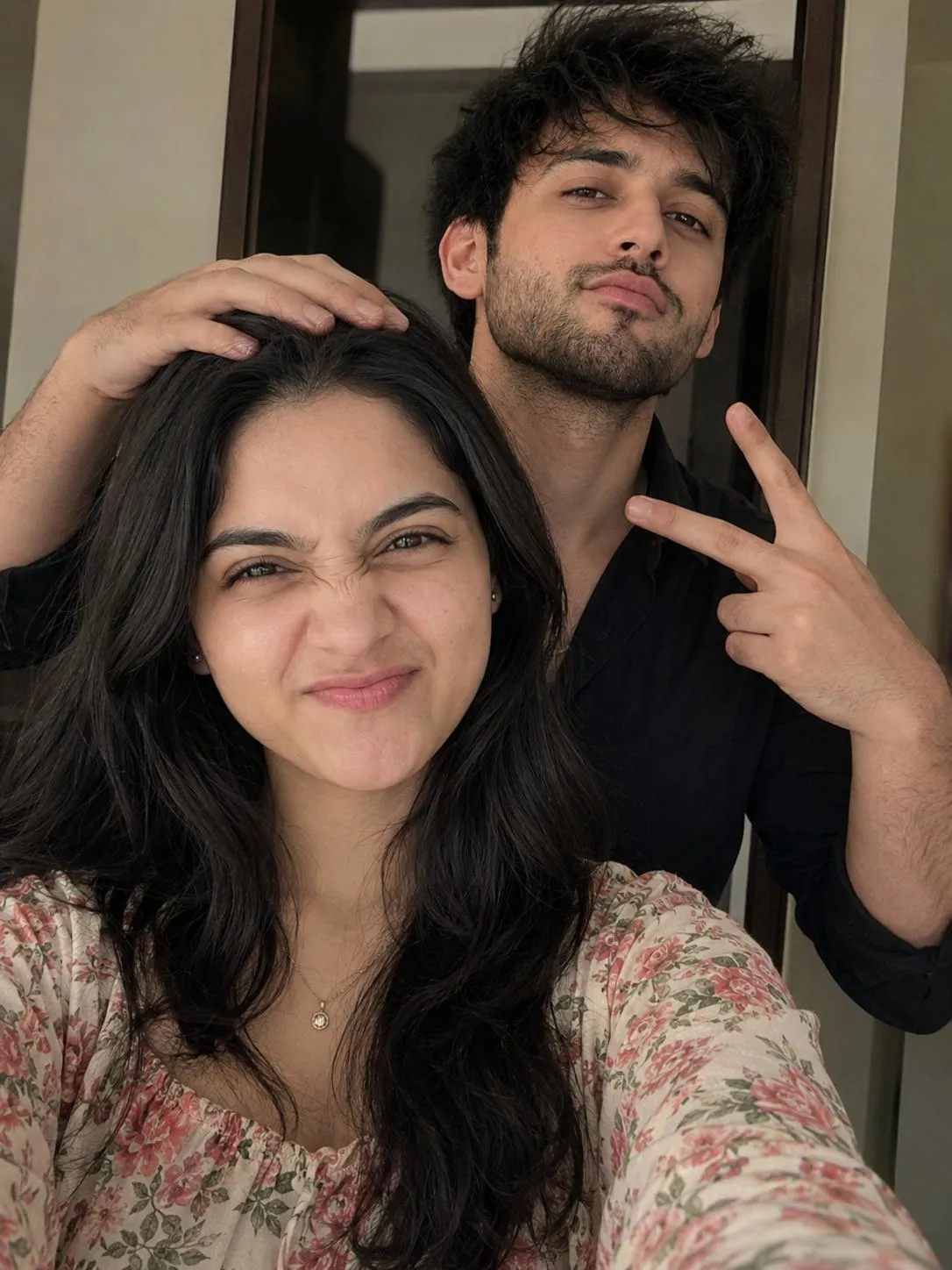
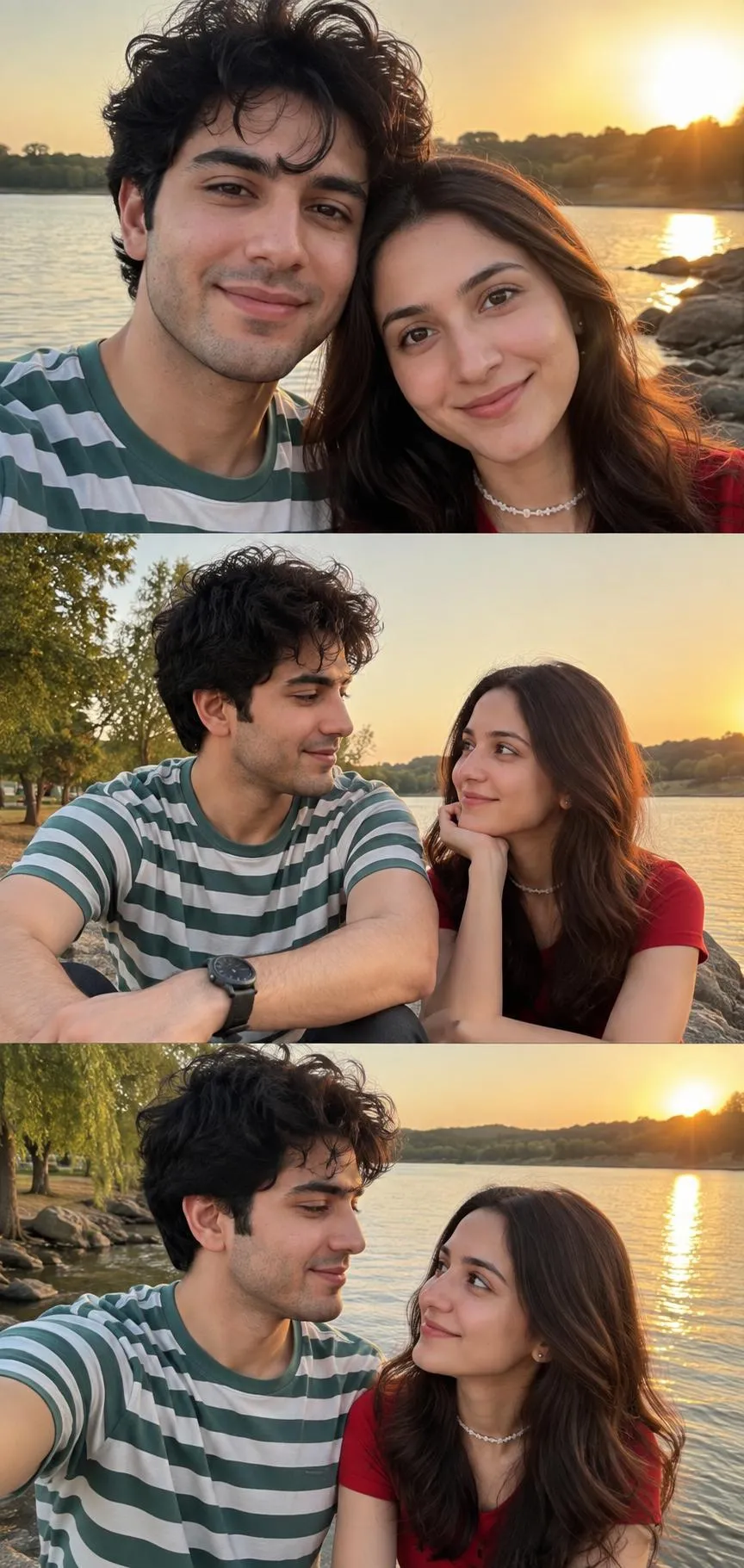
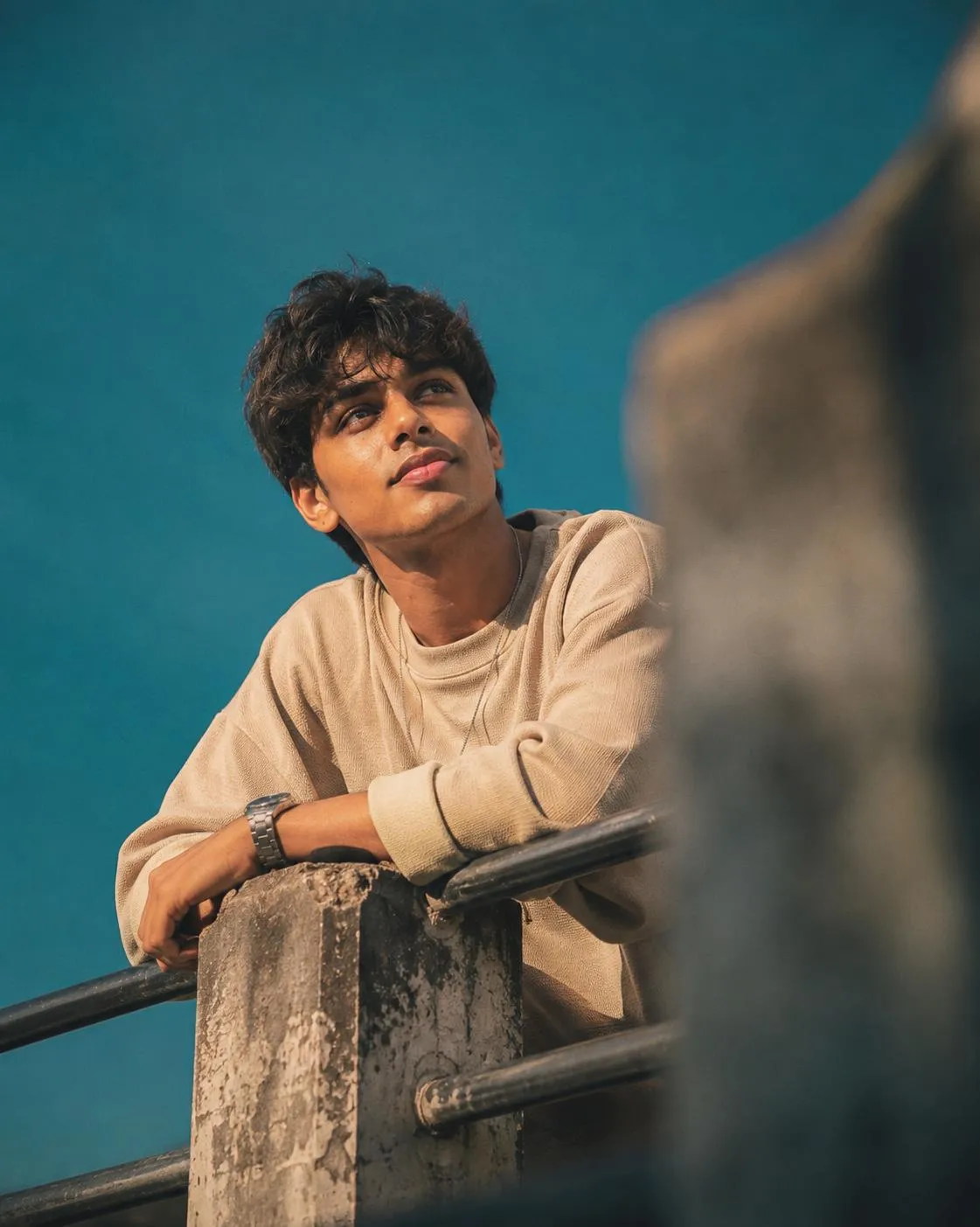
![Cinematic Wet Hair Portrait AI Prompt [Copy Paste] - ChatGPT photo editing prompt](https://nanoaiprompts.com/assets/uploads/img_6a7ca47f0872c_1786553471.webp)
![Cute Couple Photo AI Prompt | White Curtains [Gemini] - ChatGPT photo editing prompt](https://nanoaiprompts.com/assets/uploads/img_6a7c4d1b964f4_1786531099.webp)
![Adventure Magazine Photo Grading AI Prompt [Copy Paste] - ChatGPT photo editing prompt](https://nanoaiprompts.com/assets/uploads/img_6a79d20271e54_1786368514.webp)
![Analog Film Look AI Prompt — Kodak Portra Style [Copy Paste] - ChatGPT photo editing prompt](https://nanoaiprompts.com/assets/uploads/img_6a79d19f2131b_1786368415.webp)
![Alpine Photo AI Prompt — Mountain Edit Grading [Copy Paste] - ChatGPT photo editing prompt](https://nanoaiprompts.com/assets/uploads/img_6a79d1695c1b0_1786368361.webp)
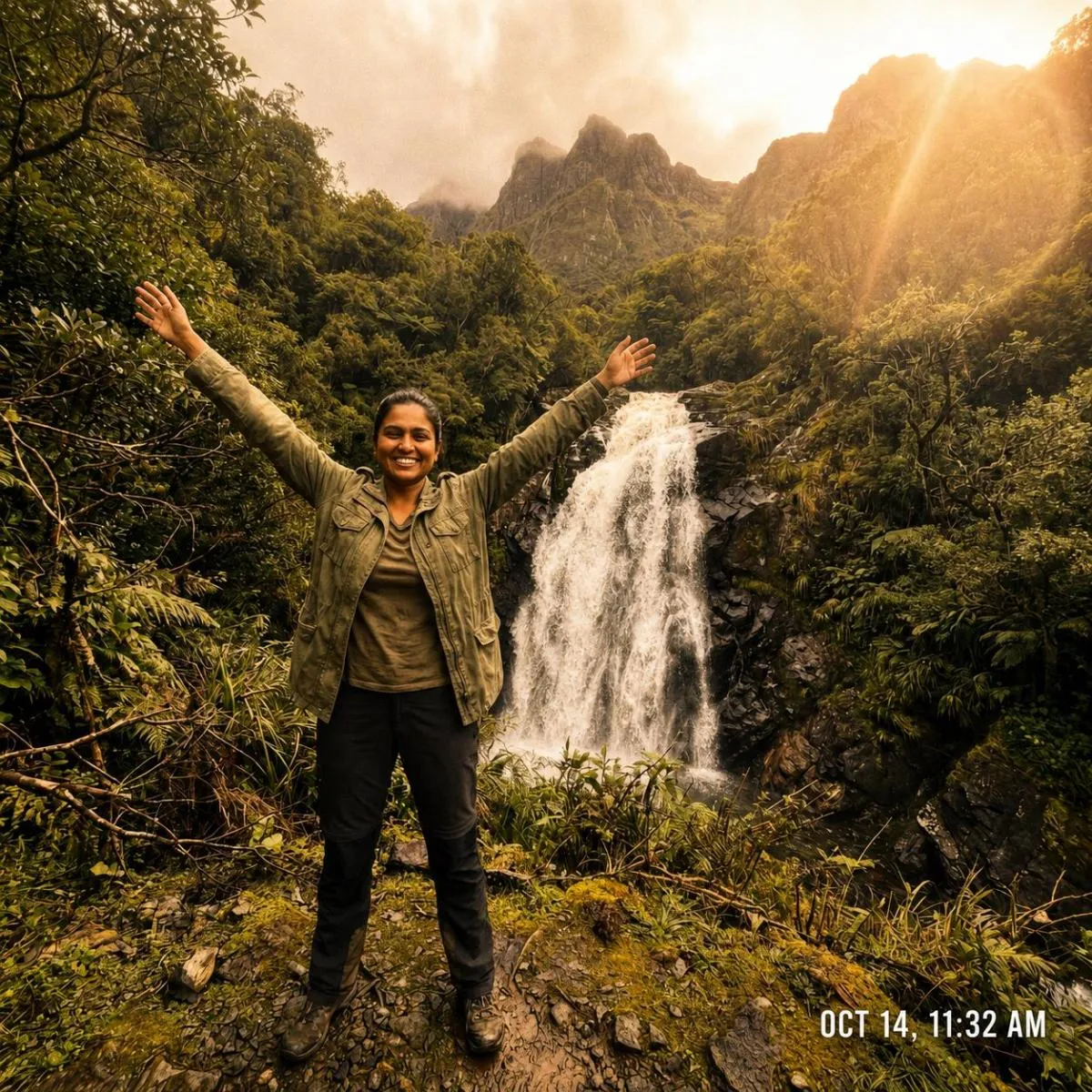
![National Geographic Photo Grading AI Prompt [Copy Paste] - ChatGPT photo editing prompt](https://nanoaiprompts.com/assets/uploads/img_6a79d06a5f048_1786368106.webp)
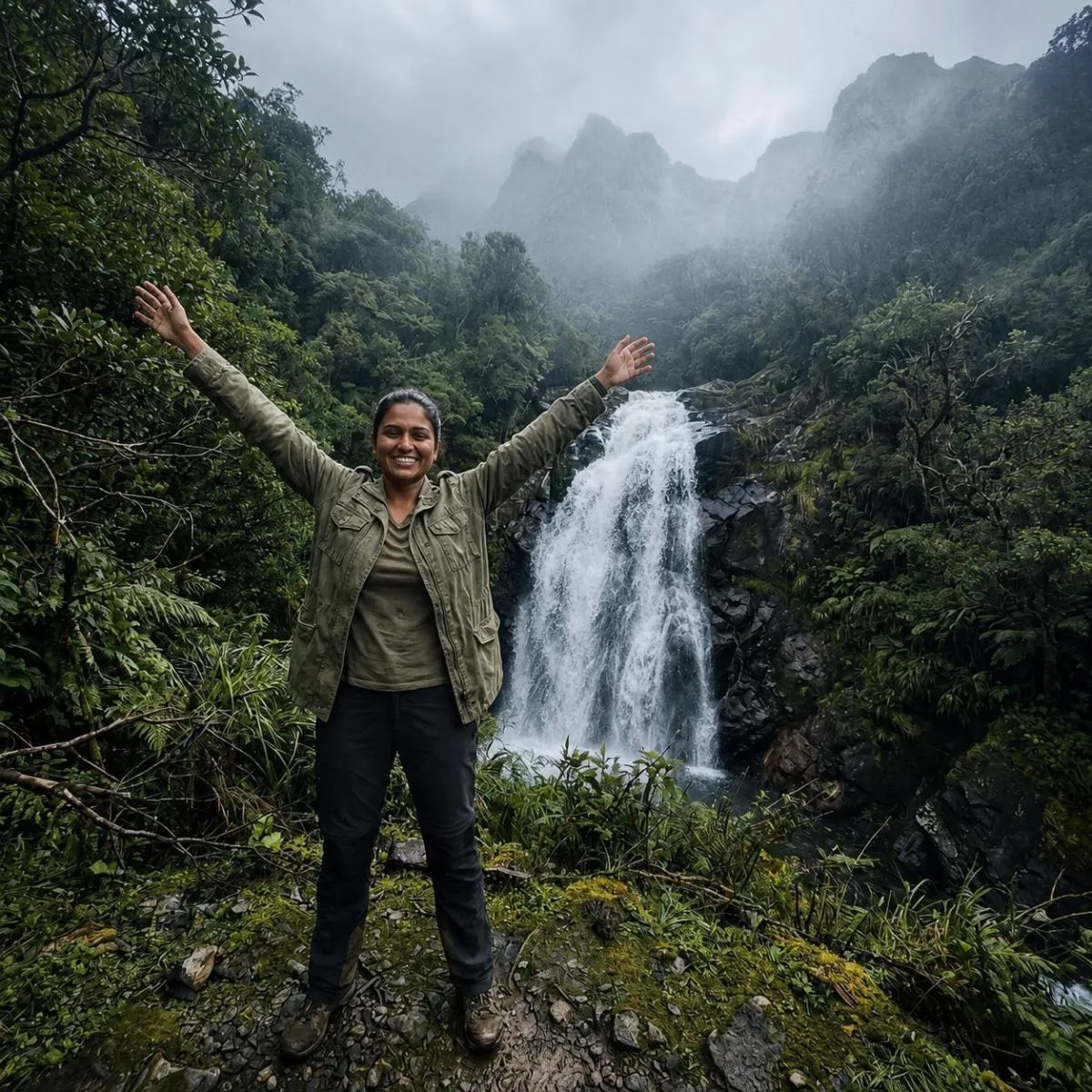
![Cinematic Teal Orange AI Prompt [Colour Grading] - ChatGPT photo editing prompt](https://nanoaiprompts.com/assets/uploads/img_6a79cf3fad313_1786367807.webp)
![AI Photo Enhancement Prompt | Golden Hour Grading [Copy Paste] - ChatGPT photo editing prompt](https://nanoaiprompts.com/assets/uploads/img_6a79ce0a255f8_1786367498.webp)
ChatGPT Photo Editing Prompts for Creative AI Edits
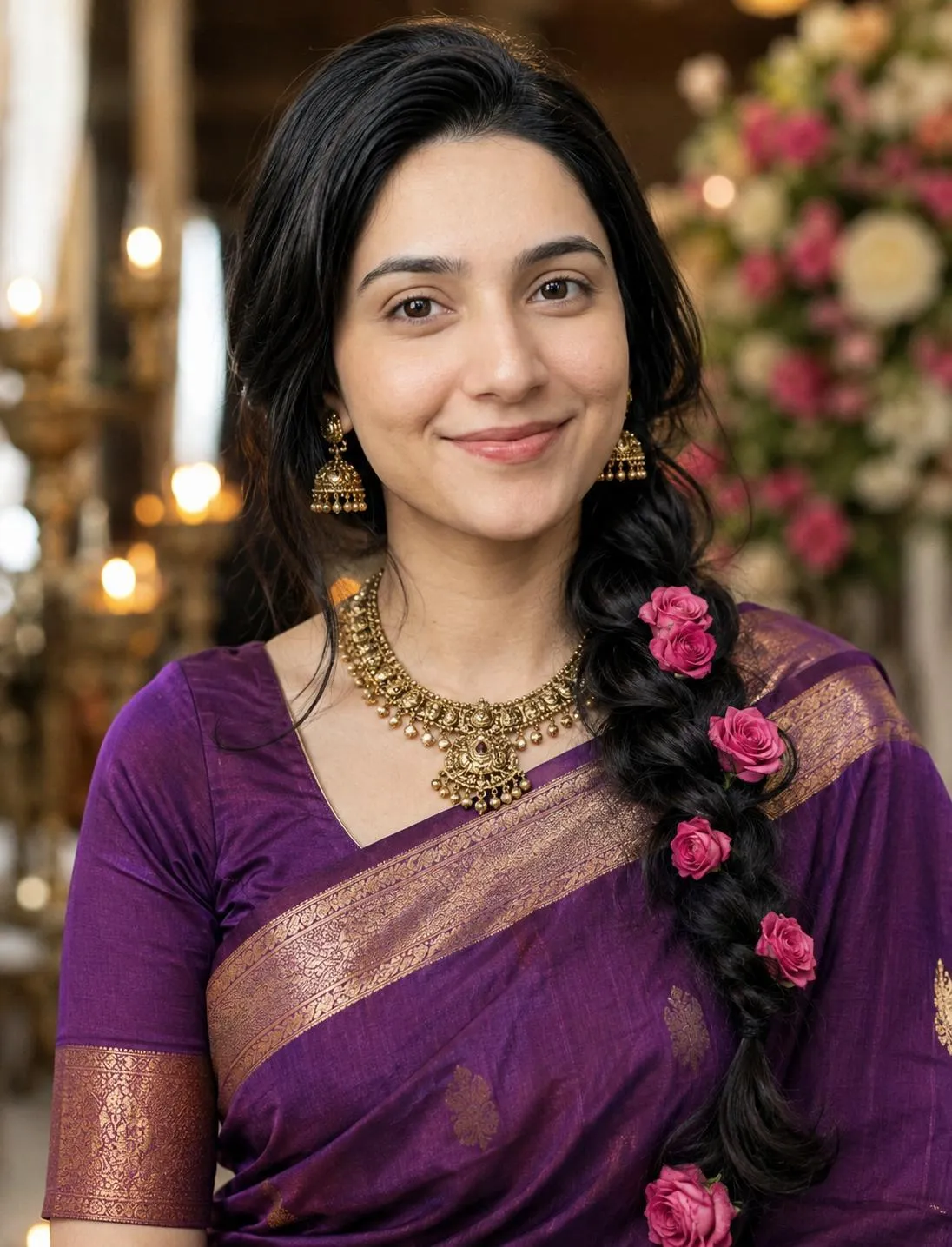
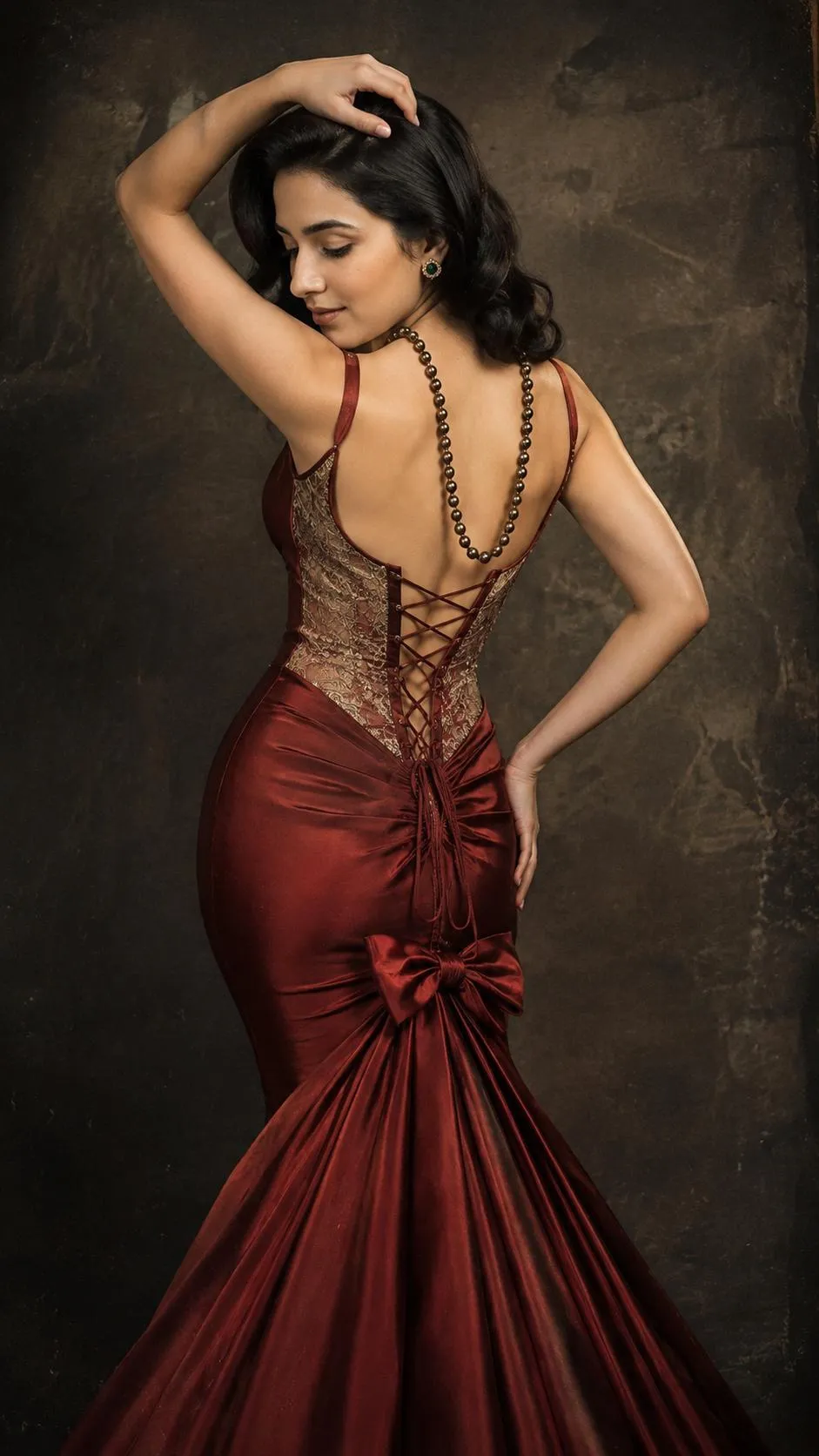
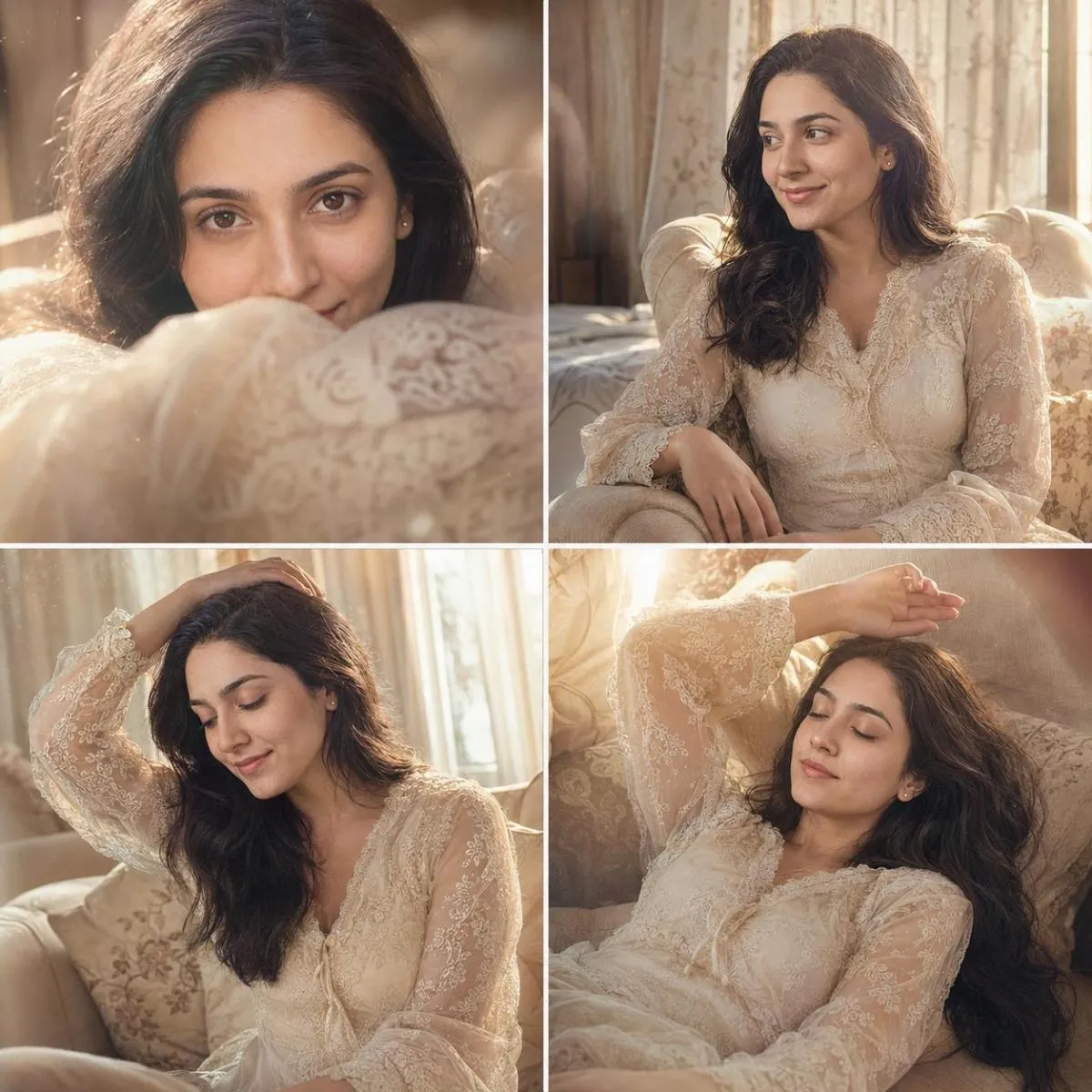
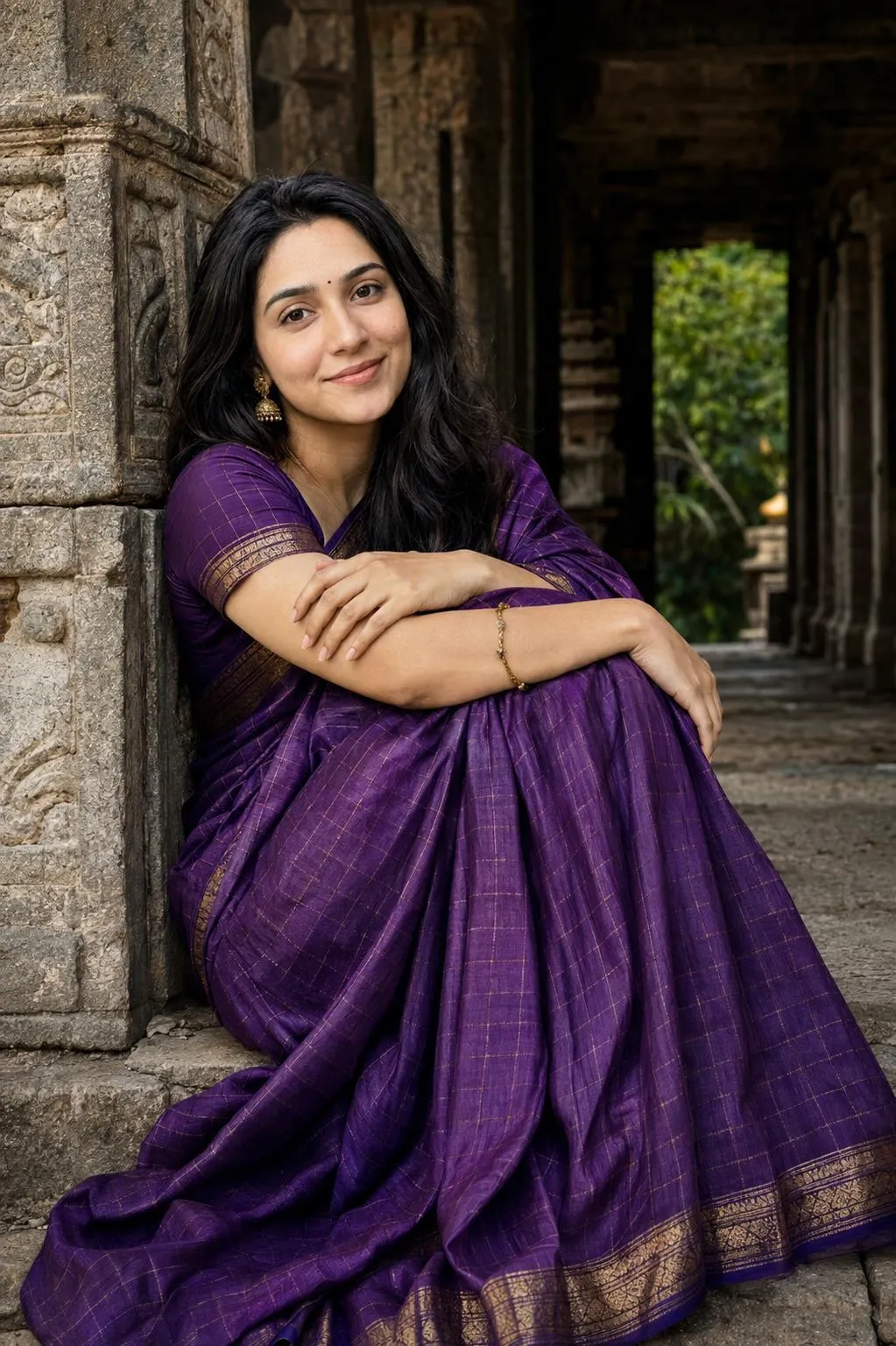
ChatGPT photo editing prompts are useful when you want to give an image-generation or image-editing workflow clear visual instructions. Instead of describing an edit with only a few words, a detailed prompt can specify the subject, composition, lighting, colors, environment, mood, camera style, and other visual characteristics.
This collection brings together ready-to-copy prompts for different photo editing ideas. You can use them as a starting point and modify details such as clothing, background, lighting, framing, atmosphere, or artistic direction to match your project.
What Can You Create With ChatGPT Photo Editing Prompts?
The right prompt can help you explore many different visual directions. Depending on the capabilities available in your ChatGPT image workflow, you can experiment with portrait improvements, cinematic photography, background transformations, lighting changes, creative compositions, color treatments, and other image concepts.
- Portrait editing: Refine the visual direction of portraits while preserving important subject details.
- Cinematic photography: Create dramatic lighting, atmosphere, framing, and film-inspired visual styles.
- Background changes: Place a subject into a new environment or create a completely different scene.
- Lighting effects: Experiment with studio lighting, sunset tones, neon environments, shadows, and highlights.
- Creative transformations: Turn ordinary photographs into distinctive visual concepts using detailed instructions.
How to Use a ChatGPT Photo Editing Prompt
Start by selecting a prompt that matches the result you want. Use the copy button on the prompt card, then provide your reference image when the workflow requires one. Paste the instructions into an image-capable ChatGPT workflow and adjust the subject-specific details if necessary.
For better consistency, describe important elements clearly rather than relying on vague instructions. Details such as composition, camera angle, lighting direction, environment, clothing, colors, and overall mood can help communicate the intended visual result more precisely.
Free ChatGPT Photo Editing Prompt Templates
Every prompt in this collection is designed to be easy to copy and customize. You do not need to start from an empty prompt box: choose a concept from the library, copy the instructions, and adapt the details for your own creative project.