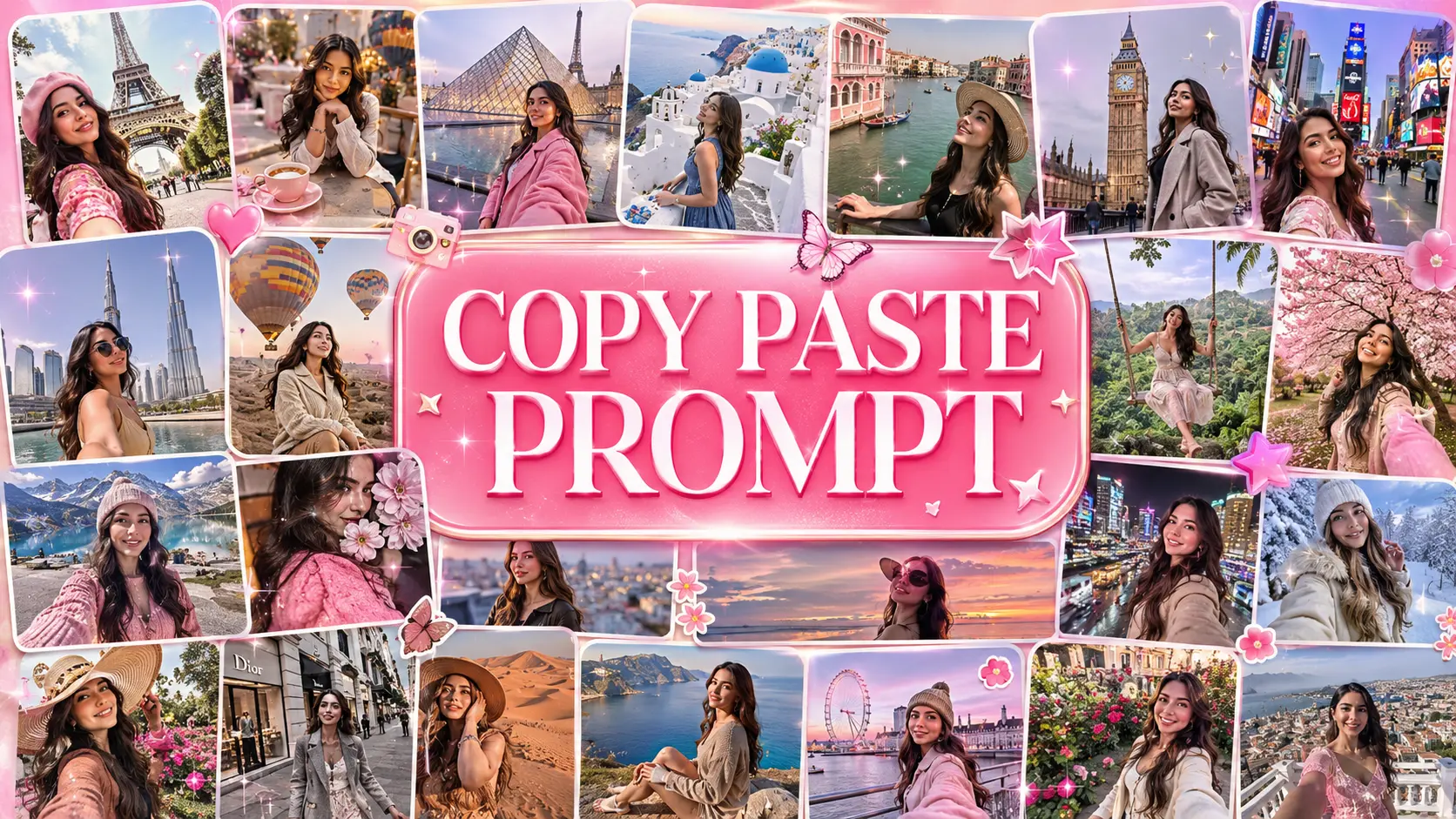
50 ChatGPT Image Editing Commands & Prompts for Viral Photo Edits

50 ChatGPT Image Editing Commands & Prompts for Viral Photo Edits
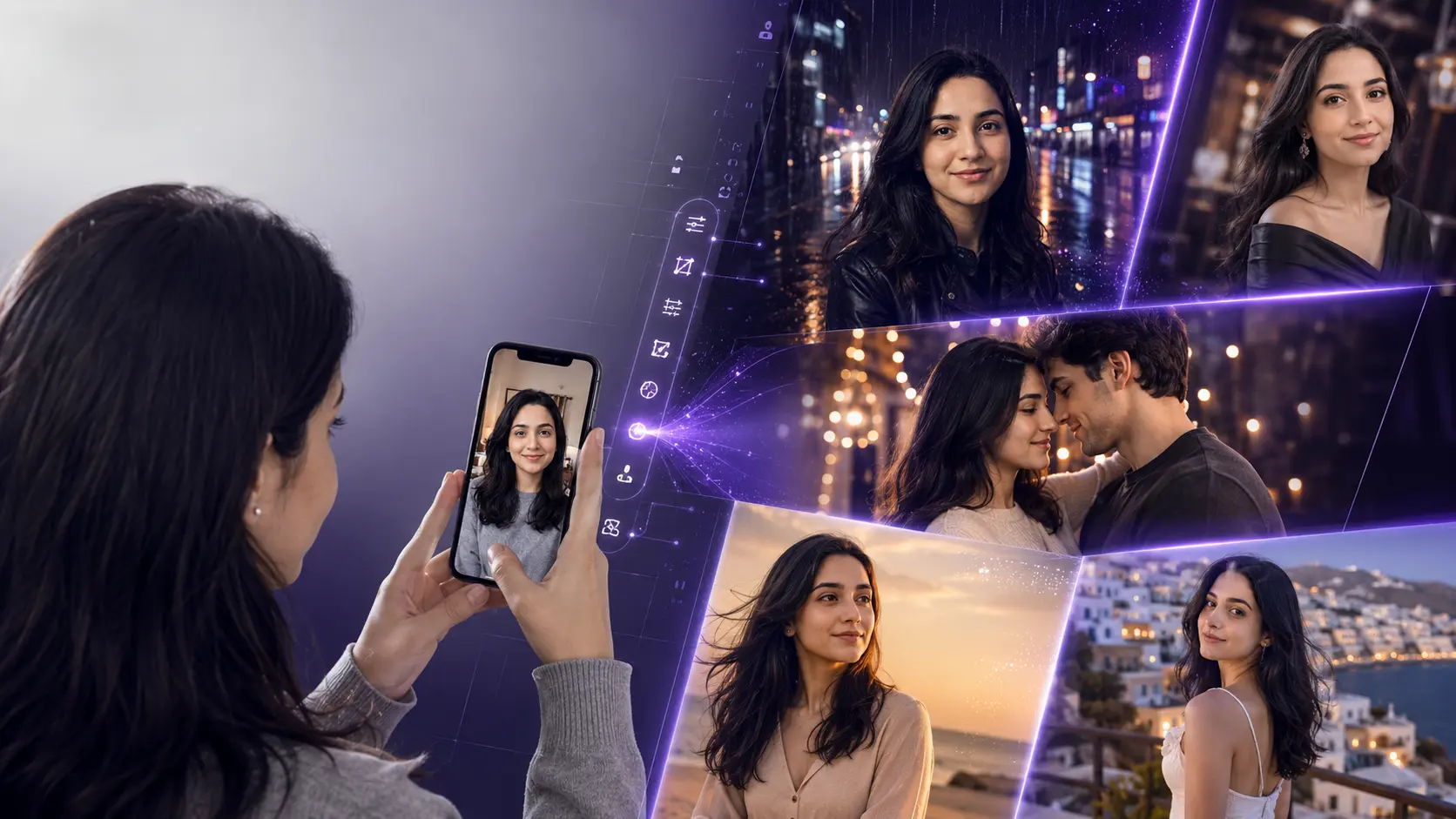
Turn your ordinary selfie into a cinematic portrait, change your clothes, add someone beside you, create a rainy-night scene, change your location, create luxury photos and transform your pictures with copy-paste AI editing commands.
Upload Your Photo
Choose a clear photo where your face, clothing and main subject are visible.
Copy a Command
Pick the exact transformation you want and tap the Copy button.
Generate the Edit
Paste the command into ChatGPT and refine the result if necessary.
What Can You Edit With ChatGPT?
AI photo editing has moved beyond simple brightness, filters and background removal. People now want to transform the story inside an existing photograph: change an outfit, place themselves somewhere completely different, add another person, create cinematic lighting, turn a normal street photo into a rainy movie scene, or create a luxury editorial portrait from an ordinary selfie.
That is why the most useful photo-editing prompts are not generic instructions such as “make this photo better.” A strong editing instruction tells the AI what to change, what to preserve, how the scene should look, and what details should remain realistic.
Change Clothes & Create New Looks
These edits are designed for people who want to keep their real face while trying completely different outfits, fashion aesthetics and styling concepts.
Luxury Outfit Change
/outfitchange
Keep my face, hairstyle, body proportions, skin tone and identity exactly the same. Replace only my current outfit with a sophisticated luxury fashion outfit in deep black, tailored perfectly to my body. Add realistic premium fabric texture, natural folds and subtle studio lighting. Keep the image photorealistic and do not change my facial features.
Old Money Look
/oldmoney
Keep my identity and face unchanged. Change my outfit into an elegant old-money fashion look with a perfectly tailored cream shirt, dark trousers, minimal accessories and understated luxury styling. Place me in a refined European interior with warm natural light and realistic photographic detail.
Black Suit Transformation
/blacksuit
Preserve my exact face and identity. Replace my clothes with a perfectly fitted premium black suit, black shirt and subtle luxury watch. Give the image a dark editorial studio environment with controlled cinematic lighting, realistic shadows and natural skin texture.
Traditional Luxury Outfit
/traditional
Keep my face, hairstyle and identity unchanged. Transform my outfit into an elegant traditional luxury outfit with detailed embroidery, premium fabric and realistic folds. Place me in a beautifully decorated traditional venue with warm cinematic lighting and realistic depth.
Streetwear Transformation
/streetwear
Keep my face and body proportions unchanged. Change my outfit into a premium modern streetwear look with an oversized jacket, clean sneakers and subtle accessories. Add an urban evening background with realistic city lights, cinematic contrast and natural photography.
Red Carpet Outfit
/redcarpet
Preserve my exact identity. Replace my current clothing with a sophisticated red-carpet outfit that looks professionally styled and perfectly fitted. Add subtle event lighting, realistic camera flashes, elegant background bokeh and premium celebrity-event photography without changing my face.
Add a Boy or Girl Beside Me
One of the most useful AI edits is creating a believable second person inside an existing photo while keeping the original subject recognizable.
Add a Girl Beside Me
/addagirl
Keep me exactly as I am. Add a naturally positioned young woman standing beside me as if she was originally present when the photograph was taken. Give her a realistic casual outfit, natural body proportions and believable interaction with me. Match the camera angle, lighting, shadows, depth of field and image quality perfectly.
Add a Boy Beside Me
/addaboy
Preserve my identity and original appearance. Add a naturally positioned young man standing beside me with realistic proportions and casual modern clothing. Match the original camera perspective, lighting direction, shadows and depth so the new person looks genuinely photographed in the same scene.
Couple Walking Together
/couplewalk
Keep my face and identity unchanged. Add a realistic partner walking naturally beside me, slightly turned toward me as if we are having a casual conversation. Create authentic body language, matching perspective, realistic shadows and cinematic evening lighting.
Romantic Couple Portrait
/romanticcouple
Preserve my exact face and identity. Add a realistic romantic partner standing close beside me with natural affectionate body language. Create a premium cinematic portrait with warm evening light, subtle background bokeh and realistic skin texture. Keep everything believable and photographic.
Mirror Selfie Couple
/mirrordate
Keep my face and appearance unchanged. Add a realistic partner standing naturally beside me in the mirror selfie. Make both reflections physically accurate, including pose, phone position, lighting and perspective. Create a believable modern bedroom environment with soft warm lighting.
Shoulder-to-Shoulder Portrait
/shouldertoshoulder
Keep the original subject unchanged. Add another person standing naturally shoulder-to-shoulder with the subject, both looking toward the camera with relaxed expressions. Match lighting, lens perspective, shadows and skin texture so both people look captured by the same camera.
Turn Any Photo Into a Cinematic Rain Scene
Rainy Night Street
/rainynight
Keep my exact face, hairstyle, clothing and body proportions unchanged. Transform the environment into a cinematic rainy city street at night. Add realistic falling rain, wet pavement reflections, glowing streetlights, subtle mist and dramatic depth while keeping my face sharp and naturally lit.
Rain With Umbrella
/rainumbrella
Preserve my identity completely. Place me in a realistic rainy evening scene holding a transparent umbrella. Add wet pavement, soft city lights, realistic raindrops and subtle reflections. Keep the lighting cinematic but maintain natural skin texture and realistic proportions.
Rainy Window Portrait
/rainwindow
Keep my face and identity unchanged. Place me beside a large rain-covered window at night. Add realistic water droplets on the glass, blurred city lights outside, soft warm interior lighting and cinematic reflections. Make the final image look like a real editorial photograph.
Monsoon Street Portrait
/monsoon
Keep my face and clothing recognizable. Transform the environment into a realistic monsoon street after heavy rain, with wet roads, puddles, misty air, soft overcast light and natural reflections. Preserve realistic skin texture and authentic photography.
Wet Hair Cinematic Edit
/wetlook
Preserve my identity and facial structure. Create a realistic post-rain appearance with slightly wet natural hair, subtle water droplets on clothing and realistic moisture on the skin. Use dramatic cinematic lighting and a dark atmospheric background without making the image look artificial.
Foggy Morning
/foggy
Keep the subject unchanged. Transform the environment into a quiet foggy morning with realistic atmospheric haze, soft diffused sunlight, distant background separation and subtle cool tones. Keep the face sharp and naturally exposed.
Give Your Photo a Movie-Quality Look
Golden Hour Cinematic
/goldenhour
Preserve my face and identity. Replace the existing lighting with beautiful late-evening golden-hour sunlight coming from behind and slightly to the side. Add warm rim light, realistic skin highlights, soft shadows and cinematic depth while keeping the scene photorealistic.
Blue Hour Cinema
/bluehour
Keep my identity and original pose unchanged. Transform the lighting into a premium blue-hour cinematic scene with deep blue ambient tones, subtle warm practical lights and realistic shadows. Maintain natural skin tones and photographic detail.
Neon Cinematic Portrait
/neoncinematic
Preserve my exact face. Add realistic blue and magenta neon lighting from opposite sides, subtle reflections on the environment and a dark urban background. Keep the lighting physically believable and maintain realistic skin texture.
Luxury Studio Lighting
/luxurylight
Keep my identity unchanged. Replace the existing lighting with professional luxury studio lighting: soft directional key light, gentle fill, subtle rim light and controlled shadows. Preserve realistic pores, natural skin texture and facial details.
Flash Photography
/directflash
Preserve my face and identity. Turn this into a realistic direct-flash night photograph with crisp facial detail, slightly darker surroundings, natural flash falloff and authentic camera imperfections. Avoid excessive smoothing or artificial skin.
Sunset Rim Light
/sunsetrim
Keep my face, hairstyle and clothing unchanged. Add strong but realistic warm sunset backlighting around the edges of my hair and shoulders. Keep my face naturally exposed with soft cinematic shadows and realistic lens behavior.
Put Yourself Somewhere Completely Different
Luxury Hotel
/luxuryhotel
Keep me completely unchanged. Replace only the background with an ultra-realistic luxury hotel lobby featuring marble surfaces, warm architectural lighting, elegant furniture and shallow depth of field. Match the original camera angle and lighting naturally.
Dubai Night
/dubainight
Preserve my exact face and body proportions. Place me realistically in a sophisticated Dubai city environment at night with modern architecture, luxury lighting, realistic traffic bokeh and premium cinematic color grading.
European Street
/europeanstreet
Keep my identity unchanged. Place me naturally on a beautiful European city street with realistic old architecture, cafés, textured buildings and soft evening light. Match perspective, shadows and depth of field to make it look like a real travel photograph.
Luxury Car Scene
/luxurycar
Keep my exact face, hairstyle and body proportions. Place me naturally beside a premium luxury sports car in a sophisticated city environment at night. Add realistic reflections on the vehicle, cinematic street lighting and professional automotive photography.
Private Jet
/privatejet
Preserve my identity. Place me inside a sophisticated private jet cabin with premium leather seating, realistic window lighting, elegant interior details and cinematic depth. Make the final image look like a genuine luxury travel photograph.
Beach Sunset
/beachsunset
Keep my face and identity unchanged. Place me naturally on a beautiful tropical beach during sunset with warm orange sunlight, realistic ocean reflections, gentle wind and cinematic depth. Preserve natural skin texture and realistic proportions.
Transform Your Photo Into Something Scroll-Stopping
Magazine Cover
/magazinecover
Keep my identity exactly the same. Transform this photo into a premium fashion magazine cover portrait with sophisticated editorial lighting, clean composition, luxury styling and realistic photography. Add elegant magazine-style typography only if requested, with perfectly aligned readable text.
Movie Poster
/movieposter
Preserve my face and identity. Transform the image into a dramatic cinematic movie-poster composition with professional lighting, atmospheric background, strong subject separation and premium theatrical color grading. Keep the person photorealistic.
Polaroid Memory
/polaroid
Turn the photo into a realistic vintage Polaroid-style memory photograph. Preserve my face and identity while adding authentic instant-film colors, subtle grain, soft flash, slightly imperfect exposure and natural photographic texture.
1990s Film Look
/90sfilm
Preserve my identity and original pose. Give the image an authentic 1990s film-photography aesthetic with realistic film grain, slightly muted colors, natural flash, soft contrast and subtle analog imperfections.
Childhood Memory
/childhoodmemory
Create a nostalgic childhood-memory version of this scene while preserving recognizable facial characteristics where appropriate. Use warm analog colors, soft film grain, natural indoor lighting and the imperfect texture of an old family photograph.
Luxury Editorial
/editorial
Preserve my exact identity. Transform this into a high-end editorial fashion photograph with sophisticated composition, directional studio lighting, premium styling, realistic fabric texture and subtle magazine-quality color grading.
Mirror Selfie Upgrade
/mirrorglow
Keep my face and identity unchanged. Upgrade the mirror selfie into a premium lifestyle photograph with a clean luxury interior, soft window lighting, realistic mirror reflections and natural skin texture. Keep the phone and pose believable.
Night Flash Street
/nightstreet
Preserve my face, hairstyle and clothing. Turn the environment into a realistic late-night city street photographed with direct camera flash. Add wet pavement, distant headlights, subtle motion blur in the background and authentic nightlife photography.
Motorcycle Cinematic
/motorcycle
Keep my exact identity and body proportions. Place me naturally beside a premium motorcycle on a cinematic urban road at night. Add realistic headlights, wet asphalt reflections, subtle atmospheric haze and dramatic but believable lighting.
Travel Cinematic
/travelcinematic
Preserve my identity. Transform this ordinary photo into a premium travel photograph with cinematic environmental depth, beautiful natural lighting, realistic architecture and authentic travel-documentary photography.
Couple, Date & Social Photo Transformations
Rainy Couple Date
/raindate
Preserve both faces and identities. Create a realistic romantic rainy-night date scene with both people standing close beneath a transparent umbrella. Add wet pavement, warm café lights, realistic rain, subtle reflections and cinematic depth.
Sunset Couple
/sunsetcouple
Keep both people recognizable and preserve their facial identities. Place the couple together during a warm golden sunset with soft backlighting, subtle lens flare, natural romantic body language and realistic cinematic photography.
Luxury Wedding Portrait
/luxurywedding
Preserve both faces and identities. Transform the couple into an elegant luxury wedding portrait with sophisticated formal outfits, refined floral décor, warm cinematic lighting and realistic professional wedding photography.
Late-Night Café Date
/cafedate
Keep both identities unchanged. Place the couple at a cozy late-night café beside a window with warm pendant lights, realistic reflections and subtle city bokeh outside. Capture the scene like a candid professional lifestyle photograph.
Beach Couple
/beachcouple
Preserve both faces and identities. Place the couple walking naturally along a beautiful beach during sunset. Add warm sunlight, gentle ocean reflections, natural wind in the clothing and hair, and a premium cinematic travel-photography look.
Bollywood-Inspired Romance
/romanticcinema
Preserve both identities. Transform the scene into a dramatic romantic Indian cinema-inspired moment with elegant clothing, expressive but natural body language, warm cinematic lighting, atmospheric depth and realistic film photography. Do not copy any specific movie or actor.
More Powerful AI Photo Edits
Hairstyle Change
/newhairstyle
Keep my face, facial structure, skin tone and identity exactly unchanged. Change only my hairstyle to a modern textured hairstyle that naturally suits my face shape. Preserve realistic individual hair strands, natural hairline and believable lighting.
Background Replacement
/newbackground
Keep the person completely unchanged. Replace only the background with a realistic premium environment that matches the original camera perspective. Recreate natural edge detail, shadows, ambient light and depth so the subject looks genuinely photographed there.
Professional Profile Photo
/profileupgrade
Preserve my exact face and identity. Transform this casual photo into a premium professional profile portrait with flattering studio lighting, clean neutral background, realistic skin texture and subtle depth of field. Keep me recognizable and natural.
Ultimate Cinematic Transformation
/cinematicmaster
Preserve my exact facial identity, facial structure, hairstyle, natural skin texture and body proportions. Transform the overall photograph into a premium cinematic editorial scene with sophisticated lighting, realistic environmental depth, subtle film grain, controlled contrast, natural color grading and authentic camera optics. Make it look like a real professionally photographed frame rather than an AI-generated image.
How to Get Better Results From ChatGPT Image Editing Prompts
The best results usually come from being specific about the transformation while clearly telling the model what should remain unchanged. Instead of simply saying “change my clothes,” describe the new outfit, environment, lighting and realism you want.
Add instructions such as “preserve my face, facial structure, hairstyle, skin tone and identity” when the person must remain recognizable.
Mention the clothing type, color, material, fit and accessories instead of simply saying “make me fashionable.”
Golden-hour sunlight, neon lighting, direct flash, soft window light and cinematic backlighting can dramatically change the final image.
Tell the model where the scene should happen and how the background should interact with the subject.
Mention perspective, depth of field, lens character and realistic shadows when adding people or replacing backgrounds.
Ask for natural skin texture and realistic proportions instead of excessive smoothing, extreme HDR or artificial-looking details.
A Simple Formula for Better AI Photo Editing
When creating your own editing instructions, use this simple structure:
Keep the subject unchanged
+
Describe exactly what you want to change
+
Describe the new environment or outfit
+
Describe lighting and atmosphere
+
Specify realistic camera details
+
Tell the AI what NOT to change
Frequently Asked Questions
How do I use these ChatGPT image editing commands?
Upload your photo to ChatGPT, copy one of the instructions from this page, paste it into the conversation and request the edit. You can then refine the result with another instruction if needed.
Can I change my clothes using ChatGPT?
Yes. Outfit transformations can be requested by describing the new clothing, material, color, fit and styling while asking the model to preserve your identity.
Can I add a boy or girl to my photo?
You can ask the image editor to add another person and describe their position, clothing, pose and relationship to the original subject. Matching perspective, lighting and shadows helps create a more believable result.
Can I turn my photo into a rainy cinematic picture?
Yes. Rain, wet pavement, reflections, atmospheric mist, street lighting and cinematic color grading can be described together to create a rainy scene.
Why does my face sometimes change during an AI edit?
Image generation and editing can still introduce variations. Use a clear reference photo and explicitly ask the model to preserve facial identity, facial structure and natural proportions.
Are these official OpenAI slash commands?
No. The slash-style labels on this page are convenient command-style names created for this prompt collection. The actual editing instruction is the text provided with each command.
Ready to Transform Your Photo?
Pick a command, upload your photo to ChatGPT, and create a completely new look without spending hours in a traditional photo editor.
Explore More AI Photo Editing Prompts →
Written by Rizwan Ullah Qureshi
Rizwan is a web software developer and the Founder of Nano AI Prompts. He specializes in engineering high-fidelity prompt templates for multimodal AI models like ChatGPT, Gemini, and Nano Banana Pro.
View all AI Prompts →