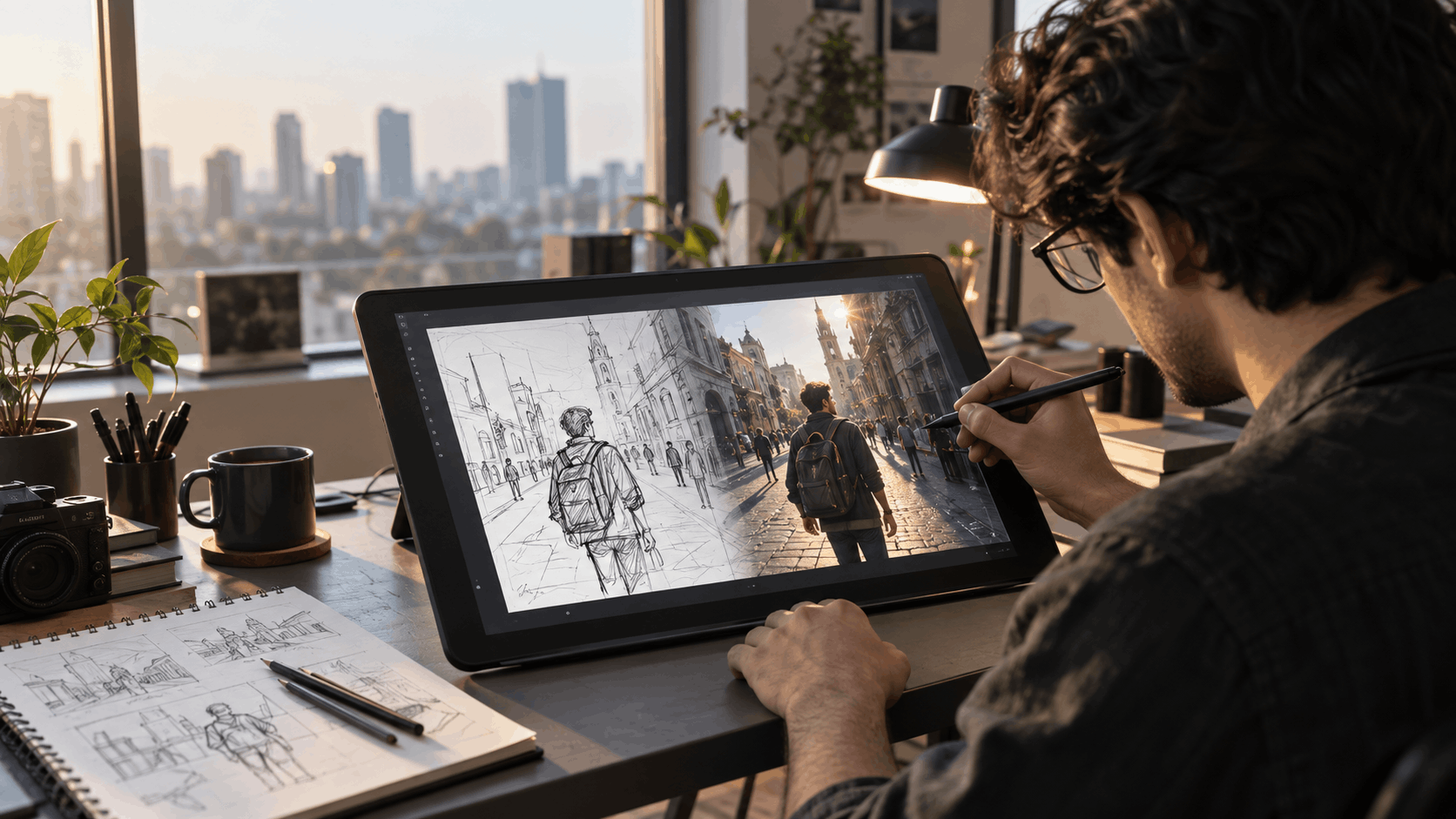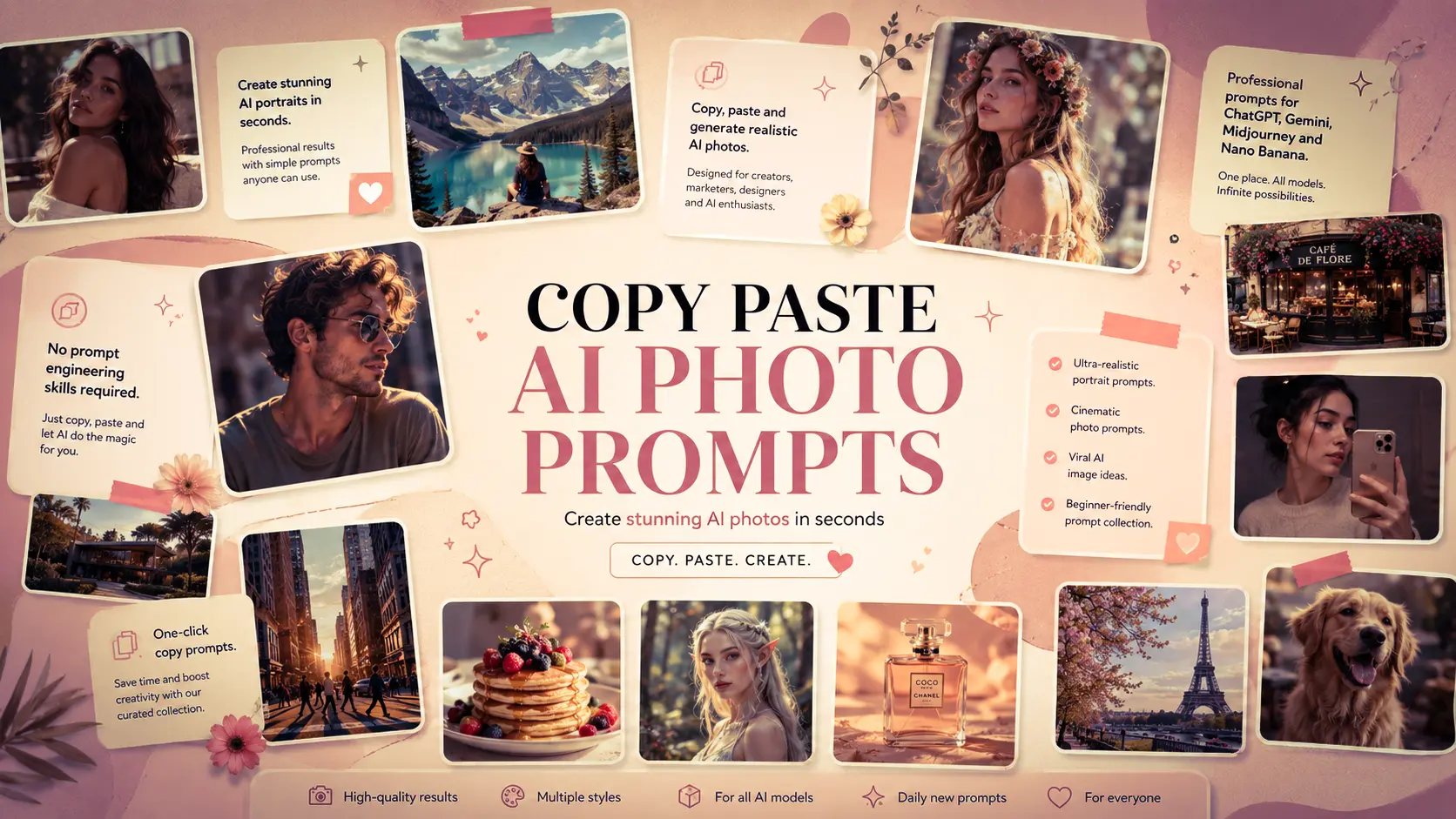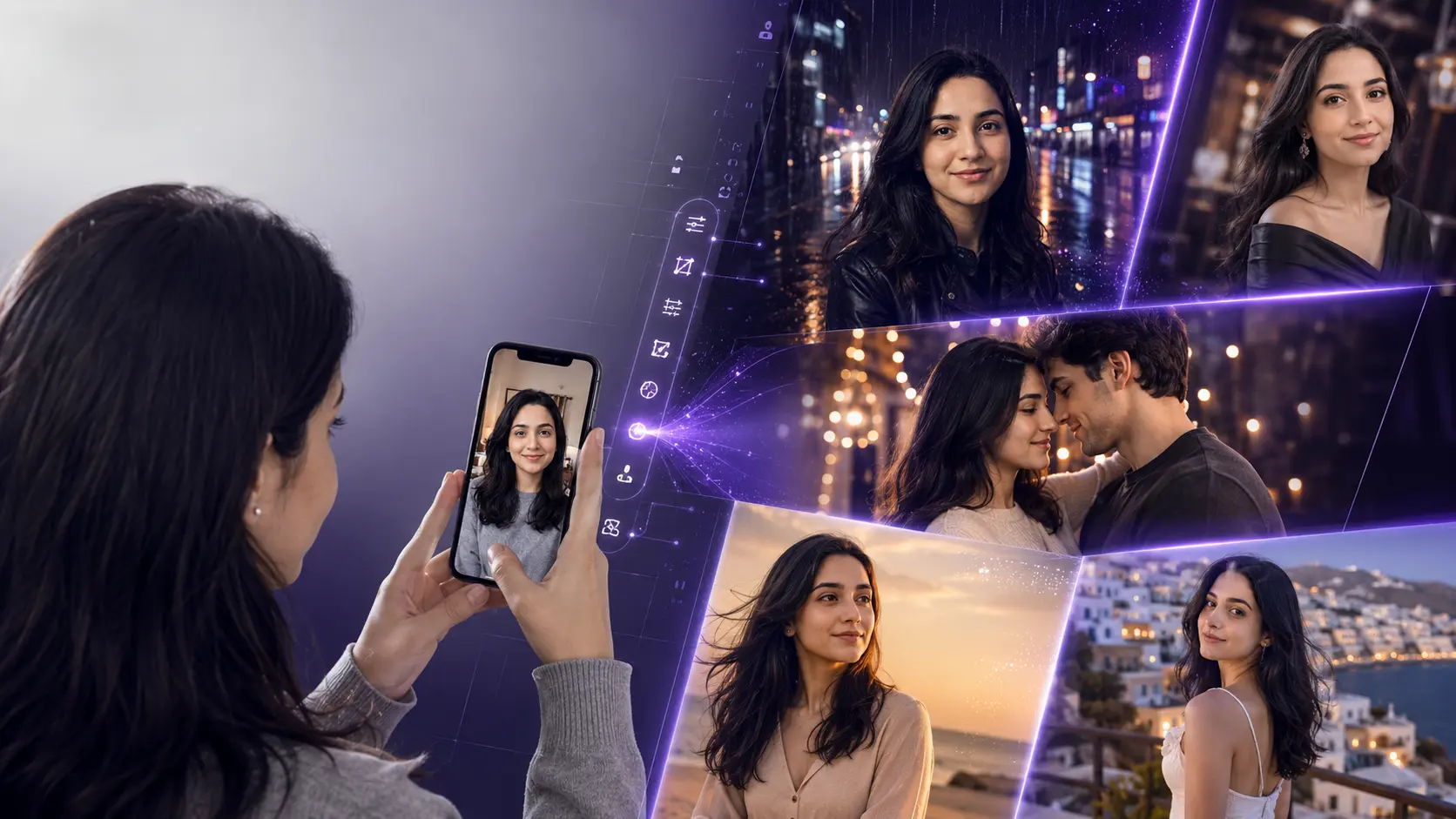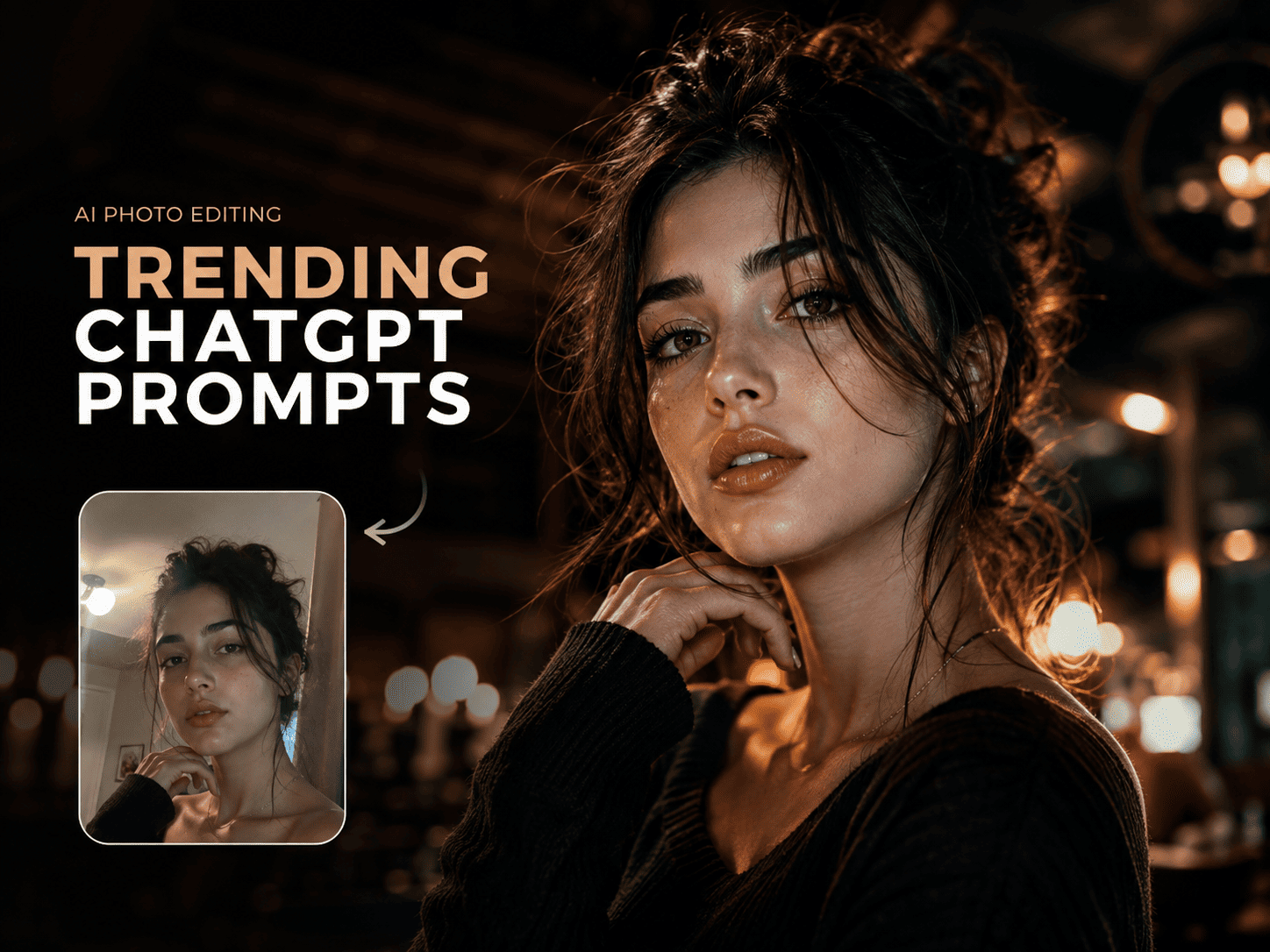
ChatGPT Photo Editing Prompts Trending Instagram: 25+ Viral AI Prompts (2026)

ChatGPT Photo Editing Prompts Trending on Instagram
Turn ordinary selfies and phone photos into cinematic, aesthetic and professional-looking images with ready-to-use AI photo editing prompts for ChatGPT and Gemini.
Want the Prompt Instead of the Article?
If you already know what kind of AI edit you want, you can skip straight to the ready-to-copy prompt collection.
What Are ChatGPT Photo Editing Prompts?
ChatGPT photo editing prompts are natural-language instructions that tell an AI image tool how you want an existing photograph changed. Instead of manually adjusting dozens of editing controls, you can describe the lighting, mood, background, colors, composition, clothing, atmosphere, or photographic style you want.
The important part is that a good prompt does not simply say "make this photo beautiful." It gives the model a clear creative direction while explaining what should remain unchanged.
For example, if you want a cinematic Instagram portrait, the prompt can describe the lighting, lens feel, color grading, depth and overall mood while asking the model to preserve the person's identity and natural appearance.
How to Use AI Photo Editing Prompts
| Step | What to Do | Why It Matters |
|---|---|---|
| 01 | Choose a clear photo | A clean source image gives the AI more useful visual information. |
| 02 | Upload your image | This gives the AI the actual photo you want to edit. |
| 03 | Copy a suitable prompt | A focused prompt gives the edit a clear visual direction. |
| 04 | Generate the result | Review the first result and refine only what needs changing. |
| 05 | Try another style | Different lighting and color directions can completely change the mood. |
Trending ChatGPT Photo Editing Prompt Styles
Instagram trends change quickly, but the strongest AI edits usually fall into repeatable visual categories such as cinematic portraits, vintage photography, editorial fashion, dramatic lighting, travel photography, flash photography and aesthetic lifestyle edits.
01. Cinematic Portrait Edit
Give an ordinary portrait a polished movie-frame feel using controlled contrast, atmospheric depth, directional lighting and cinematic color grading.
02. Golden-Hour Vintage Edit
Transform a normal outdoor image with warm sunlight, subtle film grain, soft highlights and a nostalgic photographic finish.
03. Ultra-Realistic Moody Portrait
Push an ordinary portrait toward gritty editorial photography with controlled shadows, realistic skin texture and dramatic environmental light.
04. Cinematic AI Girl Portrait
Create a polished feminine portrait with controlled lighting, cinematic composition and a realistic photography finish.
05. Cinematic Travel Photo
Turn a casual travel photograph into a polished scene with stronger depth, balanced colors, atmospheric detail and professional travel-photo grading.
06. Night Flash / Surfer Aesthetic
Create a bold social-media look using direct flash, controlled highlights, atmospheric surroundings and a spontaneous editorial composition.
07. AI Saree Portrait
Create elegant traditional fashion portraits while keeping the original subject as the visual reference.
08. Ready-to-Use AI Editing Prompts
If you do not want to build prompts yourself, start with a curated collection of copy-paste AI image prompts.
Why Some AI Photo Edits Look Fake
The biggest problem with viral AI photo editing is not usually the model. It is the instruction. If a prompt asks for too many dramatic changes at once, the result can lose the natural qualities that made the original photograph convincing.
1. Too Much Saturation
Strong colors can look impressive in a preview but quickly become artificial. Ask for rich, controlled color rather than extreme saturation.
2. Plastic Skin
Avoid vague instructions such as "perfect skin." Instead, ask for realistic skin texture and natural facial detail when realism matters.
3. Overdone HDR
Excessive clarity and HDR-style contrast can destroy the photographic feel. A professional edit usually benefits from controlled highlights and shadows.
4. Changing the Person
If the goal is photo editing rather than creating a new character, explicitly tell the AI what should remain consistent: identity, facial structure, hairstyle, pose, clothing or composition.
5. Asking for Everything at Once
Start with the main transformation. If the result needs another adjustment, make a second targeted request rather than stacking dozens of unrelated edits.
How to Write Better ChatGPT Photo Editing Prompts
A reliable prompt can be thought of as a simple creative brief. Start with the photograph and the main transformation, then describe the visual treatment and the elements that must remain unchanged.
Upload your photo + describe the desired visual transformation + describe the lighting and color grade + specify what must remain unchanged.
ChatGPT vs Gemini for AI Photo Editing
Both ChatGPT and Gemini can be used in image-editing workflows where an uploaded photograph is provided as context. The practical difference is often less about finding a magic model and more about writing a precise instruction and iterating on the result.
| Use Case | What to Focus On |
|---|---|
| Instagram Portrait | Composition, lighting, skin texture and color grading. |
| Fashion Edit | Wardrobe, environment, editorial lighting and pose preservation. |
| Travel Photo | Atmospheric depth, landscape detail, natural color and cinematic grading. |
| Vintage Photo | Film grain, tonal response, restrained contrast and authentic imperfections. |
| Social-Media Trend | Strong visual hook, clean composition and recognizable aesthetic. |
Exact results can vary by model, input photo and prompt. Treat the first generation as a starting point and refine the instruction when necessary.
Best Instagram AI Photo Editing Ideas to Try
If you want to experiment beyond standard portraits, try building your next edit around one of these concepts:
- Cinematic street photography
- Golden-hour fashion portraits
- Moody editorial portraits
- Luxury travel photography
- Vintage film photography
- Direct-flash nightlife portraits
- Pinterest-style fashion photography
- Traditional saree portraits
- Minimal studio portraits
- Magazine-cover style edits
The best approach is to start with one visual idea and make that idea excellent instead of asking the AI to combine ten unrelated trends.
Explore More Ready-to-Copy AI Image Prompts
If you would rather skip prompt engineering and start experimenting, explore the NanoAIPrompts collections below.
FAQ: ChatGPT Photo Editing Prompts
What are ChatGPT photo editing prompts?
They are natural-language instructions used to tell an AI image tool how to modify an existing photograph, such as changing lighting, background, colors, clothing, atmosphere or photographic style.
Can I use my own photo with ChatGPT?
Yes. Upload your existing image and describe the changes you want. For identity-focused edits, clearly explain which parts of the original image should remain unchanged.
Can I use these prompts with Gemini?
Many general image-editing instructions can also be adapted for Gemini. Upload your image, paste the prompt and refine the request if the first result is not exactly what you want.
How do I make an AI photo look more realistic?
Focus on natural lighting, believable colors, realistic skin texture, controlled contrast and physical details. Avoid excessive HDR, oversaturation and vague instructions.
What is the best photo editing prompt for Instagram?
There is no single best prompt for every photograph. A strong prompt depends on the original image and the desired aesthetic. Cinematic, editorial, golden-hour, vintage and direct-flash styles are useful starting points for Instagram content.
Where can I find more copy-paste AI image prompts?
Browse the NanoAIPrompts library for ready-to-use image prompts across portraits, fashion, travel, girls, couples, traditional styles and other visual categories.
Explore More AI Prompts
Looking for ready-to-copy ideas after reading this guide? Explore a rotating selection of AI image prompts from NanoAIPrompts.
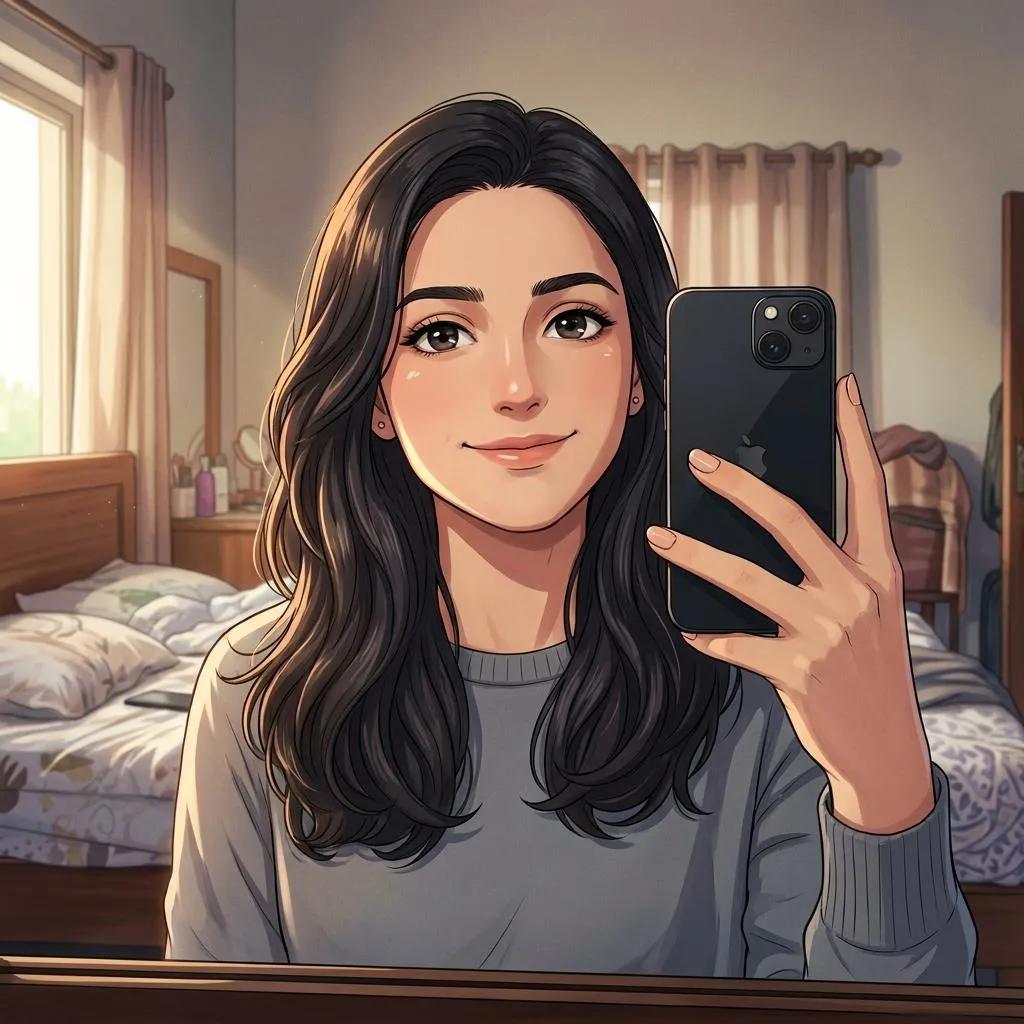 Cinematic Anime Photo Editing Prompt
Copy prompt →
Cinematic Anime Photo Editing Prompt
Copy prompt →
![Photorealistic Gritty Bloody Cinematic Portrait 8k [AI Prompt]](https://nanoaiprompts.com/assets/uploads/img_6a6b9c7f17fe9_1785437311.webp) Photorealistic Gritty Bloody Cinematic Portrait 8k [AI Prompt]
Copy prompt →
Photorealistic Gritty Bloody Cinematic Portrait 8k [AI Prompt]
Copy prompt →
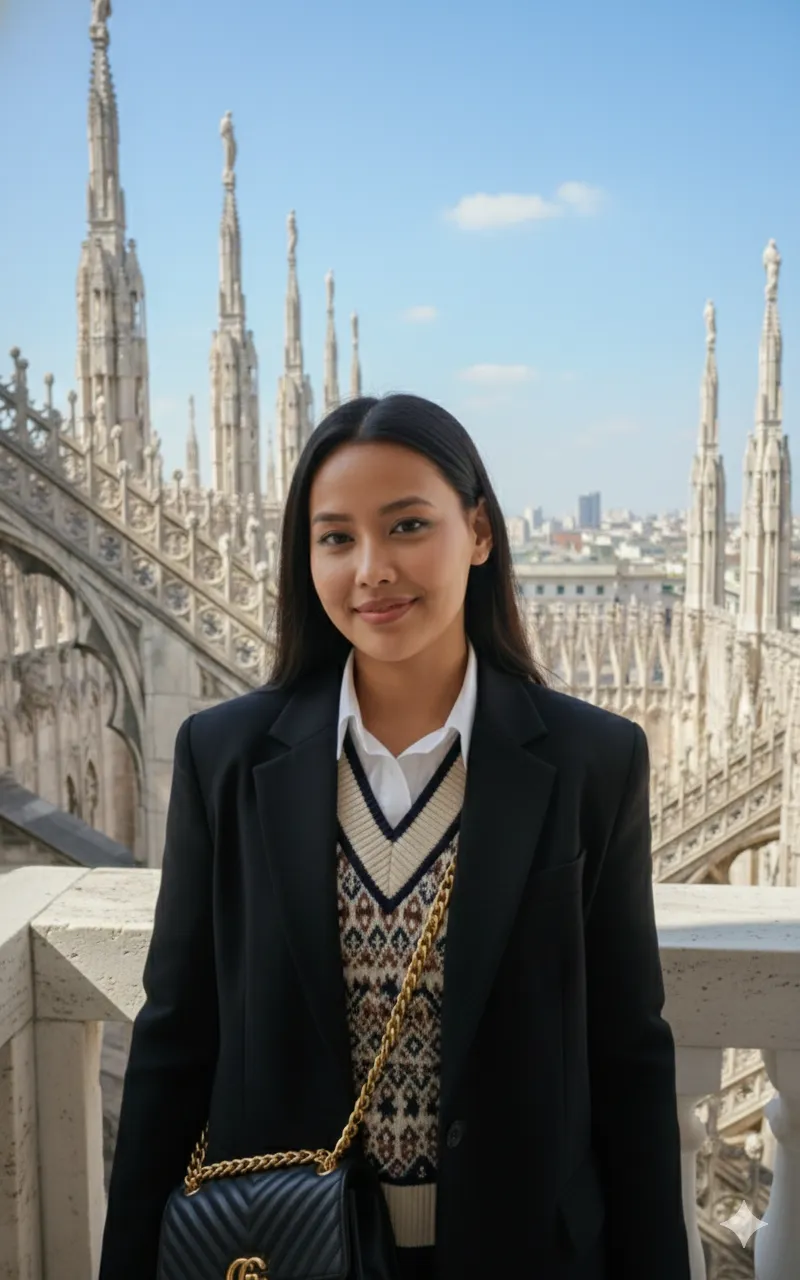 ChatGPT Fashion Photo Prompt
Copy prompt →
ChatGPT Fashion Photo Prompt
Copy prompt →
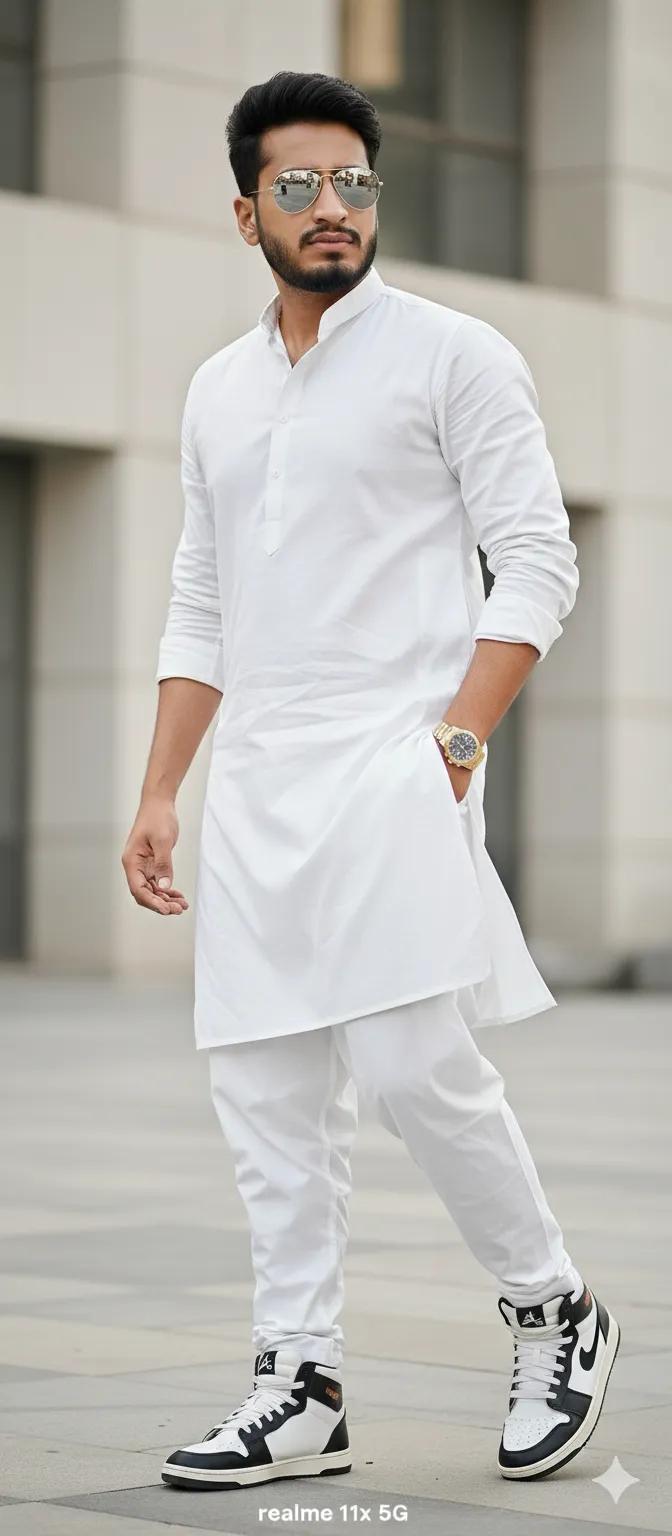 Modern Indian Boy Portrait: Salwar Kameez & Rolex
Copy prompt →
Modern Indian Boy Portrait: Salwar Kameez & Rolex
Copy prompt →
 Sleeping Man, Golden Sunlight, Woman Silhouette Bedroom AI Prompt
Copy prompt →
Sleeping Man, Golden Sunlight, Woman Silhouette Bedroom AI Prompt
Copy prompt →
About the Author
The Nano AI Prompts team creates practical, high-fidelity prompt resources for modern AI image and photo editing tools.
Explore all AI prompts →