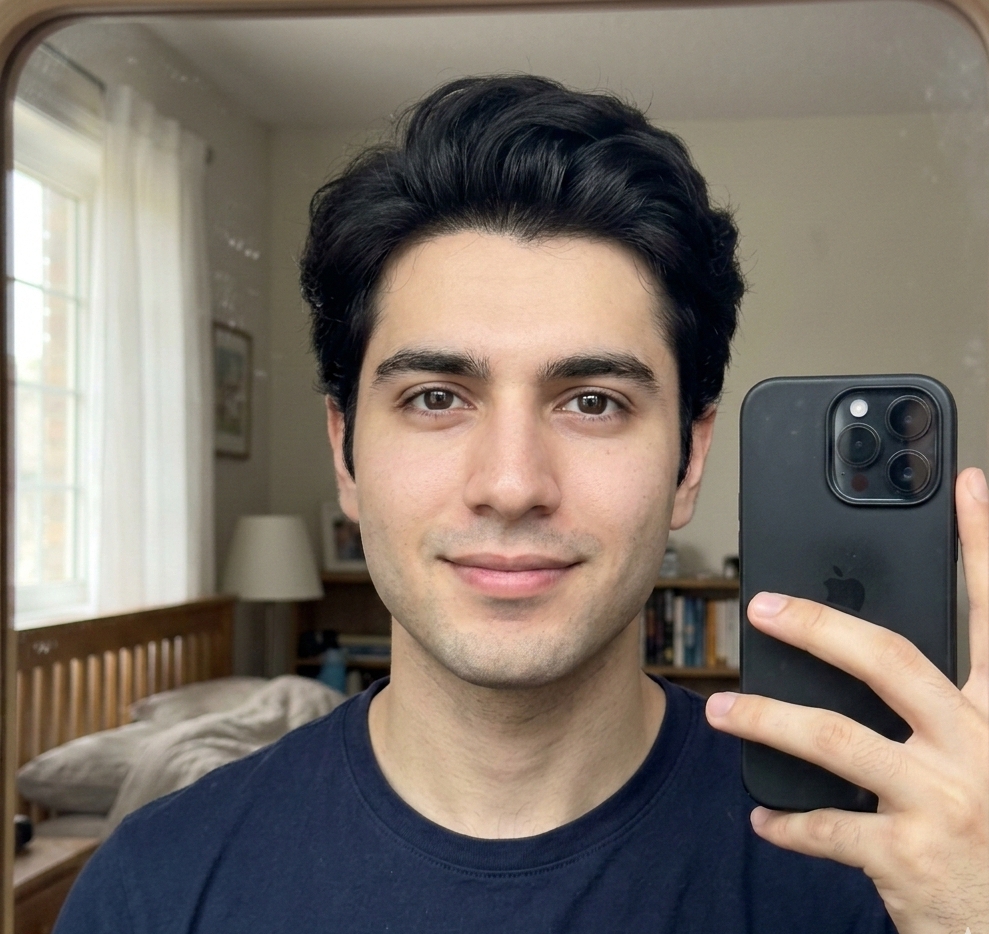
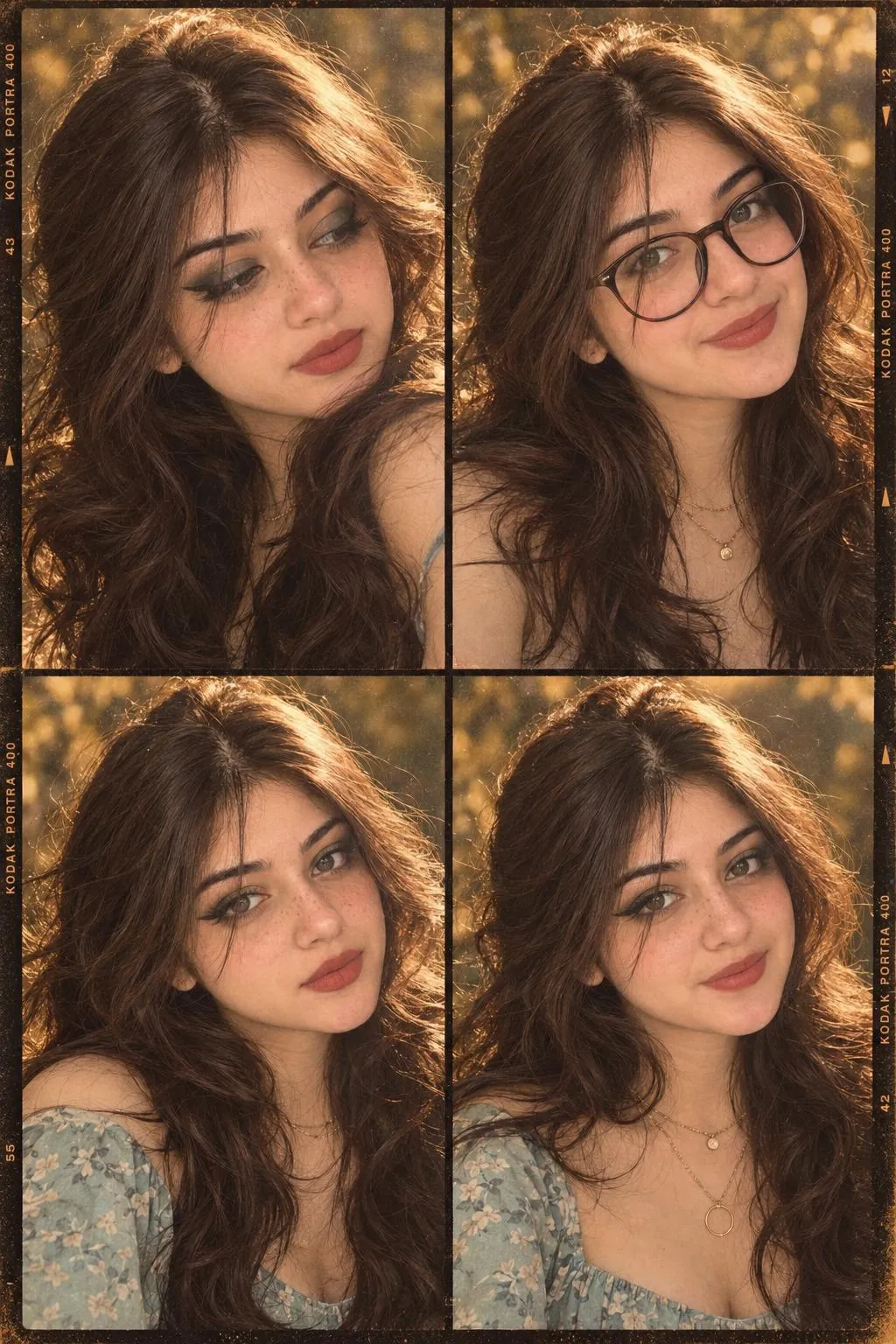
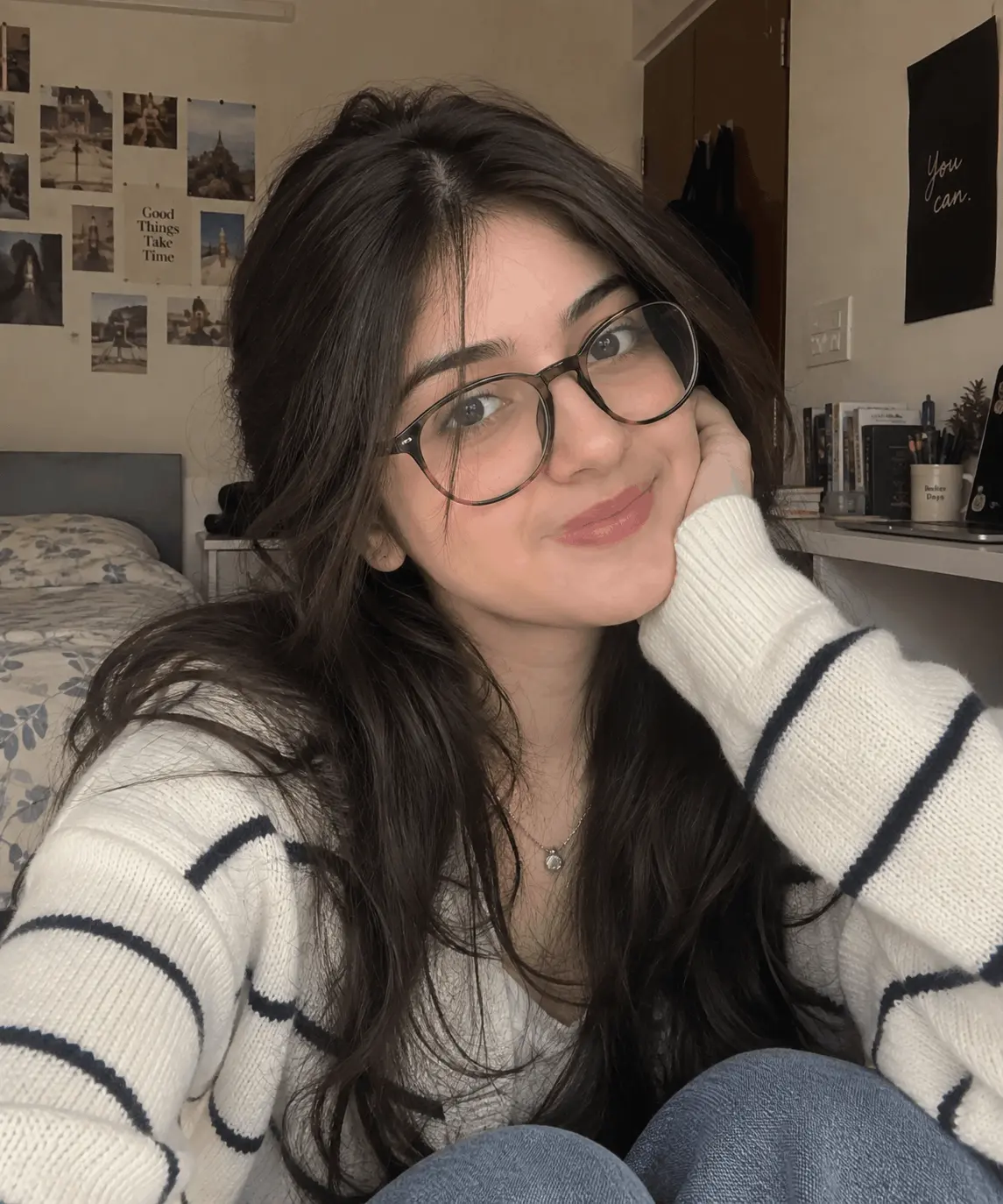
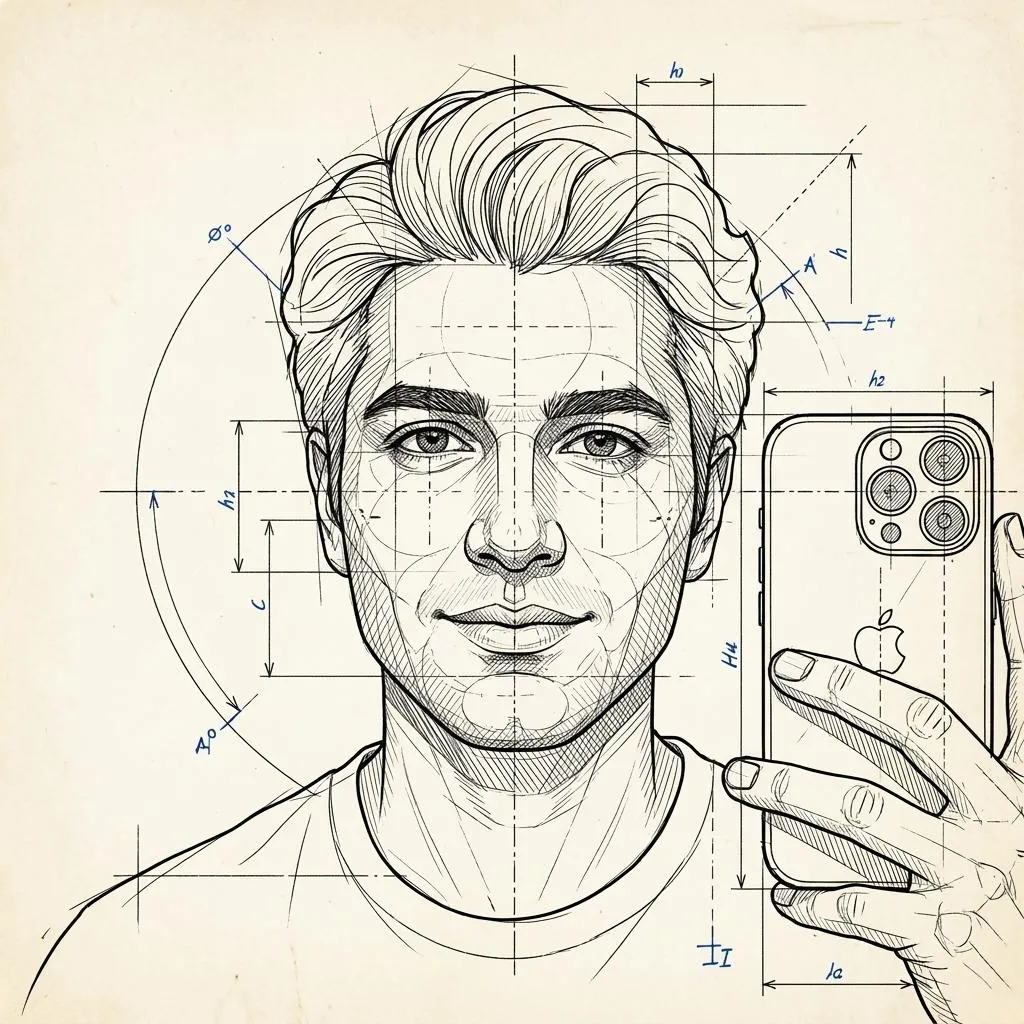
Create an ultra-realistic cinematic fashion portrait series of a young male model standing beside a warm beige textured plaster wall in a vintage outdoor setting. He wears a loose rust-brown casual button-up shirt with rolled sleeves, natural messy curly black hair, minimal accessories, and a calm stylish expression. Style: warm nostalgic autumn aesthetic, golden hour sunlight, soft shadows, earthy brown tones, cinematic color grading.
Background: old window frame, vintage wall texture, blurred autumn leaves, cozy outdoor atmosphere. Poses: relaxed leaning pose, looking down thoughtfully, direct camera gaze, side profile pose. Camera: professional fashion editorial photography, shallow depth of field, 85mm lens, realistic skin texture, soft natural lighting, high detail, cinematic portrait
Subject
Young male model, rust-brown shirt, messy black hair, calm expression, minimal accessories.
About This
[Viral] Golden Hour Vintage Male Fashion Portrait Prompt
Generate breathtaking cinematic fashion portraits of a young male model, capturing the essence of a warm nostalgic autumn aesthetic. This ultra-realistic AI prompt leverages golden hour sunlight and an 85mm lens to create professional editorial photography with a shallow depth of field and realistic skin texture. Perfect for crafting stunning vintage-style images with earthy brown tones and soft shadows, ideal for fashion lookbooks or artistic portfolios. Explore various poses against a textured plaster wall and blurred autumn leaves for a truly immersive and cozy outdoor atmosphere.
Frequently Asked Questions
Common questions about this AI
prompt and how to get the best results.
How can I change the model's appearance?
Specify hair color, style, clothing details, and accessories directly in the prompt to customize the model's look.
Can I modify the outdoor setting to a different location?
Absolutely! Describe different vintage elements such as cobblestone streets, brick walls, or specific foliage to create a unique outdoor scene.
Pro Tips for Better Results
Experiment with subtle variations in the model's expression for diverse emotional depth.
Adjust 'golden hour' intensity or time of day for different warm or cool lighting effects.
Specify additional vintage props or architectural details to enhance the background realism.

 Nano Banana
![[Viral] Golden Hour Vintage Male Fashion Portrait — AI generated image](https://nanoaiprompts.com/assets/uploads/img_6a34f642e16c8_1781855810.webp "[Viral] Golden Hour Vintage Male Fashion Portrait")