ChatGPT Images 2.5 Sketch: Turn Rough Drawings Into Realistic AI Images

ChatGPT Images 2.5 Sketch: Turn Rough Drawings Into Realistic AI Images
You don't need to know how to draw. A few rough lines can now become the blueprint for a polished AI image — and the real power comes from combining that sketch with a precise prompt.
What if you could draw the composition you have in your head instead of spending five minutes trying to explain it with words?
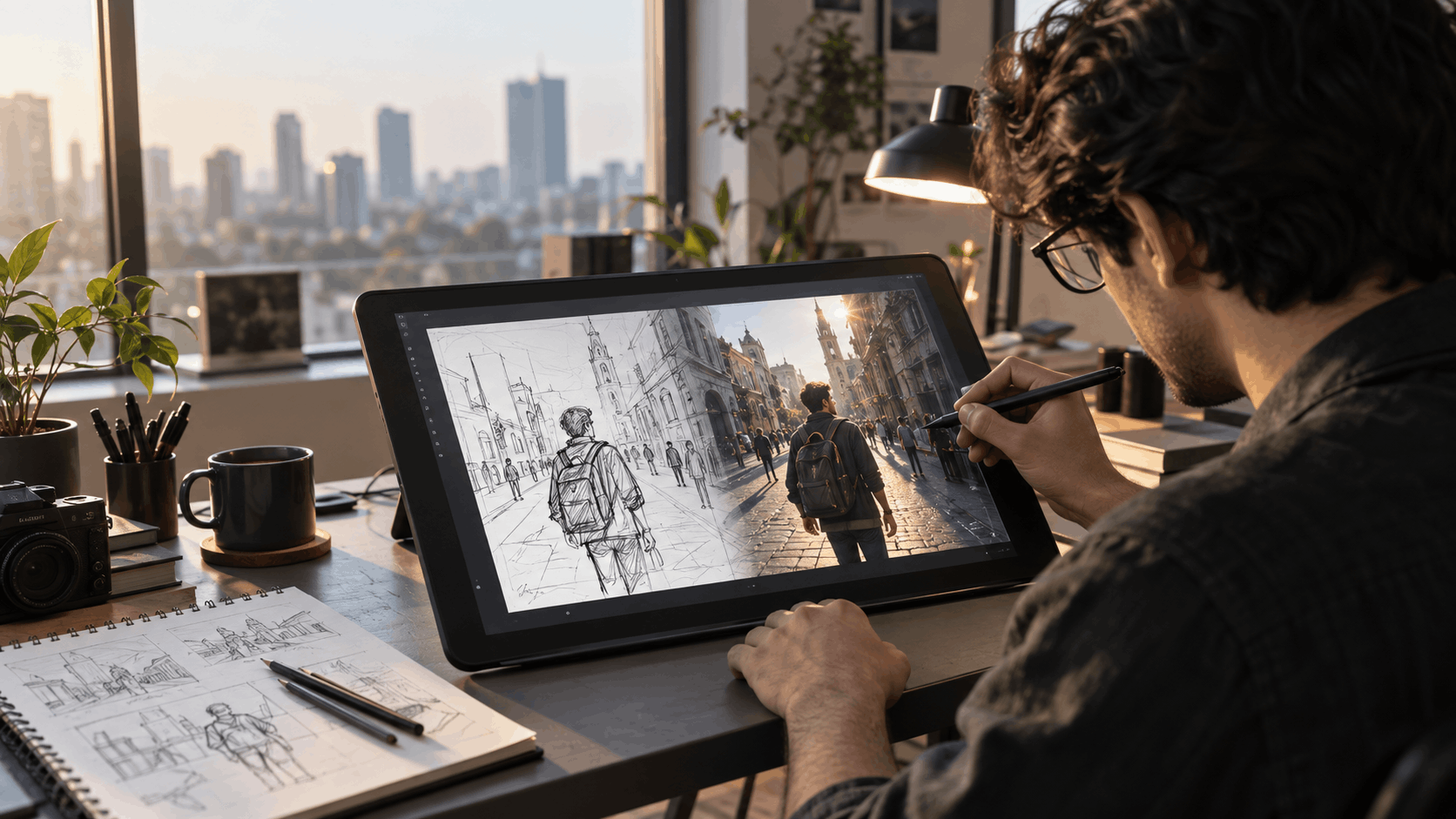
That's the idea behind the new Sketch workflow in ChatGPT Images 2.5. You can make a rough drawing directly in ChatGPT, then tell the model what that drawing should become.
The drawing does not have to be beautiful. In fact, it can be little more than circles, lines and rough shapes showing where the important elements belong.
ChatGPT then uses that visual reference together with your instructions to produce the finished image.
What Is ChatGPT Sketch?
ChatGPT Sketch is a visual creation workflow introduced with ChatGPT Images 2.5. It lets you draw directly in ChatGPT and use that drawing as a reference for the final generated image.
OpenAI describes Sketch as a way to show ChatGPT what you have in mind when an idea is easier to draw than describe. The feature is part of a larger Images 2.5 update that also adds more precise editing, improved reference preservation and faster image generation.
ChatGPT Images 2.5 was announced by OpenAI on September 8, 2026, with Sketch, templates, comment-based editing and improved image generation.
Why Use a Sketch Instead of Only a Text Prompt?
Text is excellent for describing appearance, mood and detail. It is not always the easiest way to describe spatial relationships.
Try explaining the exact position of three people around a table, a car parked diagonally behind someone, a product sitting in the lower-right corner or a character standing beneath a specific architectural structure.
You can describe all of that with words — but a ten-second doodle can sometimes communicate the composition more directly.
Composition
Show the model where the main subject and supporting elements should appear.
Pose
Roughly indicate body position, direction and movement without drawing anatomy.
Perspective
Give a visual hint about camera position, framing and spatial relationships.
Iteration
Start visually, then use text instructions to refine the generated result.
How to Use ChatGPT Sketch for AI Images
How to Prompt ChatGPT After Drawing Your Sketch
The biggest mistake is assuming that the sketch has to communicate everything.
It doesn't.
Think of the sketch as the visual skeleton and your text prompt as the production brief.
Transform this rough sketch into a highly realistic cinematic street-fashion photograph. Preserve the approximate position and scale of the main subject from the sketch. Place the subject on a sophisticated city street just after sunset. Use realistic blue-hour ambient light, warm storefront illumination, natural skin texture, detailed fabric materials and shallow depth of field. The subject should remain the clear focal point while the background has subtle optical blur. Professional full-frame photography, realistic perspective, natural shadows and authentic photographic detail.
Notice that the prompt does not spend most of its words explaining where the subject goes. The sketch is already doing that job.
Use Text for What the Sketch Cannot Explain
- Lighting direction and quality
- Material texture
- Skin realism
- Camera perspective
- Lens character
- Color palette
- Atmosphere
- Photographic style
- Important things to avoid
How to Make Sketch-to-Image Results Look Realistic
A sketch can establish the composition, but realism comes from the details surrounding it.
Describe Physical Lighting
Instead of writing only "cinematic lighting," explain where the light comes from.
Describe Real Materials
If the scene contains leather, glass, metal, concrete, denim or skin, tell the model what those materials should physically look like.
Protect Human Realism
For portraits, request natural skin texture rather than simply asking for "perfect skin."
Avoid: plastic skin, excessive smoothing and artificial beauty-filter appearance.
Use Realistic Camera Language
Camera direction can help establish a believable photographic result. Consider focal length, camera height, depth of field, perspective and focus distance rather than throwing unrelated photography keywords into the prompt.
Practical ChatGPT Sketch Ideas You Can Try
Fashion Editorial
Sketch the model's rough pose and background geometry, then use text to define clothing, lighting and editorial photography.
Product Advertisement
Draw the approximate position of the product, props and negative space, then describe the commercial photography setup.
Movie Scene
Sketch characters and major environmental elements, then specify cinematic lighting, lens perspective and atmosphere.
Interior Concept
Roughly draw furniture placement and architectural shapes, then define materials, colors and realistic interior lighting.
Example: Product Photography
Imagine drawing a simple rectangle in the center for a perfume bottle, a horizontal line underneath for the table and two curved shapes behind it for decorative architectural elements.
The text prompt can then explain that the scene should become a premium fragrance advertisement with ivory stone, soft studio lighting, realistic glass reflections and a shallow depth of field.
Example: Cinematic Portrait
Draw a circle for the head, a rough body shape, a streetlamp and a few background buildings. Then use the prompt to turn the composition into a realistic nighttime street portrait.
Example: Fantasy Environment
Roughly sketch a castle, mountains and a character silhouette. Then describe the atmosphere, architecture, weather, lighting and photographic or cinematic style.
The Real Power Is in Iterative Editing
Generating the first image is only half the workflow.
Current ChatGPT Images 2.5 features include more precise editing and comment-based instructions, allowing users to focus changes on specific areas instead of repeatedly starting from zero.
- Keep the composition unchanged but make the lighting warmer.
- Keep the subject exactly the same and replace only the background.
- Make the jacket look like realistic textured leather.
- Move the background lights farther away without changing the subject.
- Preserve the current face and pose while making the photograph look more natural.
The principle is simple: once something is working, tell the model to preserve it.
Common ChatGPT Sketch Mistakes
Don't Overdraw the Sketch
The sketch is a composition guide. Spending ten minutes creating a detailed illustration defeats much of the advantage of the workflow.
Don't Make the Prompt Too Vague
"Make this cinematic" does not provide enough direction. Explain the lighting, environment, materials and photographic characteristics you actually want.
Don't Change Everything at Once
When refining an image, change one important variable at a time. This makes it much easier to understand which instruction improved or damaged the result.
Don't Confuse Realism With More Detail
Realistic images depend on believable lighting, perspective, materials, anatomy and physical relationships — not simply maximum texture or sharpening.
Have the Idea? Get the Prompt.
Explore ready-to-copy AI image prompts for ChatGPT, Gemini, Nano Banana, realistic photo editing, portraits, product photography and viral visual concepts.
Explore Nano AI Prompts →Frequently Asked Questions
What is ChatGPT Sketch?
ChatGPT Sketch is a visual workflow in ChatGPT Images 2.5 that lets users create a rough drawing and use it as a reference for generating a finished AI image.
Do I need drawing skills to use ChatGPT Sketch?
No. The purpose of the sketch is to communicate the basic visual idea, composition and positioning. Simple shapes and rough lines can be enough.
Is ChatGPT Sketch better than a normal AI image prompt?
It depends on the task. Text prompts are excellent for describing style and details, while Sketch can be especially useful when composition and spatial relationships are easier to draw than explain.
Can I use a reference photo with ChatGPT Images?
Yes. ChatGPT Images supports uploading existing images and describing changes. Images 2.5 also improves preservation of subjects in reference images.
How do I make Sketch results more realistic?
Use the sketch for composition and use the written prompt to control realistic lighting, materials, camera perspective, depth of field, skin texture and environmental details.
Can I edit the generated Sketch image afterward?
Yes. ChatGPT Images 2.5 includes more precise editing capabilities, allowing you to make targeted changes to an existing generated image.
What kinds of images work well with Sketch?
Sketch is useful for portraits, product photography, fashion compositions, interiors, cinematic scenes, posters, conceptual artwork and other images where the placement of visual elements matters.
Explore More AI Image Prompts
If you're experimenting with visual generation, explore more copy-ready ideas across the Nano AI Prompts library, including AI image prompts, ChatGPT image prompts, Nano Banana prompts and photo-editing concepts.
AI Image Prompts
Explore creative image-generation prompts for different visual styles and concepts.
ChatGPT Image Prompts
Find practical prompts designed around ChatGPT image generation and editing.
Nano Banana Prompts
Browse image transformation and editing ideas for Gemini's Nano Banana workflows.
AI Photo Editing
Discover prompts for transforming real photos while preserving important visual details.
The Bottom Line
ChatGPT Sketch is interesting because it changes the relationship between the creator and the prompt.
You no longer have to translate every visual idea into perfectly written language before the model can understand the composition.
A rough drawing can establish the structure. Your prompt can establish the visual execution. Iterative editing can then polish the result.
Sketch the composition → describe the visual direction → generate → inspect → make focused edits.
And that is probably the most useful way to think about Sketch: it isn't replacing prompting — it is giving your prompt a visual starting point.
Explore More AI Prompts
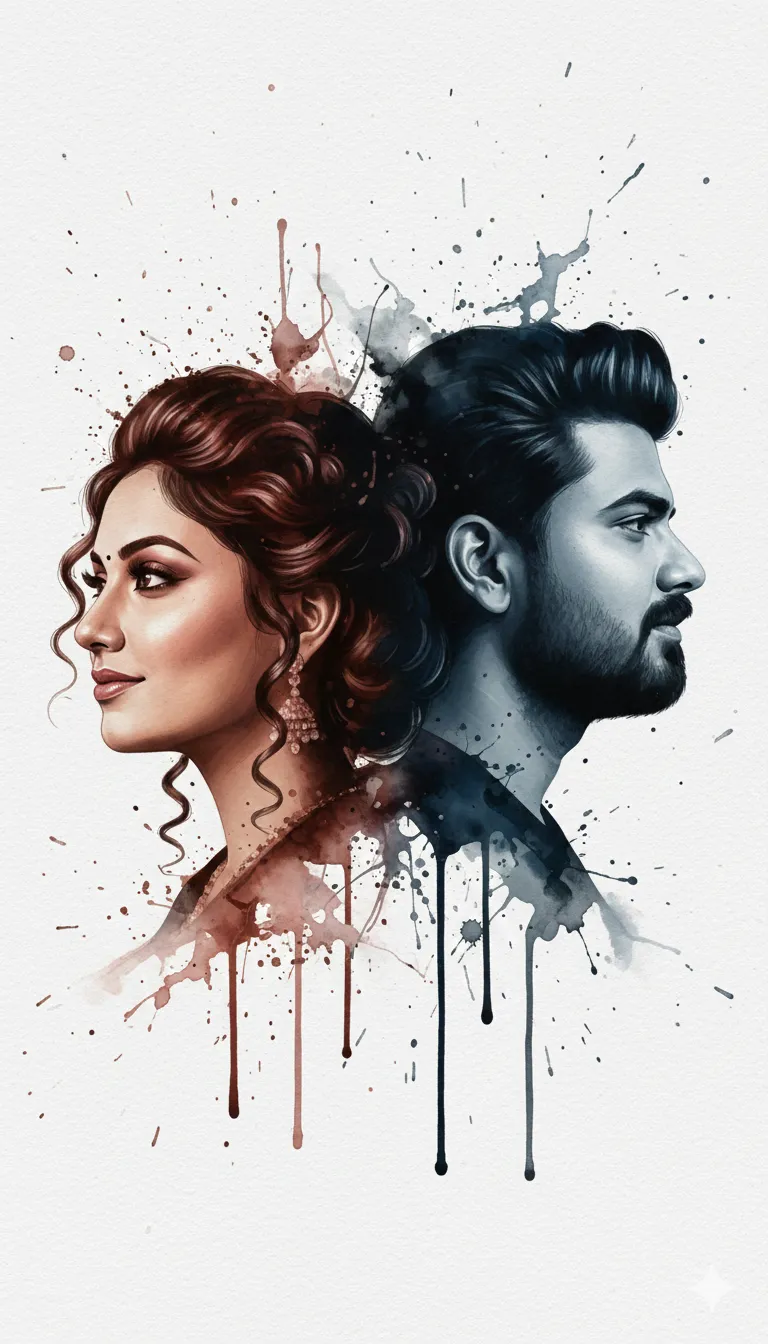
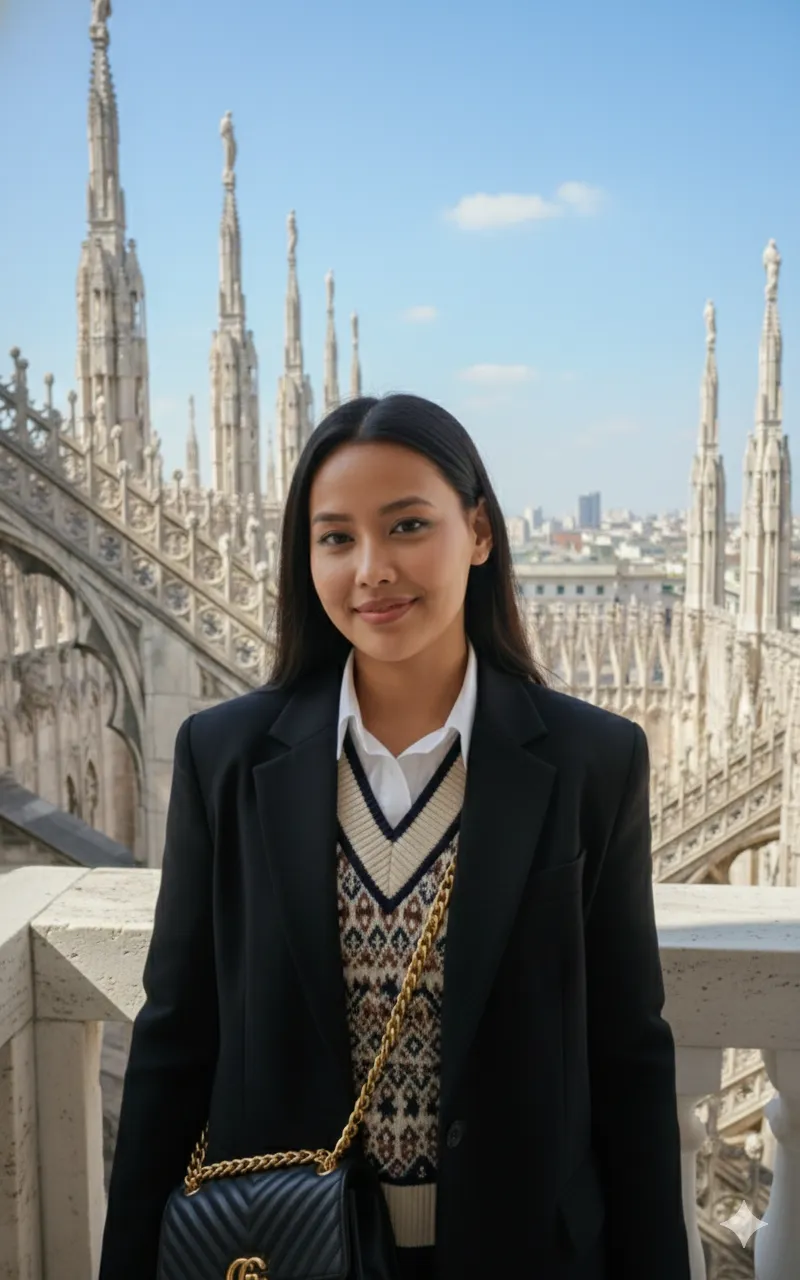
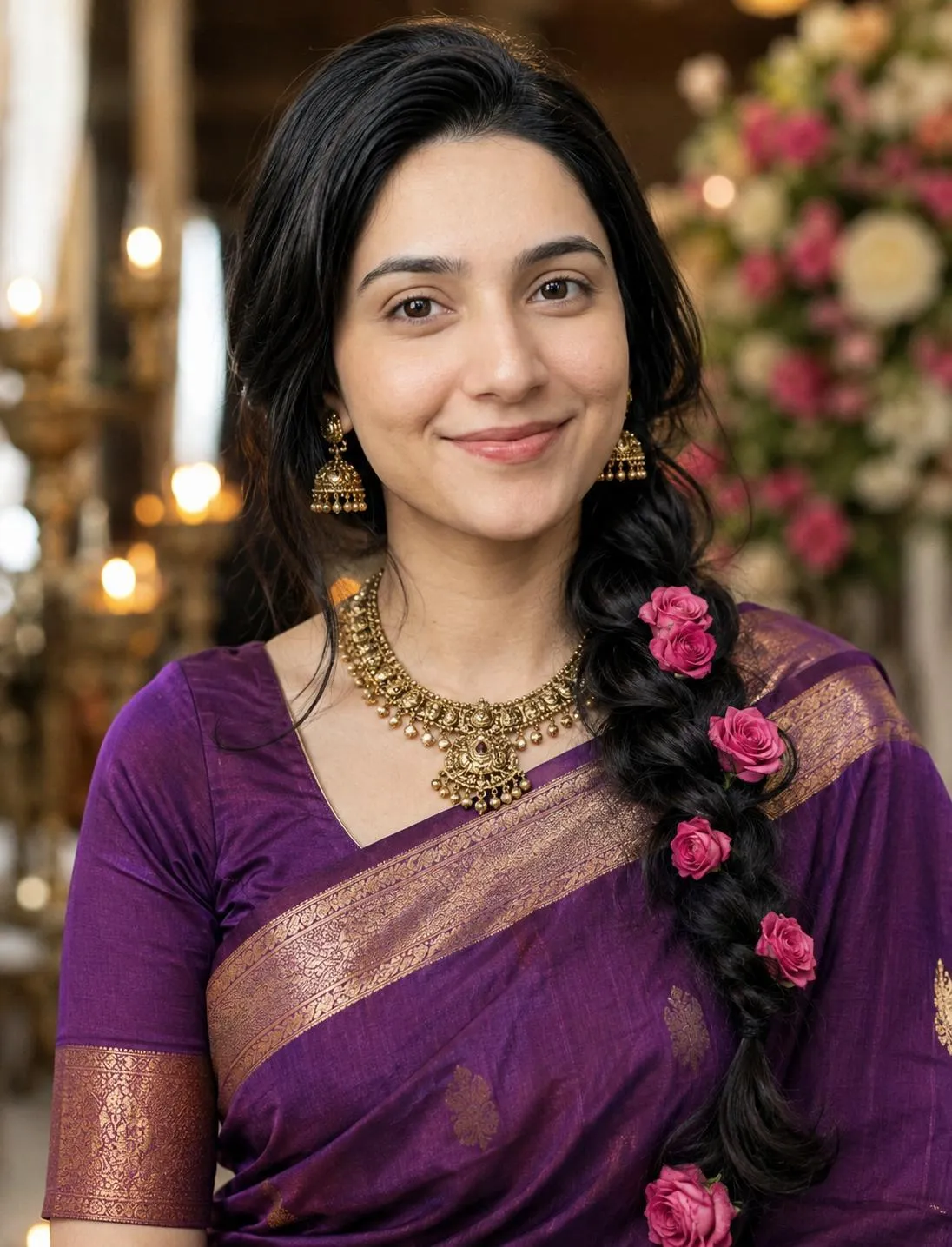
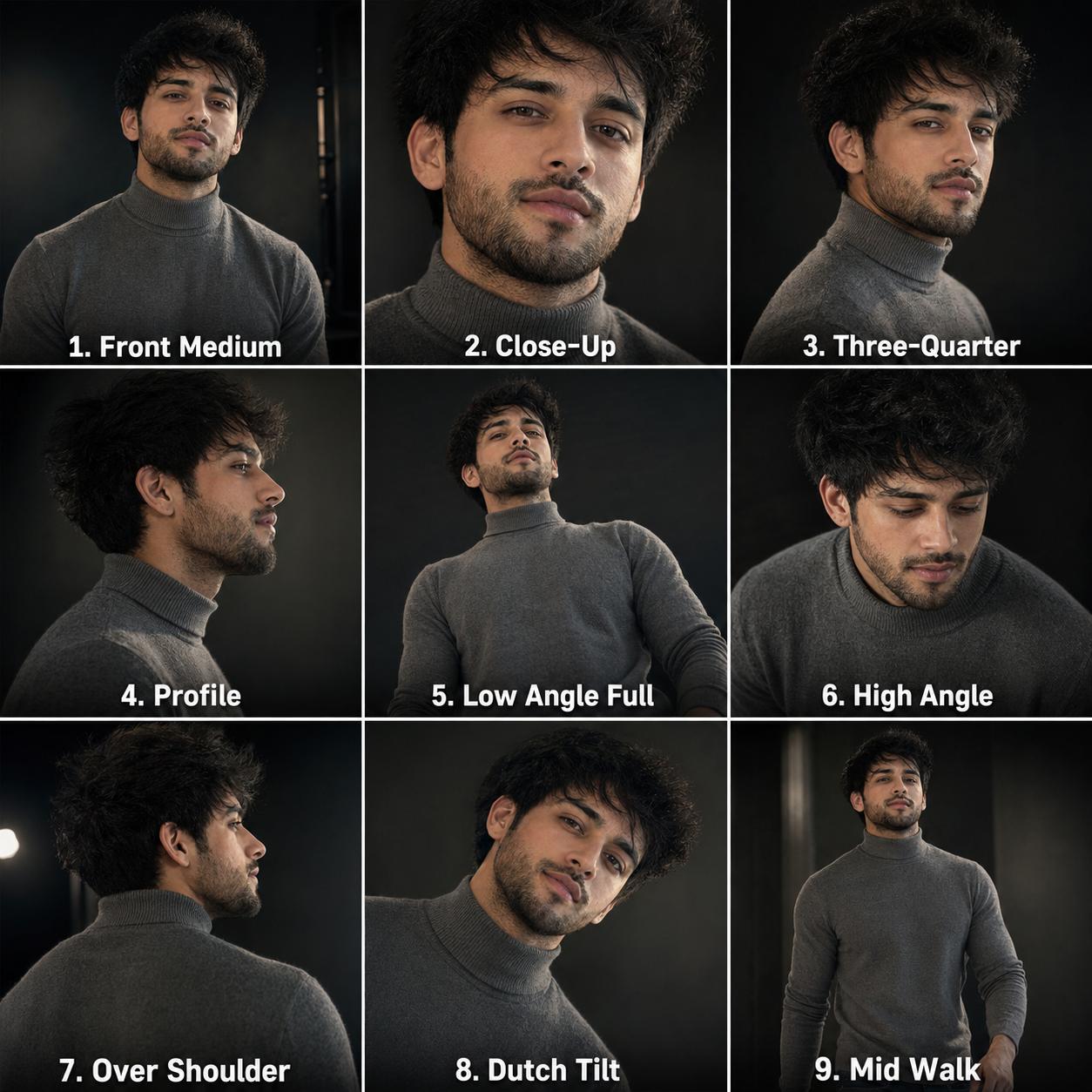
Looking for ready-to-copy ideas after reading this guide? Explore a rotating selection of AI image prompts from NanoAIPrompts.
About the Author
The Nano AI Prompts team creates practical, high-fidelity prompt resources for modern AI image and photo editing tools.
Explore all AI prompts →