50+ Best ChatGPT Prompts for Photos: Free Copy-Paste Library

50+ Best ChatGPT Prompts for Photos: Free Copy-Paste Library
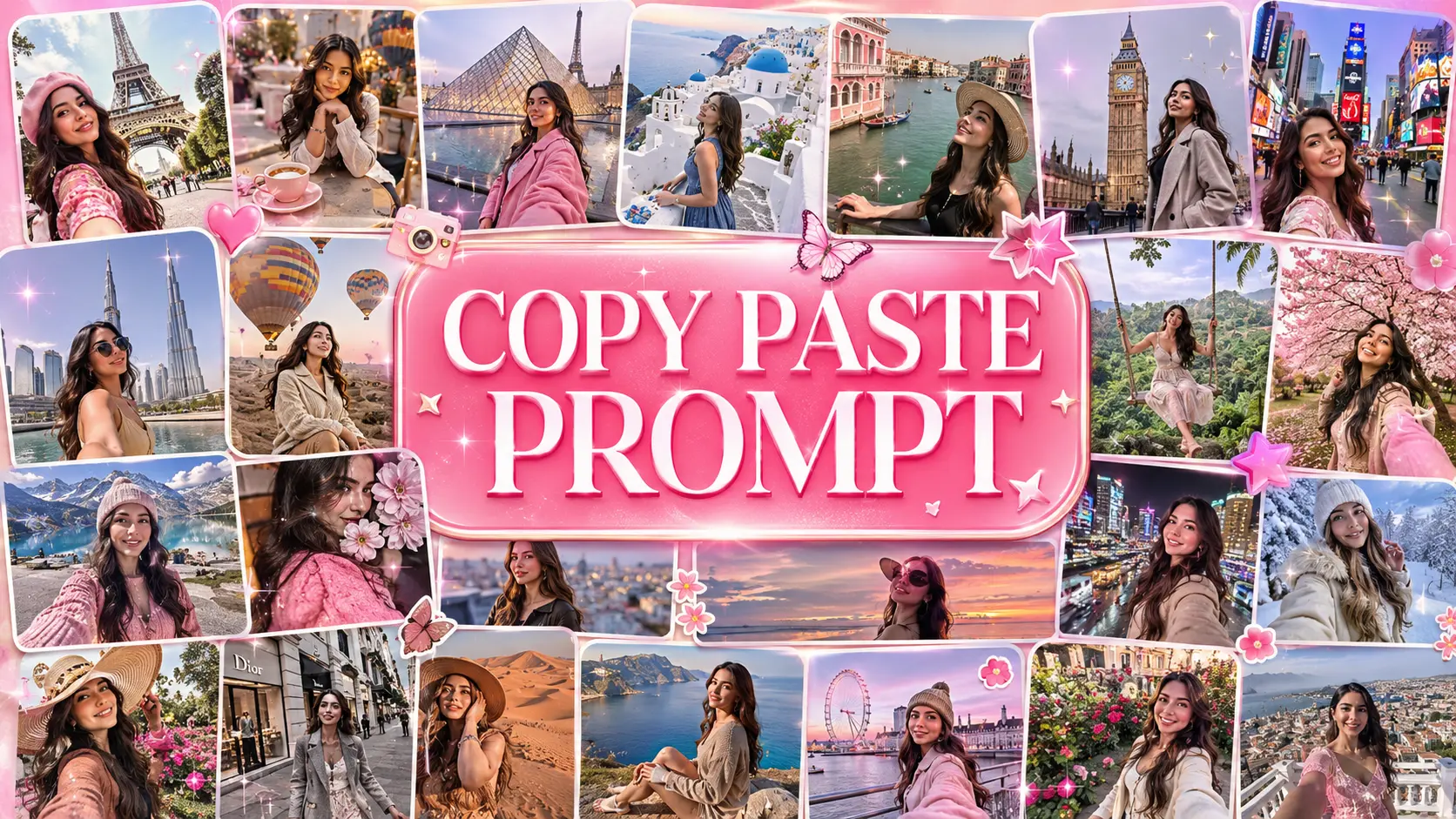
Tired of plastic-looking AI edits? Access our massive free library to transform your selfies and portraits instantly using the exact ChatGPT prompts for photos that professionals use.
🔥 Need Photo Editing Prompts Instantly?
Skip the reading! Dive straight into our massive, free 1-click copy-paste library. No sign-up required.
Browse 50+ Photo Editing Prompts →The New Era of AI Photo Editing
Gone are the days when you needed a degree in Adobe Photoshop just to change the background of a picture or fix bad lighting. Today, finding the right ChatGPT prompts for photos is the only skill you need. Whether you want to turn a basic room selfie into a cyberpunk masterpiece, or need a clean, professional headshot for LinkedIn, AI can do it in seconds.
However, there is a catch. If you just tell ChatGPT, "Make my photo look better," the AI will likely over-smooth your skin, mess up your fingers, or give you a bizarre, plastic-looking filter. The secret to getting stunning, photorealistic results lies entirely in your prompt engineering. You need to speak to the AI like a professional photographer.
Why Use a Copy-Paste Prompt Library?
Professional AI artists use complex technical terms like "volumetric lighting", "85mm lens", "f/1.8 aperture", and "film grain". Instead of spending months trying to memorize these photography terms, you can leverage our free ChatGPT photo editing prompts library.
The concept is beautifully simple: You browse our database, find an aesthetic or editing style you love, click the copy button, and paste it directly into ChatGPT alongside your photo. It is a 1-click solution that guarantees professional results every single time.
Sneak Peek: Top 5 ChatGPT Prompts for Photos
Here are a few high-converting examples from our massive library that you can test right now. Remember, for the best results, always upload a clear, well-lit original photo.
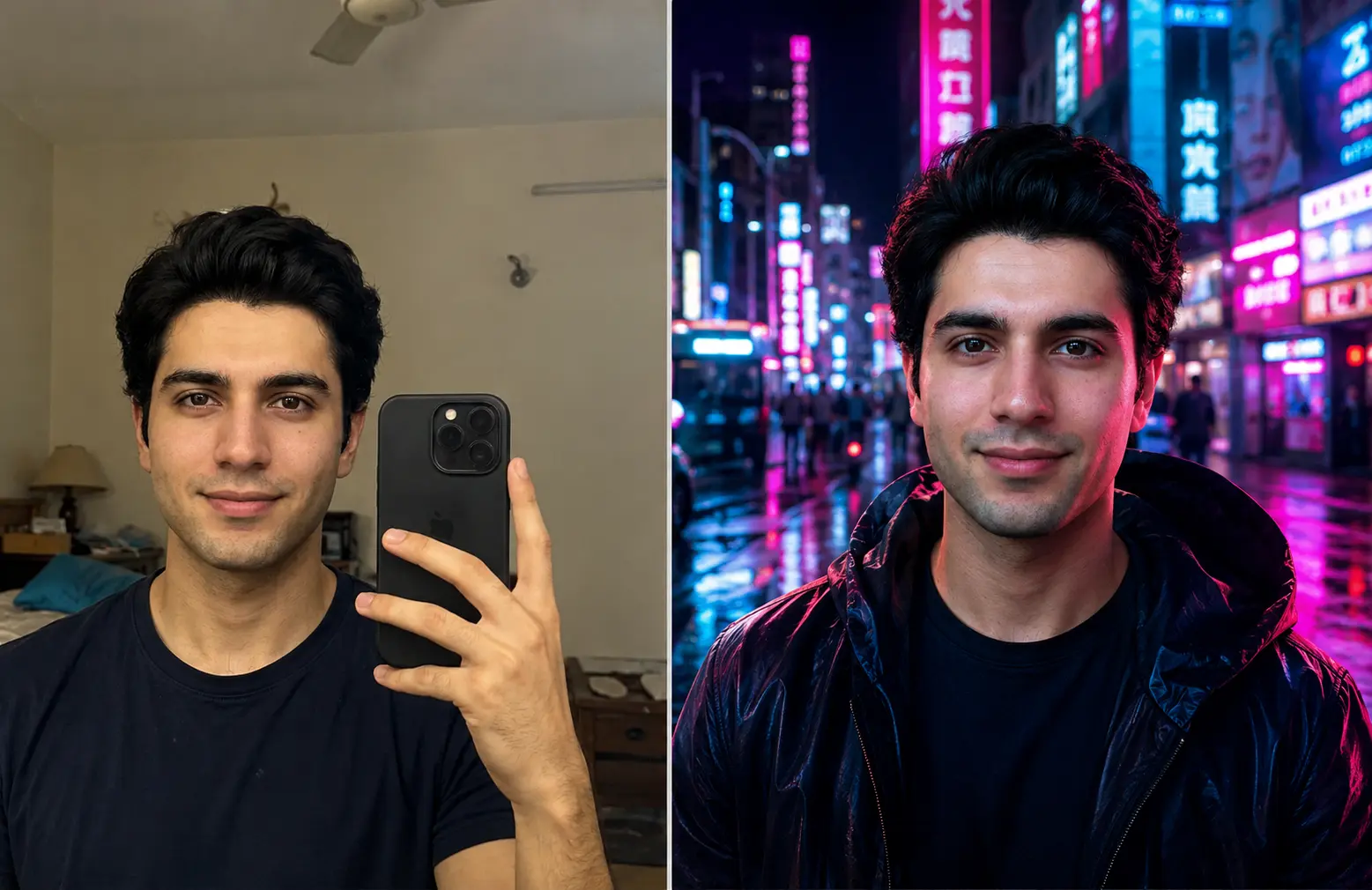
1. Background Replacement (Cyberpunk City)
Perfect for turning boring indoor selfies into epic, cinematic shots without losing your original facial features.
Keep the person's face and identity exactly the same. Remove the current background and replace it with a highly detailed, cinematic cyberpunk city street at night. Add soft neon pink and blue lighting reflecting on the subject's face. Shot on 85mm lens, photorealistic.
2. Aesthetic Girls Portrait Edit
One of our most popular ChatGPT prompts for girls, designed to enhance natural beauty without looking fake.
Enhance this portrait. Keep the facial features identical. Apply a soft, warm golden hour glow, gentle skin retouching (leaving natural texture and pores intact), and blur the background with a beautiful bokeh effect. Make it look like a high-end fashion magazine cover.
3. Professional LinkedIn Headshot
Don't pay for an expensive studio photoshoot. Turn any casual photo into a corporate headshot instantly.
Transform this image into a professional corporate headshot. Keep the subject's face identical. Change the clothing to a sharp, modern tailored suit. Change the background to a blurred modern office space with natural daylight. Professional studio lighting, 8k resolution.
4. Vintage 35mm Film Aesthetic
Give your modern digital photos that nostalgic, warm, and grainy aesthetic of old-school film cameras.
Edit this photo to look exactly like it was shot on a vintage 35mm disposable camera. Add heavy film grain, slight light leaks, warm retro color grading, and harsh direct flash lighting. Keep the subject's identity completely unchanged.
5. Epic Golden Hour Silhouette
Transform standard outdoor photos by manipulating the position of the sun and creating dramatic shadows.
Relight this entire scene to reflect the golden hour. Place a bright, glowing sun setting directly behind the subject to create a dramatic rim-light effect and partial silhouette. Keep the environment realistic, emphasizing warm orange and amber tones.
How to Get The Best Results
- Visit our complete ChatGPT Photo Editing Prompts database.
- Scroll through the visual examples and find the exact aesthetic you want.
- Click the Copy Prompt button (No sign-up needed).
- Open ChatGPT, attach your personal photo, paste the prompt, and hit send!
- Bonus Tip: If the AI changes your face too much, simply reply to ChatGPT saying, "Keep my face exactly the same as the original photo."
Explore Our Premium AI Prompt Collections
Ready to upgrade your AI art game? We have categorized hundreds of prompts so you can find exactly what you need in seconds without writing a single word from scratch.
Written by Rizwan Ullah Qureshi
Rizwan is a web software developer and the Founder of Nano AI Prompts. He specializes in engineering high-fidelity prompt templates for multimodal AI models like ChatGPT, Gemini, and Nano Banana Pro.
View all AI Prompts →