80s Retro AI Photo Prompts for Gemini & Nano Banana

80s Retro AI Photo Prompts: Create Vintage Photos with Gemini & Nano Banana
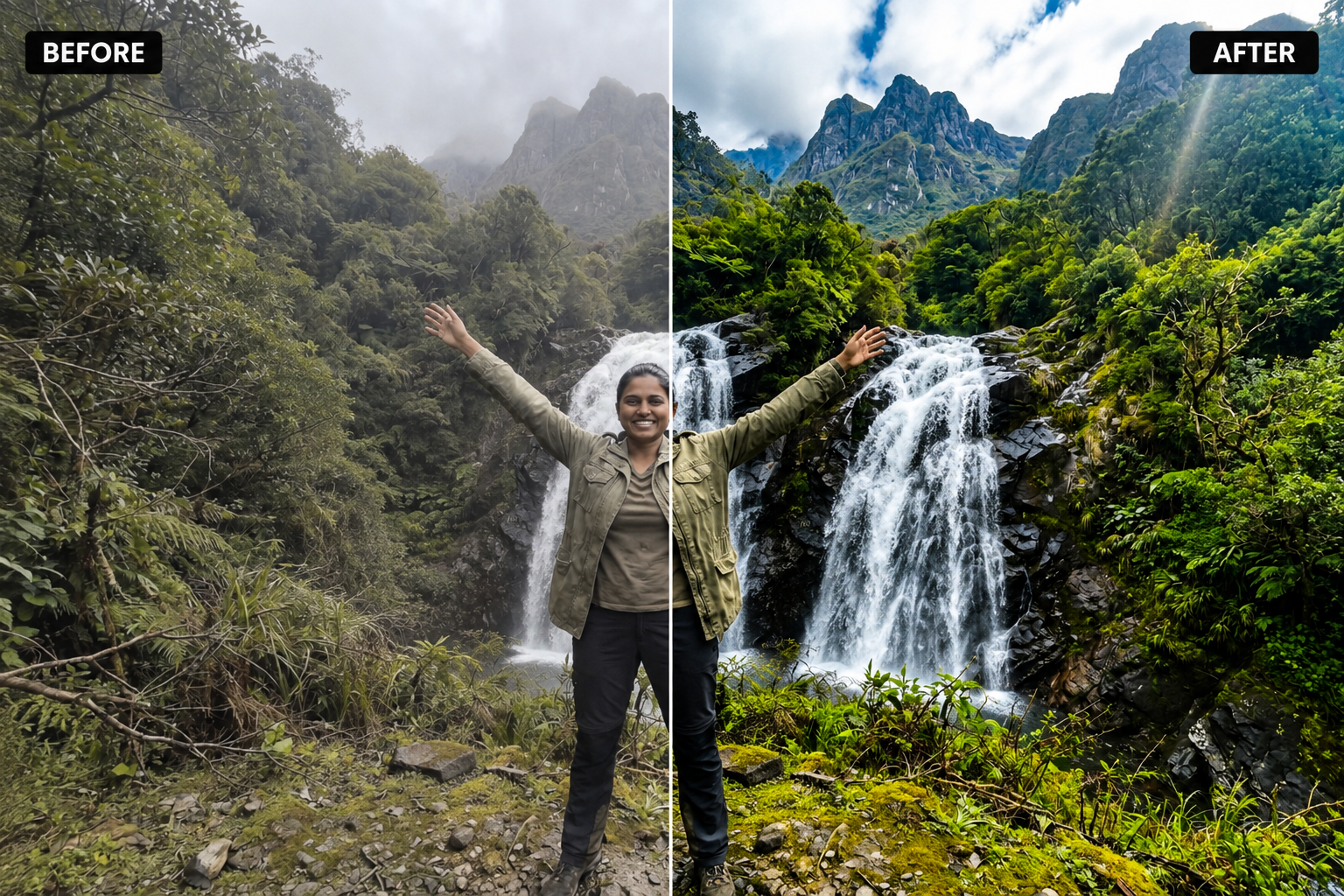
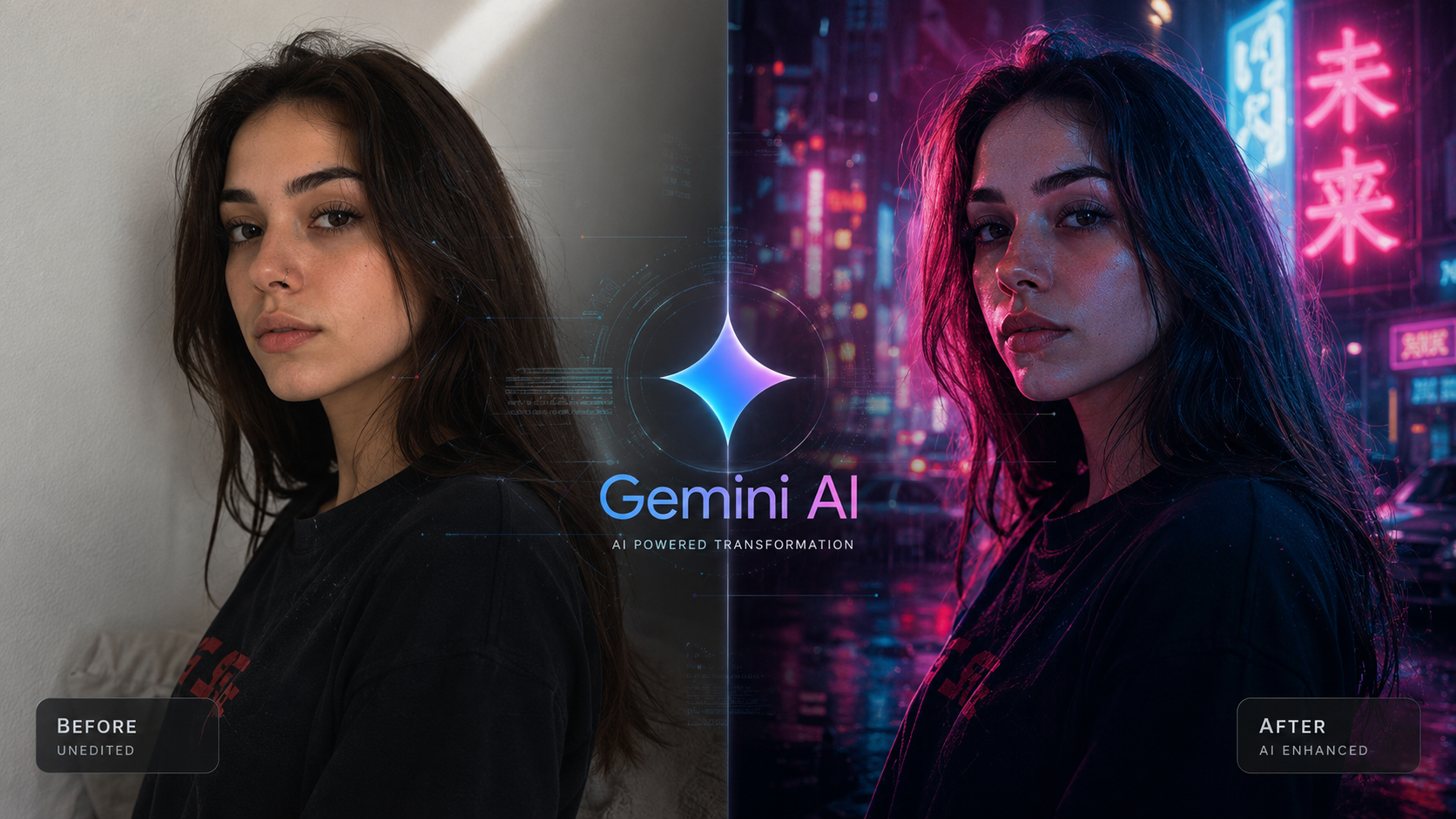
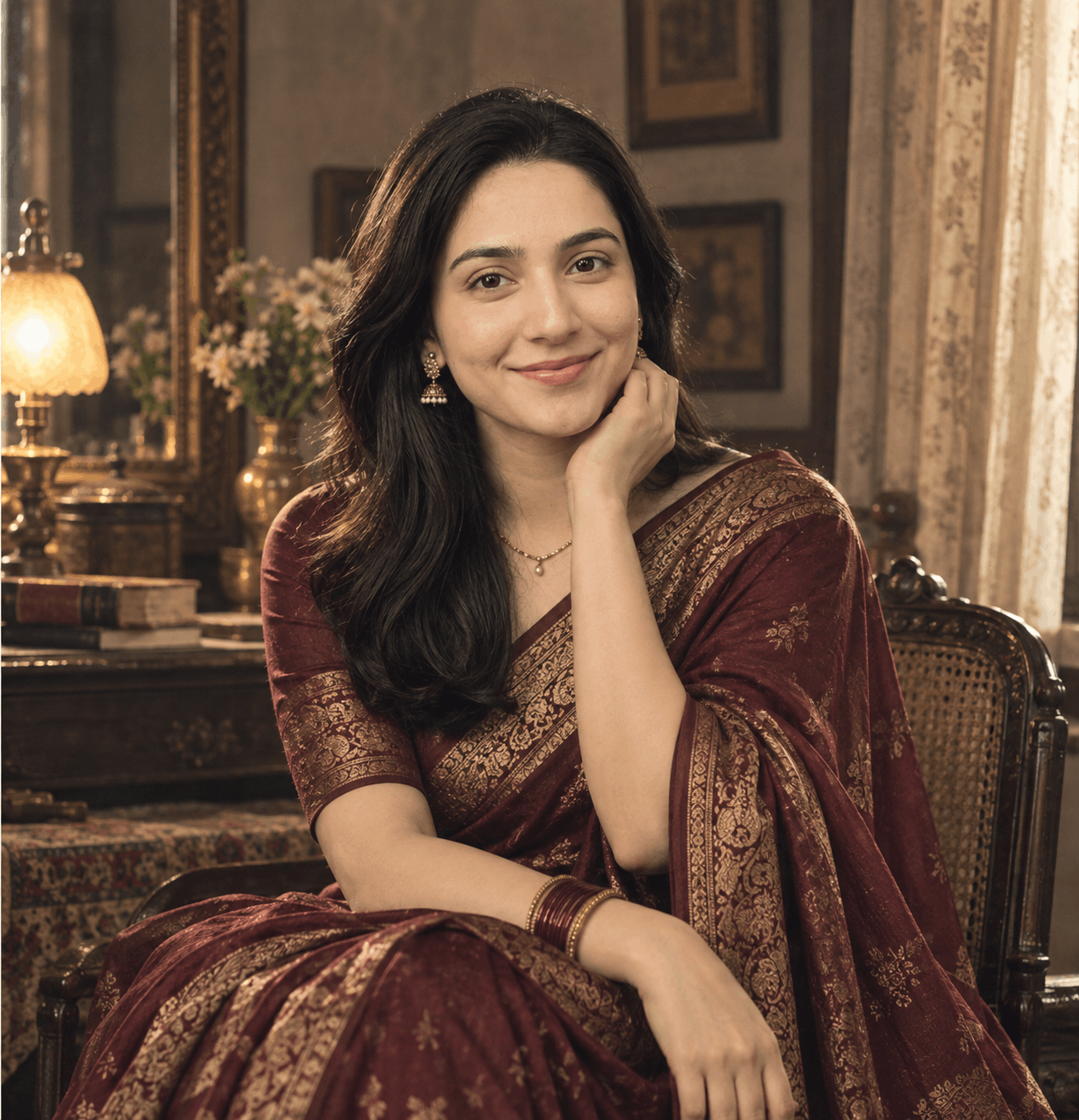
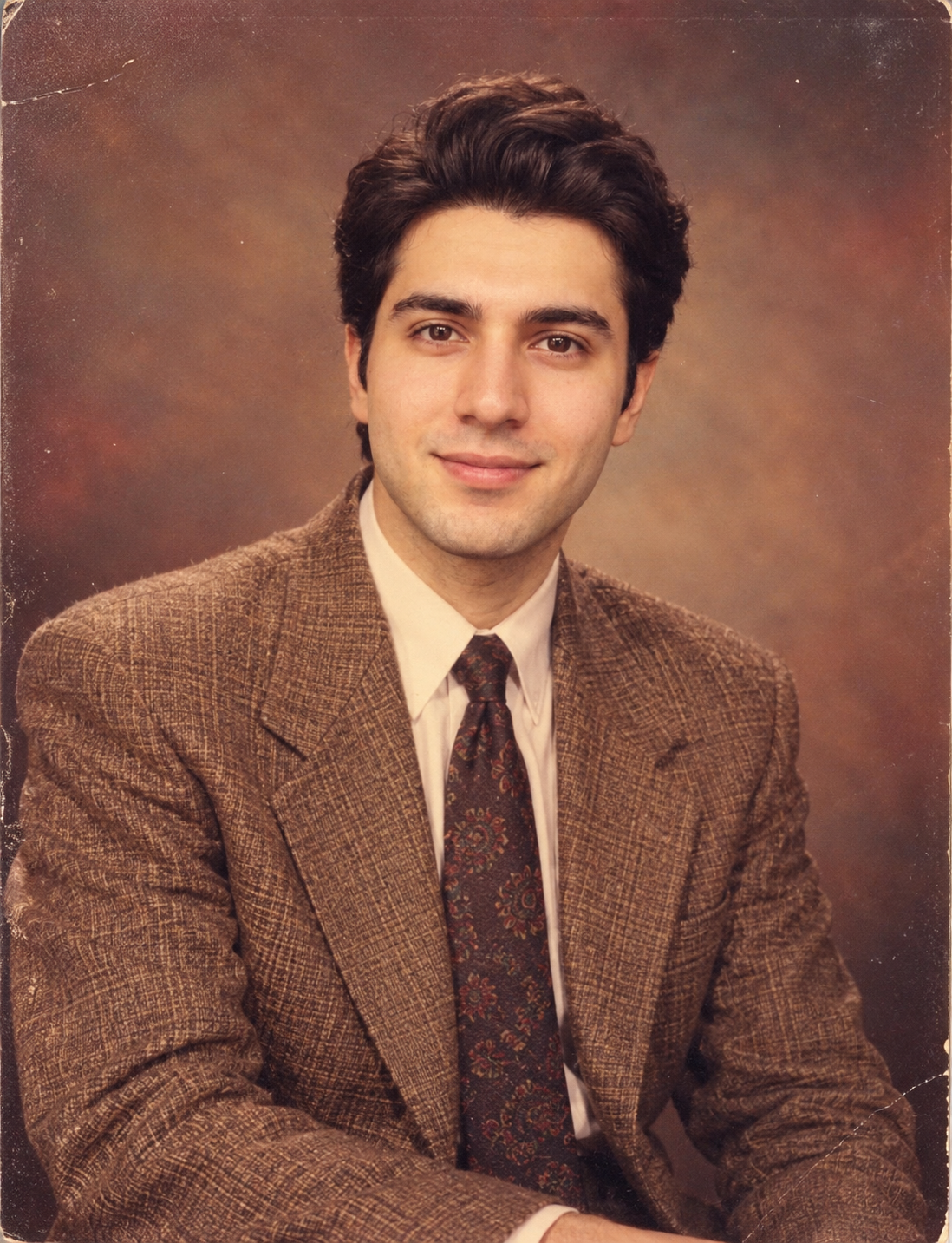
Turn an ordinary modern photo into a believable vintage portrait inspired by 1980s photography, analog film, direct flash and nostalgic studio aesthetics.
The latest AI photo trends are moving heavily toward nostalgic photography. Instead of simply making images look “cinematic,” creators are recreating recognizable visual eras — including vintage portraits, retro family photos, old-school studio photography and film-inspired edits.
The 1980s look is especially interesting because it has a very recognizable photographic language: direct flash, slightly warm colors, visible film grain, imperfect exposure, period styling and the unmistakable feeling of a printed photograph.
Google itself has highlighted retro makeovers and nostalgic photo transformations among the ways people are using Nano Banana in Gemini. Recent AI prompt trend roundups are also featuring 1980s and retro photo transformations as active prompt formats.
- Vintage flash creates a recognizable photographic style.
- Film grain adds texture and imperfections.
- Period clothing changes the visual context instantly.
- Warm colors create a nostalgic printed-photo feeling.
- Reference-photo editing can preserve the subject's identity.
What Makes a Good 80s Retro AI Photo Prompt?
A strong retro prompt should not simply say “make this photo vintage.” That leaves too many decisions to the image model.
Instead, describe the photographic era, lighting, clothing, background, colors, camera behavior, film texture and the details that must remain unchanged.
1. Start with the original photo
For a photo-editing workflow, begin with a clear reference image. A well-lit photo with the face visible gives the model more useful information about the person you want to preserve.
2. Describe the photographic era
Use specific language such as 1980s studio portrait, analog photography, direct on-camera flash, vintage color print and subtle film grain instead of relying only on the word “retro.”
3. Add realistic imperfections
Perfectly clean digital images often look too modern. Subtle grain, slight color shifts, mild exposure variation and natural print texture can help create a more convincing vintage aesthetic.
4. Tell the model what must stay unchanged
If you're editing your own photograph, explicitly state which important characteristics should remain consistent. This can include facial identity, skin tone, facial proportions and recognizable features.
1980s Vintage Studio Portrait
How to Use This 80s AI Photo Prompt
Use a clear reference image where the person's face and important features are visible.
Find the complete prompt inside the dedicated prompt box.
If the prompt is long, scroll inside the prompt box and use the visible Copy Prompt button.
Paste the prompt into Gemini or another compatible image generator and adjust only the details you want to change.
Don't add ten different visual styles at once. If the first result is close but the colors are too modern, change only the color and film instructions in the next generation.
How to Customize the Retro Look
The same prompt structure can create many different nostalgic variations.
Vintage Family Album
Add a living-room background, multiple family members, printed photo borders and candid expressions.
1980s School Portrait
Replace the studio setting with a classic school-photo backdrop, simple formal clothing and a restrained portrait composition.
Retro Street Photograph
Move the subject outdoors and add an old neighborhood street, period vehicles, storefronts and natural flash photography.
Vintage Couple Portrait
Use a close natural pose, period clothing and a slightly imperfect flash-lit composition to create a believable old photograph.
Common Mistakes with Retro AI Photo Prompts
Using only “make it vintage”
This is too vague. Define what vintage means through lighting, colors, film texture, clothing and photographic composition.
Overusing film effects
Heavy grain, extreme scratches and exaggerated color shifts can make the image look like an artificial filter instead of an authentic photograph.
Forgetting identity preservation
When editing a real person's photo, clearly describe which identity characteristics should remain consistent.
Why Detailed Prompts Produce Better Results
Modern image models can respond to detailed instructions about subjects, environments, composition and visual style. The more clearly you describe the relationship between those elements, the easier it becomes to guide the final image.
For reference-based editing, it is particularly useful to explain what the uploaded image represents and what should change. This is more precise than simply asking the model to “make it retro.”
Try More AI Photo Editing Prompts
If you enjoy experimenting with realistic transformations, explore more AI Photo Editing Prompts and Realistic AI Photography Prompts for additional styles and creative workflows.
Frequently Asked Questions
What are 80s retro AI photo prompts?
They are detailed instructions for transforming modern photographs into images inspired by 1980s photography, including vintage flash, film grain, period styling and analog color.
Can I use this prompt with Gemini?
Yes. Upload your reference photo to Gemini, then paste the prompt and generate the edited image. Results can vary between generations, so small iterative changes can help.
How do I copy a long prompt from Nano AI Prompts?
Open the prompt page, locate the dedicated prompt box, scroll inside the box if needed, and click the visible Copy Prompt button. The complete prompt remains available inside the box.
Ready to Try the Retro Look?
Explore more copy-paste AI photo prompts and experiment with different photography styles, eras and visual concepts.
Explore AI Photo Editing PromptsExplore More AI Prompts
Looking for ready-to-copy ideas after reading this guide? Explore a rotating selection of AI image prompts from NanoAIPrompts.
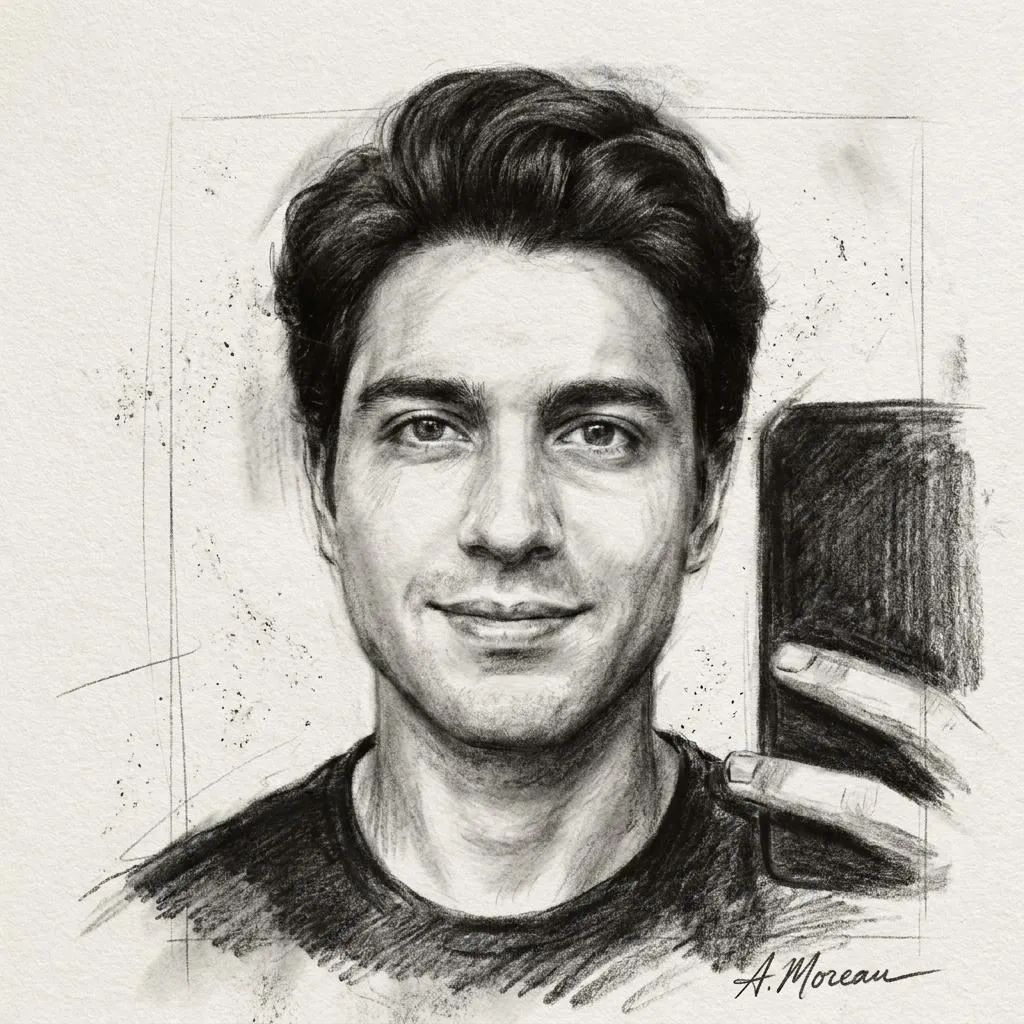 Dramatic Fine-Art Charcoal Portrait Photo Editing Prompt
Copy prompt →
Dramatic Fine-Art Charcoal Portrait Photo Editing Prompt
Copy prompt →
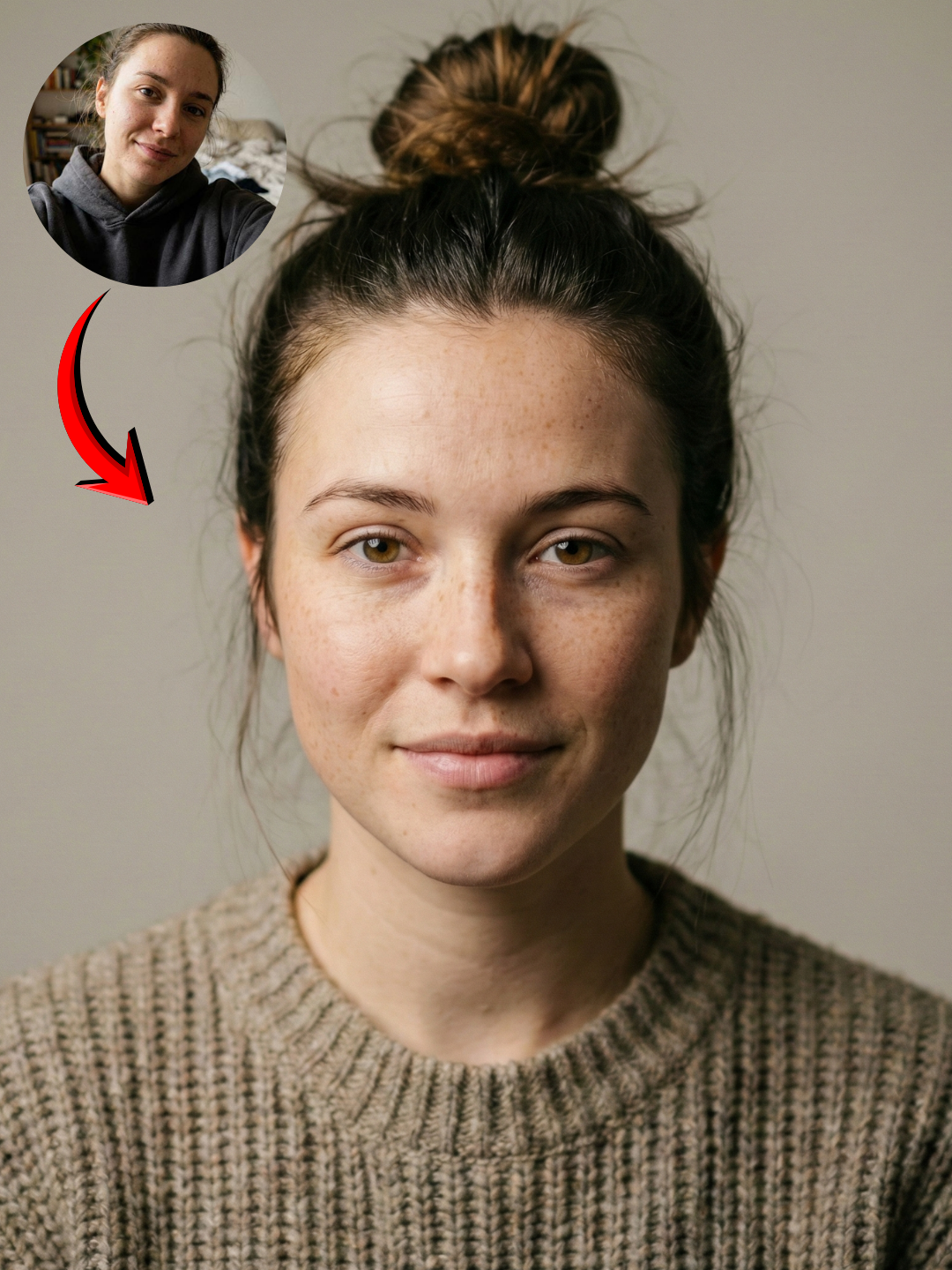 Nano Banana Face Lock Prompt for Photorealistic Portraits
Copy prompt →
Nano Banana Face Lock Prompt for Photorealistic Portraits
Copy prompt →
 Dark-Fantasy Oil Painting AI Photo Editing Prompt
Copy prompt →
Dark-Fantasy Oil Painting AI Photo Editing Prompt
Copy prompt →
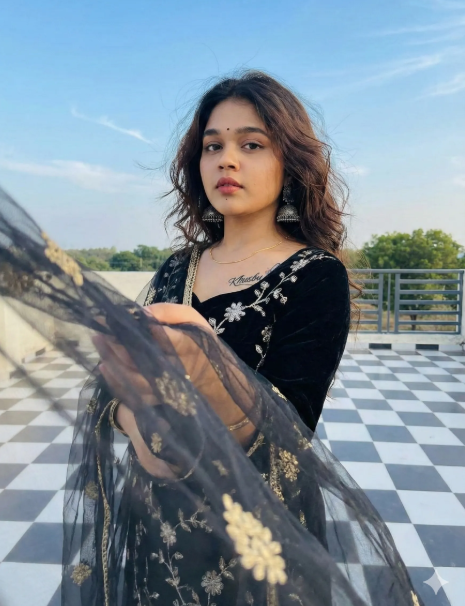 South Asian Woman Rooftop Photo Prompt
Copy prompt →
South Asian Woman Rooftop Photo Prompt
Copy prompt →
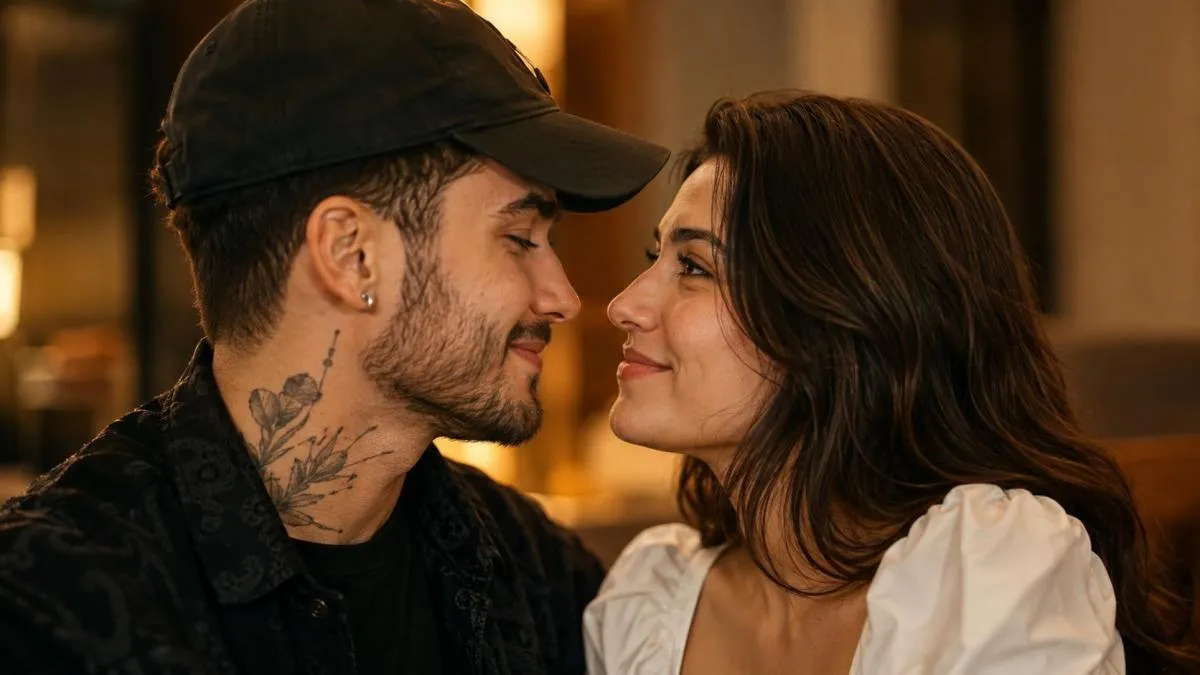 Realistic Couple AI Photo Prompt | Copy Paste
Copy prompt →
Realistic Couple AI Photo Prompt | Copy Paste
Copy prompt →
About the Author
The Nano AI Prompts team creates practical, high-fidelity prompt resources for modern AI image and photo editing tools.
Explore all AI prompts →