Retro Saree AI Photo Prompt: Create a Cinematic Vintage Saree Portrait

Retro Saree AI Photo Prompt: Create a Cinematic Vintage Saree Portrait
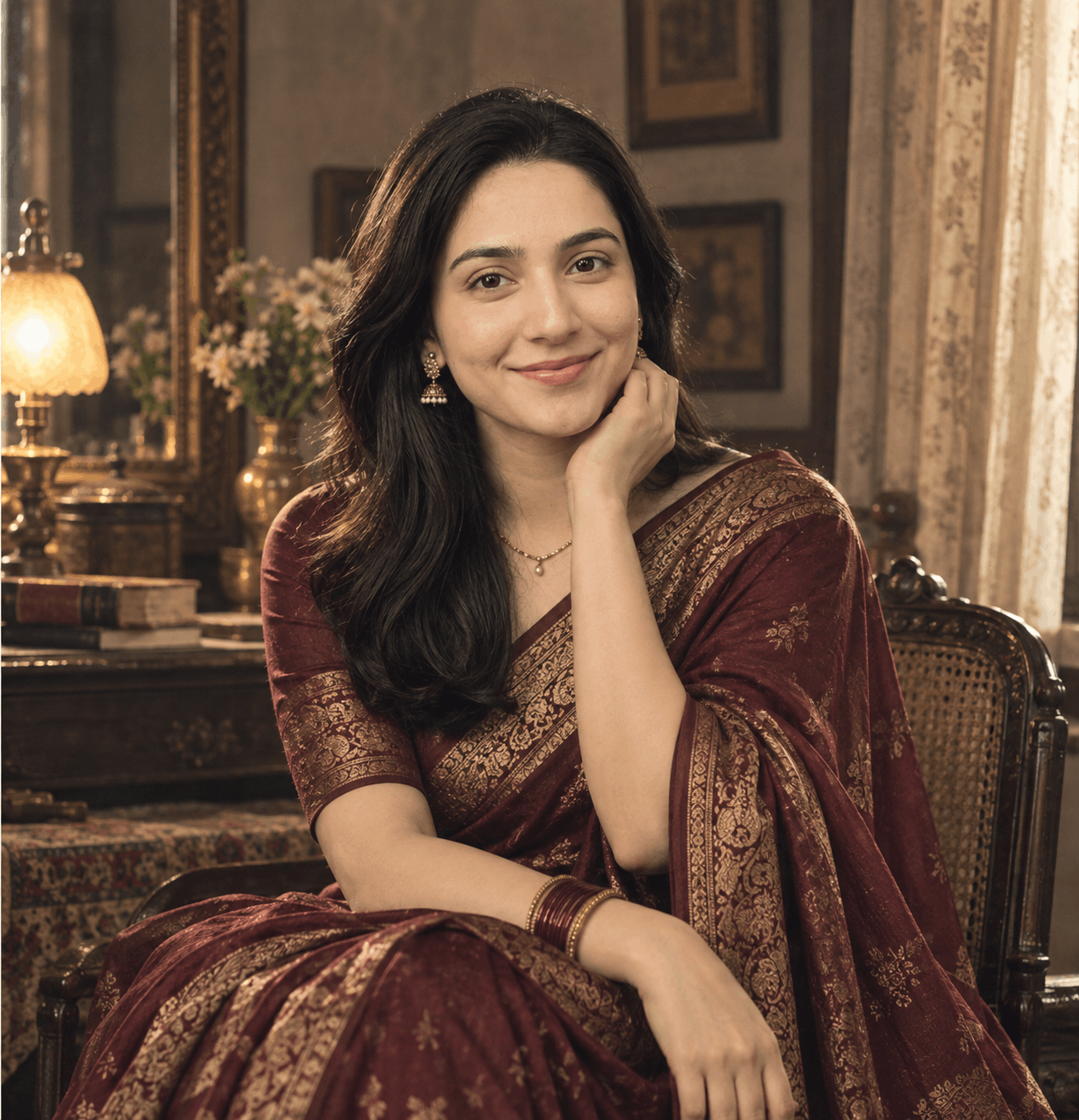
Turn an ordinary selfie into a cinematic vintage saree portrait with elegant South Asian styling, realistic fabric, natural skin texture, atmospheric lighting and strong identity preservation.
The strongest results come from controlling the saree fabric, draping, hairstyle, environment, lighting, camera perspective and film character while explicitly instructing the AI to preserve the person's identity.
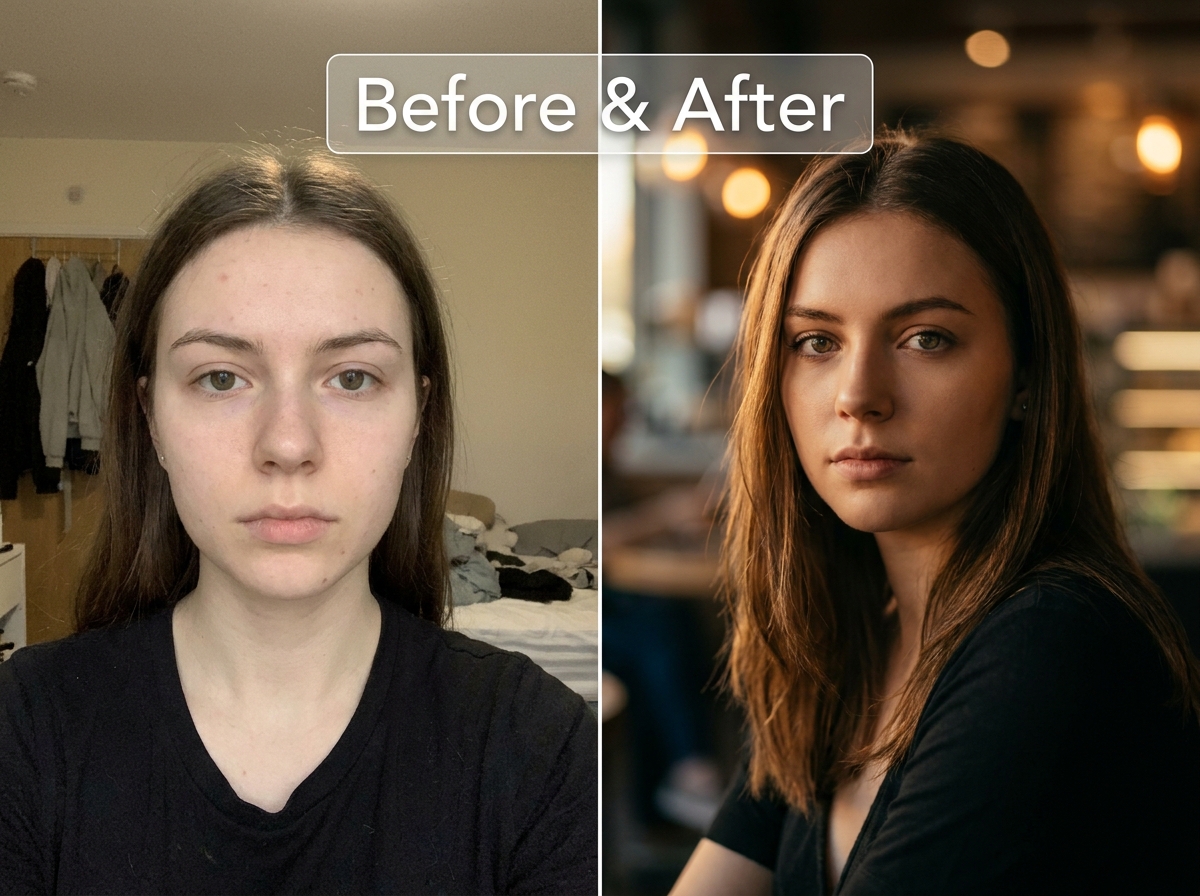
A normal selfie can become a completely different photograph when the right visual instructions are applied. One particularly effective style is a cinematic vintage saree portrait that combines traditional South Asian fashion with the atmosphere of classic film photography.
The difficult part is making the result feel like a real photograph rather than an AI fashion render. The saree needs believable folds, the jewellery needs realistic proportions, the lighting needs to behave naturally and the face needs to remain recognizable.
In this guide, you'll learn how to create a realistic retro saree AI photo, how to preserve identity and how to customize the prompt for different visual styles.
What Makes a Retro Saree AI Photo Look Real?
The word “retro” alone is too vague. A convincing vintage portrait comes from combining several visual elements that belong naturally to the same photographic world.
Copy-Paste Retro Saree AI Photo Prompt
If you want to create this exact style, use the dedicated prompt below. Upload a clear reference photograph first, then paste the prompt into your preferred AI image editor.
Ready-to-use Nano AI Prompt Open the Retro Cinematic Saree Portrait Prompt → The complete prompt is available inside the dedicated prompt box. For longer prompts, scroll inside the box and use the Copy Prompt button to copy it instantly.How to Make the Saree Look Photorealistic
Saree transformations can look beautiful while still having one obvious problem: the fabric doesn't behave like real fabric.
Instead of simply asking for a “beautiful saree,” describe the physical behavior of the material.
- Pleats should follow the body's natural shape.
- The pallu should fall naturally according to gravity.
- Fabric should compress where it touches the body.
- Hands should interact naturally with the fabric.
- Embroidery should follow the surface of the textile.
- Jewellery should have realistic size and contact with the skin.
How to Get a More Cinematic Vintage Look
Use Practical Light Sources
A warm lamp, window light or subtle interior light can create a much more believable cinematic atmosphere than simply writing “dramatic lighting.”
Keep the Background Believable
A perfectly clean luxury background can make the result feel like a modern AI fashion render. Textured walls, classic furniture and small environmental details make the scene feel physically real.
Keep Film Effects Subtle
You don't need giant scratches, extreme sepia or heavy grain to create a vintage photograph. Subtle grain, gentle softness and restrained colors usually produce a more convincing result.
How to Customize the Retro Saree AI Photo Prompt
You can change the visual direction without rebuilding the entire prompt. Keep the identity and realism instructions intact, then modify the wardrobe, lighting or environment.
Classic Black Saree
Soft Romantic Portrait
Dramatic Editorial Portrait
How to Preserve Your Face in an AI Saree Transformation
When transforming your own photograph, identity preservation should be treated as a separate requirement from styling.
Tell the AI that the uploaded photograph is the identity source and that the facial structure must remain consistent. This is particularly important when changing hairstyle, clothing, lighting and camera perspective at the same time.
Preserve the person's recognizable facial structure, proportions, natural asymmetry and expression. Change the styling and environment without redesigning the face.
Reference Photo Tips for Better Results
- Choose a clear image where the face is easy to see.
- Avoid heavy beauty filters in the original photograph.
- Use a natural expression whenever possible.
- Avoid extreme perspective if identity consistency is important.
- Upload the highest-quality version of your photograph available.
ChatGPT, Gemini and Nano Banana for Saree Photo Editing
This type of reference-photo transformation can be adapted to capable image-editing systems including ChatGPT Images, Gemini and Nano Banana.
The exact result will vary depending on the model, source photograph and prompt adherence. For identity-heavy transformations, the most useful workflow is one that allows you to provide a reference image and describe precisely what should change.
Instead of relying on a single magic phrase, focus on the complete visual direction: identity, clothing, fabric, environment, lighting, camera, composition and realism.
How to Use a Nano AI Prompts Ready-to-Copy Prompt
Nano AI Prompts is a free, independent library of practical AI image prompts and photo-editing prompts for tools such as ChatGPT, Gemini and Nano Banana.
Open the dedicated Retro Cinematic Saree Portrait AI Prompt page. The complete prompt is available inside the dedicated prompt box. If it is a longer prompt, simply scroll inside the prompt box and use the visible Copy Prompt button to copy the complete prompt instantly.
Then paste the prompt into your preferred AI image generator, upload your reference photograph and generate the transformation.
Find Your Next Copy-Paste AI Prompt
Explore free AI image-generation and photo-editing prompts for ChatGPT, Gemini, Nano Banana and other compatible AI tools.
Explore Free AI Prompts →Frequently Asked Questions
What is a retro saree AI photo prompt?
It is a detailed image-editing prompt that transforms a reference photo into a vintage-inspired saree portrait while controlling styling, lighting, environment, composition and identity preservation.
Can I use a retro saree prompt with my own photo?
Yes. Upload a clear reference photograph and instruct the image model to preserve the person's recognizable identity while changing the clothing, environment, lighting and photographic style.
How do I stop AI from changing my face?
Explicitly define the uploaded photograph as the identity source and ask the model to preserve facial structure, proportions, eyes, nose, lips, jawline, skin tone and natural asymmetry. Avoid unnecessary instructions asking the AI to beautify or rejuvenate the person.
Which AI model can create saree photo edits?
The prompt can be adapted for capable image-editing systems such as ChatGPT Images, Gemini and Nano Banana. Results can differ between models, so both the reference image and prompt structure matter.
How can I make an AI saree photo look less artificial?
Prioritize realistic fabric behavior, natural skin texture, anatomically correct hands, believable lighting, restrained colors and subtle photographic grain. Avoid excessive sharpening, beauty filters and exaggerated cinematic effects.
Final Thoughts
A convincing retro saree AI photo is less about adding more effects and more about controlling the details that make a photograph believable.
Preserve the face. Make the saree physically realistic. Use lighting that could actually exist in the scene. Keep the background believable and let the vintage character come from the photography rather than a heavy filter.
With the right reference photo and a detailed retro saree AI photo prompt, an ordinary selfie can become a polished cinematic portrait while still looking unmistakably like the real person behind the photograph.
Explore More AI Prompts
Looking for ready-to-copy ideas after reading this guide? Explore a rotating selection of AI image prompts from NanoAIPrompts.
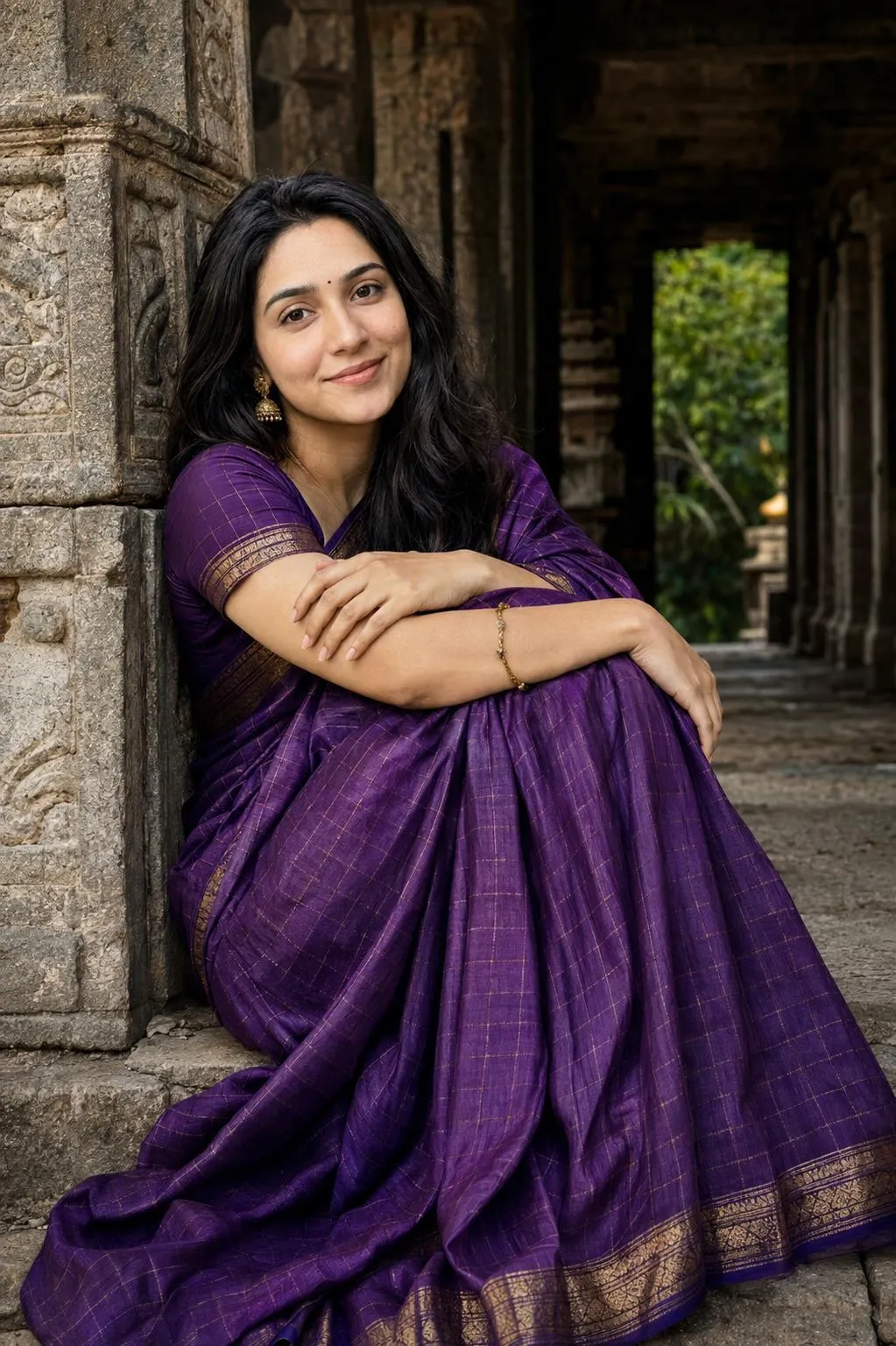
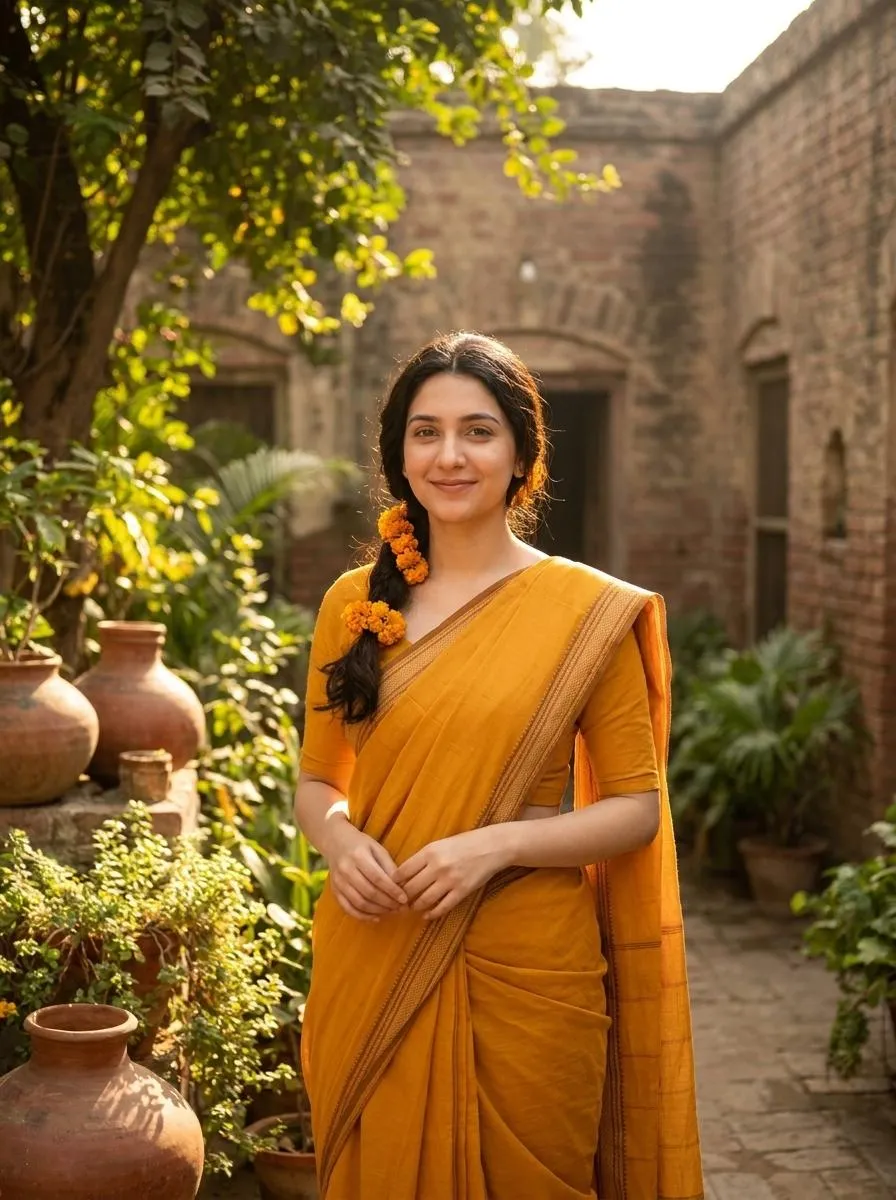
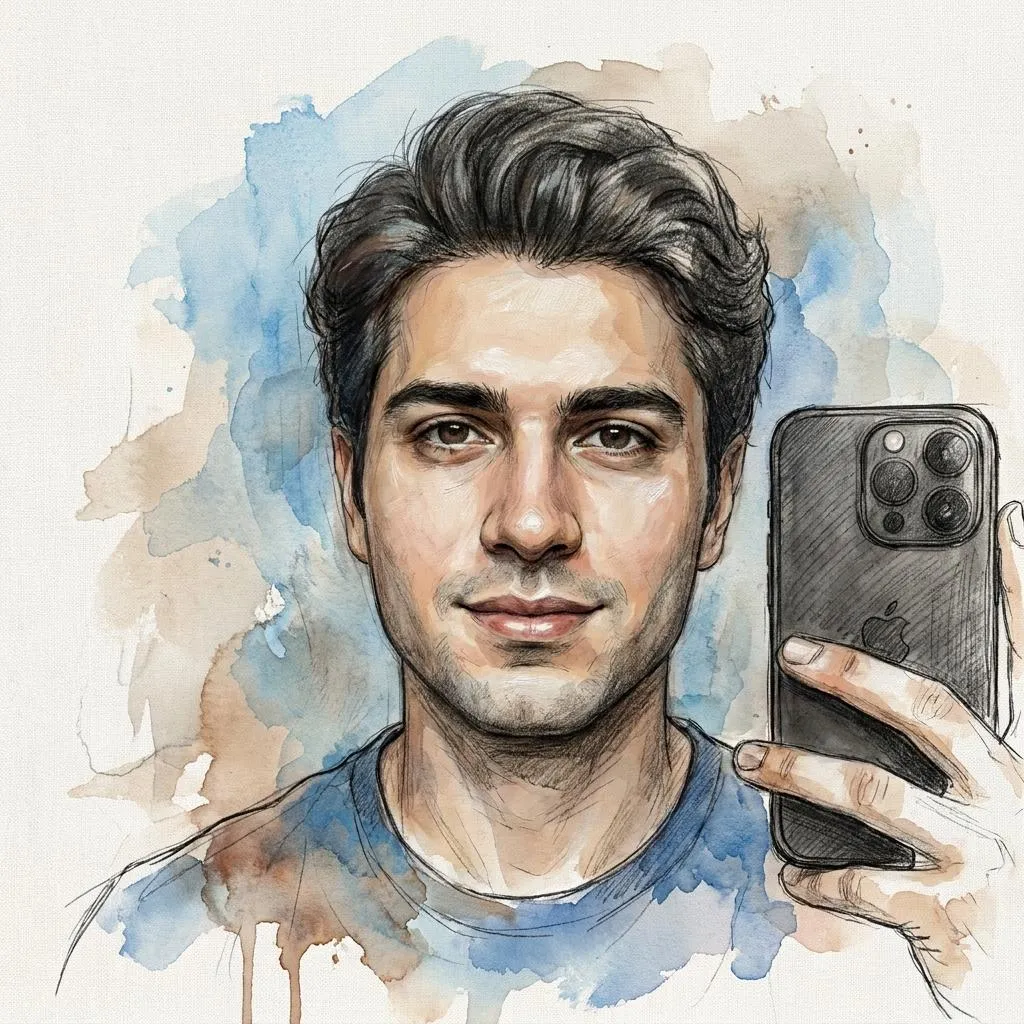
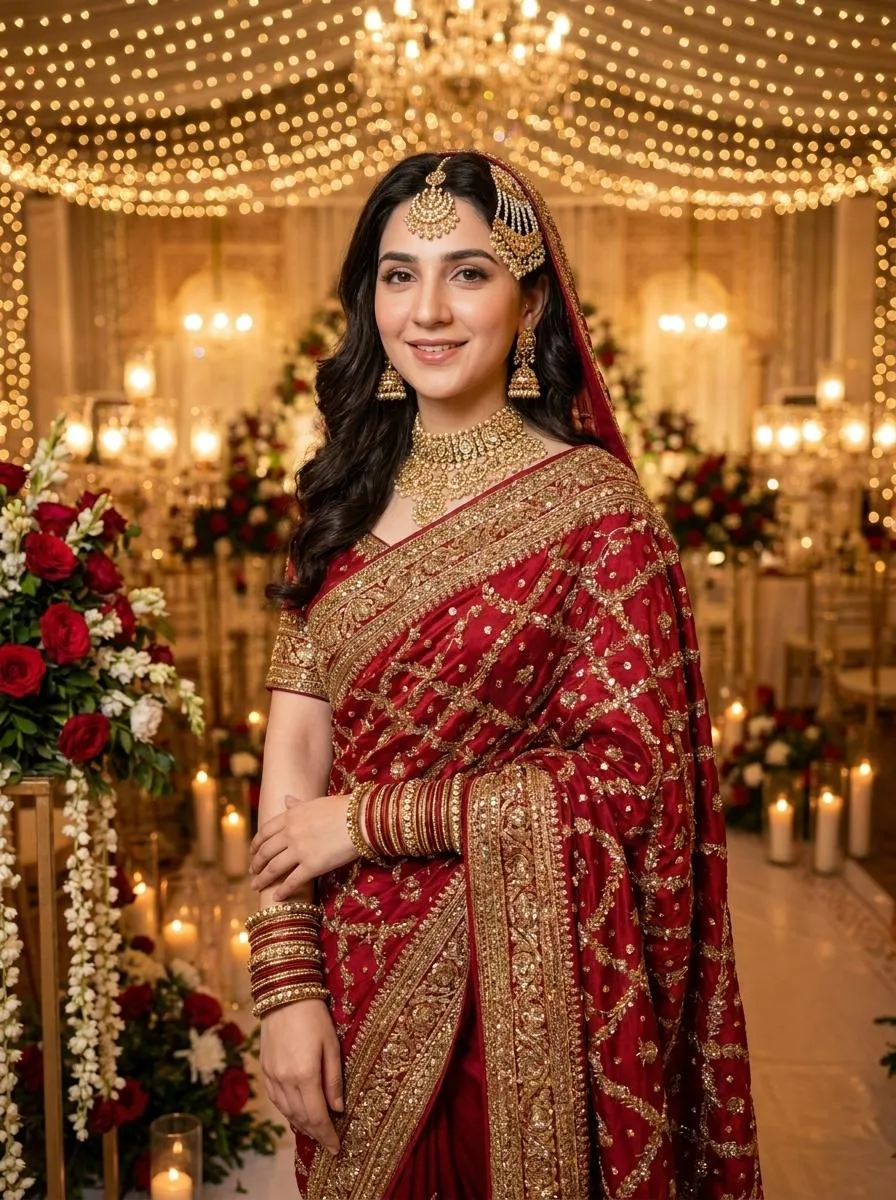
![Dreamy Saree Portrait AI Prompt [Gemini]](https://nanoaiprompts.com/assets/uploads/img_6a74852d20878_1786021165.webp)
About the Author
The Nano AI Prompts team creates practical, high-fidelity prompt resources for modern AI image and photo editing tools.
Explore all AI prompts →