>
>
Best AI Couple Photo Prompts for Realistic Romantic Pictures

⏱ 7 min read · Updated Oct 04, 2026
Best AI Couple Photo Prompts for Realistic Romantic Pictures
Creating a convincing AI couple photo is not just about telling an image generator to “make a romantic picture.” The difference between an obviously AI-generated image and a natural-looking couple photograph usually comes from the details inside the prompt.
With the right AI couple photo prompts, you can create candid, romantic, cinematic and realistic couple pictures using tools such as Gemini and ChatGPT. This guide explains how to write those prompts and what details actually make a difference.
What Makes an AI Couple Photo Look Realistic?
Realistic couple photography usually contains small imperfections and natural human behavior. Both people do not need to look directly at the camera, their hands should have a believable position, and their expressions should feel spontaneous rather than posed.
A strong prompt should describe more than just the people. Think about the location, lighting, camera perspective, body language, facial expressions, clothing, depth of field and overall photographic style.
- Natural facial expressions
- Relaxed body language
- Realistic skin texture
- Natural clothing folds
- Believable hand placement
- Real-world lighting
- Authentic photography composition
- Subtle imperfections
How to Write Better AI Couple Photo Prompts
Instead of writing a short instruction such as “create a romantic couple photo,” describe the photograph as if you were giving instructions to a professional photographer.
1. Describe the Couple's Body Language
Body language has a huge effect on realism. Instead of simply saying that the couple is standing together, describe what they are actually doing.
For example, they could be walking side by side, holding hands, laughing while looking at each other, standing close together or having a quiet conversation.
2. Add Natural Expressions
Avoid overly perfect smiles. Expressions such as a subtle smile, a spontaneous laugh, relaxed eyes or a slightly distracted look can make an AI-generated photograph feel much more natural.
3. Choose a Realistic Photography Style
Photography language can help establish the visual direction. You can describe the image as a candid street photograph, professional DSLR portrait, editorial couple photography, golden-hour photography or cinematic lifestyle photography.
4. Add Lighting and Environment
Lighting should match the location. Golden-hour sunlight, soft window light, overcast daylight and warm evening street lights can all create very different moods.
5. Keep Human Details Imperfect
One common mistake is asking for an image that is “perfect” in every possible way. Real photographs contain tiny imperfections. Natural skin texture, realistic hair strands, small clothing wrinkles and authentic facial details can help avoid an artificial appearance.
Realistic AI Couple Photo Prompt
Here is a copy-paste prompt designed for a natural romantic photography style:
Create an ultra-realistic candid photograph of a young couple walking together
during golden hour. They are naturally interacting with each other, with relaxed
body language and subtle genuine expressions rather than exaggerated smiles.
Capture the moment as if a professional photographer noticed them during an
unplanned walk and took a spontaneous photograph.
Preserve realistic human proportions, authentic facial features, natural skin
texture, individual hair strands, realistic clothing folds and believable hand
placement. Use warm natural sunlight coming from the side, soft highlights on their
faces and a gently blurred real-world background.
Premium lifestyle photography, realistic DSLR look, natural depth of field,
subtle cinematic color grading, realistic shadows, accurate perspective,
detailed eyes, natural skin pores, physically believable lighting and authentic
photographic imperfections. The final image should look like a genuine photograph,
not a digital illustration or obviously AI-generated image.
Using Reference Images for Couple Photos
If your AI tool supports reference images, you can provide suitable reference photos and clearly explain what should remain consistent.
For example, you can ask the model to preserve the recognizable facial characteristics, hairstyle and general appearance of the people while changing the location, clothing, pose or photographic environment.
Keep the instruction clear. If identity consistency matters, avoid adding unnecessary transformations that could dramatically change facial structure.
Gemini Couple Prompts vs ChatGPT Couple Prompts
The same general prompting principles can be used with different image-generation tools. Gemini and ChatGPT can both understand detailed descriptions, so the important part is communicating the desired scene clearly rather than relying on a single “magic” keyword.
You can also adapt the same concept for different styles such as wedding photography, travel couples, anniversary pictures, street photography, beach portraits or cinematic evening scenes.
Common Mistakes When Creating AI Couple Photos
Too Many Unrelated Instructions
Adding dozens of unrelated visual effects can make the result inconsistent. Focus on the photograph you actually want.
Overly Perfect Faces
Extremely smooth skin and perfectly symmetrical features can make the image feel artificial. Natural photographic details usually produce a more believable result.
Ignoring Hands and Body Position
Hands and body positioning are important in couple photography. Describe the interaction when the pose requires physical contact.
Using Only Generic Words
Words such as “beautiful,” “romantic” and “cinematic” are not enough by themselves. Explain what the couple is doing, where they are and how the camera sees the moment.
How to Customize a Couple Prompt
You can easily transform the same base prompt into different scenarios.
- Beach: Replace the environment with a quiet beach during sunset.
- Travel: Place the couple on a scenic European street or mountain viewpoint.
- Wedding: Add elegant wedding clothing and soft editorial lighting.
- Street: Use an urban location with natural evening lights.
- Indoor: Replace sunlight with soft window light inside a modern room.
- Night: Use realistic city lights and subtle cinematic illumination.
How to Use AI Couple Prompts
To use a prompt from Nano AI Prompts, open the individual prompt page and locate the dedicated prompt box. If the prompt is long, scroll inside the prompt box to view the remaining text. Use the visible Copy Prompt button to copy the complete prompt, then paste it into your preferred AI image tool.
You can customize details such as clothing, location, hairstyle, lighting, camera angle and mood while keeping the main photographic structure intact.
Final Tips for Better AI Couple Pictures
The best results usually come from prompts that describe a believable photographic moment rather than simply listing visual adjectives. Think like a photographer: describe the environment, subject interaction, lighting, camera perspective and mood.
Start with a strong realistic base prompt and then make small changes. This makes it easier to understand which instructions are improving your image and which ones are creating unwanted results.
Frequently Asked Questions
What are the best AI couple photo prompts?
The best prompts clearly describe the couple's interaction, environment, lighting, expressions, camera perspective and realistic photographic details.
Can I use couple prompts in Gemini?
Yes. Detailed couple photography prompts can be adapted for Gemini image generation. You can also customize the location, clothing, pose and mood.
How can I make an AI couple photo look less artificial?
Use natural expressions, realistic skin texture, believable body language, authentic lighting and subtle photographic imperfections instead of making every detail look perfect.
Can I use the same prompt in ChatGPT?
Yes. The same concept can be adapted for ChatGPT image generation. You may need to adjust certain instructions depending on the result you want.
Explore More AI Prompts
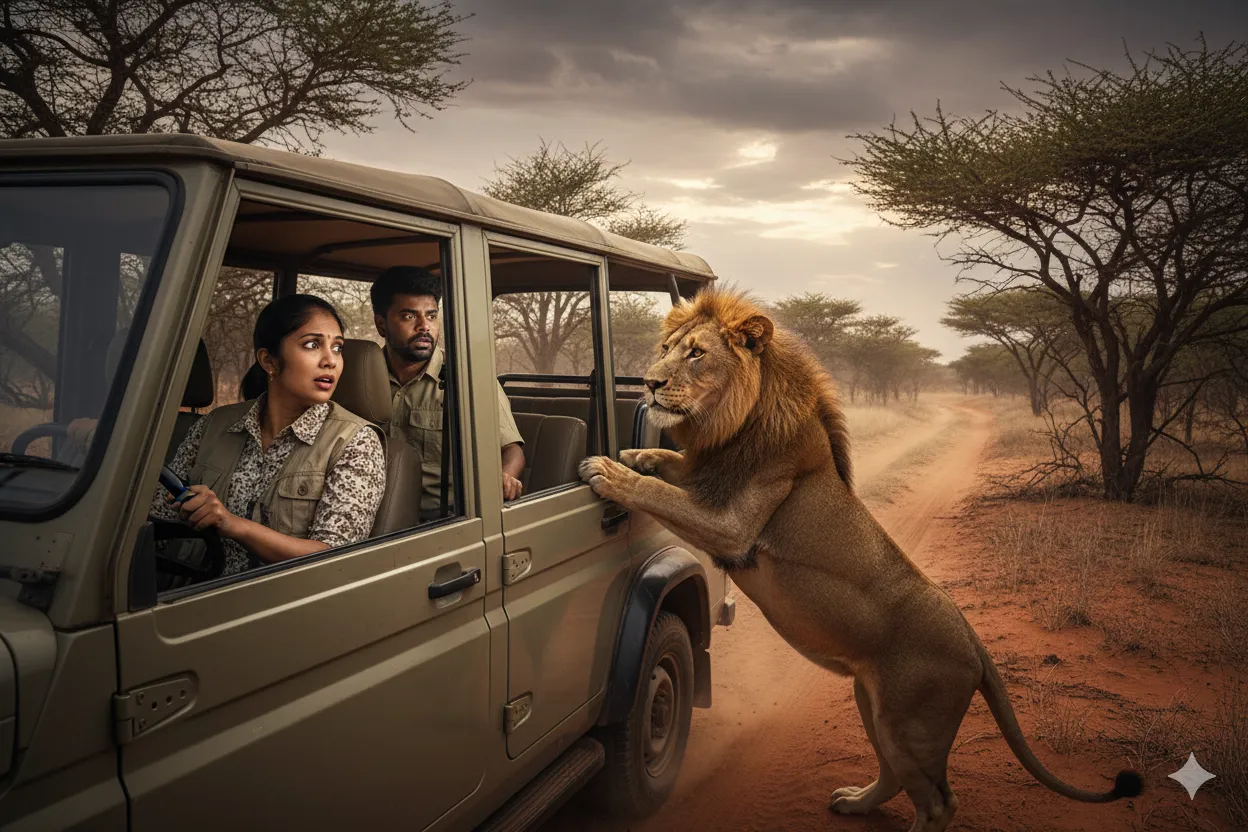
Looking for ready-to-copy ideas after reading this guide? Explore a rotating selection of AI image prompts from NanoAIPrompts.
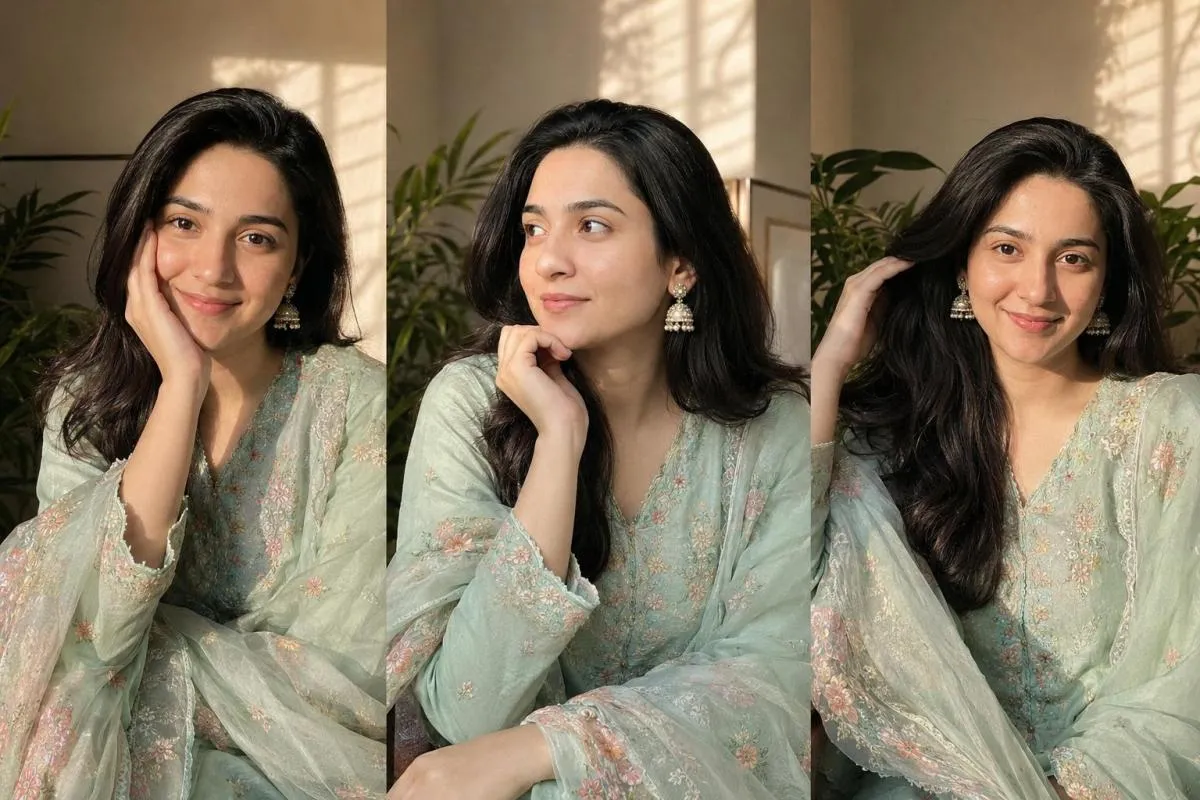
![Fashion Couple Elevator Selfie AI Prompt [Gemini]](https://nanoaiprompts.com/assets/uploads/img_6a76e21763bca_1786176023.webp)
About the Author
The Nano AI Prompts team creates practical, high-fidelity prompt resources for modern AI image and photo editing tools.
Explore all AI prompts →