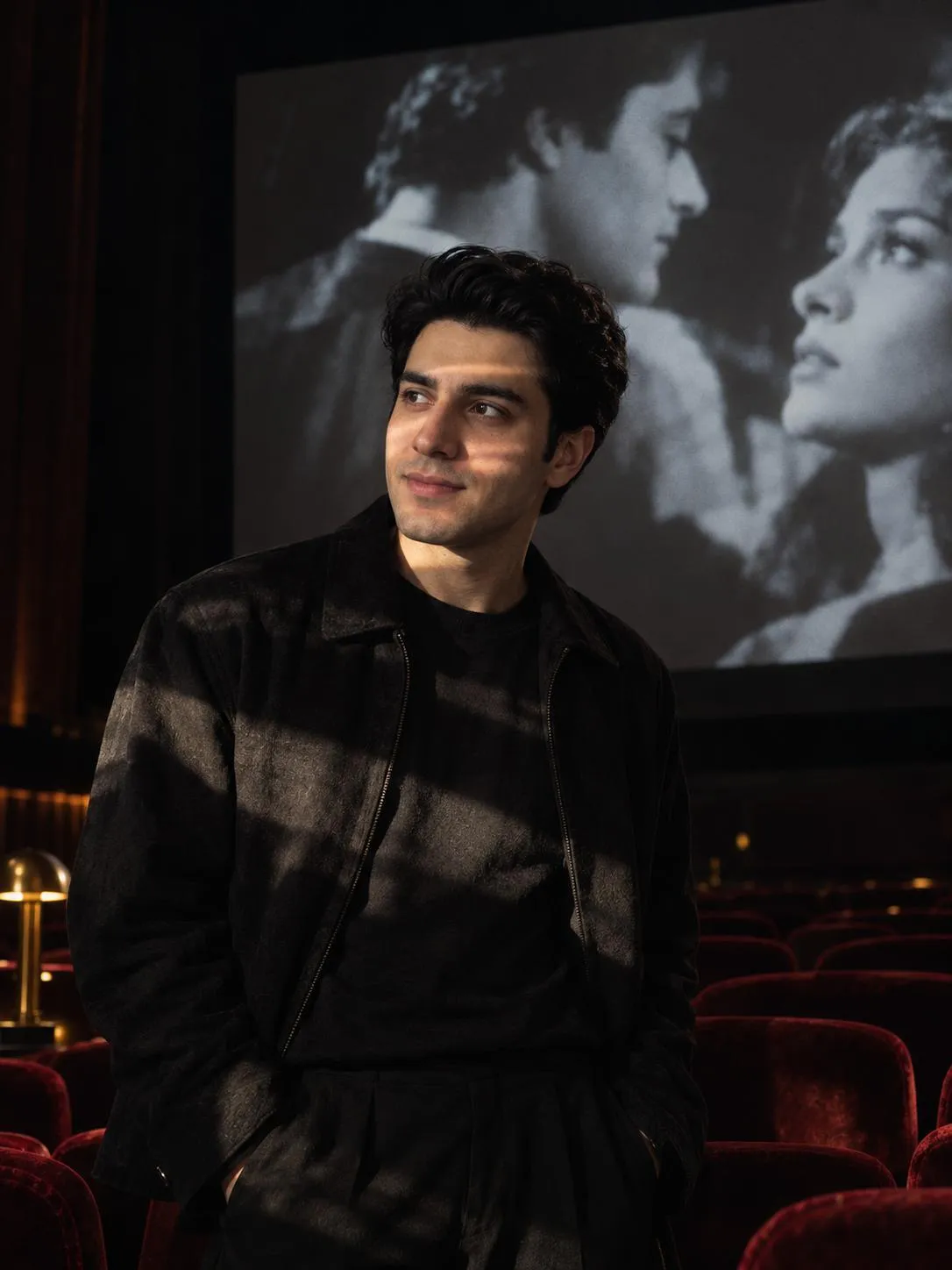
[Viral] Enhance Realistic Skin Texture - AI Photo Editing
👁95 views📋Be the first to copy it
ChatGPT
Copy the Prompt
Copy-Paste Prompt
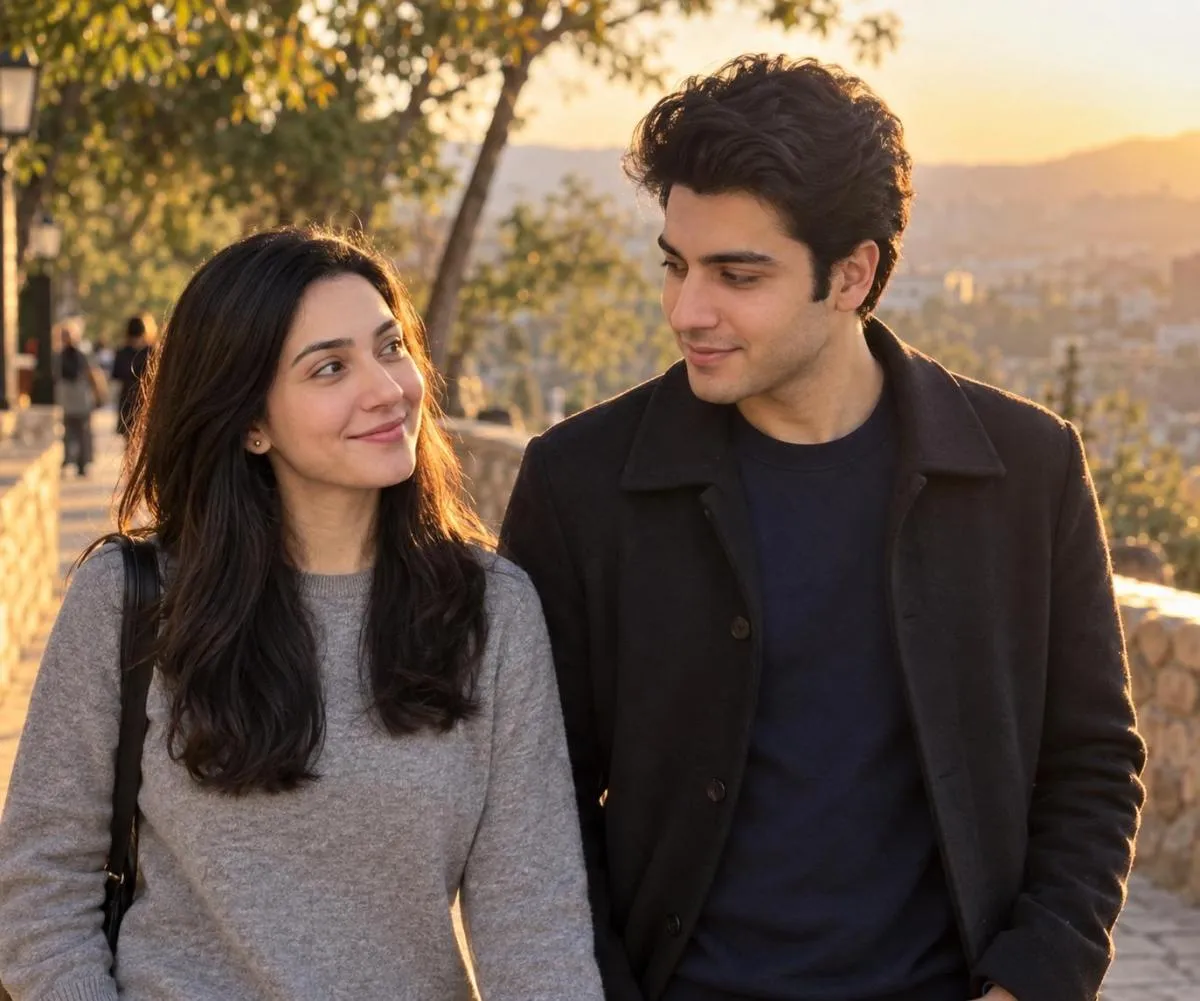
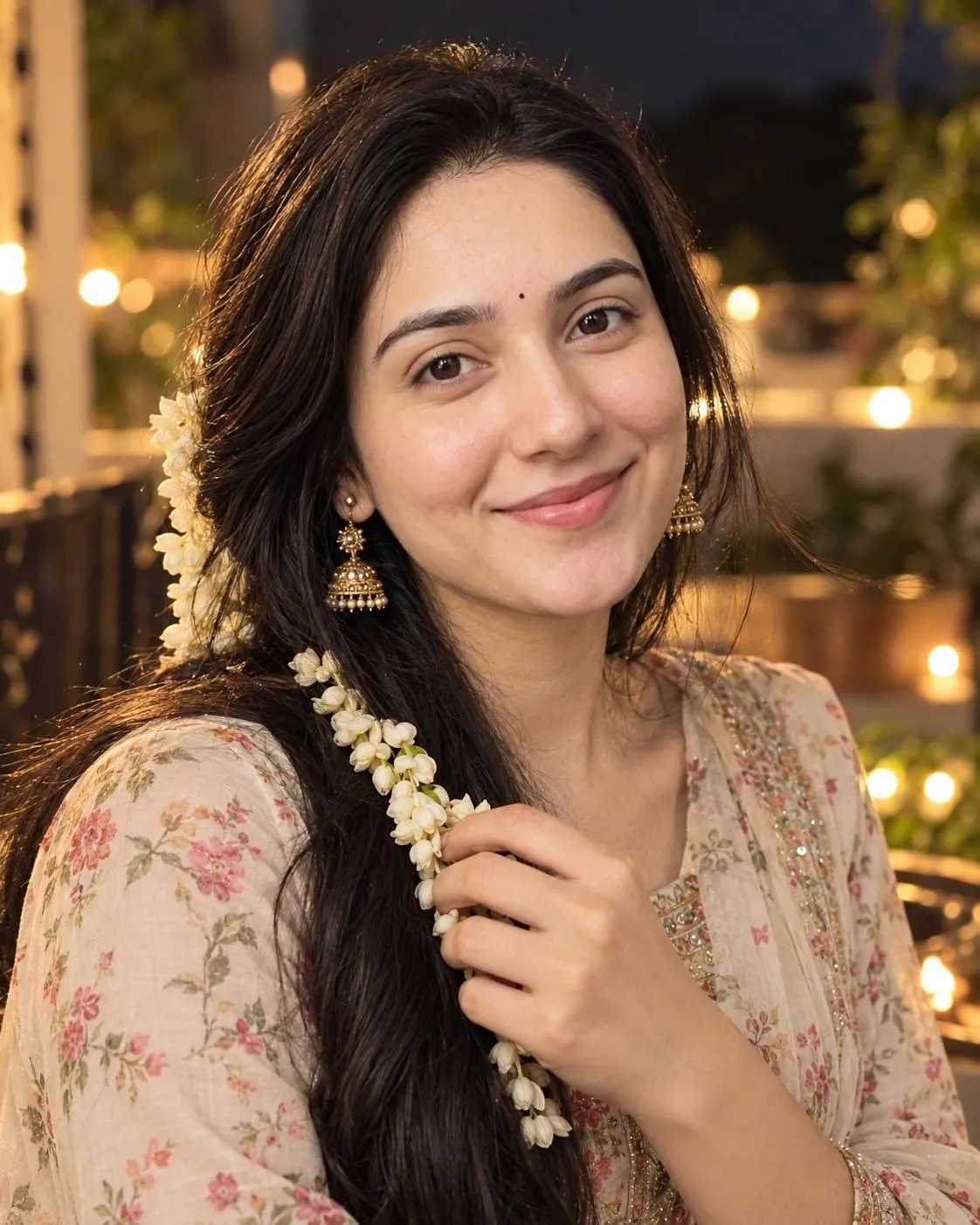
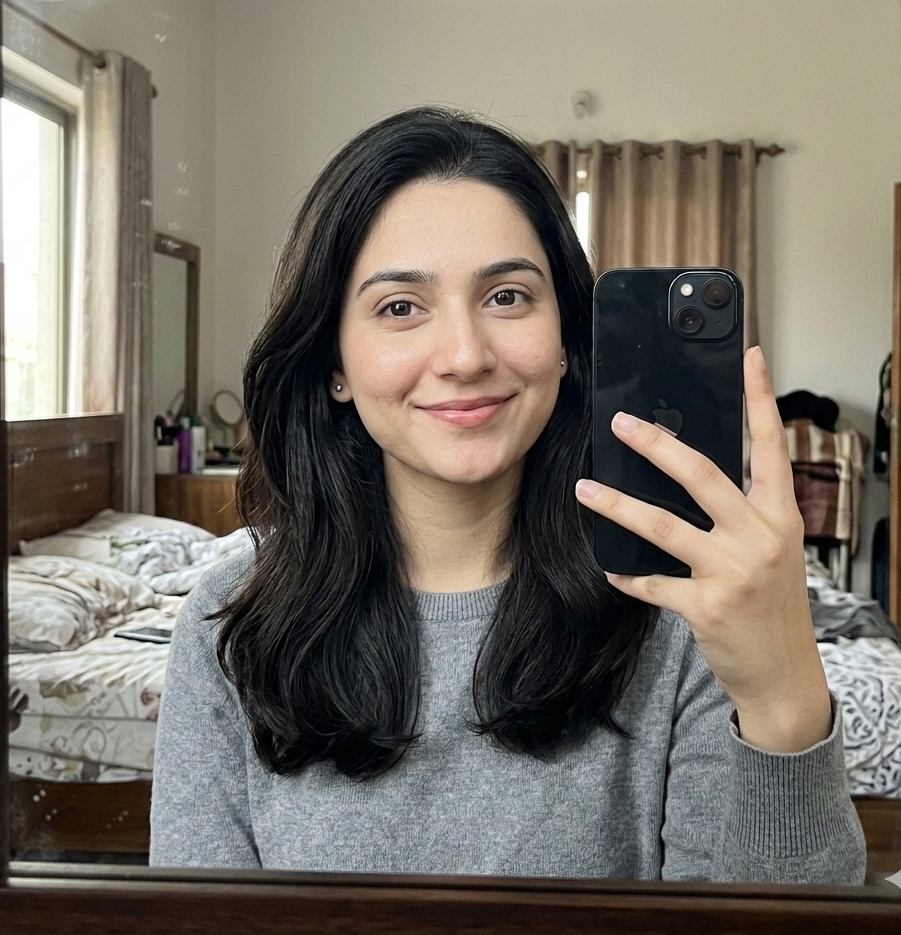
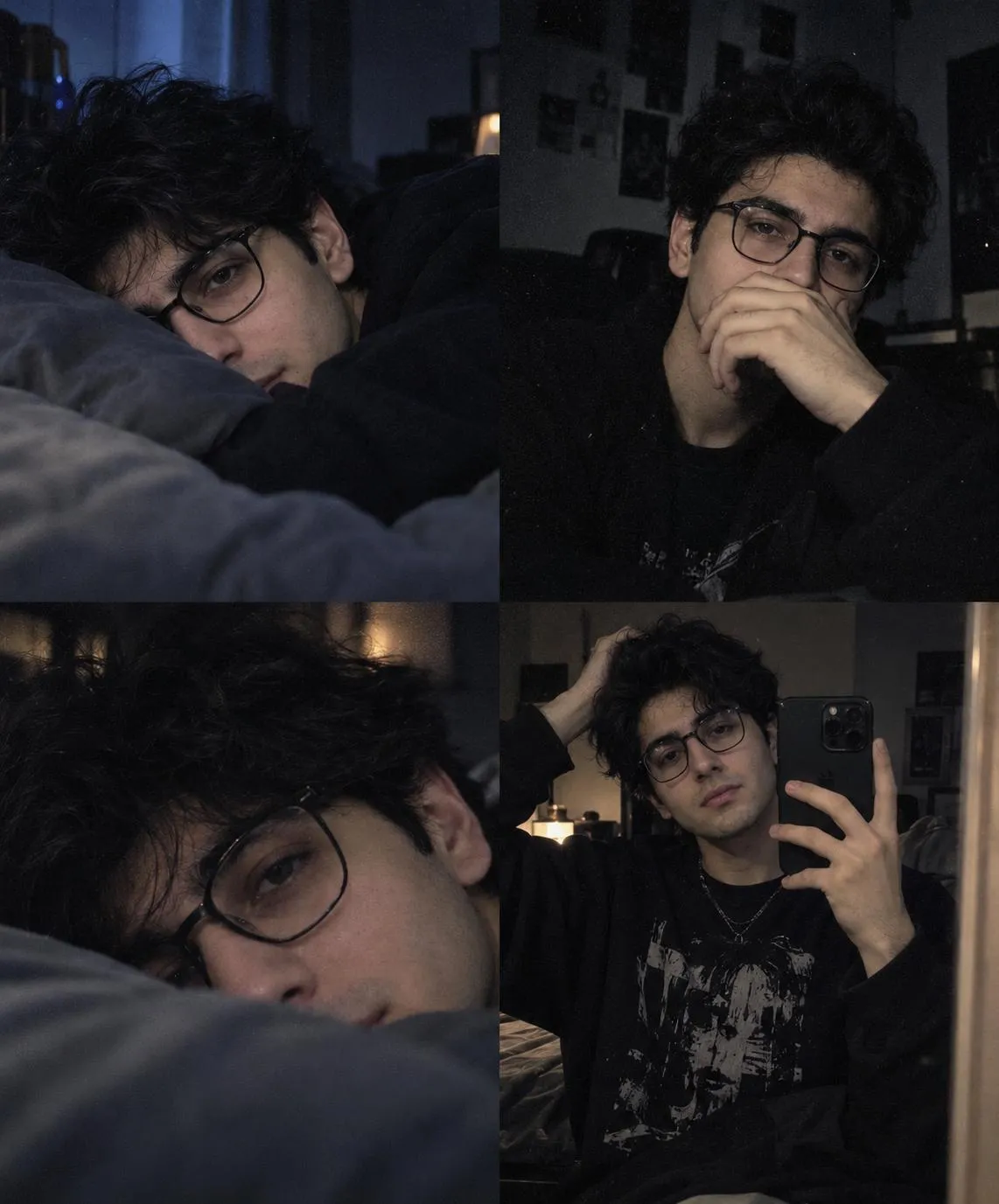
Analyze the attached photo. Strictly maintain the original person's exact identity, facial features, and the overall composition of the image. Your task is to enhance the photorealism. Remove any plastic, smoothed, or heavily filtered look. Add ultra-realistic skin texture, including micro-details like visible pores, natural skin imperfections, and subtle peach fuzz. Enhance the lighting with a soft natural daylight effect, resembling an unretouched raw DSLR photograph shot on an 85mm lens at f/1.8. Output the final edited image in highly detailed 8k resolution.
About This
[Viral] Enhance Realistic Skin Texture - AI Photo Editing Prompt
Unlock stunning ultra-realistic portraits with this advanced AI prompt. Achieve incredible natural skin texture, including visible pores and subtle peach fuzz, mimicking an unretouched 85mm DSLR photograph. Output in breathtaking 8k resolution with soft, natural daylight for unparalleled photorealism. Perfect for generating lifelike images.
Frequently Asked Questions
Common questions about this AI
prompt and how to get the best results.
How does this prompt enhance realism?
This prompt focuses on generating micro-details like visible pores, natural skin imperfections, and subtle peach fuzz, combined with specific natural lighting and high 8K resolution to remove any artificial smoothing or filtered look.
Can I use this prompt for non-portrait images?
While optimized for portraits due to its emphasis on detailed skin texture, the photorealism, 8K resolution, and natural lighting aspects can be adapted for other subjects that require extreme detail and a natural, unretouched photographic aesthetic.
Pro Tips for Better Results
For best results, start with a high-quality base image to maintain the original identity effectively.
Experiment with slight variations in f-stop values (e.g., f/2.8, f/4) to fine-tune depth of field while preserving the 85mm aesthetic.
Optionally, specify subtle background details (e.g., 'blurred garden background') to enhance the overall composition without distracting from the subject.

 ChatGPT
![[Viral] Enhance Realistic Skin Texture - AI Photo Editing — AI generated image](https://nanoaiprompts.com/assets/uploads/img_6a4b9f657cb84_1783340901.webp "[Viral] Enhance Realistic Skin Texture - AI Photo Editing")