
 ChatGPT
Copy the Prompt
How to Use this ChatGPT Prompt
Open ChatGPT
Launch the AI image tool.
Add Reference
Upload a photo if the prompt needs one.
Paste Prompt
Copy and paste the prompt above.
Generate
Create your AI image.


About This Ultra-Realistic South Indian Portrait AI Prompt Prompt
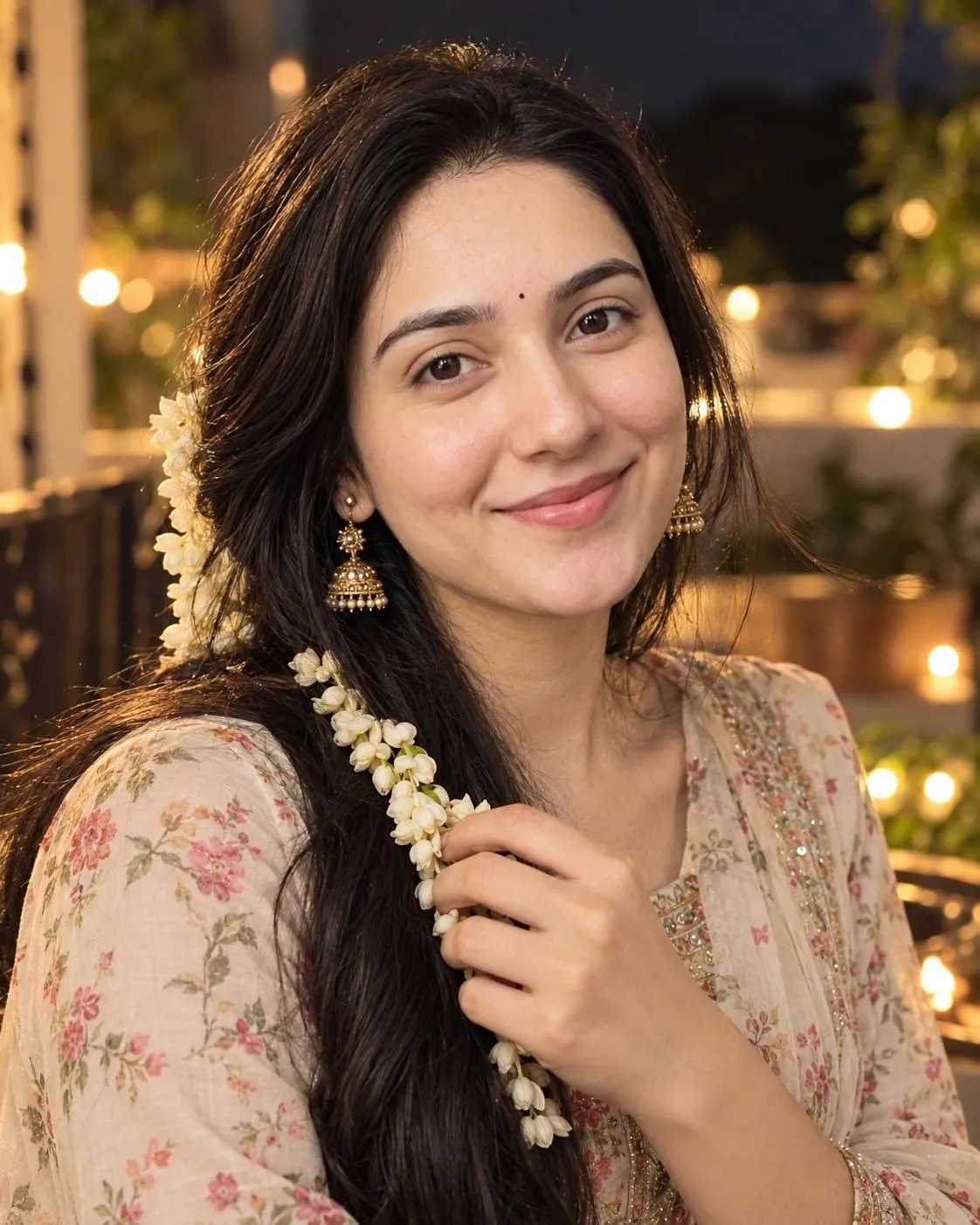
This AI image prompt is meticulously crafted to generate an ultra-realistic, close-up portrait of a woman embodying a graceful South Indian feminine aesthetic. It focuses on intricate details, from a delicate jasmine gajra adorning her long dark hair to tiny black bindi and elegant gold jhumka earrings, all set against a dusky evening atmosphere. The goal is a cinematic 8K visual, capturing a sweet subtle smile and realistic skin texture, making it an ideal South Indian portrait prompt for creators aiming for authenticity.
Artists, cultural enthusiasts, photographers, and social media content creators will find immense value in this prompt. It’s perfect for generating visually rich images that celebrate South Indian culture and beauty, whether for personal art projects, cultural awareness campaigns, or simply to create stunning profile pictures. Anyone looking to explore traditional aesthetics within AI-generated portraiture, particularly a realistic Indian woman AI photo, will find this prompt a powerful tool.
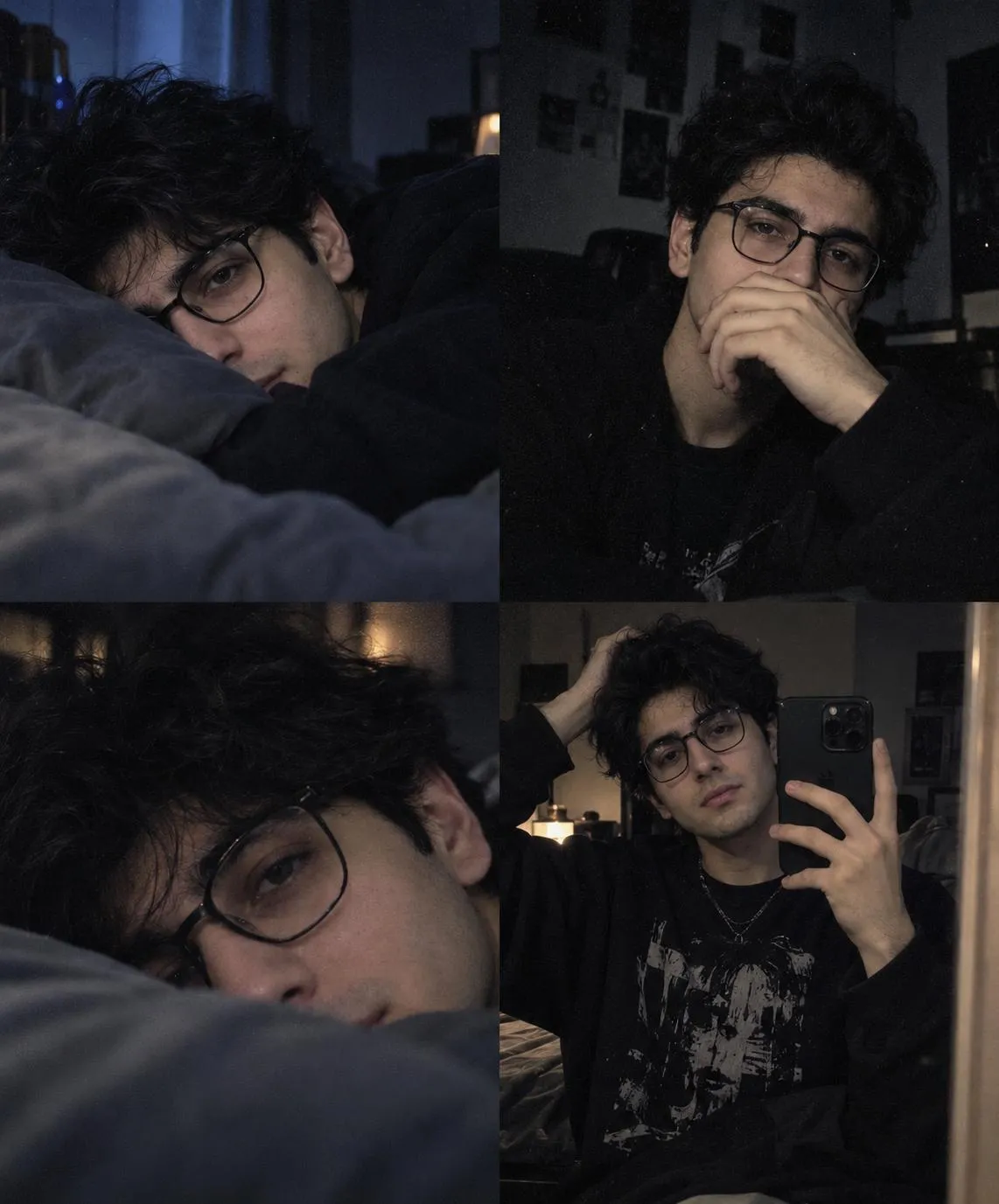
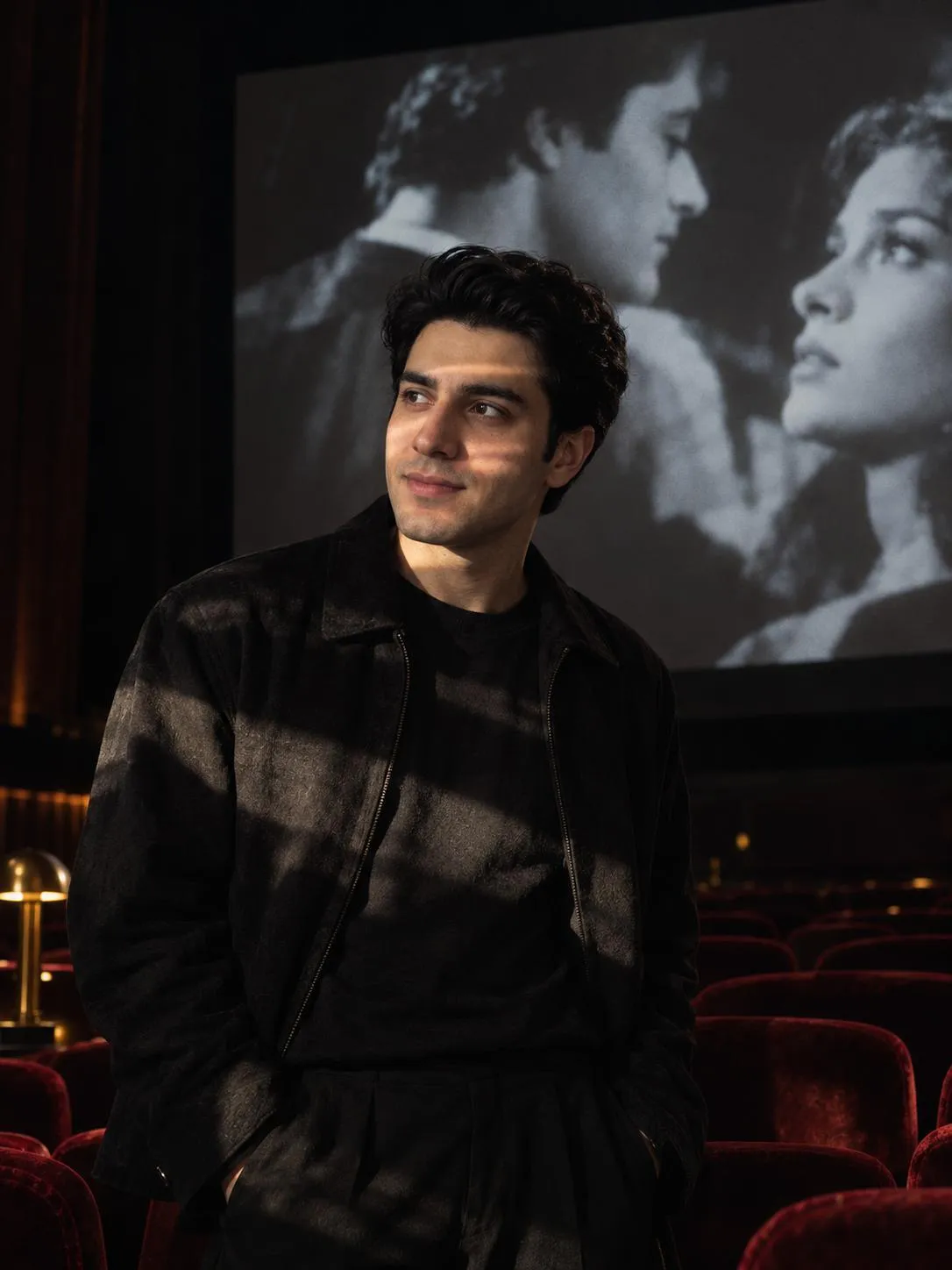
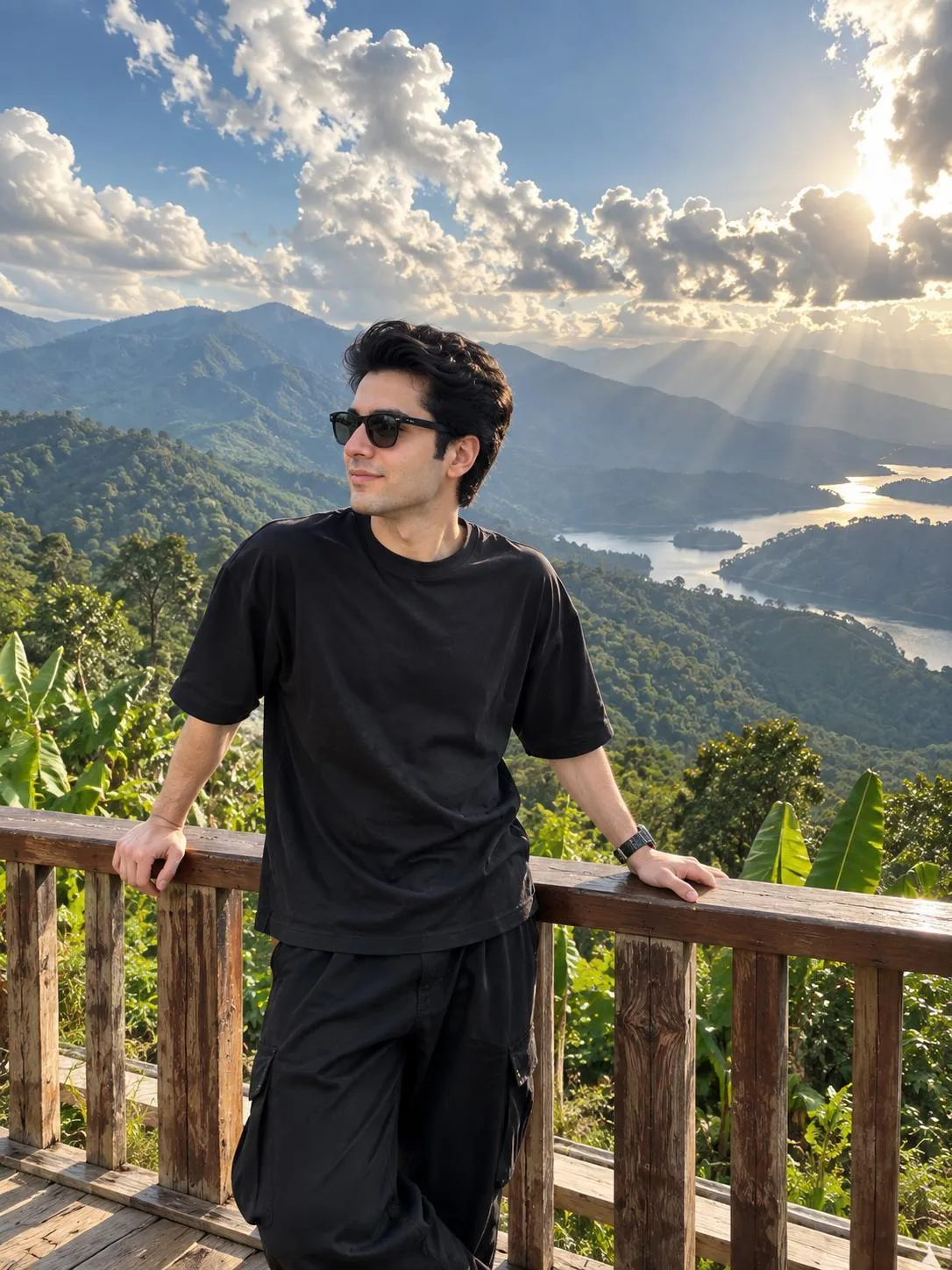
To use this South Indian portrait prompt, simply copy the entire text into your preferred AI image generation tool. While no specific AI model is named, most advanced text-to-image platforms will interpret the detailed descriptions effectively. Pay close attention to any reference image features your AI model supports, as the prompt emphasizes "100% accurate reference face and identity" for optimal results. Experiment with different seeds to discover varied interpretations of this cinematic South Indian portrait.
Customization is key to making this prompt uniquely yours. While the core aesthetic is strong, you can experiment with the type of traditional floral outfit, the specific design of the gold jhumka earrings, or the exact placement of the jasmine flowers. Adjusting the "warm side lighting" can shift the mood from a gentle glow to a more dramatic highlight, and varying the intensity of the "tiny glowing lights in the background" can alter the creamy bokeh effect. Consider subtle changes to the woman's expression beyond a "sweet subtle smile" for diverse outputs.
The resulting images, with their ultra-realistic detail and rich cultural elements, are highly suitable for social media, digital art portfolios, or even as inspiration for photography projects. The cinematic 8K quality and vertical 4:5 aspect ratio ensure a professional and engaging visual impact. This AI portrait prompt South Indian woman allows creators to produce high-quality, culturally resonant imagery that stands out, perfect for storytelling or simply appreciating the intricate beauty described.
Frequently Asked Questions
Common questions about this AI prompt and how to get the best results.
Pro Tips for Better Results
- For "100% accurate reference face and identity," utilize your AI tool's image reference feature with a clear photo of the desired woman.
- Experiment with varying the 'dusky evening atmosphere' by adding descriptors like 'twilight glow' or 'deep blue hour' to influence background colors.
- Adjust the 'warm side lighting' by specifying intensity, such as 'soft warm side lighting' or 'dramatic warm side lighting,' to control the mood.
- Try different traditional floral outfit patterns or colors to introduce unique variations while maintaining the South Indian aesthetic.
- Play with the 'tiny glowing lights in the background' by specifying their shape or density (e.g., 'scattered fairy lights,' 'blurred city lights') for varied bokeh effects.