
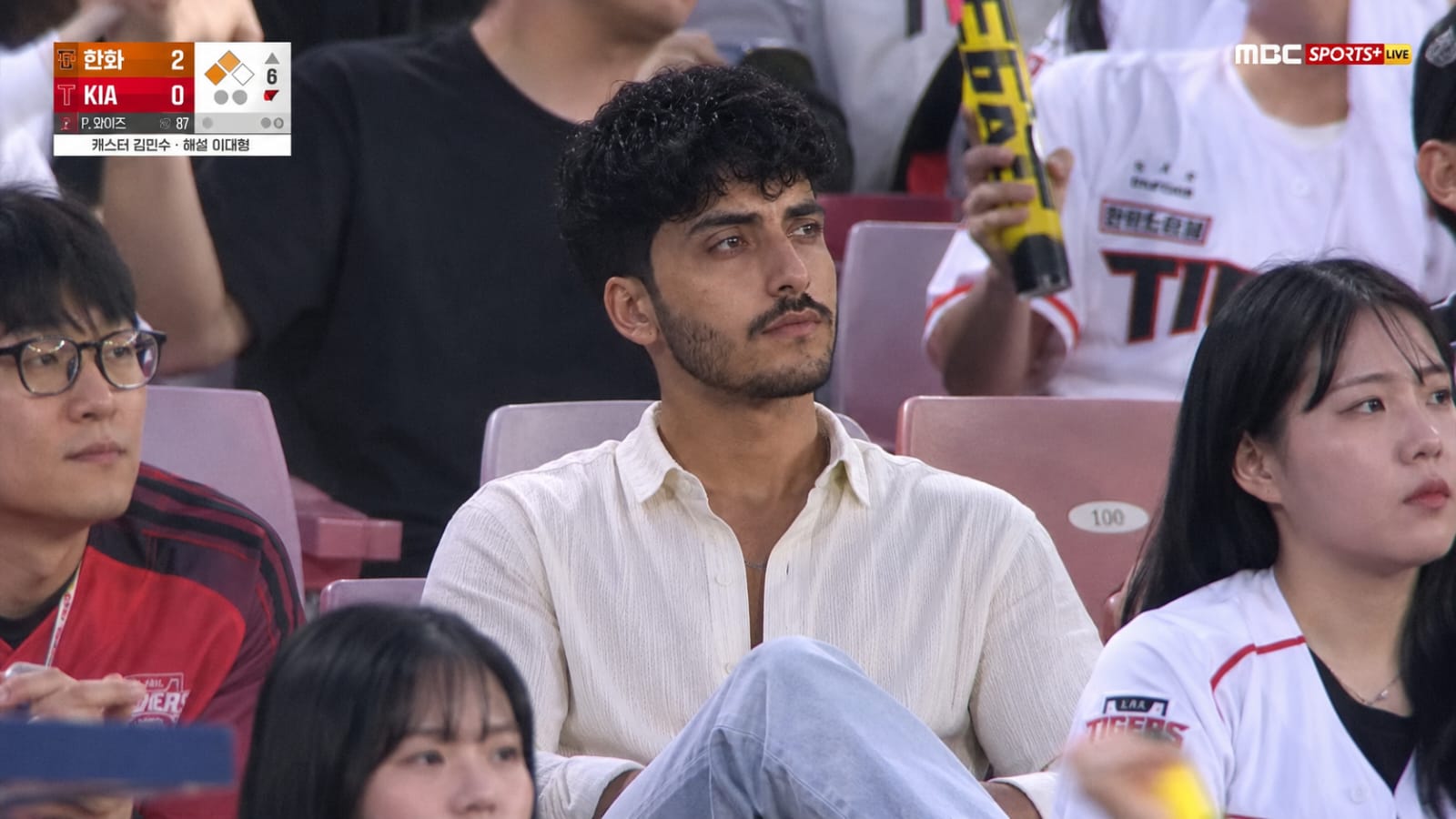
The Prompt
Use the attached photo as the exact facial reference.
Create an ultra realistic 16:9 Korean baseball broadcast crowd shot during a summer evening {El OlE) game. Preserve the original face and hairstyle naturally without over-editing. Wide shot from an eye-level spectator perspective using a super telephoto broadcast zoom lens. The person is sitting comfortably with legs crossed, naturally watching the game instead of looking at the camera.
Subject
Your Photo / Custom Subject
Environment
Studio
Lighting
Cinematic
Style
Realistic
How to Use this Any Model Prompt
Open Any Model
Launch the AI image tool.
Add Reference
Upload a photo if the prompt needs one.
Paste Prompt
Copy and paste the prompt above.
Generate
Create your AI image.
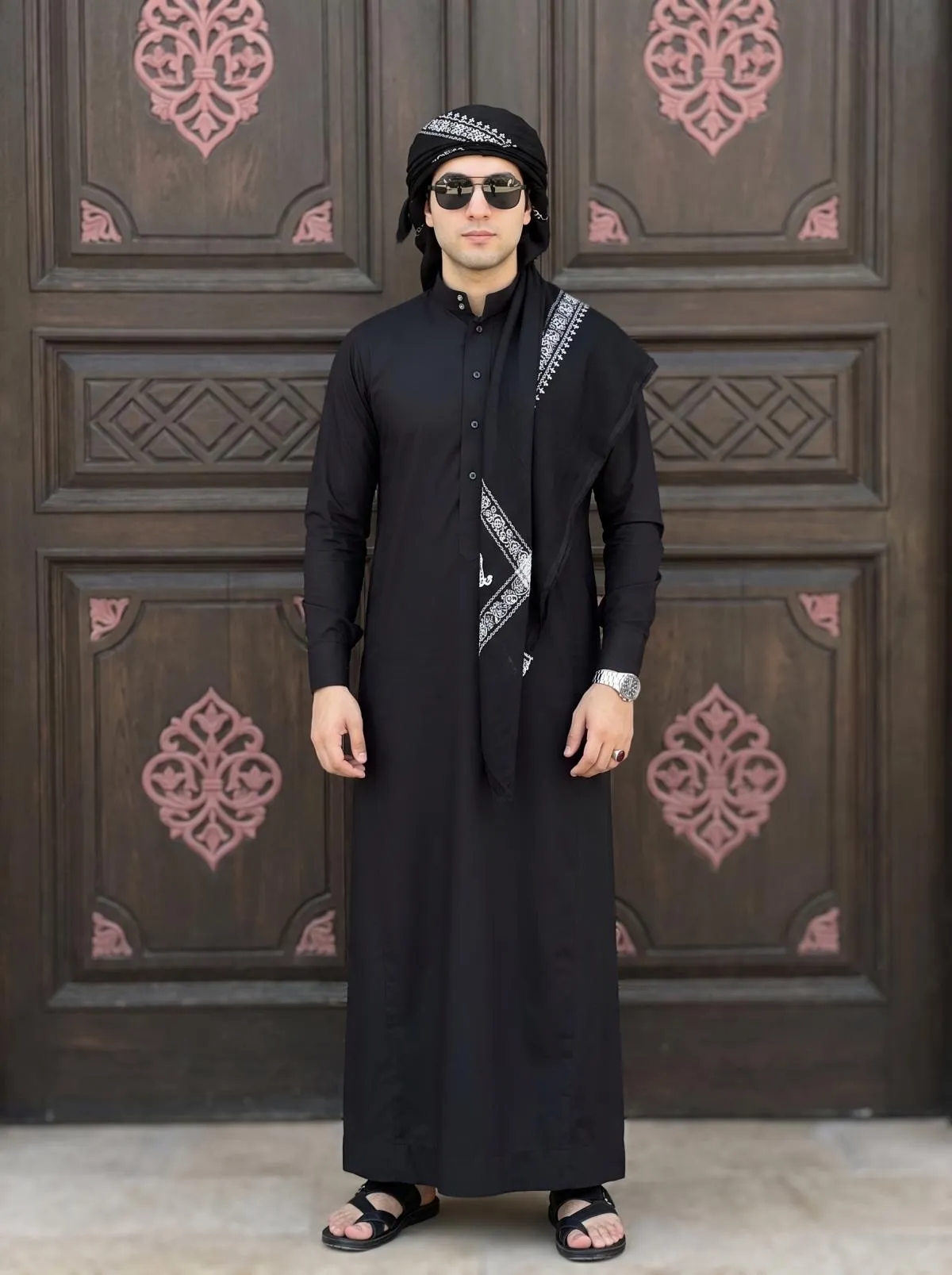
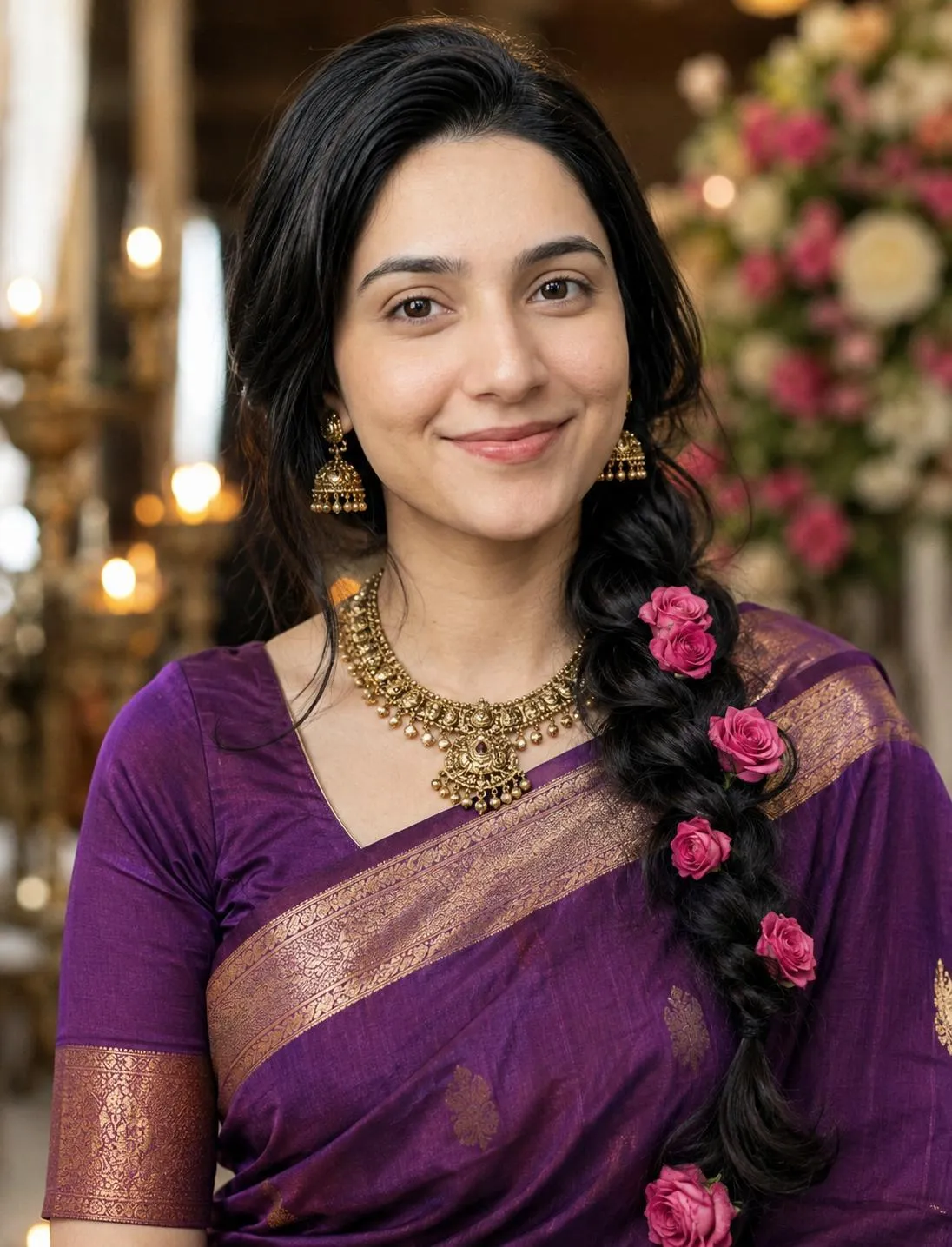
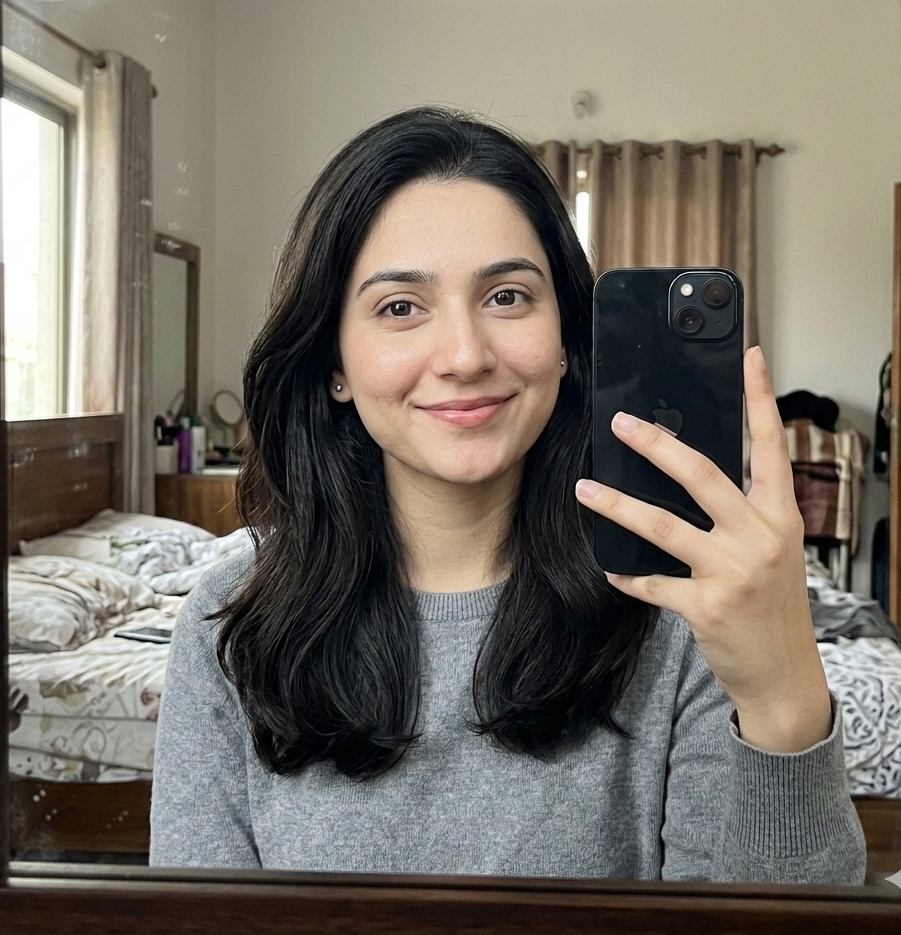
About This ChatGpt Stadium Prompt Prompt
This is a highly optimized prompt designed for ChatGPT (DALL-E 3), Gemini AI, and Nano Banana. Simply copy and paste the prompt text to create amazing realistic artwork.
Frequently Asked Questions
Common questions about this AI prompt and how to get the best results.
Pro Tips for Better Results
- Try changing the colors to match your style.
- Use ChatGPT for creative elements and Nano Banana for face accuracy.