
 Nano Banana

Copy the Prompt
How to Use this Nano Banana Prompt
Open Nano Banana
Launch the AI image tool.
Add Reference
Upload a photo if the prompt needs one.
Paste Prompt
Copy and paste the prompt above.
Generate
Create your AI image.
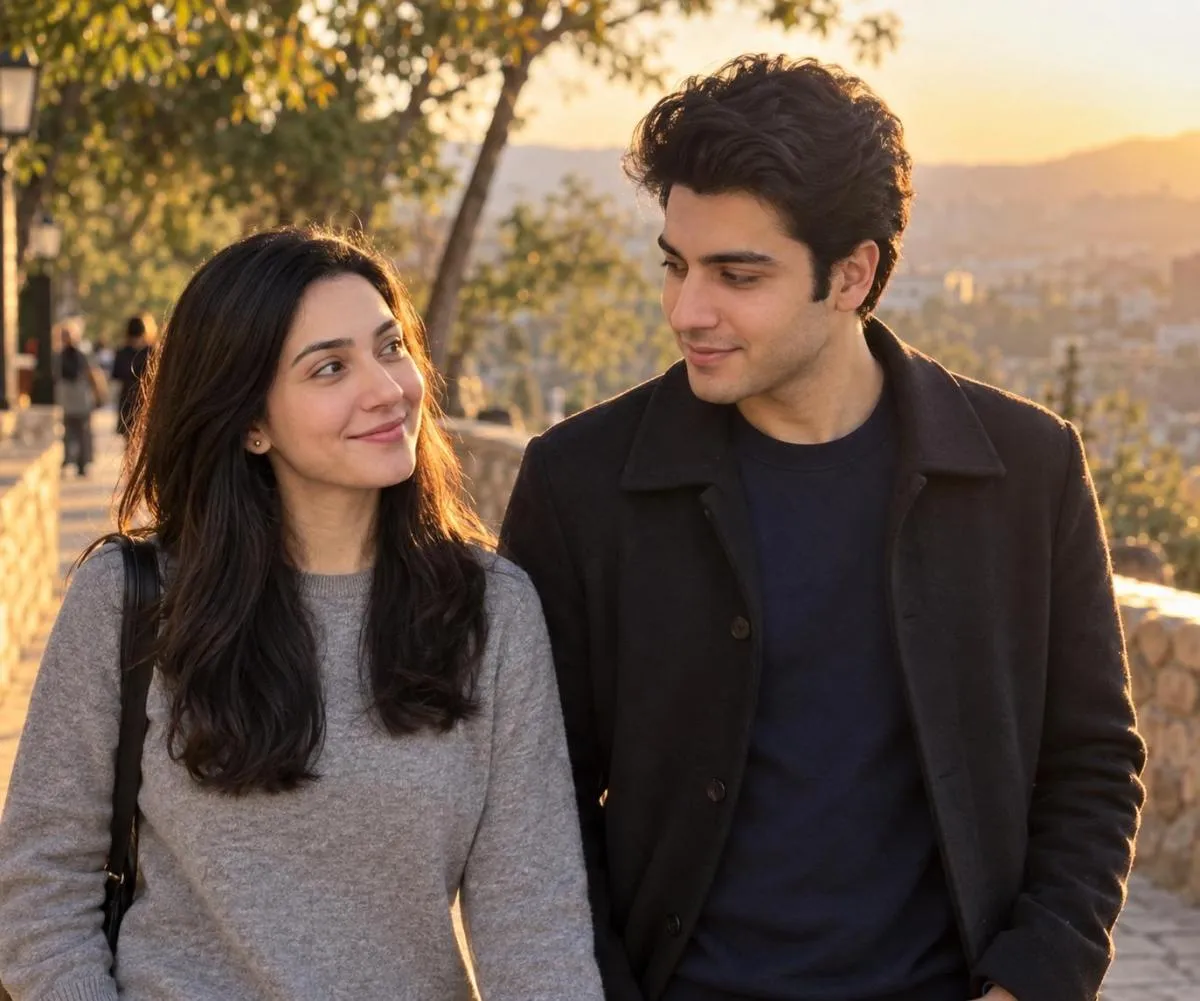
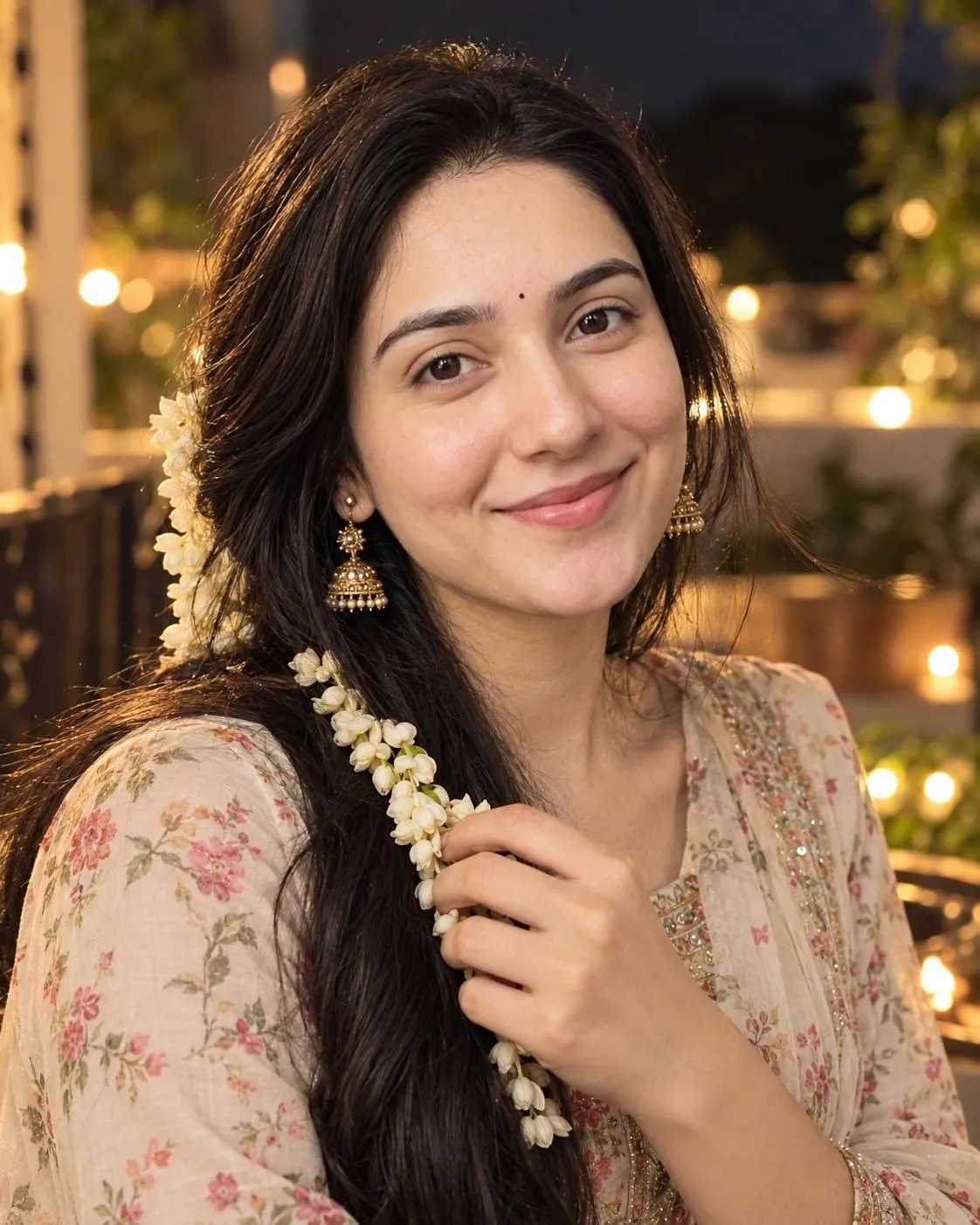
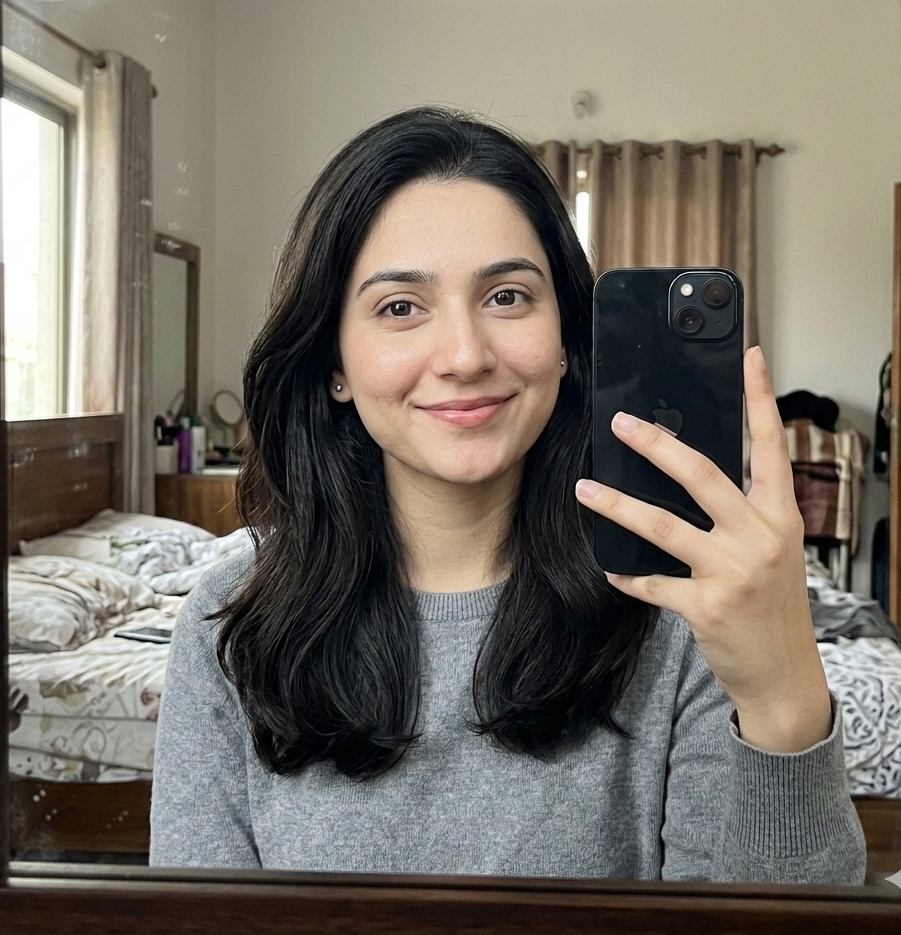
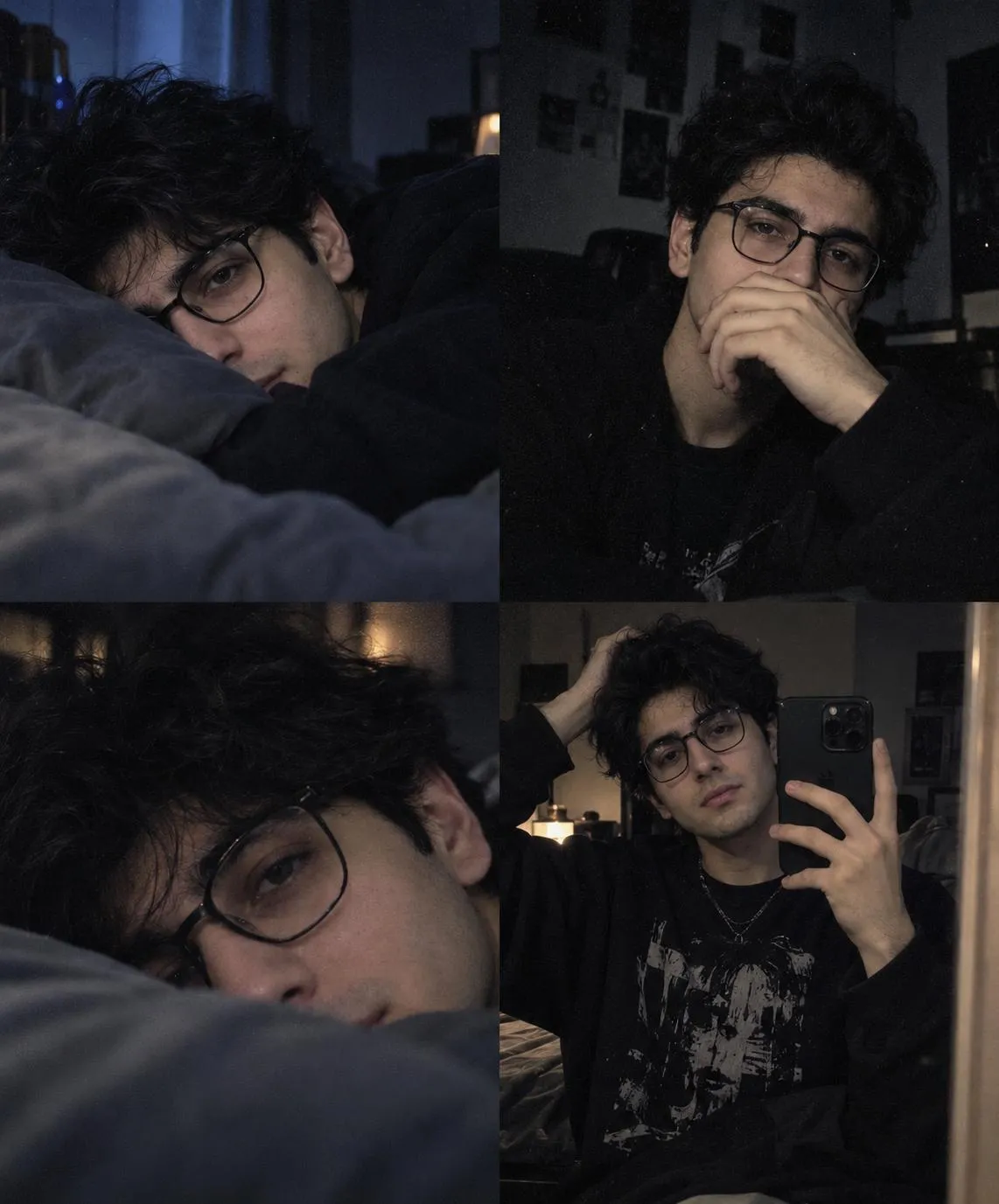

About This AI Selfie Prompt: Dynamic Indian Woman Urban Night Prompt
This prompt generates a dynamic, candid AI selfie featuring a young Indian woman. It captures her smiling widely, looking directly at the viewer, with dark, windblown hair suggesting movement. The setting is an urban street or bridge at night, characterized by a blurred background and atmospheric city lights or bokeh, creating a visually rich and engaging portrait that feels authentic and full of life.
This `AI selfie prompt Indian woman` is ideal for content creators, social media influencers, and artists looking to generate diverse and authentic character images. It's particularly useful for projects requiring a modern yet culturally resonant aesthetic, such as Instagram posts, blog headers, or concept art that celebrates contemporary Indian identity with a touch of traditional fusion. The detailed description ensures a unique and specific output.
To use this prompt, simply copy and paste it into your preferred AI image generation tool. While no specific AI model is mentioned, popular platforms like Midjourney, Stable Diffusion, or DALL-E 3 can interpret these detailed instructions effectively. Remember to specify "using my face" if your AI tool supports image references for the subject's face to achieve a personalized touch or a consistent character.
Customization can focus on elements already present. Experiment with the "traditional/fusion wear" by specifying different fabric patterns or colors (e.g., "deep blue Kanchipuram silk" instead of "dark fabric with ethnic block prints"). You can also adjust the "jewelry" details, perhaps changing "oxidized silver" to "gold" or altering the "geometric starburst tattoo" to a different subtle design. Adjusting the "urban street or bridge at night" setting to "bustling market at dusk" could also shift the mood while retaining the urban backdrop.
The "candid and dynamic" visual style, combined with the "selfie angle" and "motion blur," makes this prompt highly effective for social media engagement. It creates an immediate, personal connection with the viewer, mimicking authentic smartphone photography. The rich details like "bold red lipstick," "winged eyeliner," and the distinctive "starburst tattoo" add character and depth, ensuring the generated image stands out in a feed and tells a compelling visual story.
Frequently Asked Questions
Common questions about this AI prompt and how to get the best results.
Pro Tips for Better Results
- Experiment with specific block print styles like "Ajrakh" or "Kalamkari" to see how the AI interprets the intricate details of the traditional wear.
- If your AI tool allows, provide a reference image of a "starburst" or "sun" tattoo to guide the distinctive neck detail accurately.
- Adjust the "selfie angle" or "Dutch angle" slightly in your prompt (e.g., 'subtle Dutch angle') to find the most flattering and dynamic composition.
- Play with the intensity of "motion blur" by adding terms like "subtle motion blur" or "pronounced motion blur" for varied candid effects.
- Consider adding specific "city lights" descriptions, e.g., "blurred neon city lights" or "warm bokeh street lamps" to refine the urban night setting.