The Prompt
How to Use this Any Model Prompt
Open Any Model
Launch the AI image tool.
Add Reference
Upload a photo if the prompt needs one.
Paste Prompt
Copy and paste the prompt above.
Generate
Create your AI image.
About This Blonde Anime Runner Smile Prompt
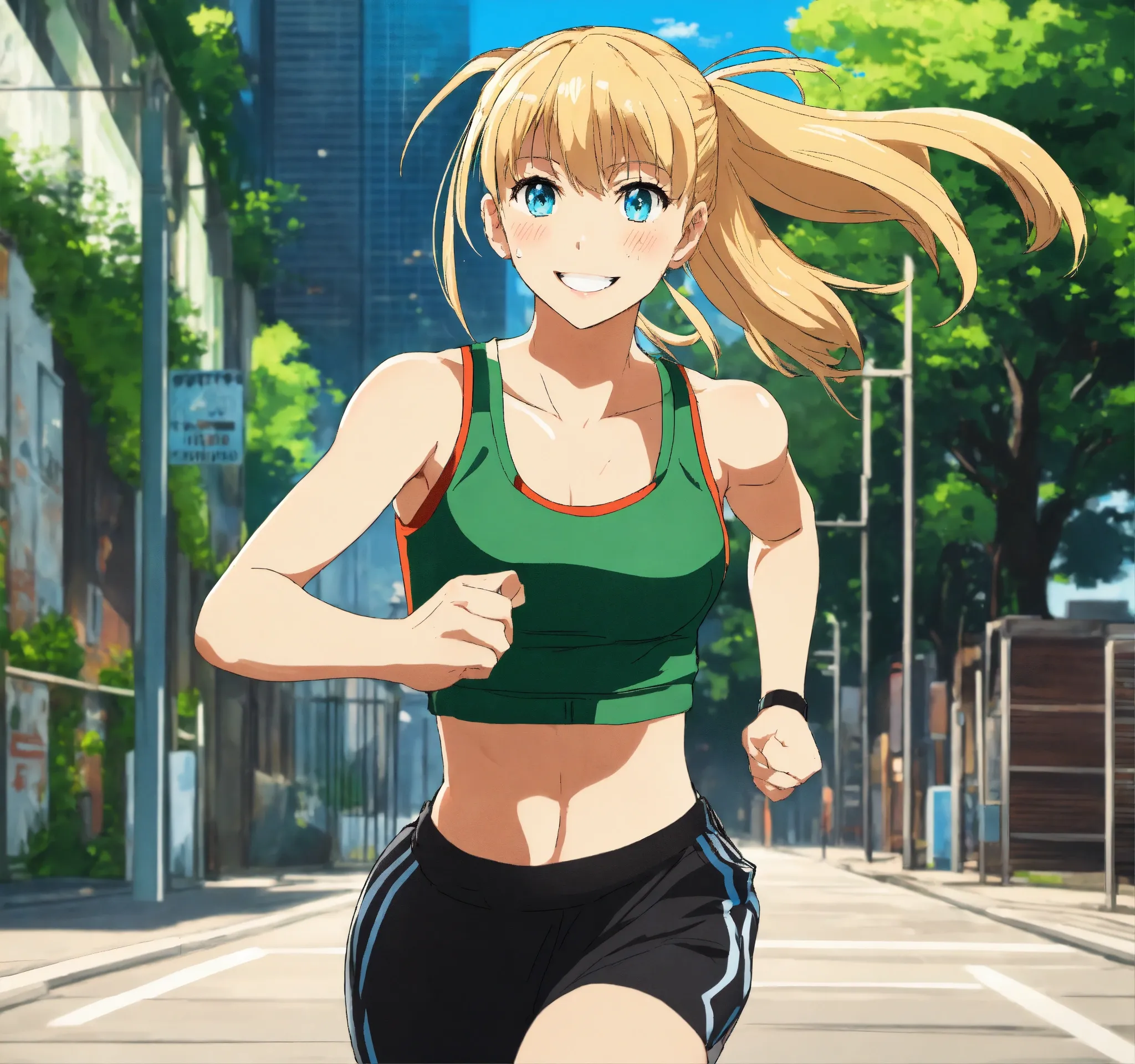
This AI image prompt generates a dynamic 8K anime style depiction of a 20-year-old woman, meticulously detailed to capture a moment of active energy. The visual output showcases a character with vibrant blond hair styled with bangs and a ponytail, complemented by striking blue eyes. She is depicted jogging forward with a cheerful smile, dressed in a practical green tank top, sleek black sweatpants, and clean white shoes. The entire scene is presented against a crisp white background, benefiting from sharp focus and cinematic lighting, culminating in a professional and polished anime aesthetic.
Content creators, fitness bloggers, and anime enthusiasts will find this prompt incredibly useful for generating engaging visuals. Whether you're designing character profiles for a personal project, creating promotional material for a fitness app, or simply looking for high-quality anime art for social media, this prompt provides a solid foundation. Instagram users seeking unique anime fitness inspiration or YouTubers needing custom thumbnails featuring a dynamic character can leverage this "anime jogging woman prompt" effectively. It’s ideal for anyone aiming to produce specific, high-resolution character art without needing advanced drawing skills.
To utilize this powerful prompt, simply open your preferred AI image generation platform, such as ChatGPT, Gemini, or a similar service. Copy and paste the entire prompt into the input field. While some platforms allow for optional image uploads to influence style, this prompt is self-sufficient for generating a detailed character from scratch. Consider specifying an aspect ratio, like "1:1" for avatars or "16:9" for banners, to ensure the output fits your desired context. After generation, review the image for fidelity to the description; if minor adjustments are needed, iterate by adding small details or regenerating.
Customization is a key strength of this prompt, allowing you to easily modify various elements to suit your specific vision. You can experiment with changing the character's age, hair color, eye color, or even the style of her ponytail. Altering the clothing colors or types, for instance, from a green tank top to a "blue sports bra" or "grey running jacket," can create entirely new looks. Furthermore, the action itself can be tweaked; instead of "jogging forward," try "stretching" or "sprinting" to convey different levels of activity. The "white background" can also be swapped for a "city park" or "running track" to add environmental context.
The popularity of anime aesthetics combined with the growing interest in fitness content makes this visual style particularly potent in today's digital landscape. AI image generation tools excel at producing consistent character designs when provided with such descriptive prompts, ensuring a high-quality result every time. Dynamic and positive imagery, like a smiling character in motion, naturally attracts attention and performs well across various online platforms, making it highly suitable for AI Overviews (AEO) on search engines. We encourage you to try this versatile "anime jogging woman prompt" on NanoAIPrompts.com and explore its full creative potential.
Frequently Asked Questions
Common questions about this AI prompt and how to get the best results.
Pro Tips for Better Results
- Specify a desired aspect ratio (e.g., "16:9 aspect ratio") in your prompt for optimal framing on different platforms.
- Experiment with adding mood descriptors like "energetic" or "focused" to subtly influence the character's expression.
- Modify the background (e.g., "city park background," "running track background") to place the character in a different environment.
- Try altering clothing details, such as "mesh panel tank top" or "reflective stripe sweatpants," for more unique apparel designs.
- Use negative prompts like "--no blurry, --no distorted limbs" to refine image quality and avoid common AI generation issues.



