How to Create Viral Disney Pixar Style Movie Posters for Free (Gemini Prompt)
The Internet's Favorite Trend: You as a 3D Character
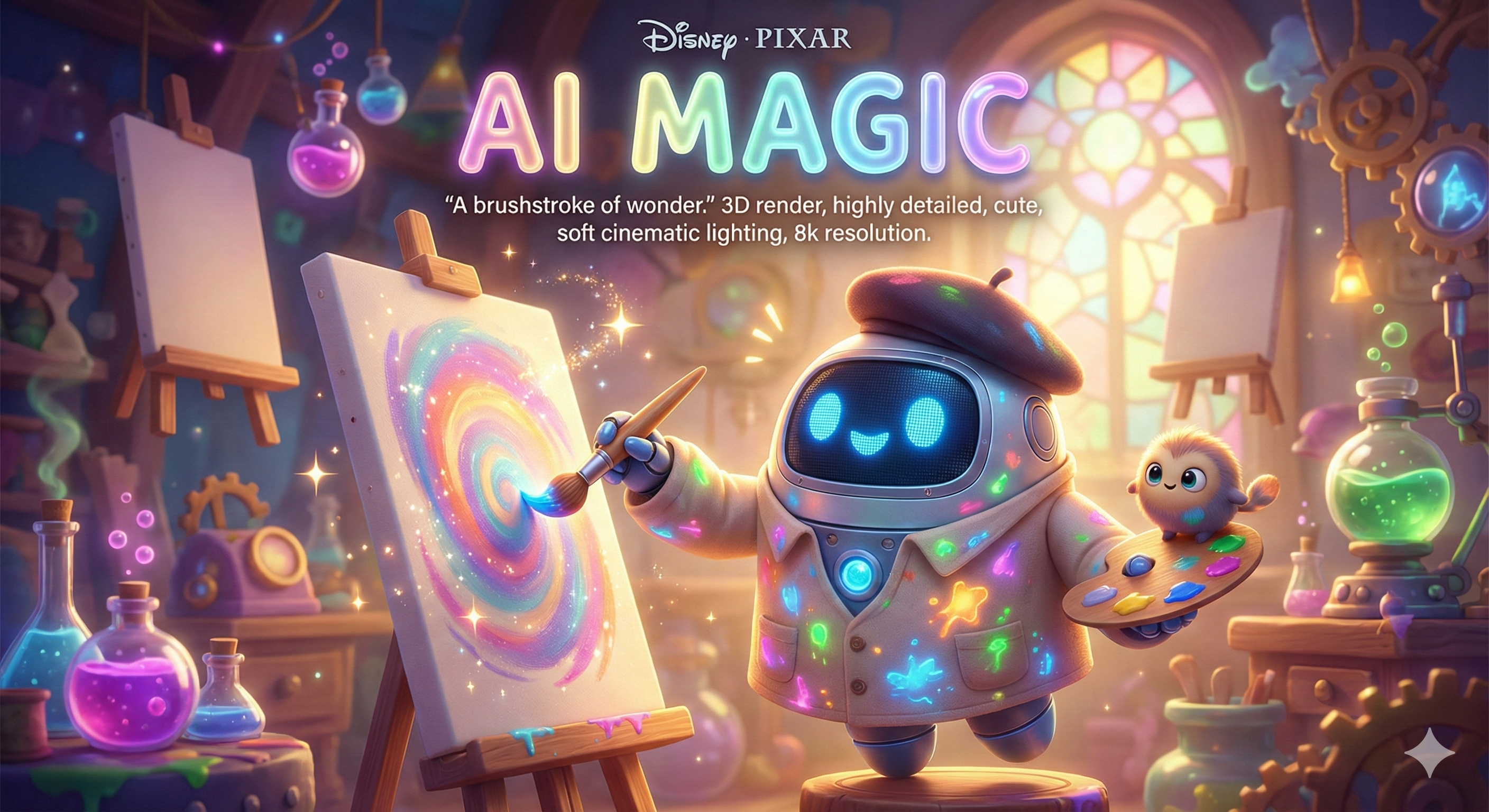
You have seen them on Instagram: Cute 3D characters that look exactly like a new animated movie poster. Usually, people use paid tools for this, but did you know you can do it for free on Google Gemini?
Whether you want to make a poster for your pet, your best friend, or yourself, the secret lies in the "3D Render" keywords.
The Magic Prompt Formula ✨
To get that authentic "Pixar" look, you need to be very specific about the lighting and texture. Use this formula:
"A Disney Pixar style movie poster titled '[YOUR TITLE]'. The main character is a [DESCRIPTION OF PERSON/PET], wearing [OUTFIT], standing in [LOCATION]. 3D render, cute, expressive face, 4k resolution, cinematic lighting, bright colors."
Example 1: The Cute Pet Poster 🐶
- Prompt: "A Disney Pixar style movie poster titled 'MAX'. The main character is a happy Golden Retriever dog wearing a red bandana, sitting in a beautiful park. 3D render, fluffy fur texture, bright blue sky, 4k."
Example 2: You as the Hero 🦸♂️
- Prompt: "A Disney Pixar style movie poster titled 'THE CODER'. The main character is a young man with glasses and a hoodie, sitting at a glowing computer setup. Expressive animation style, soft lighting, 3D render."
How to Keep Your Own Face? (Identity Lock)
If you want the character to look exactly like you (and not just a generic cartoon), use the Nano Banana Image-to-Image feature we discussed in our previous guide.
- Upload your selfie.
- Add the command: "Turn this person into a 3D Pixar character."
- Add: "Maintain facial features and hair color."
Conclusion
Don't just watch the movies—be the movie! This is the perfect way to make unique profile pictures or funny gifts for friends.
Want more styles? Check out our Cartoon & Anime Prompts collection.