
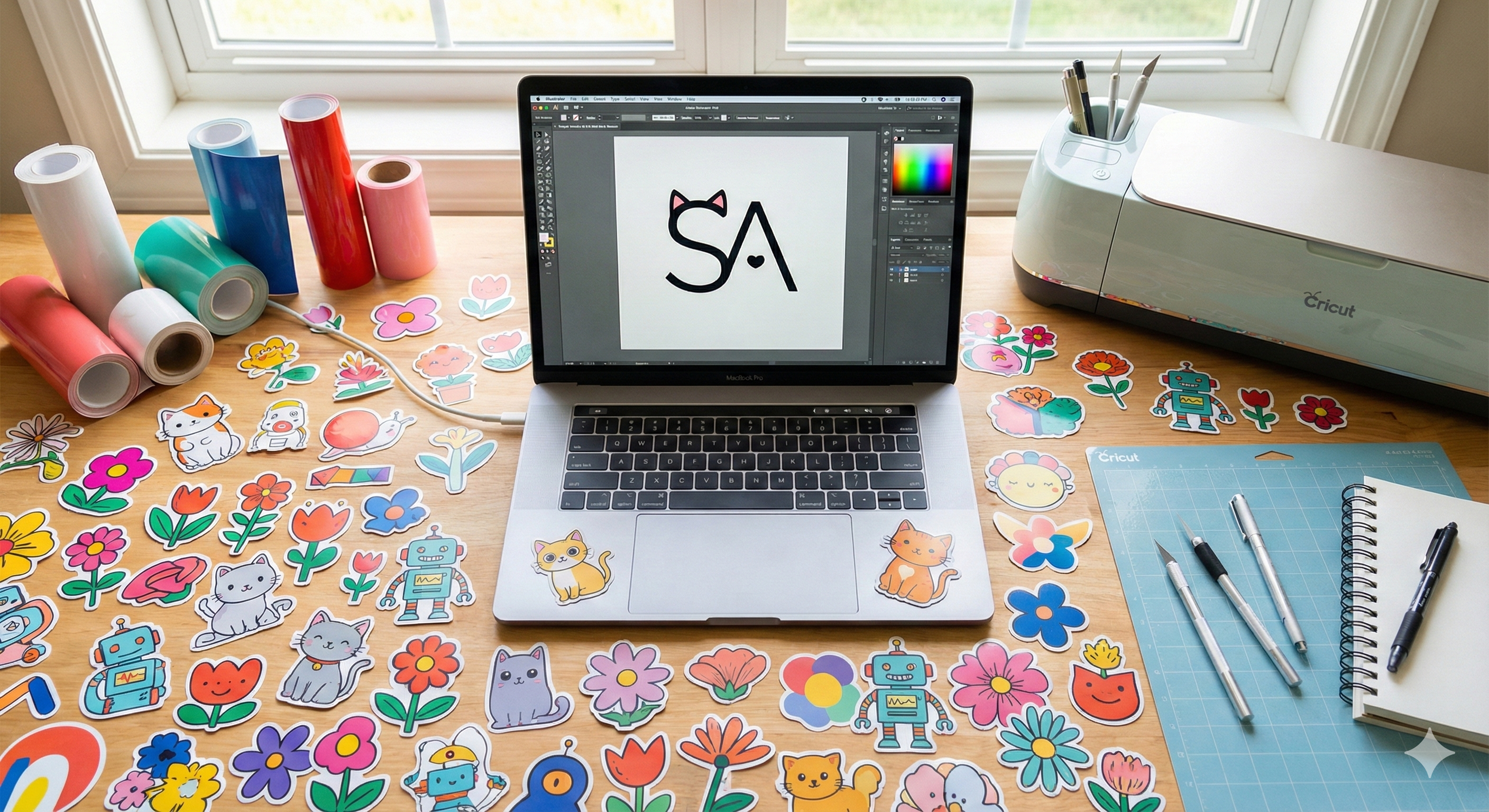
How to Create Sellable Stickers & Logos with Gemini (Free Passive Income)
Turn Your Ideas into Cash 💸
The "Print on Demand" market is booming. People are making thousands of dollars selling cute stickers on Redbubble and Etsy. The best part? You don't need to be a graphic designer anymore.
With Google Gemini and Nano Banana, you can generate professional vector-style art in seconds. But there is a catch: You need the right prompt to make it "Print Ready."
The "Sticker" Prompt Formula 🏷️
The key to a good sticker is a White Background and a Die-Cut Border (the white outline around the art).
"A cute vinyl sticker design of [SUBJECT]. Flat 2D vector art style, thick white die-cut border, isolated on a pure white background. High quality, vibrant colors, no shadow."
Example: The Coffee Cat 🐱☕
- Prompt: "A cute vinyl sticker design of a fat cat drinking coffee. Kawaii style, pastel colors, thick white die-cut border, white background. Vector illustration."
The "Minimalist Logo" Formula 🎨
For logos, less is more. You want clean lines and simple shapes that look good on a business card.
"Minimalist logo design for a [TYPE OF BUSINESS] named '[NAME]'. Vector style, flat colors, geometric shapes, professional, white background. Paul Rand style."
Pro Tip: Removing the Background
Even though we asked for a white background, sometimes it's not 100% transparent. To make your file ready for selling:
- Generate the image in Gemini.
- Use a free tool like Adobe Express or Remove.bg to delete the white background.
- Upscale it to 4k resolution using an AI Upscaler (so it doesn't look blurry when printed).
Conclusion
You have the tool. You have the prompts. Now all you need is a creative idea. Start building your sticker shop today!
Need inspiration? Check out our Sticker & Vector Prompts.